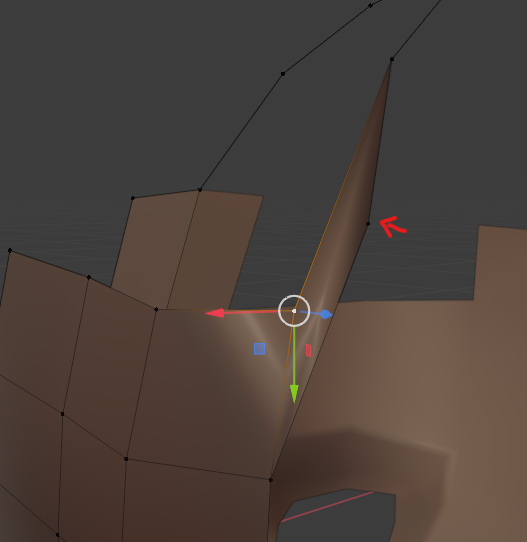
I find myself doing this a lot:
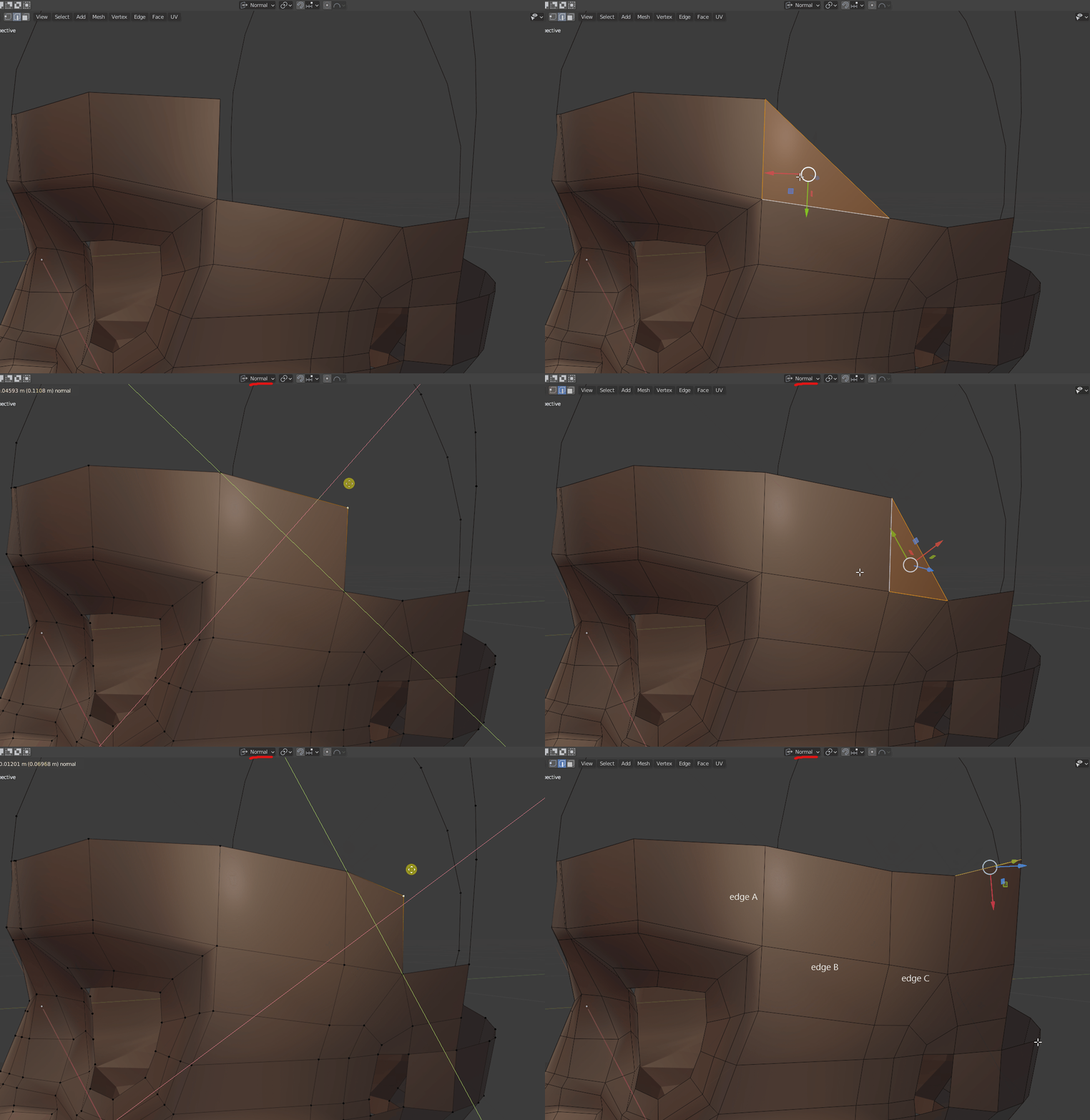
- I’m selecting two edges (edge A and edge B), which is the same as selecting three vertices for current purposes, and these vertices define a plane.
- Then I fill a triangular face (F)
- Then I essentially subdivide the newly created edge (Ctrl R)
- And then I grab the blue square gizmo to move the newly created vertex along the plane of the face to make an approximate parallelogram.
Rinse and repeat, rinse and repeat.
There is an alternative method you use in your videos, which is to extrude edge C and then fill the neighboring face with the help of F2 addon.
The reason I prefer to use the method above is that it keeps the face coplanar. And I find the coplanar method less fiddly, it is deterministic compared to the slightly “wobbly” extrude method.
I essentially have already etched out the defining features along all relevant axes, the path to follow is already determined, I am not making any form-changing decisions here, just routinely filling in the faces along the predetermined path. If that makes any sense. In fact, I want to do the same for the next face loop starting from the midline/forehead edge on the left all the way to the edge above the ear on the right. And then the face loop above that etc.
Or would you suggest I am going about this the wrong or suboptimal way?
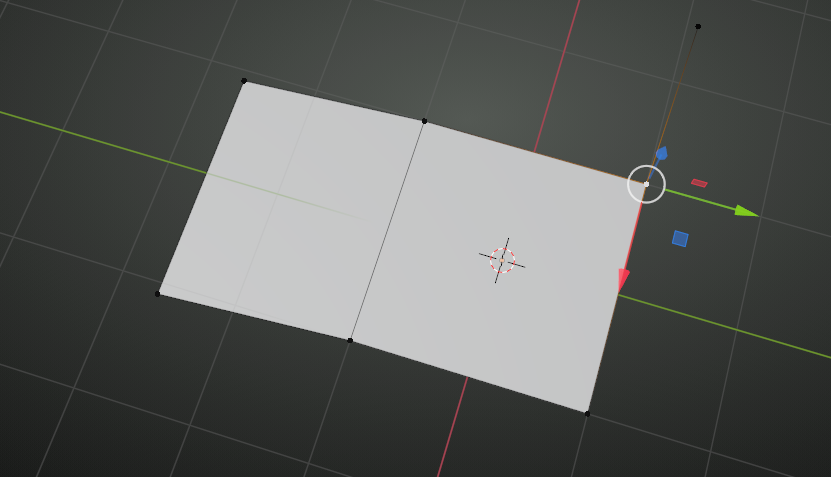
If what I am trying to do is worthwhile, then the question is if there is any way to automate going from this:
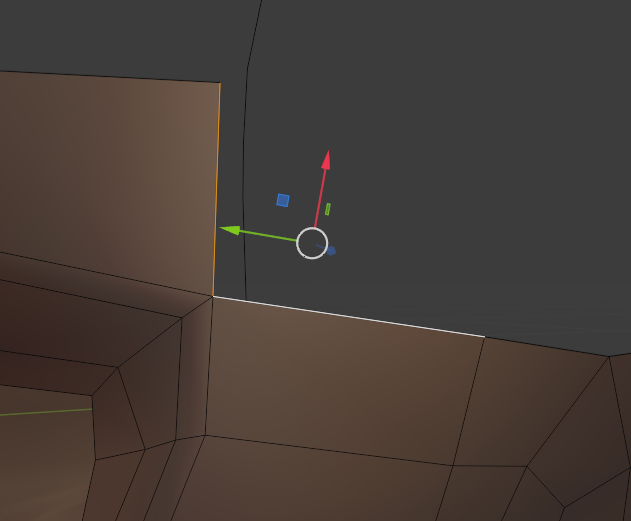
To this:
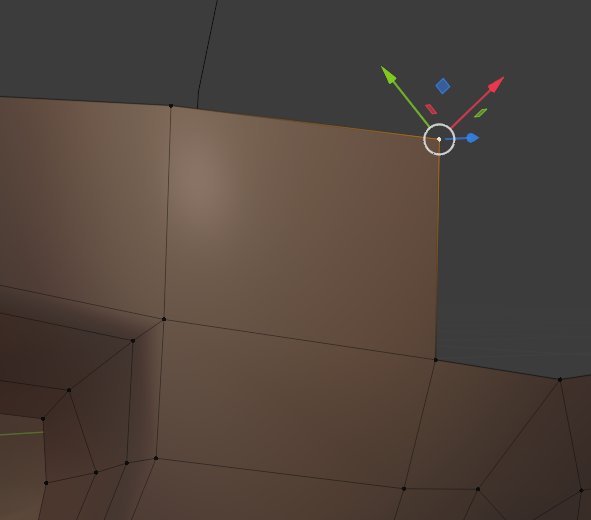
Is there native Blender functionality that would allow me to create a face like that from two edges with a press of a button? Or is there an addon like F2 that automagically fills a face based on the three selected vertices? The location of the fourth vertex can be calculated deterministically because I am trying to make a parallelogram, which means that the opposite edges of this “rectangle” are to be are parallel.

.


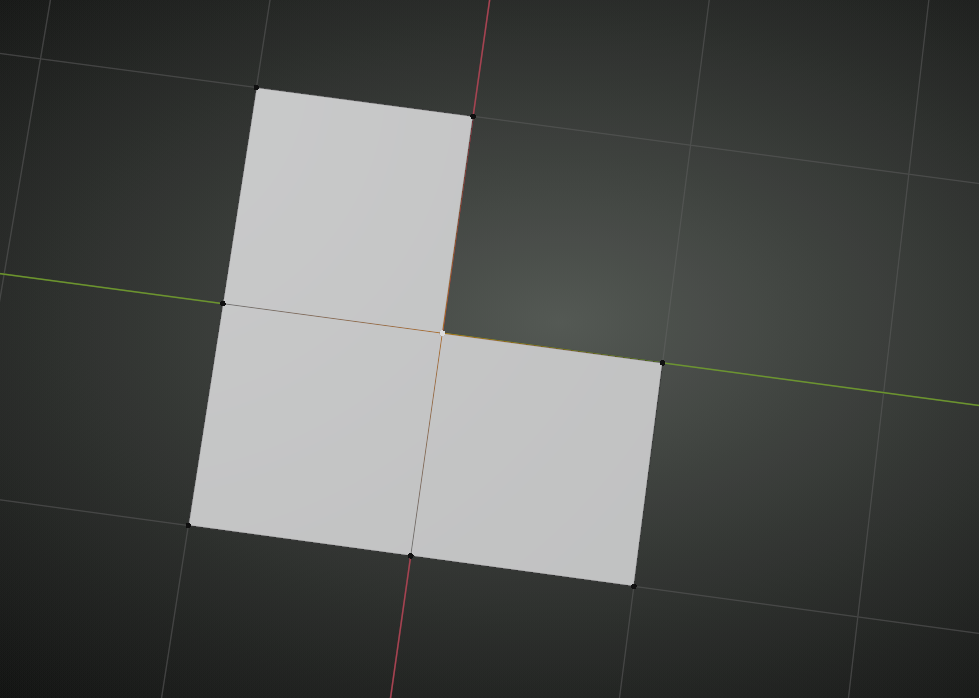 and press F to get this: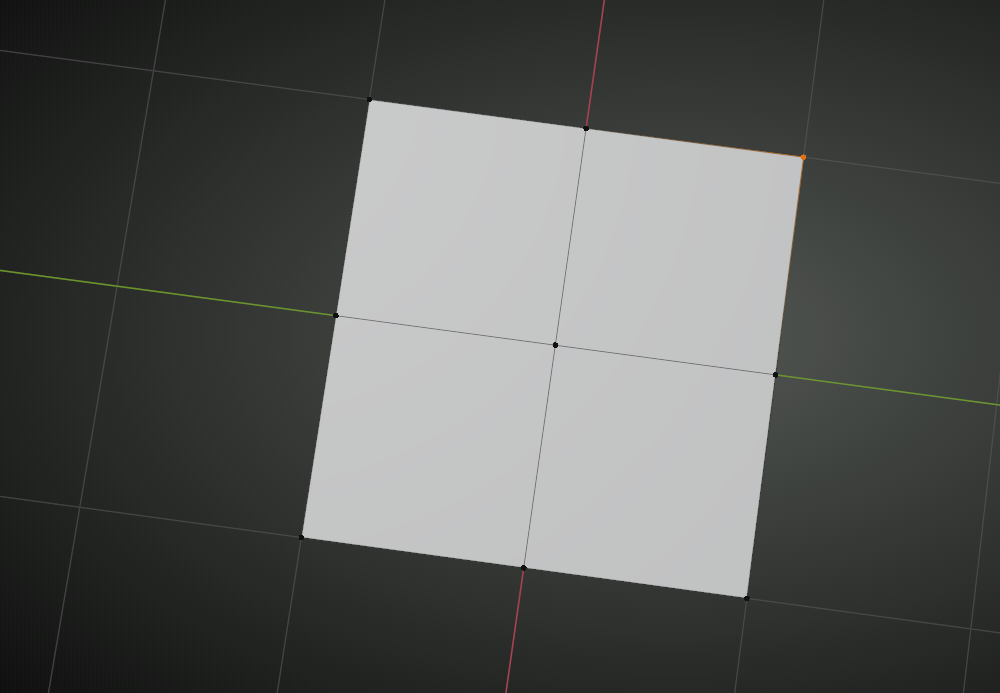

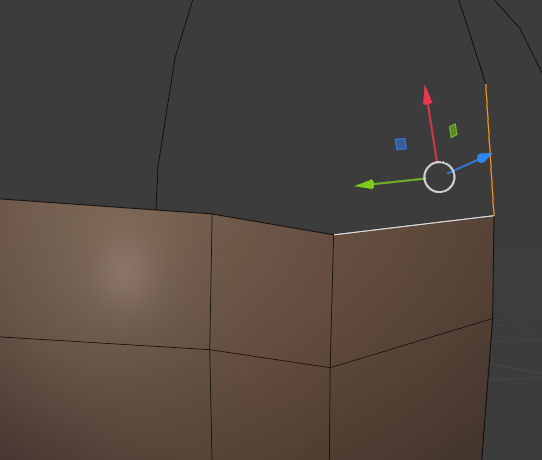
 and press F: