Extrude Problem

Forum Archive Extrude Problem

Viewing 15 posts - 1 through 15 (of 15 total)
  • Author
    Posts
  • #9425
    Eduardo Abreu
    Participant

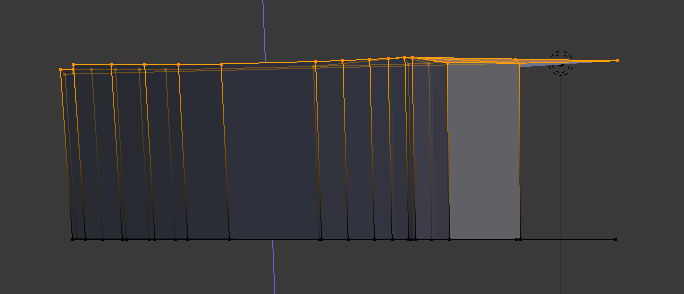
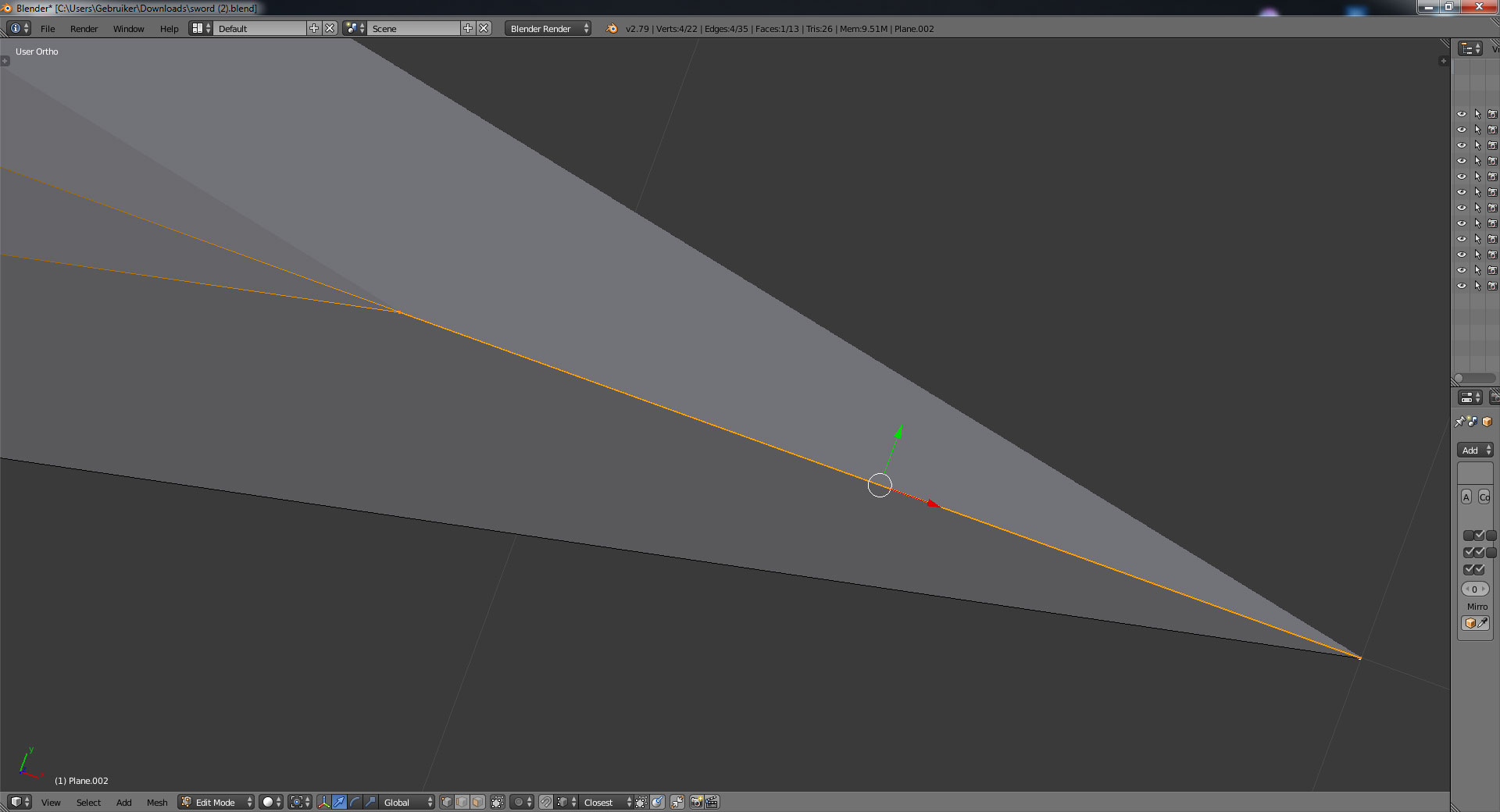
      Hello guys, i’m having some trouble while extruding a mesh, it simply won’t extrude every face and only a few, here’s an image:

      Does anyone know how to fix this? Thanks!

      #33226
      Dolores 74
      Participant

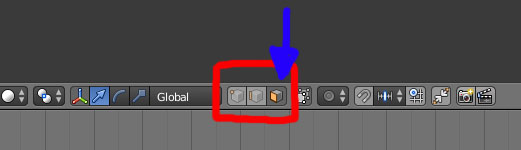
        You are in ‘vertex selection’ mode, so you extrude vertices. If you want to extrude faces you have to select the ‘face selection’ mode.

        Left button = vertex or point

        Middle button = edge or line

        Right button = face or polygon

        #33227
        Eduardo Abreu
        Participant

          Hey Dolores, thanks for answering, but it didn’t work, it keeps extruding like that

          #33228
          Dolores 74
          Participant

            The buttons are not the mouse buttons but the icons at the bottom of the viewport as the image above shows.

            Sorry ’bout that.

            Left icon = vertex or point

            Middle icon = edge or line

            Right icon = face or polygon

            Click on it .

            #33229
            Eduardo Abreu
            Participant

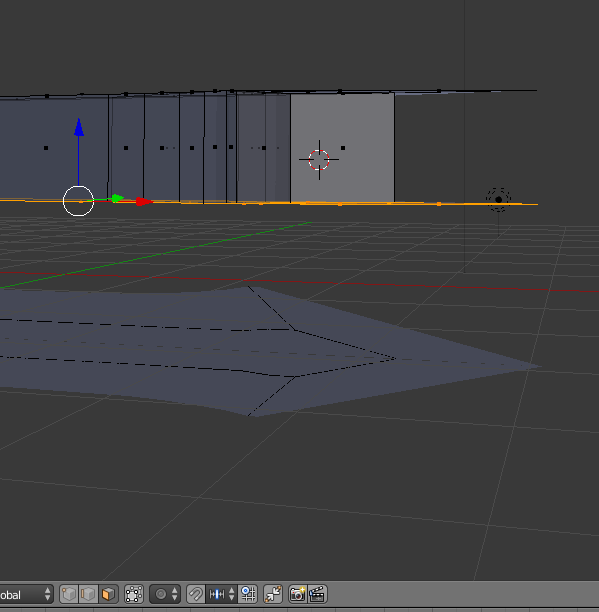
              I did that, check it out

              #33230
              Dolores 74
              Participant

                So, do you have what you want or is it still going wrong?

                #33231
                Eduardo Abreu
                Participant

                  It’s still going wrong, in that image you can see that not all faces are extruded 🙁

                  #33232
                  Dolores 74
                  Participant

                    Can you post the file ?

                    #33233
                    Eduardo Abreu
                    Participant
                      #33234
                      Dolores 74
                      Participant

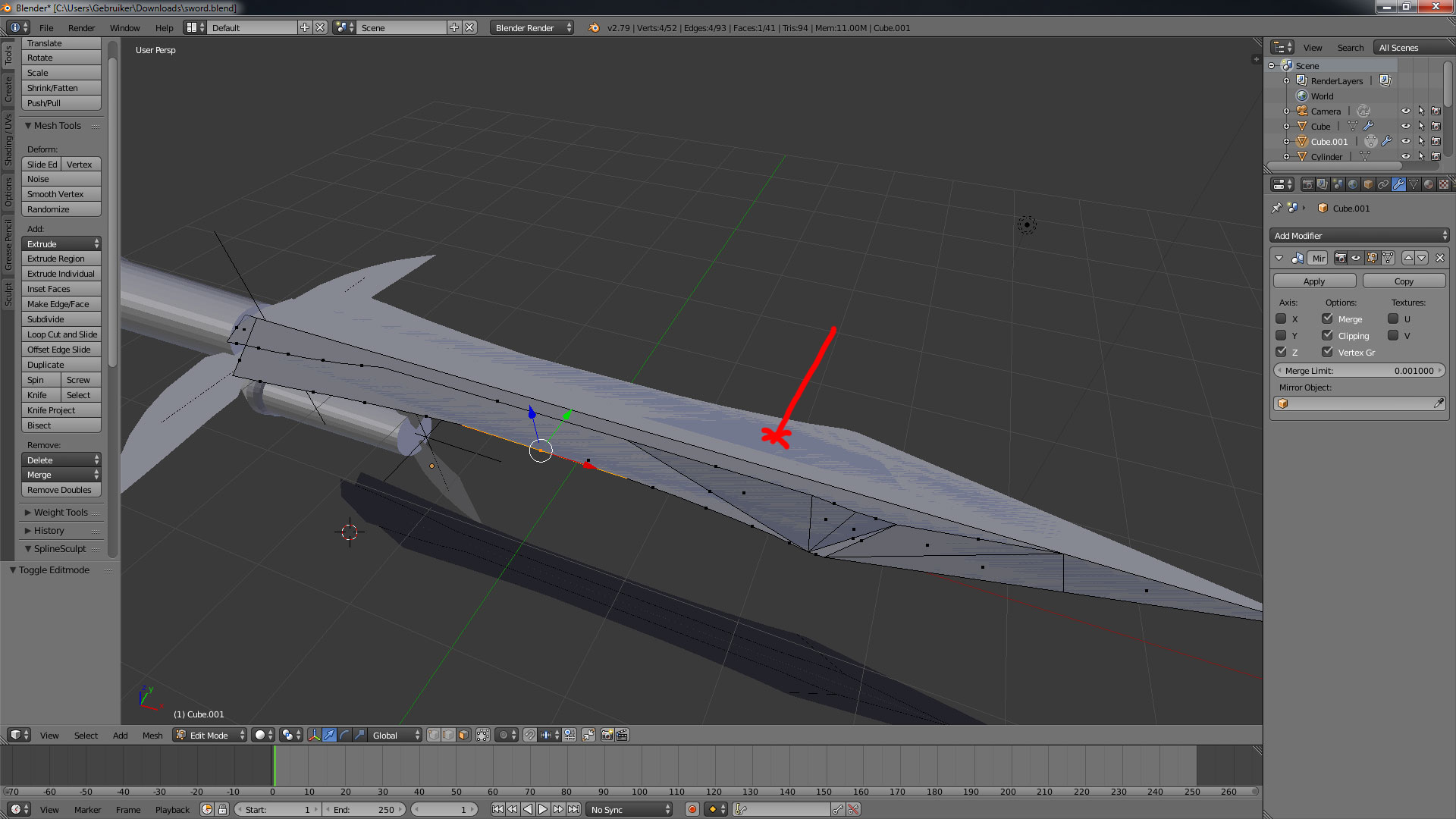
                        🙂 You kinda made a mess out of this.

                        The darker gray areas means that several faces are overlapping each other. This is very bad topology. 

                        Give me a sec, I will fix that for you.

                        #33235
                        Eduardo Abreu
                        Participant

                          Thank you very much! How do i know when it’s bad topology?

                          #33236
                          Dolores 74
                          Participant

                            Here is your file back.

                            You should not have faces with more or lesser than 4 vertices. Sometimes you can’t avoid tris (faces with 3 vertices) or n-gons (faces with more than 4 vertices) but make always faces with 4 vertices as you can.

                            You are working in ‘Perspective’ mode, better to work in ‘Orthographic’ mode. Toggle 5 on the numpad to switch between them. You can see that in the left top corner of the viewport.

                            For the mirror to work properly you have to apply the rotation. The rotation values in the ‘n’ pannel in object mode have to be ‘0’ or the mirror goes wacko. You can apply the rotation (set values to zero) by pressing Ctrl + A and select ‘rotation’

                            #33237
                            Dolores 74
                            Participant

                              I also have a very small long face with 4 vertices at the point, have a look at it.

                              #33238
                              Eduardo Abreu
                              Participant

                                Thank you very much!

                                #33239
                                Paul Haynes
                                Participant

                                  @eduo 

                                  Don’t know if this is how you got those extra faces or not, but just in case …

                                  Extrude is one of those operations that is actually 2 operations in one.  Extrude first duplicates the selected geometry and then it puts you automatically into “grab” mode so you can drag the extrusion around.  If you do an extrusion and then right-click to cancel, you are only canceling the grab. The duplicate vertices from the extrude still exist. When in doubt, select all and then click on “Remove doubles” in the left hand panel (“T”, by default).

                                  EDIT: I took a look at your .blend file, you had 26 duplicate vertices in one of the blades. I’m assuming that is the one that you were trying to extrude.

                                Viewing 15 posts - 1 through 15 (of 15 total)
                                • The topic ‘Extrude Problem’ is closed to new replies.