Exporting the animation of an object with a Copy Rotation Constraint

Forum Archive Exporting the animation of an object with a Copy Rotation Constraint

Viewing 5 posts - 1 through 5 (of 5 total)
  • Author
    Posts
  • #15082
    Deepak Jai
    Participant

      Hi @jlampel, I have an object in Blender that has a “Copy Rotation” constraint with the target set to a Bone such that when I rotate the Bone (in its Object Mode but not the Pose Mode), the Object rotates simultaneously. When I animate the object in Blender using the Bone (in its Object Mode but not the Pose Mode), it works well, but when I export the animation to Unity, it does not work. I think it is because the constraint is understood only to Blender but not to Unity. Is there anyway that this constraints could be “baked in” such that it can work in Unity as well?

      #74151
      Jonathan Lampel
      Participant

        You’ll want to animate the object via a bone rather than animating in object mode if at all possible. That will allow you to bake the result! To do that, create a new bone for the object and use a copy rotation bone constraint and you should achieve the same result. 

        #74152
        Deepak Jai
        Participant

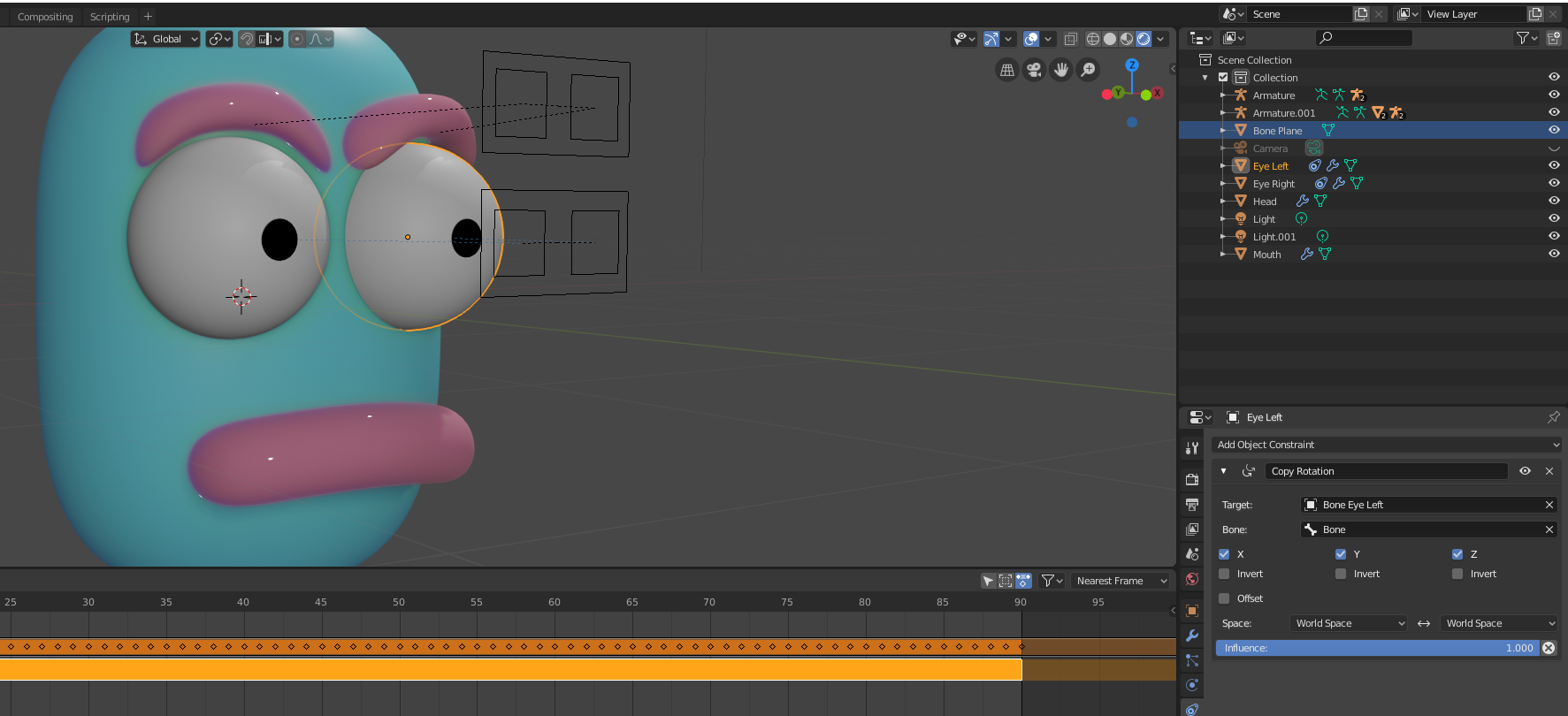
          I was trying to use a “Control” bone to animate an Eyeball Mesh by setting a Copy Rotation constraint on the Eyeball and assigning the Target to be the Control bone (shown below). In the first attempt I did not assign the Bone of the Target Armature, but when I did later, I was able to animate the Eyeball mesh using the control bone and export the animation to Unity. However, the same setup when exported to GLTF2 did not work and I am guessing that I need to use a deformation bone for the eye for it to work in the GLTF2 format. Do you know any good resources/tutorials on the Blender-GLTF2 export/workflow?

          #74153
          Jonathan Lampel
          Participant

            I don’t know much about GLTF2 unfortunately, so I can’t help there, but I would bet that using a deformation bone for the eye like you mentioned should probably do the trick.

            #74154
            Deepak Jai
            Participant

              Makes sense. Thank you!

            Viewing 5 posts - 1 through 5 (of 5 total)
            • The topic ‘Exporting the animation of an object with a Copy Rotation Constraint’ is closed to new replies.