ellipse mask size doesn’t match image

Forum Archive ellipse mask size doesn’t match image

Viewing 5 posts - 1 through 5 (of 5 total)
  • Author
    Posts
  • #6922
    cevyn
    Participant

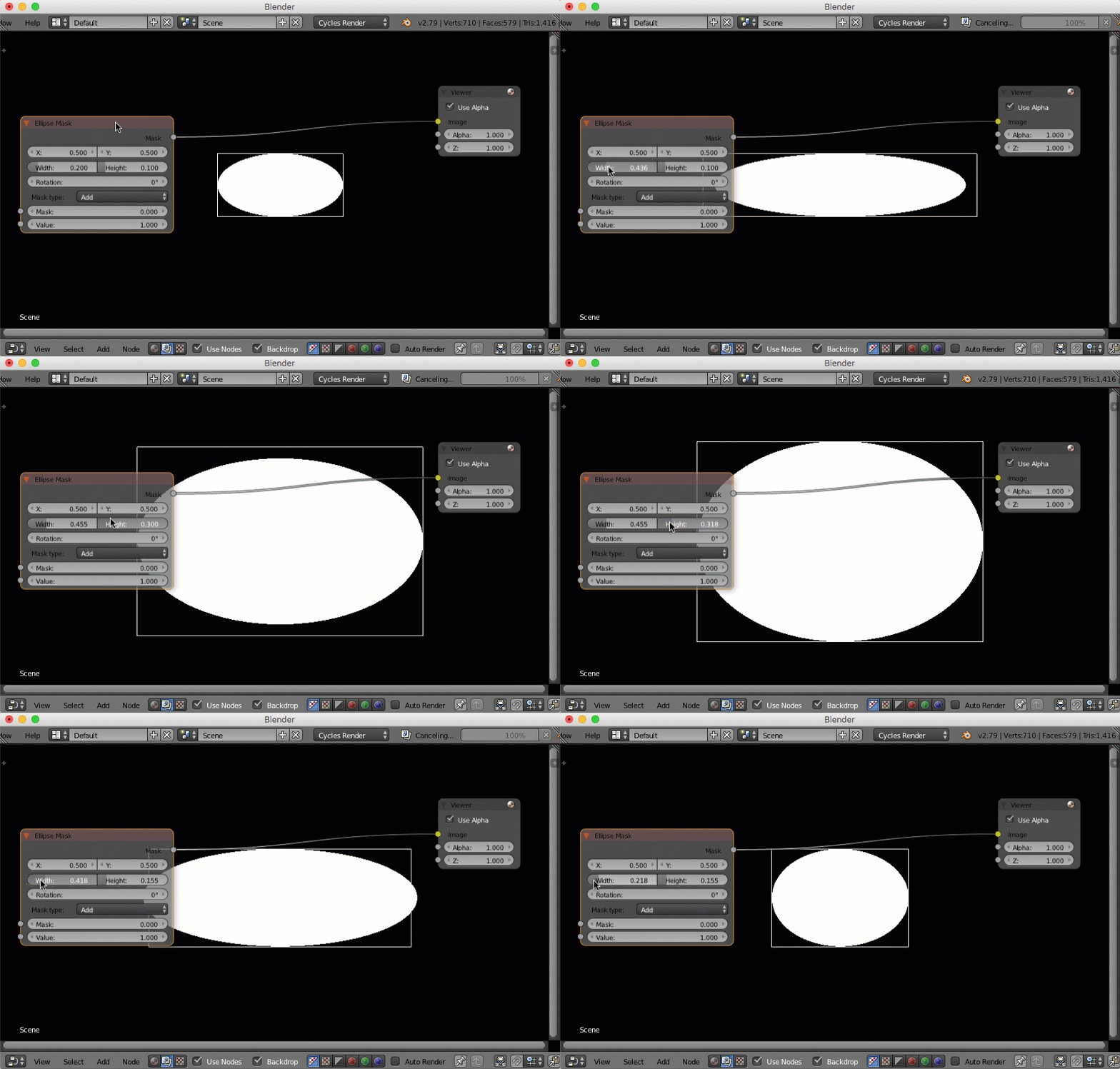
      enjoying the course- however- when adding the ellipse mask, its size is small compared to the image.  I have tried adding a distort (scale) node but that ends is a strange result.  How do I get those to match up?

      thx

      #26189
      Kent Trammell
      Participant

        The ellipse mask node has dimension controls built in:

        #26190
        cevyn
        Participant

          thanks for the response – i am able to change the size of the ellipse, however the borders of the mask (black rectangle) are not the same size as the image.  I changed the render quality from 50 to 100% and the render came out, however in the node viewer it still doesn’t match.

          thx

          #26191
          Kent Trammell
          Participant

            Ok, I think I know what you mean. If I bring in an image to use with the compositor, say it’s 1024×1024 pixels, but the Blender render settings are set to 1280×720, the 1024×1024 image will not automatically fit the render settings dimensions. In that way I’ve dealt with confusing dimensional discrepancies within the compositor.

            Are you using an external image file with the compositor that doesn’t fit the project’s dimensions?

            #26192
            Nathan Ritchie
            Participant

              I know this question is a few years old now but I was having a similar issue today So I’ll leave this here for future people who may stumble upon this at a later date…

              Make sure your render dimensions and percent match your render layer settings used in the compositor before adding the node… I had a scene set to 1920×810, 100%. I set the percent to 25% to run some tests and forgot to switch it back before trying a vignette on the full-res render, so the percent was mismatched… My elipse matte was resizable, yes but there was a weird secondary matt that was clipping it. Then it dawned on me… that little mask is roughly 25% of my shot… Bingo. Deleted the mat, reset the percent to 100, and added a new matte… worked perfectly. 

            Viewing 5 posts - 1 through 5 (of 5 total)
            • The topic ‘ellipse mask size doesn’t match image’ is closed to new replies.