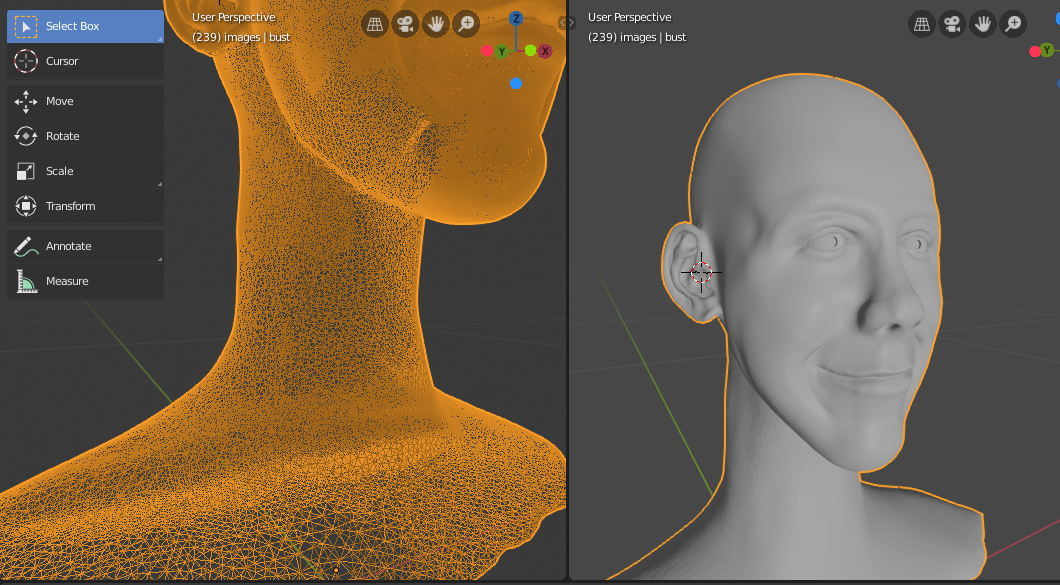
That simplify brush is a little tricky. I could not get it to simply at first, but with some tinkering I got it to simplify. I tested it on a default cube.
I put ‘detailing’ setting on ‘constant detail’ so I could do a detail flood fill.
I set dyntopo resolution at 15 so it would create a high density fill of the flat planes of the cube.
I changed the dyntopo detailing to relative detail.
I turned off dyntopo and tried the simplify brush but only seems to work with dyntopo on so I turned it back on.
Zoomed out in relative detail I was able to see how the brush simplifies.
Ironically, zoomed in, it created more detail. Although ironic, I think it could be useful as a sort of manual detail flood fill (since the shift key does not seem to reverse the simply brush behaviour).
In tutorials I’ve viewed so far manually increasing mesh density is done through use of the inflate brush. I’m wondering if the simplify brush and a detail adjustment would cause less mesh distortion. I’ll have to play around with the idea as I run into situations that call for upping the resolution in specific areas.
Thanks for the answer. It has opened the door to exploring new features that will surely make sculpting more productive and enjoyable.

.