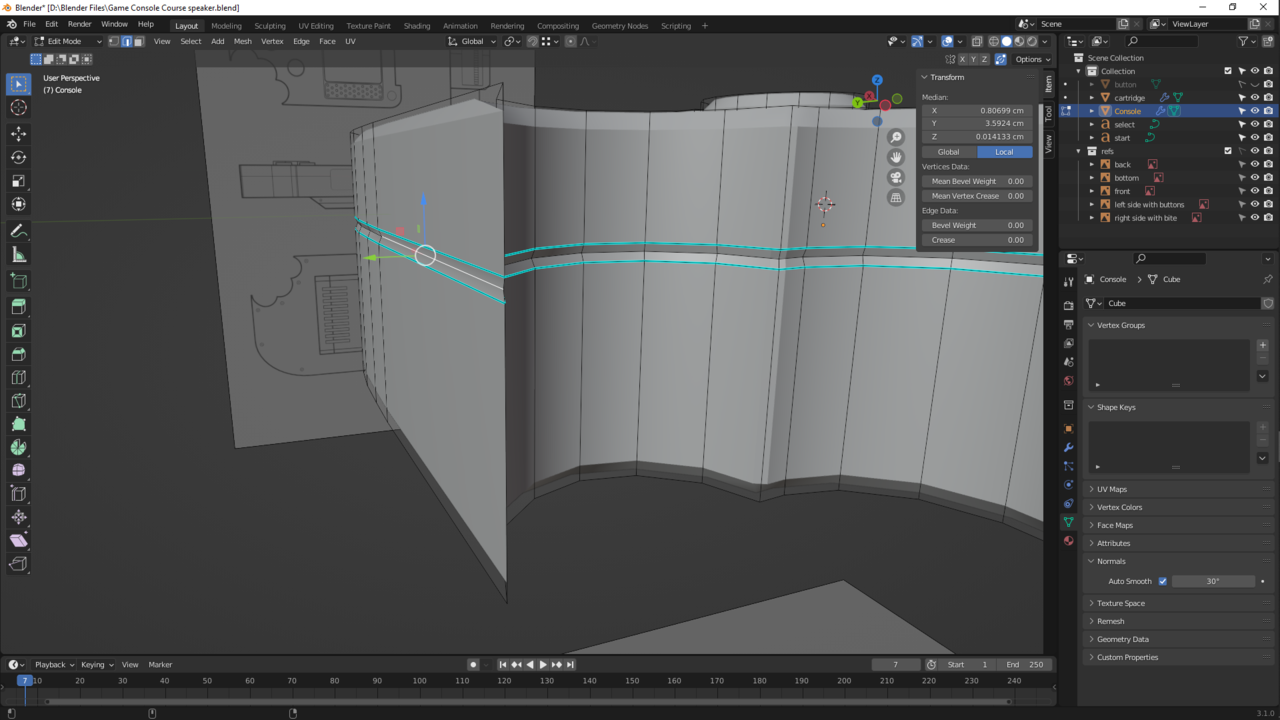
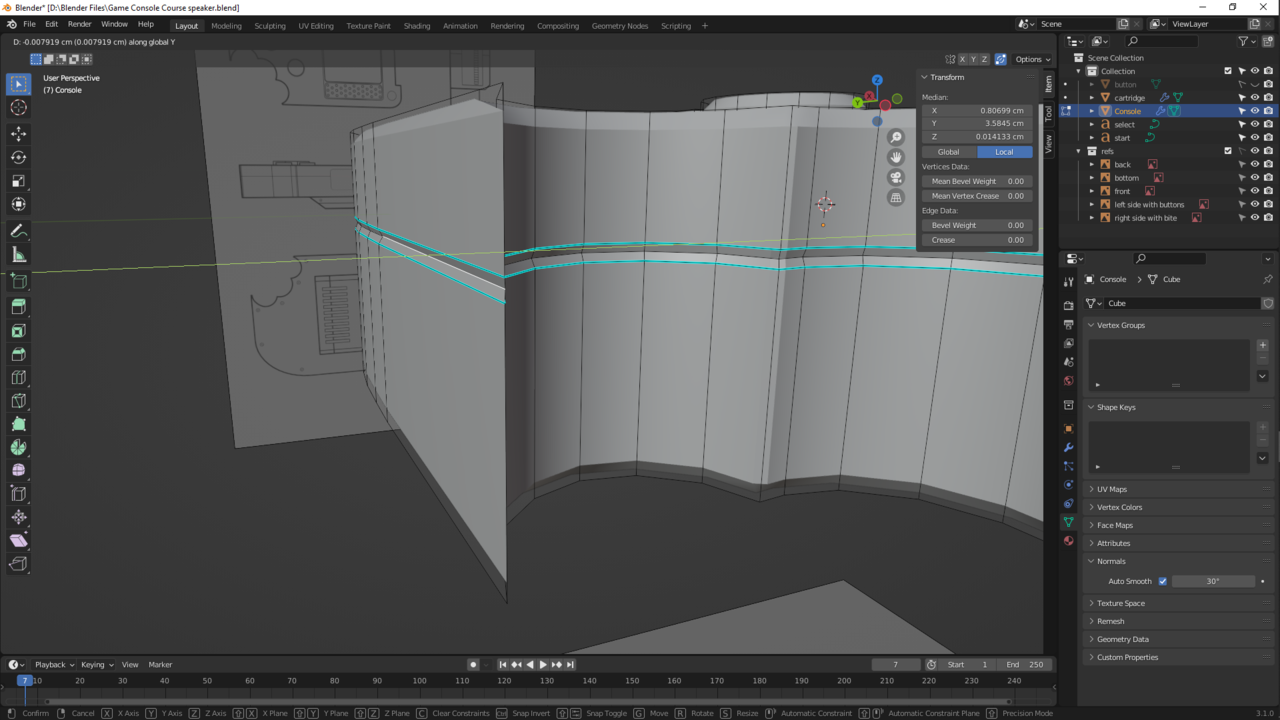
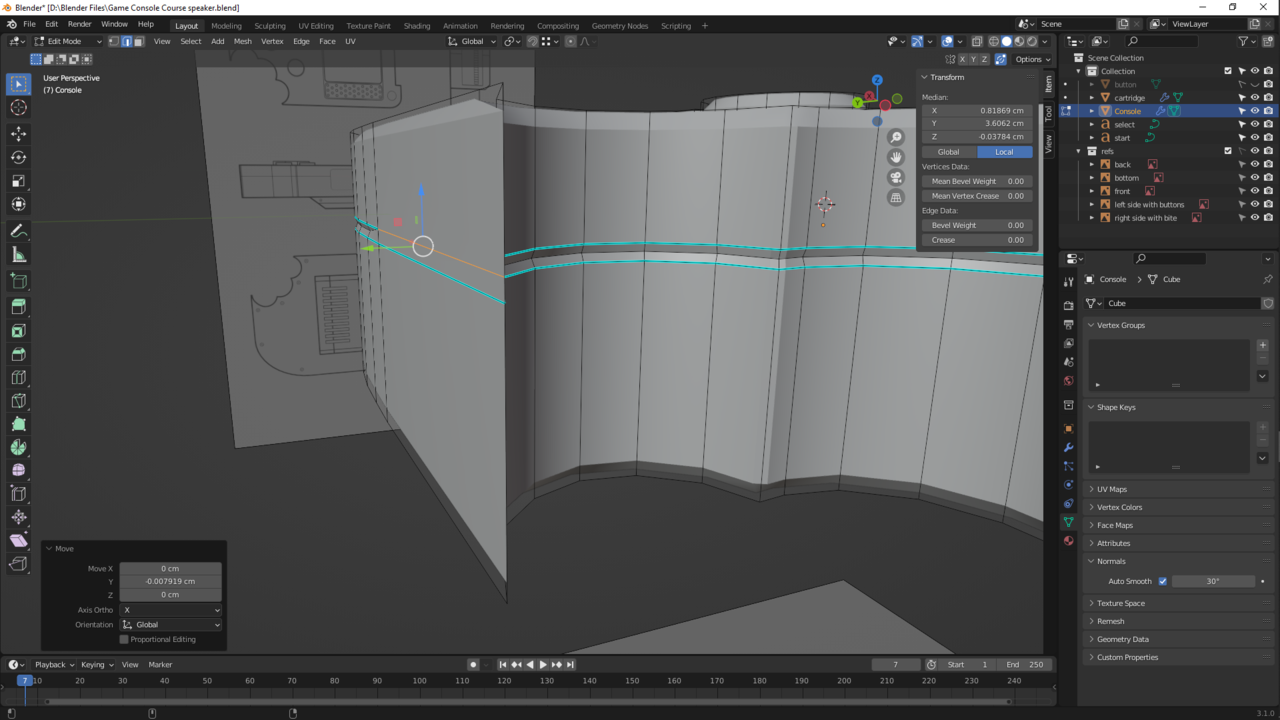
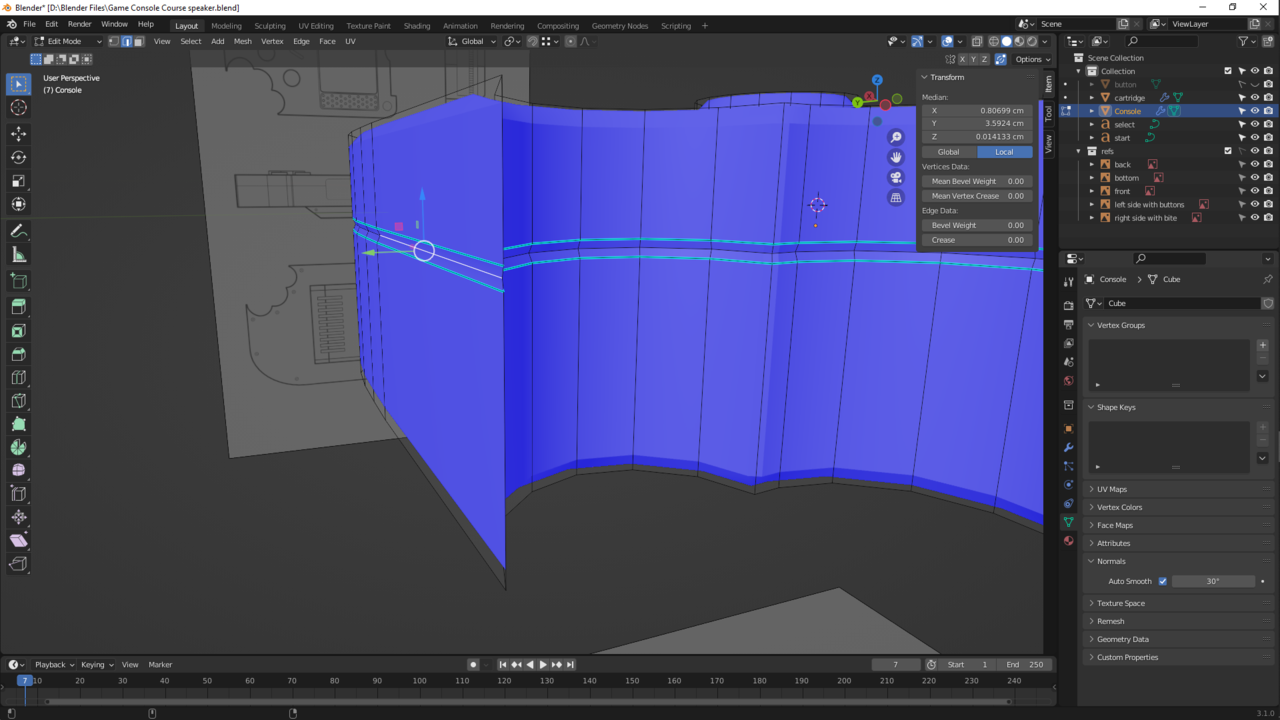
I am sharping my edges as they didn’t look as good as the instructor and i found something I’ve overlooked a while ago. One of my edges by the bite is not concaved like the rest of the edge. While trying to fix they just merge every time. I thought simply moving it back on the Y-axis a tad bit would fix the problem but it did not unfortunately. The normals are correct this time and i checked for any duplicated vertices. Is this too late to fix?
Edit* After stepping away and coming back I just marked it sharp too too see what happens and that seemed that have fixed it lol XD I still don’t know why they were merging tho lol
Edit 2* I can’t move forward with the screw because its still merging my edges. lol so I actually need to fix this sooner then I thought
Edit 3* Fixed!!! I had accidentally turned auto merge vertices on (under the solid viewpoint shading sphere option for anyone who may have this problem in the future).

.