Dimple smoothing

Forum Archive Dimple smoothing

Viewing 8 posts - 1 through 8 (of 8 total)
  • Author
    Posts
  • #18370
    Dudu Edri
    Participant

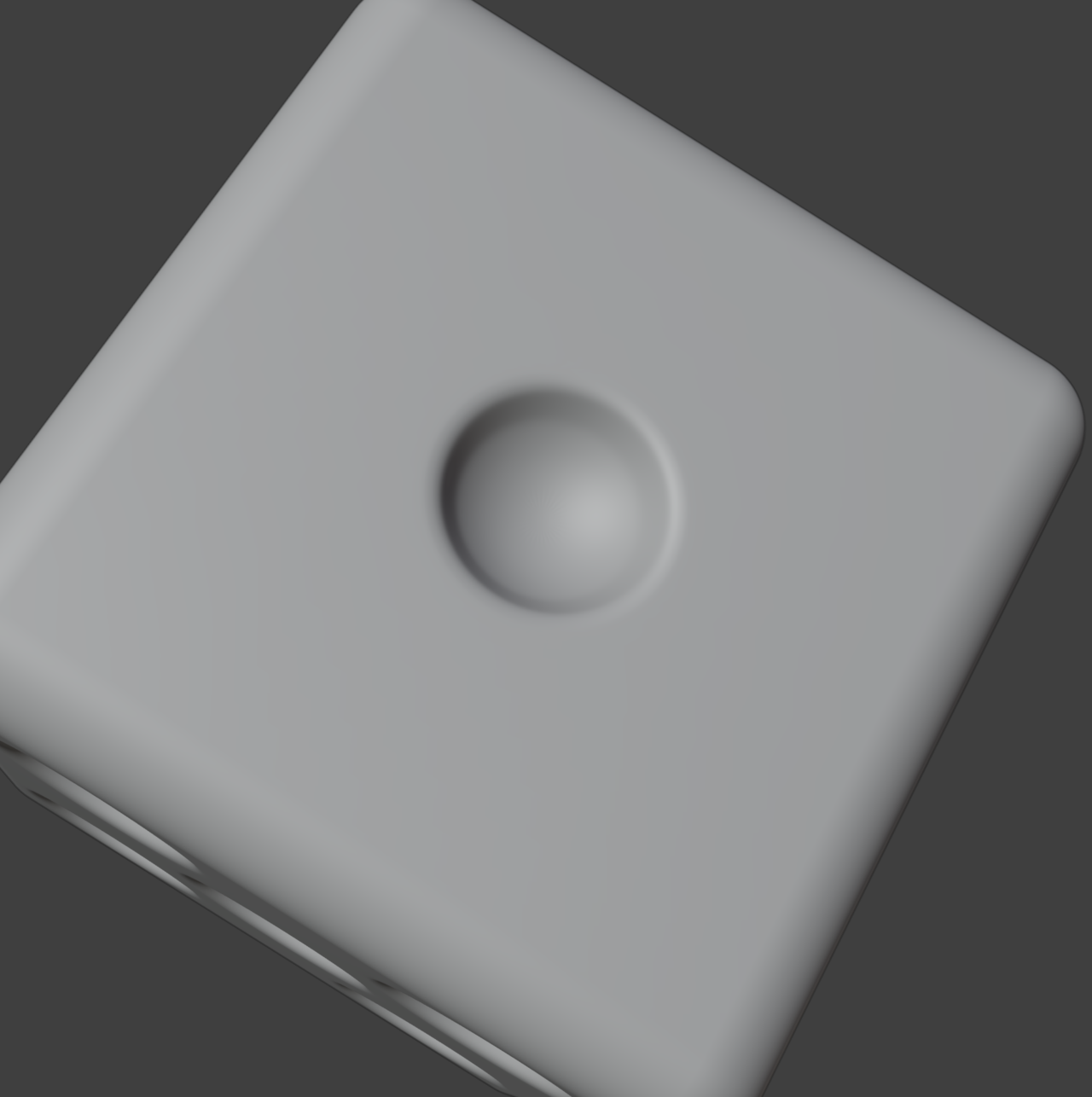
      My dimple has the polygons visible on it, with subdivision surface enabled:

      That’s before converting to a mesh.

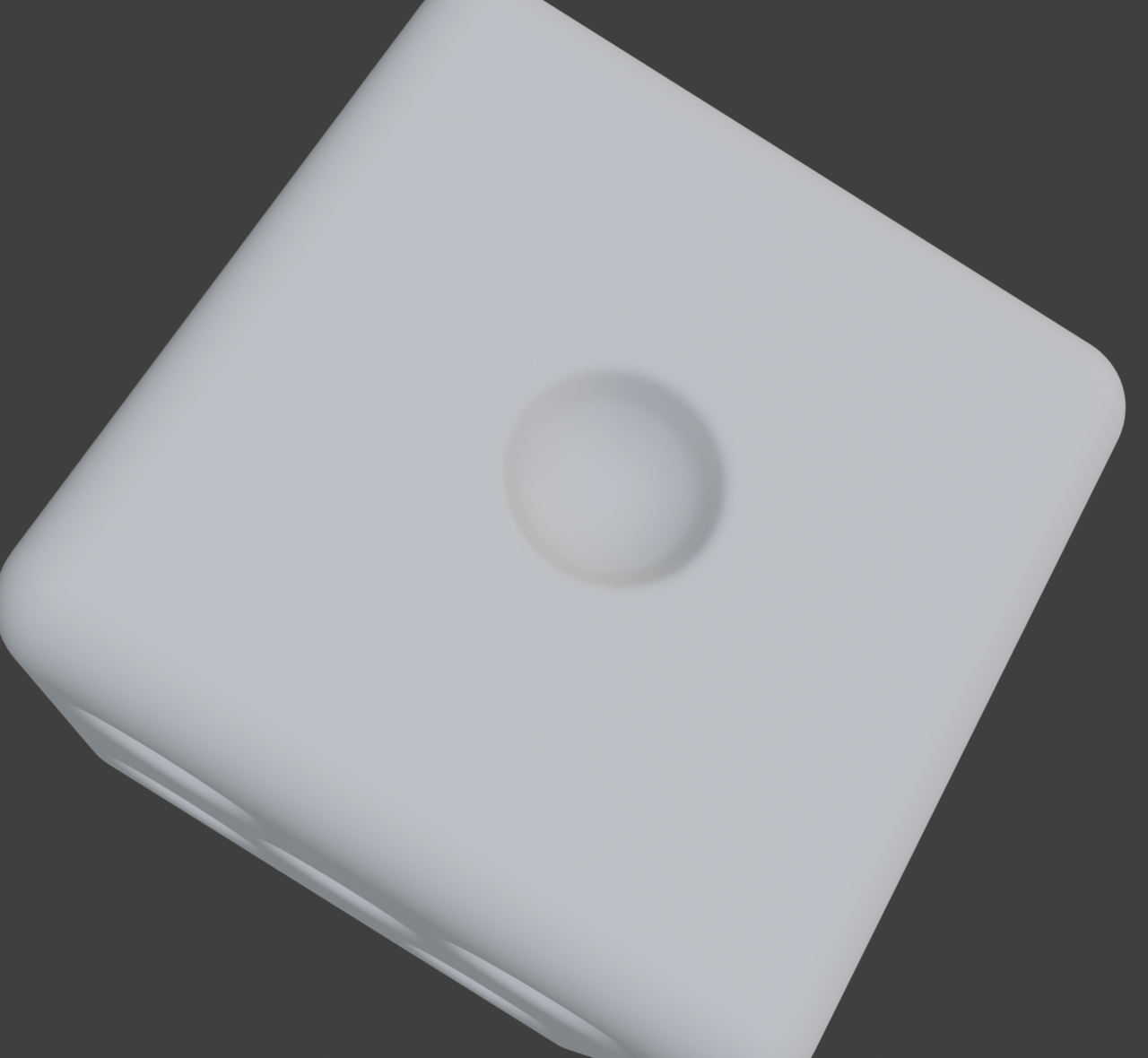
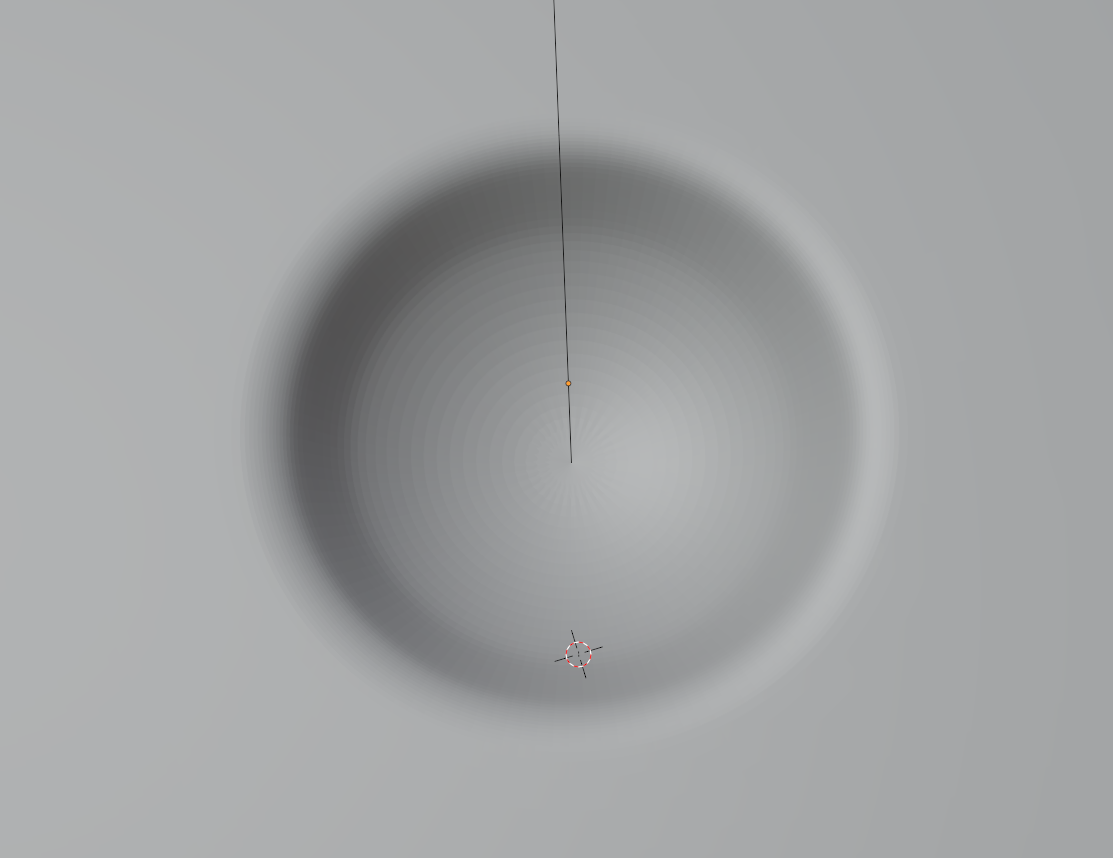
      When I enable Shade Smooth on the dimple I get the desired result, however when rendered it looks like that:

      What am I missing?

      Thanks.

      #87735
      Martin Bergwerf
      Participant

        Hi Dudu @duduedri96 ,

        Go back a few steps. You need to set the Boolean Cutter (the UV Sphere) to Shade Smooth. That should make a smooth dimple.

        #87736
        Dudu Edri
        Participant

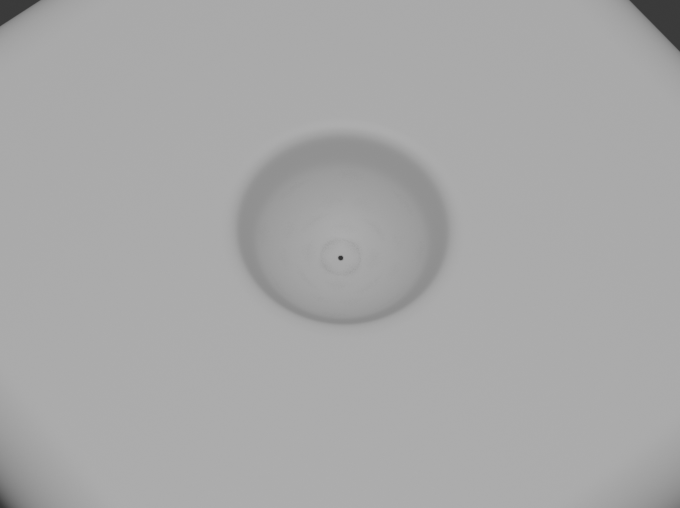
          Hi Martin, I did just that – the entire message above shows how it looks before converting to a mesh. The first picture shows how the dimple looks when not applying shade smooth to the UV Sphere, however when applying shade smooth to it it looks good and smooth (not shown with an image). However, when I changed to rendered view, I have that weird looking circle and dot in the middle of the dimple – as shown on the second image.

          #87737
          Omar Domenech
          Participant

            Are you by any chance in Orthographic view? I think that view tends to create artifacts. But this is a weird one. If you go into edit mode, does the middle dot disappear? If you zoom even further in, what does that middle dot look like? Can it be a whole in the mesh? You can also upload your file for use to take a look at it, go all Sherlock and see the mystery more closely.

            #87738
            Adrian Bellworthy
            Participant

              Does your Boolean cutter have a black material?

              Can you share the file via dropbox, google drive or similar?

              #87739
              Dudu Edri
              Participant

                Here’s the file:

                1. before converting to a mesh: https://drive.google.com/file/d/1eO6foMDE6mbBrPPM4XaNsDT84ocmmyWB/view?usp=sharing

                2. after converting to a mesh: https://drive.google.com/file/d/1uLqCHgGoajmtFKaAAUYsjfufcj6vYj8n/view?usp=sharing

                It happens after converting to a mesh.

                I use no material and have no overlapping geometry. Maybe it’s related to the resulting topology?

                #87740
                Omar Domenech
                Participant

                  I downloaded the after converting to mesh and it looks fine. Both in viewport and render:

                  Shot-2.png

                  Shot-1.png

                  Then I downloaded the before converting and it’s fine there as well. Just to test it out, try opening the file on a previous Blender version and see how it looks.

                  #87741
                  Martin Bergwerf
                  Participant

                    Hi Dudu @duduedri96 ,

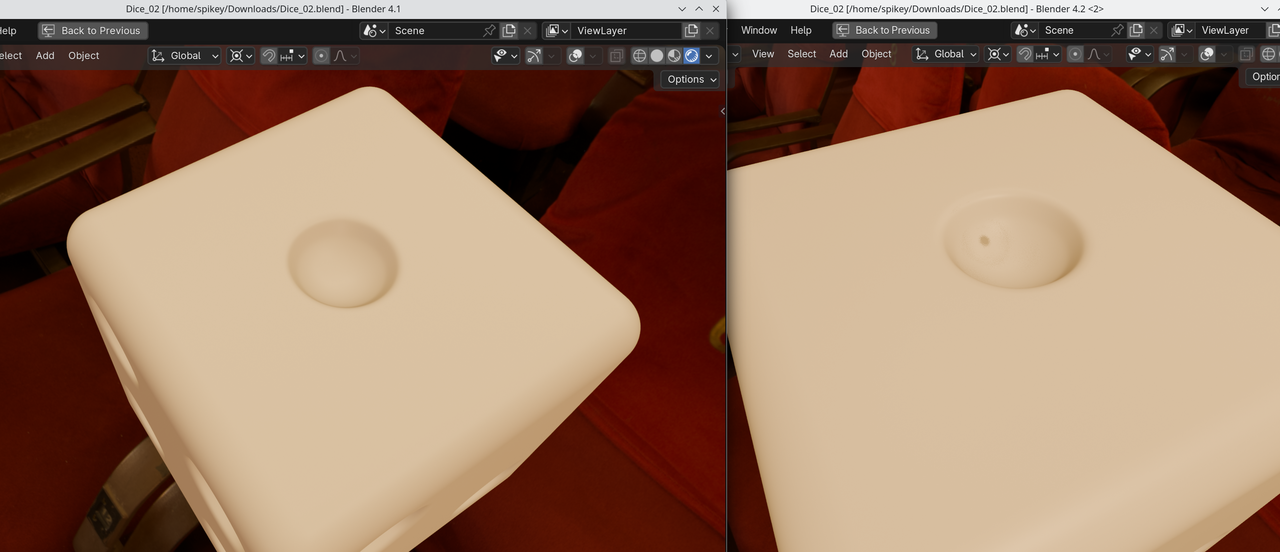
                    That appears to be a lighting artifact caused by the new EEVEE. Compare 4.1 and 4.2:

                    Dice_01.png

                    So you can either use 4.1, or switch to Cycles.

                    Maybe there is a Setting somewhere in EEVEE, that you can tweak to make this better, but I haven’t found it yet. It is also very possible, that it’s a bug (4.2 is new and EEVEE is completely re-written, so that’s not unlikely).

                  Viewing 8 posts - 1 through 8 (of 8 total)
                  • The topic ‘Dimple smoothing’ is closed to new replies.