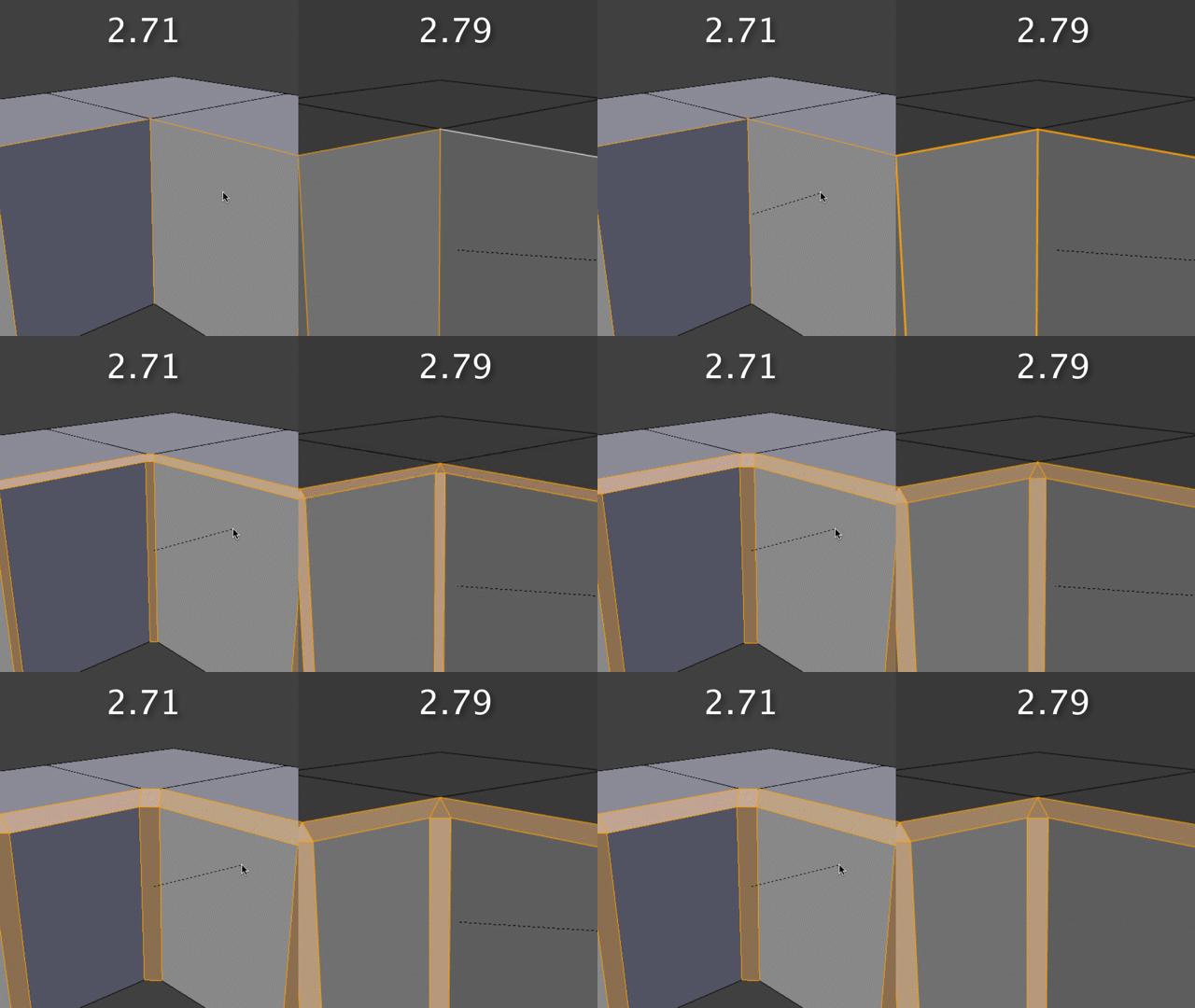
Hi Kent,
I know this turorial is an older one. But still it is a very good tutorial an I often come back to this, because there are so many good tips and best practises wich I can use for my projects.
I have a question regarding the bevel tool (Ctrl-B). I have a different behaviour for the bevel tool than you have. At 9:18 you create the holding edges for the sharpened edges with the bevel tool which leads to the following geometry:
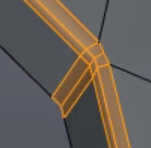
I’m using blender 2.79. I created a small piece of geometry just for demonstration purpose which is similar to the faces shown in the picture:
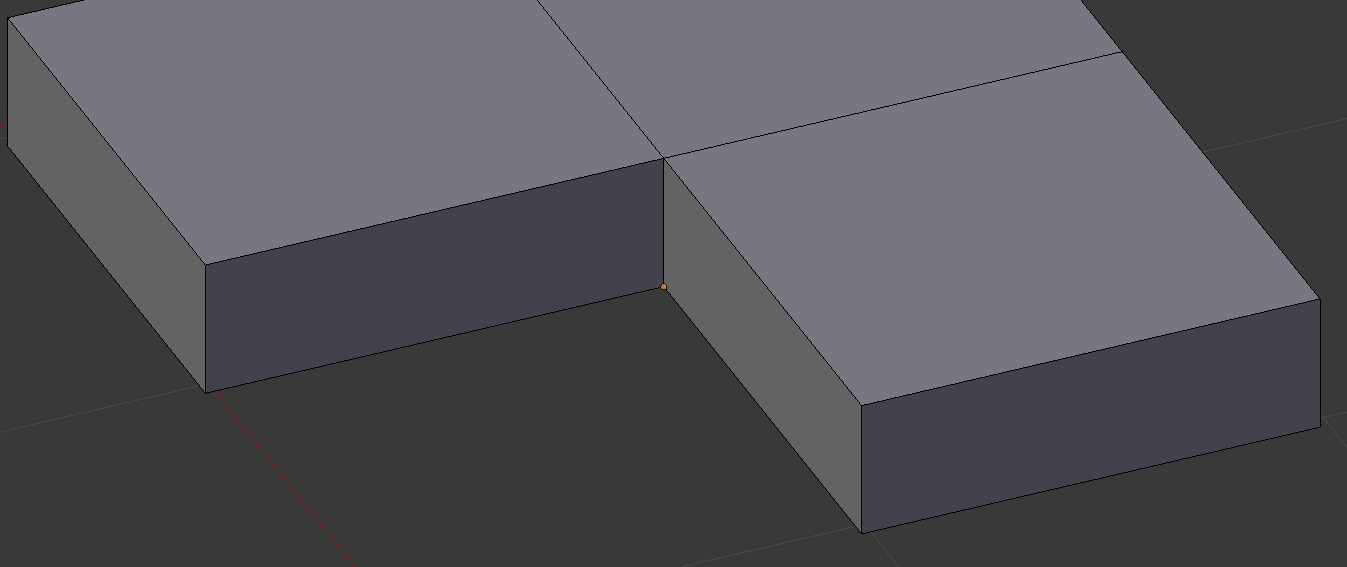
When using the bevel tool (Ctrl-B), I get the following (different) result:
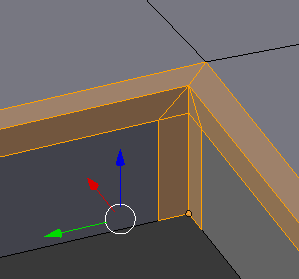
How do I achieve the same result you have? Or did blender change the way the bevel tool works?
Any help ist appreciated.
Cheers,
Klaas

.