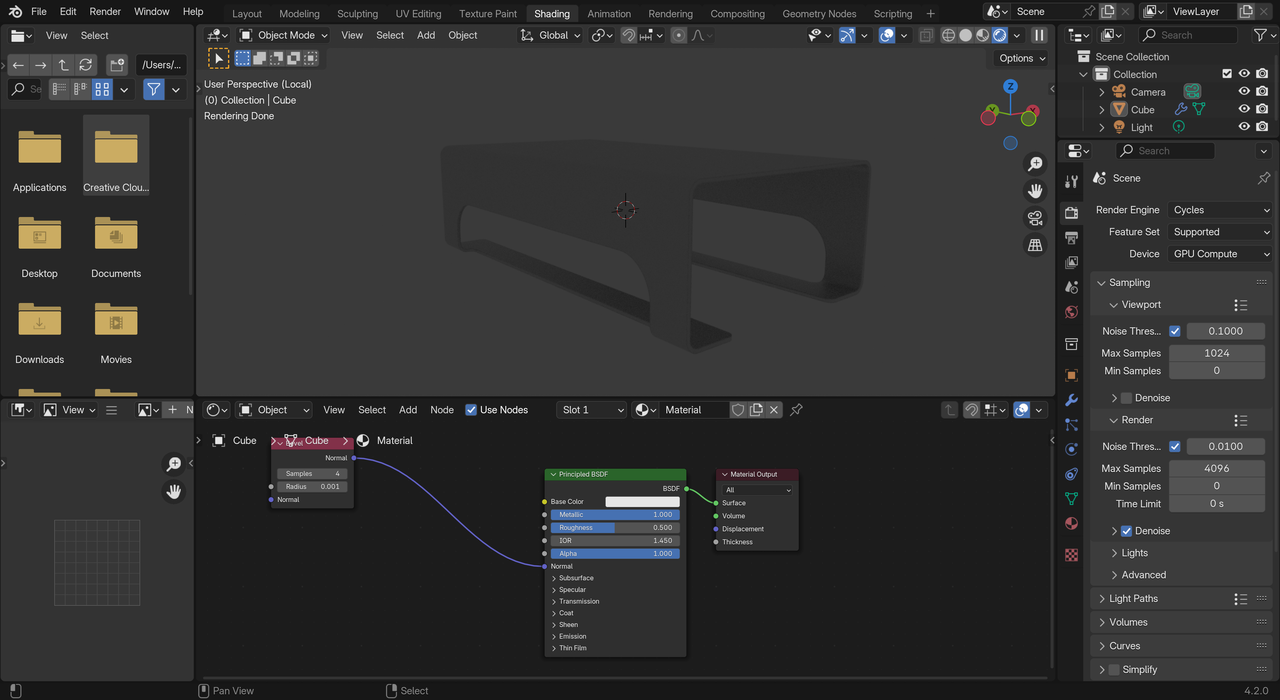
Hi, Following along with the Hard Drive tutorial and have hit a small snag. At around 7 mins we switch over to the Render Preview. Unfortunately, my preview is too dark. I’ve tried moving the light and fiddled with a few settings. Not sure what I’m missing but I’m sure I’m missing something 😉
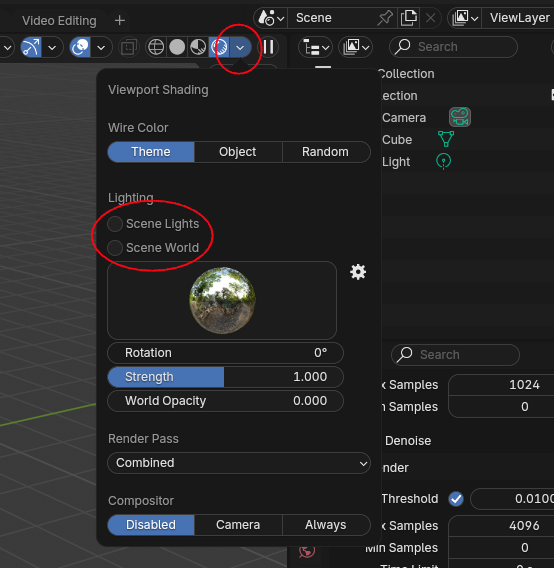
That is Render Preview, but you are in Local View, meaning, you don’t have any Lights, apart from the ‘World’, which is dark grey by default. Simply hitting the forward slash should help.
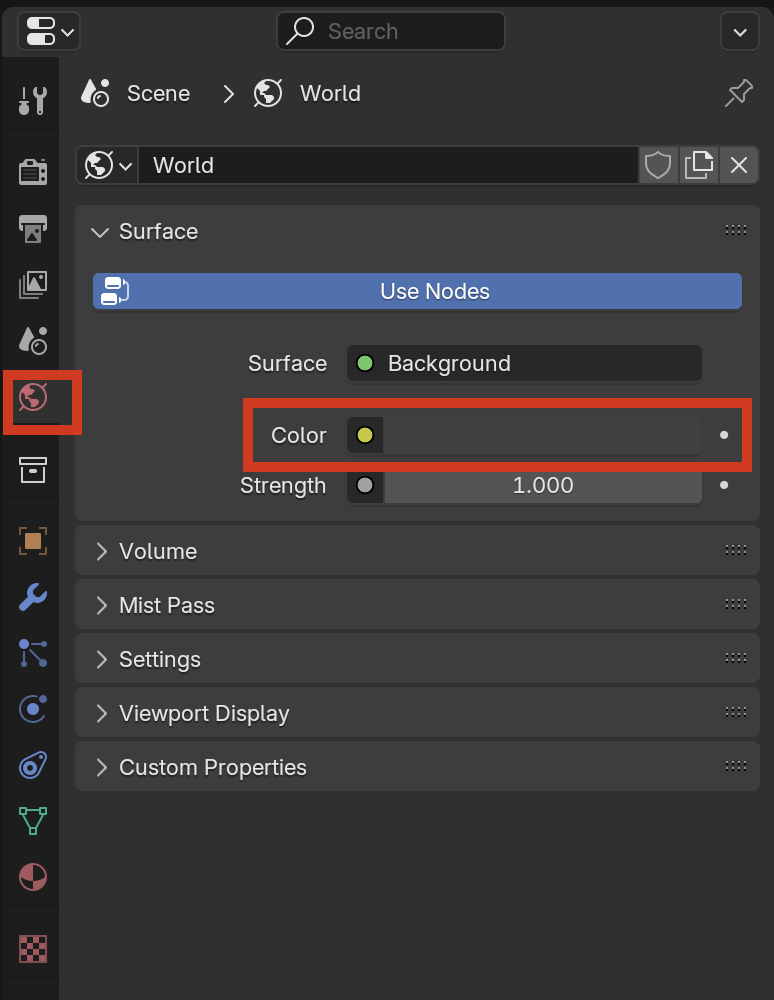
Alternatively, you can also change the color of the world background closer to white so you get even more light if the default point light ain’t cutting it for you.