Copy topology

Forum Archive Copy topology

Viewing 10 posts - 1 through 10 (of 10 total)
  • Author
    Posts
  • #15599
    maxcady
    Participant

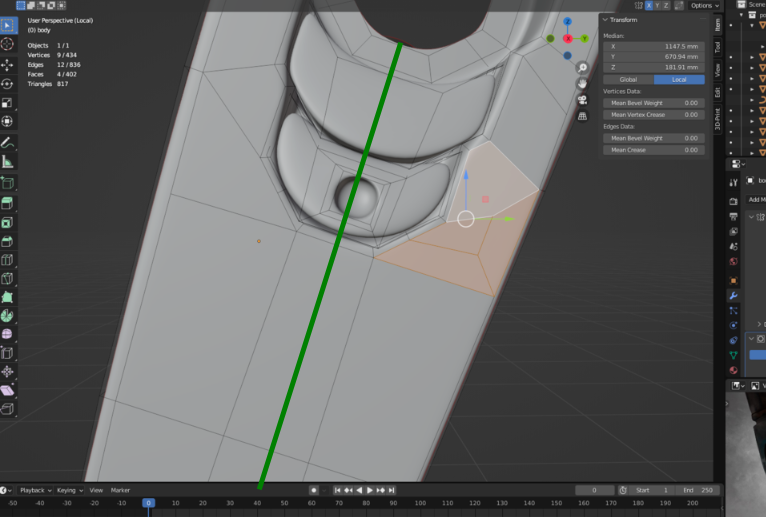
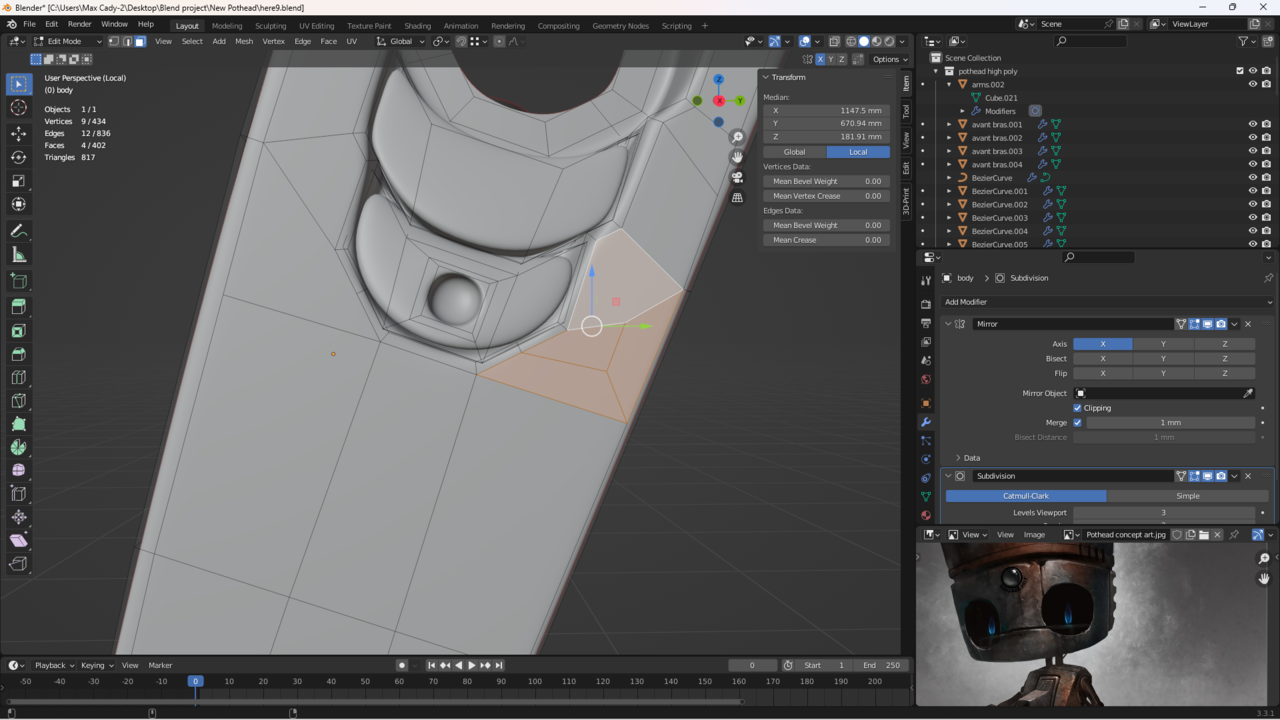
      Is thee a way to copy a topology without a mirror modifier? 

      Like copy pasting a text, but it 3D. Screenshot (55).png

      #76153
      Omar Domenech
      Participant

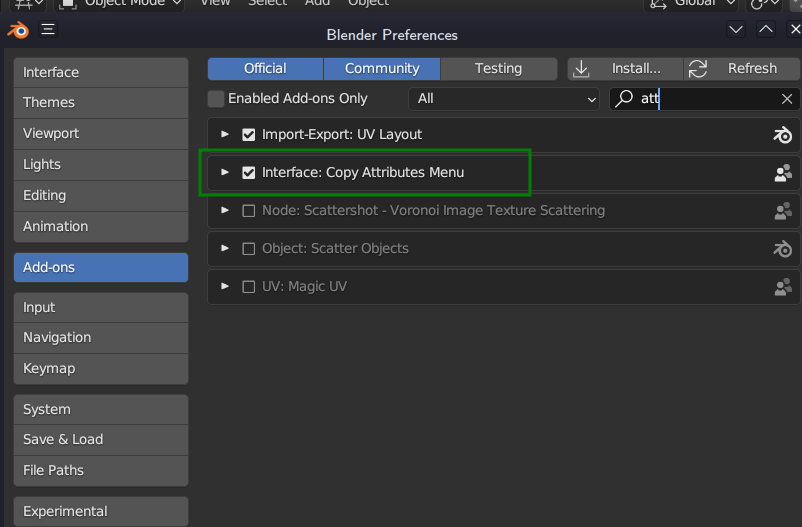
        You can do normal copy paste in Blender. There’s also the Copy Attributes Menu that you can enable as an addon which is really handy. It replaces the Control + C with lots of helpful options.

        #76154
        Martin Bergwerf
        Participant

          If you don’t have a relevant Local Orientation for the part, make a Loopcut through the middle:

          LoopCut.png

          And use that as a Custom Orientation. Then you can SHIFT+D (copy) and S, X or Z, -1 (paste) remove original if needed and M > Merge > by Distance.(Watch out: creates inconsistent Normals! Run SHIFT+N!). Doesn’t work in all cases, but in most.

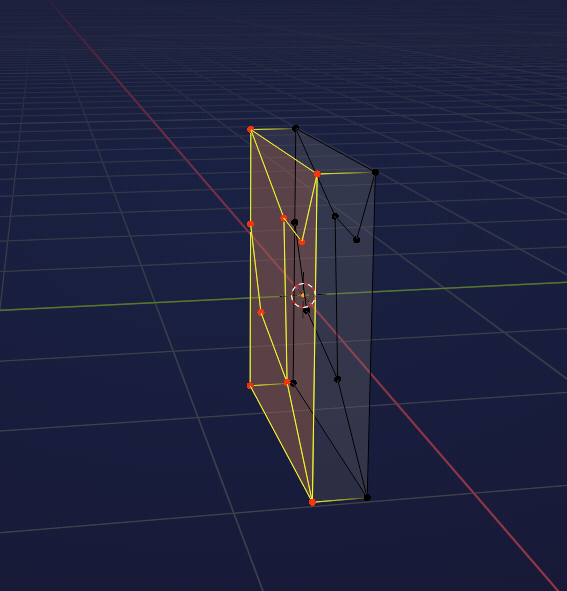
          Special Case:

          CopyTopology.png

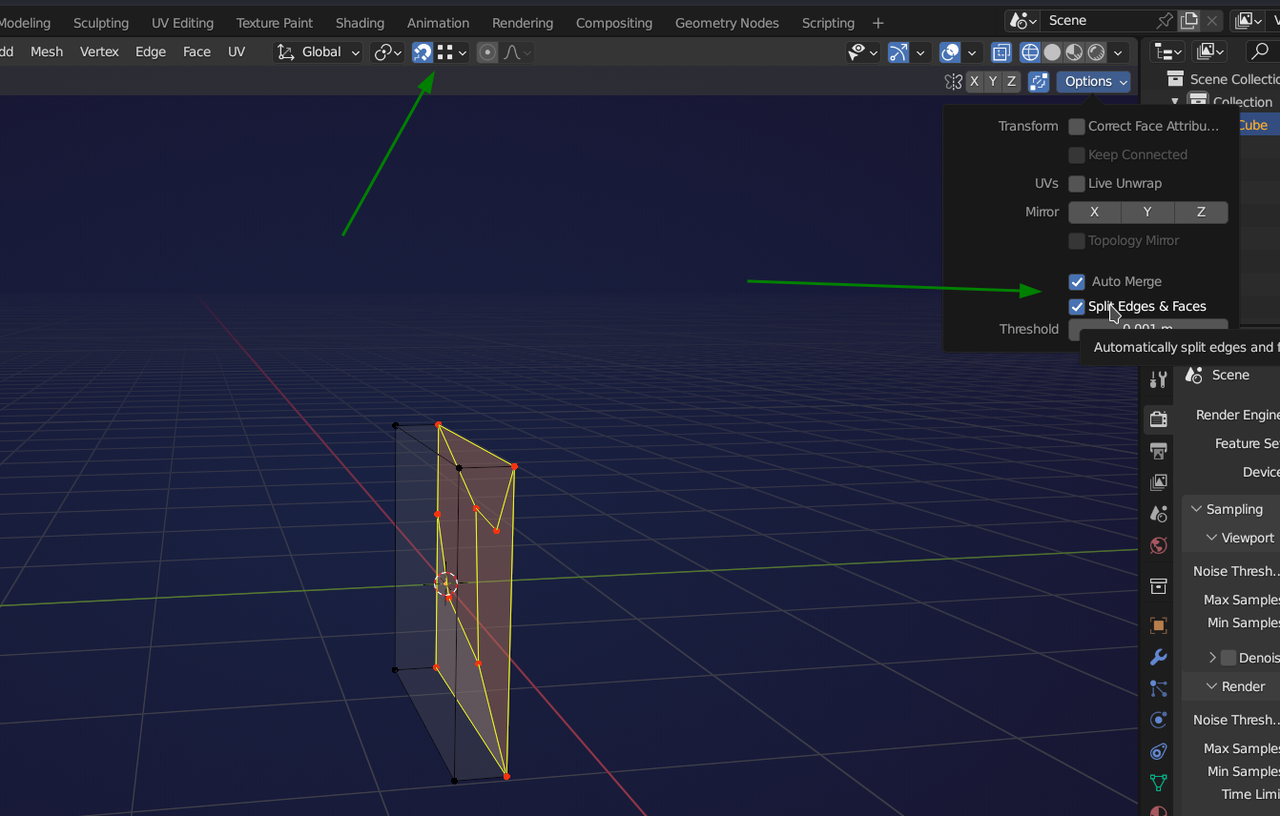
          SHIFT+D, Y:

          VertexSnap.png

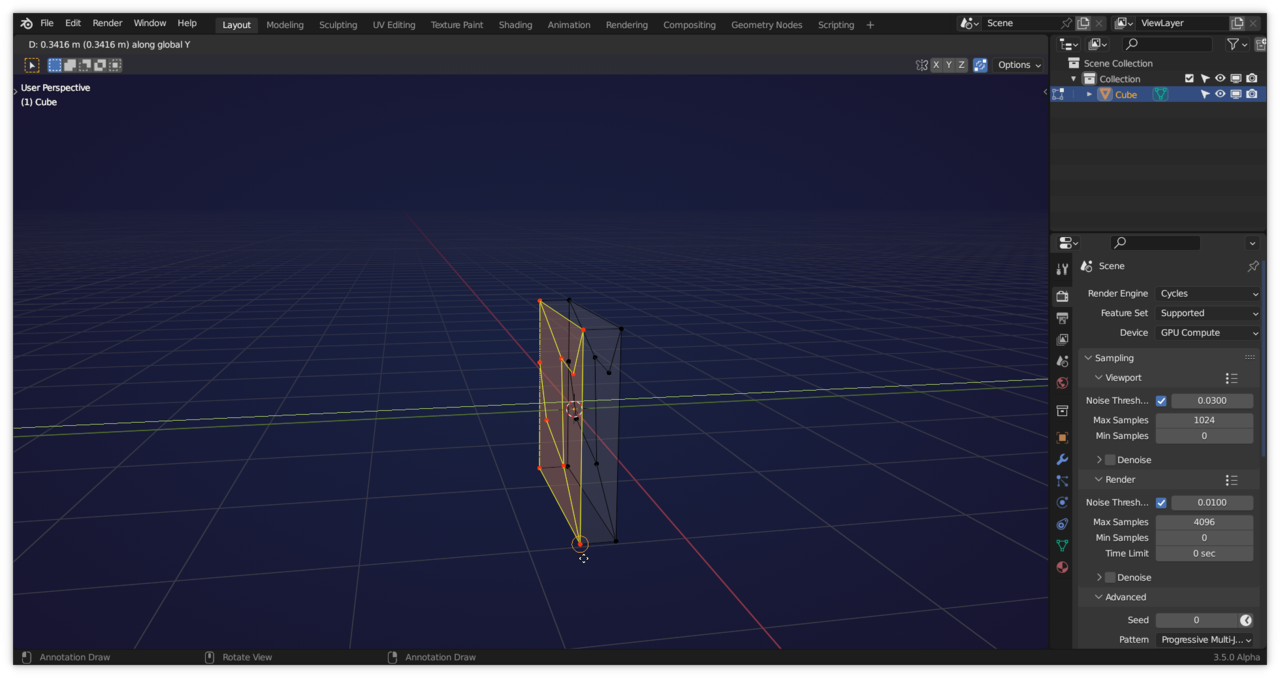
          gives:

          VertexSnap_1.png

          Now that’s what I call Blender magic….

          #76155
          maxcady
          Participant

            What is the addon for copy attribute? 

            Magnet problem again. I don’t fully understand yet.

            #76156
            Martin Bergwerf
            Participant

              Attrib.png

              #76157
              maxcady
              Participant

                How do you activate it?

                #76158
                Omar Domenech
                Participant

                  You go to Edit -> Preferences and in the addon tab you look for Copy Attributes, and you enable it with the tick. Then in the viewport with control + C you call that menu with the handy features.

                  #76159
                  maxcady
                  Participant

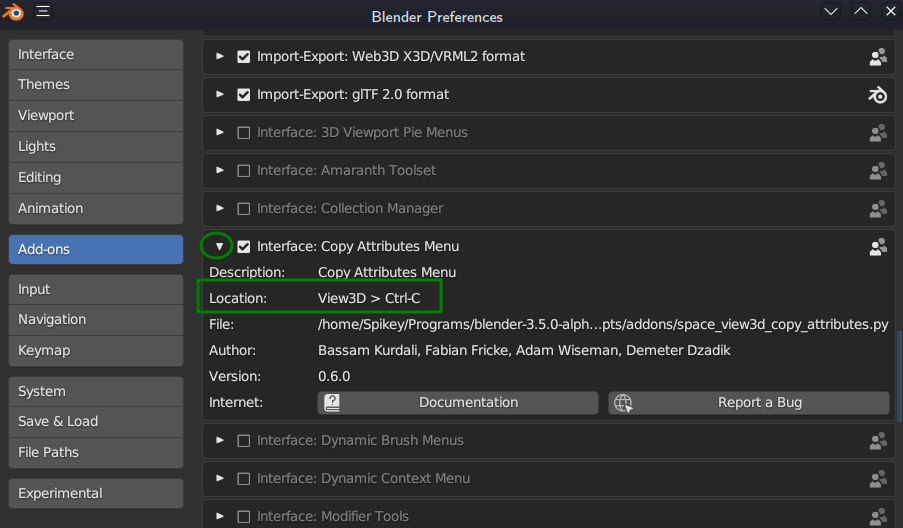
                    that was CTRL + C I wanted to know. thx

                    #76160
                    Martin Bergwerf
                    Participant

                      @maxcady

                      A little tip, if you use the dropdown arrow of an Addon, you get some extra information, like where to find/’activate’ it:

                      Addons.png

                      #76161
                      maxcady
                      Participant

                        Ho yeah, I learned that trick accidentally in a Youtube video.

                      Viewing 10 posts - 1 through 10 (of 10 total)
                      • The topic ‘Copy topology’ is closed to new replies.