Community Progress Thread (chrislim)

Forum Archive Community Progress Thread (chrislim)

Viewing 3 posts - 1 through 3 (of 3 total)
  • Author
    Posts
  • #15017
    chrislim
    Participant

      Hey friends,

      This is my community progress thread started as part of my exercise submission for the course “Fundamentals of Digital Lighting in Blender.”

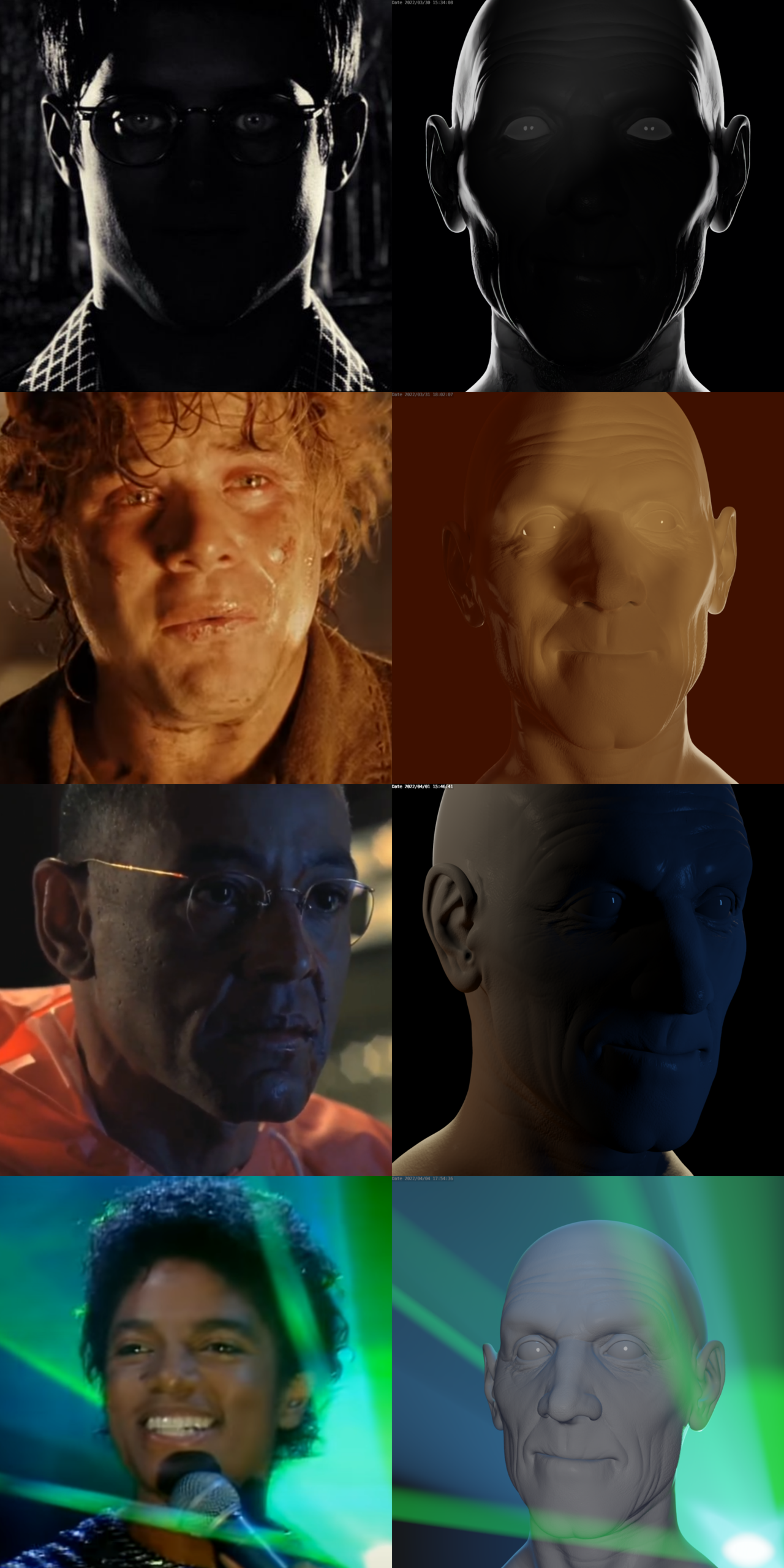
      Below are my attempts to match the lighting of the given sculpt to four different references of my choice.

      match_lighting_a_digital_portrait_exercise_submission.png

      Feedback/tips/tricks are always welcome and greatly appreciated. Thanks!

      #73971
      Adrian Bellworthy
      Participant

        Good work @chrislim,

        All these are really good.

        My only critique is on the third image, the blue light is a little too saturated. And the shadow area is a little too dark.

        Lower the saturation of the blue light and add a fill light. use an area light pretty much at the same position as the camera with a fairly low strength, just enough to lighten the shadows a little.

        Hope this helps

        #73972
        chrislim
        Participant

          Thanks for the feedback Adrian!

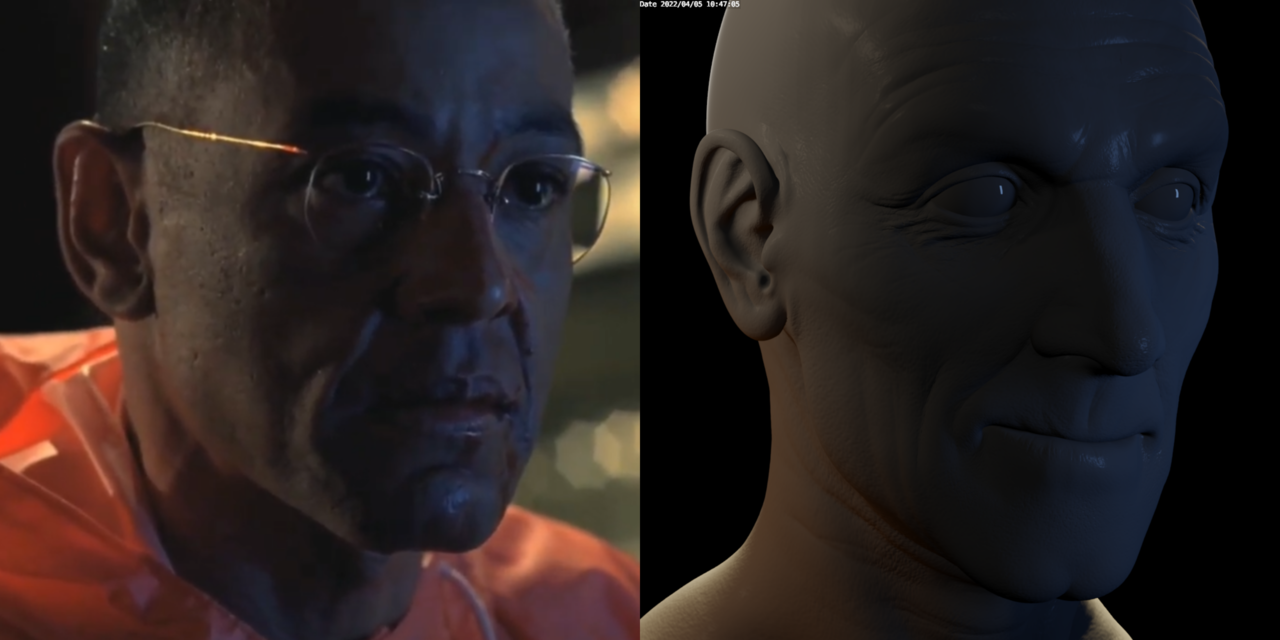
          I followed your recommendations and adjusted the saturation of the blue light and added a low-strength area fill light. I think it looks much better than my first attempt.

          match_lighting_a_digital_portrait_reference_3_feedback_adjustment_v2.png

        Viewing 3 posts - 1 through 3 (of 3 total)
        • The topic ‘Community Progress Thread (chrislim)’ is closed to new replies.