
Collab2021 – WIP – tiborbleuel
Forum Archive › Collab2021 – WIP – tiborbleuel
- This topic has 34 replies, 4 voices, and was last updated 5 years, 4 months ago by
Spirit.
-
AuthorPosts
-
April 25, 2021 at 11:03 am #65601
Homework Submission – Week 3 – Mountain N
@adrian2301 @jlampel
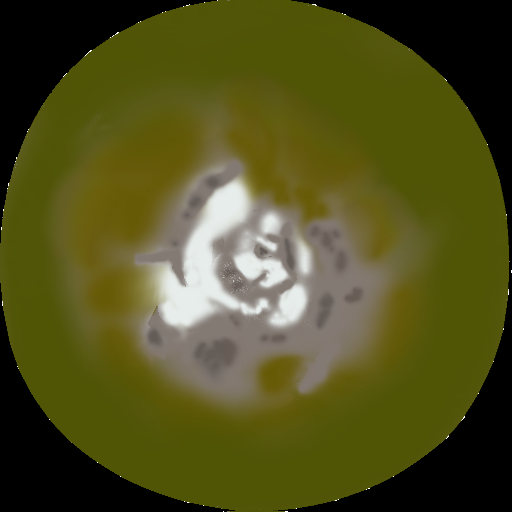
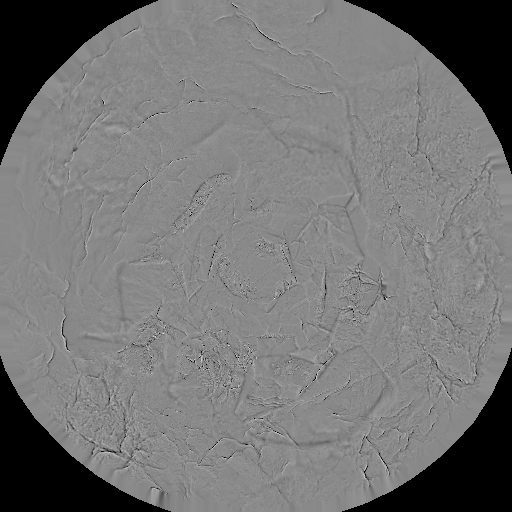
Hi guys. So I finished painting the maps. Here are the results:
Color map:
Cavity map:
Normal map:
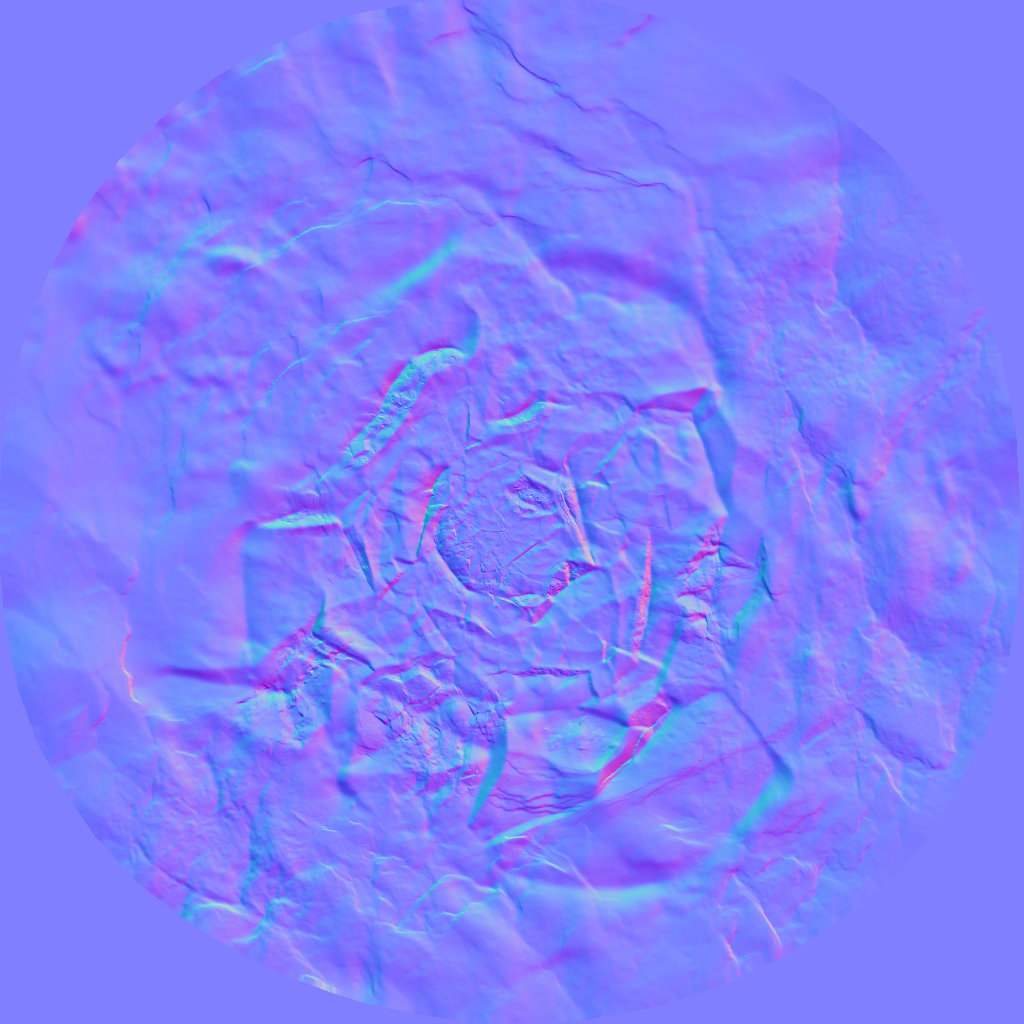 My normal map is 1024×1024 instead of 512×512 like the others because a 512×512 normal map just looks way worse. I hope that is not a problem.
 here is how they look when applied:
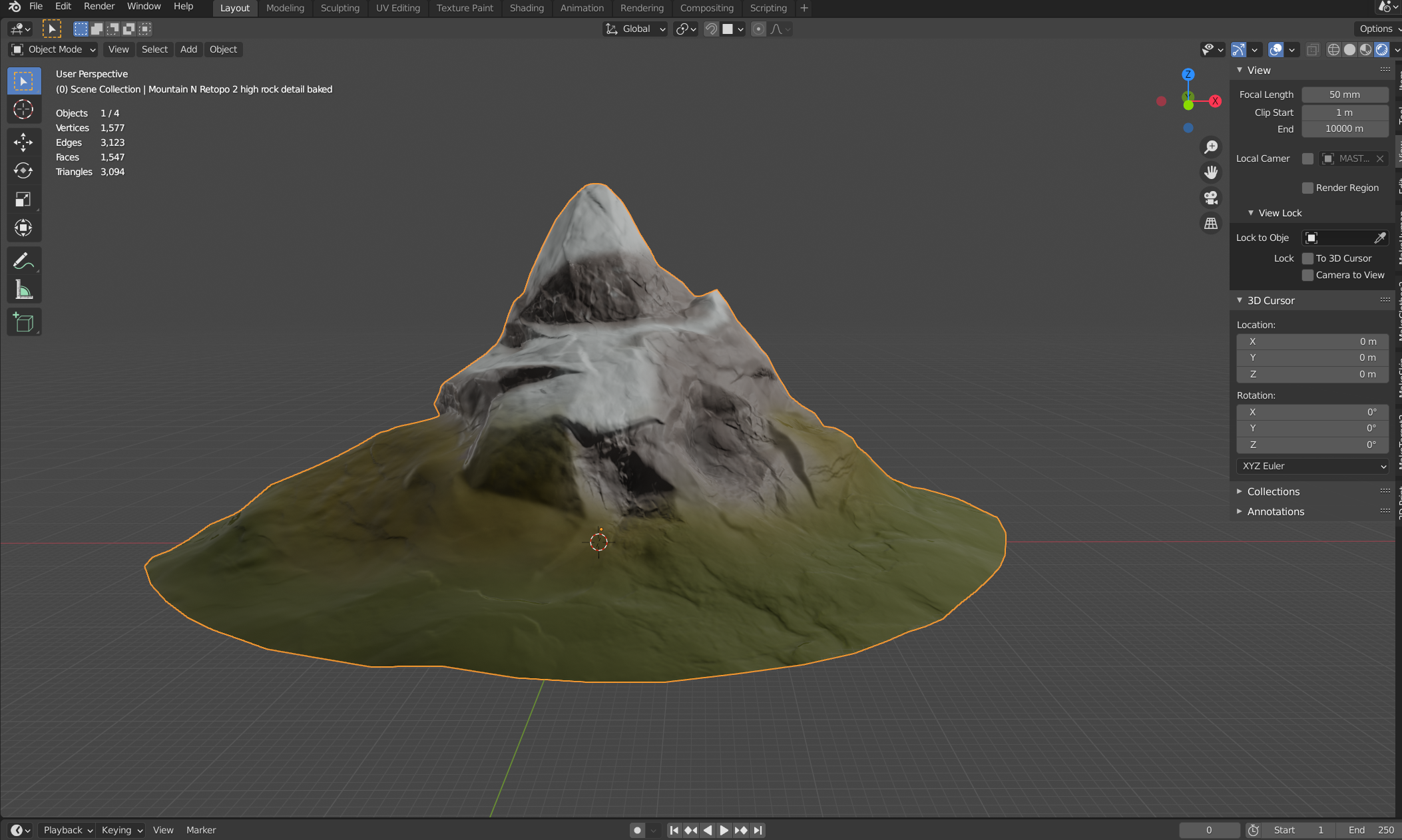
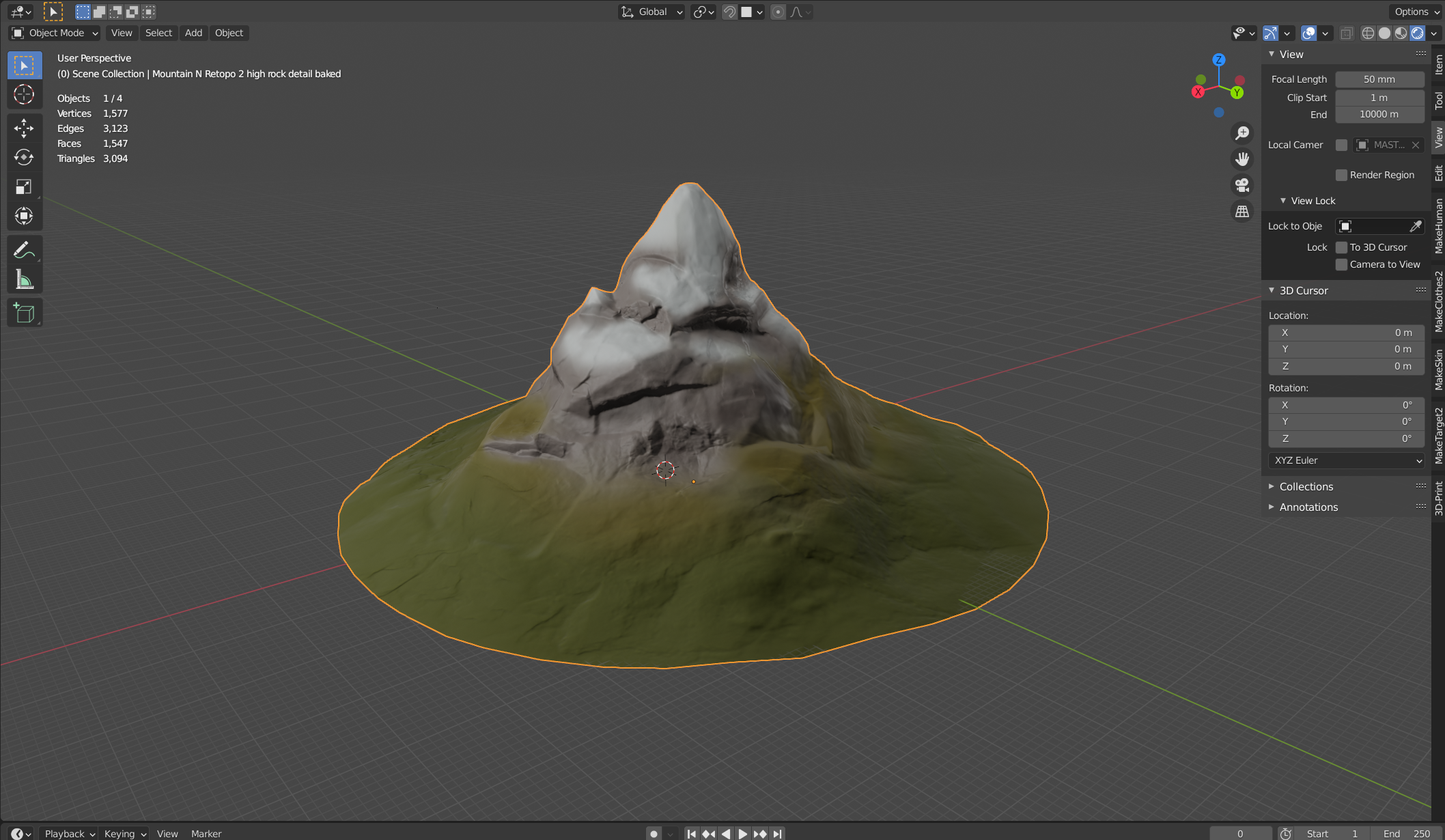
I also used a ColorRamp node to get a slight roughness difference between stone and non-stone areas. I kept it at that because I wanted to keep the node setup as simple as possible. Here is the setup:
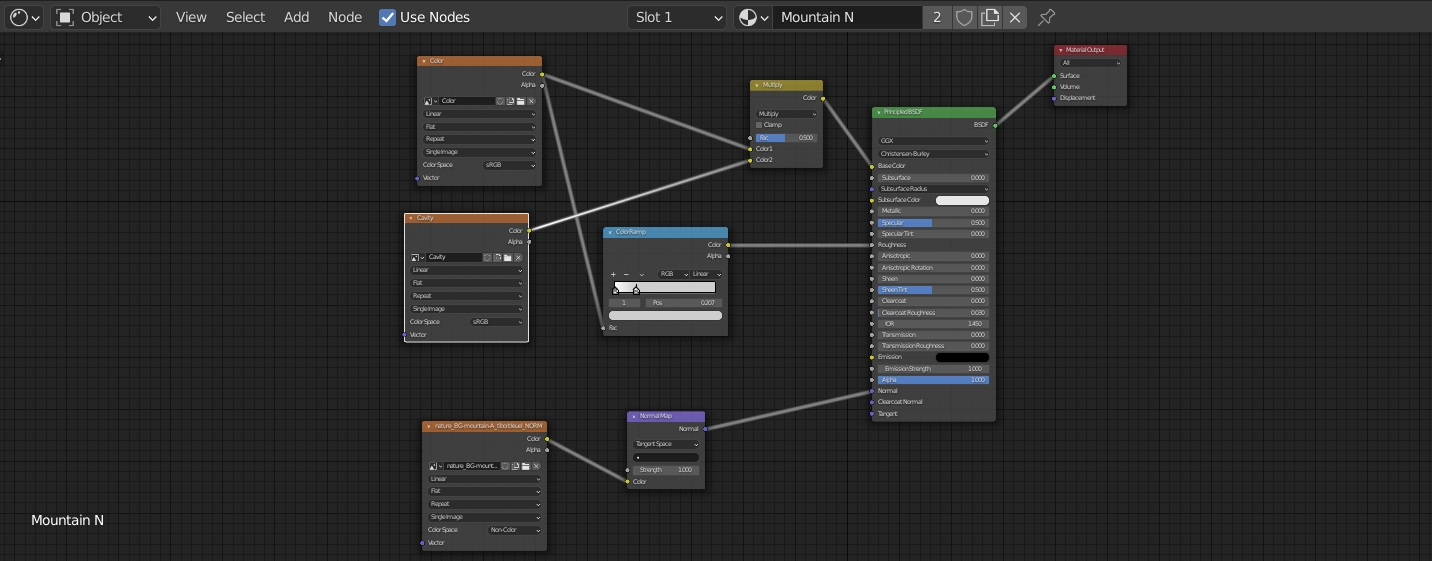 I hope this fits the final sceen. If there is anything to improve just tell me. it has been a blast working on this mountain! 😀April 25, 2021 at 12:10 pm #65602
Hi @tiborbleuel nice job, I have just opened your file and it’s a bit shiny. Have a look and see what you think, try turning down the specular and switch your light to a sun with a strength of around 10 rather than use a point light with a massively high power setting.
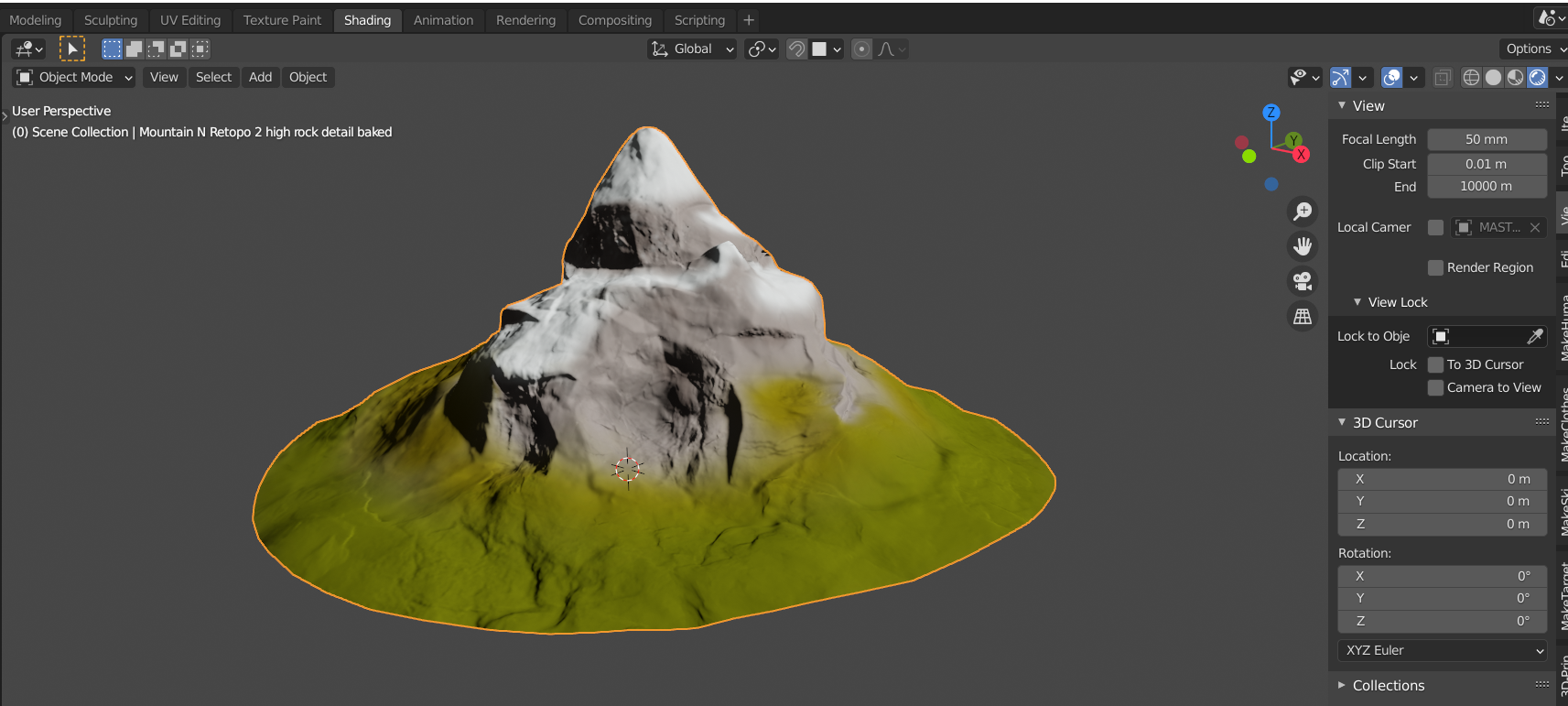
April 25, 2021 at 2:03 pm #65603Thank you @adrian2301 . You are right. Especially the grass has a glossy shine to it which i only seem to be able to get rid of if I turn down the specular to 0. If I do this I lose the roughness difference (which was almost nothing so no big deal) and the entire mountain gets more vibrant. I kind of like the look of it maybe this is even more like what we need. What do you think? (light is now a sunlight strenght 7)
 April 25, 2021 at 3:41 pm #65604
Yes @tiborbleuel much better 👍
April 26, 2021 at 3:40 pm #65605This is awesome! Full points for week 3! My only critique is that the transition from the snow to the rock feels very soft and rounded, while the concept art is full of sharp lines:
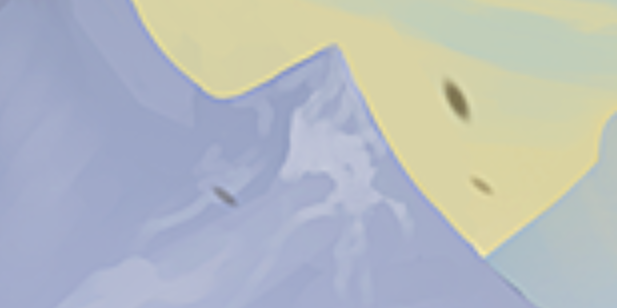
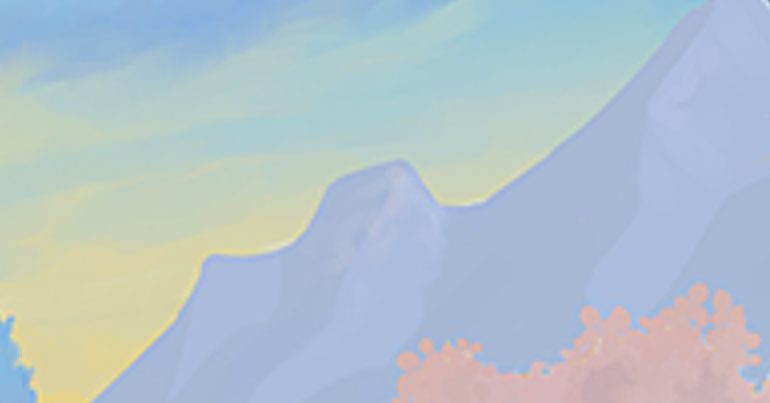
See if you can get the snow distribution to look a little sharper like these:
ArtStation – 2 Pink Mountains, Nicholas Kennedy
April 28, 2021 at 10:31 am #65606Thank you for the feedback @jlampel.
I hardened the edges of the snow. it now looks like this:I
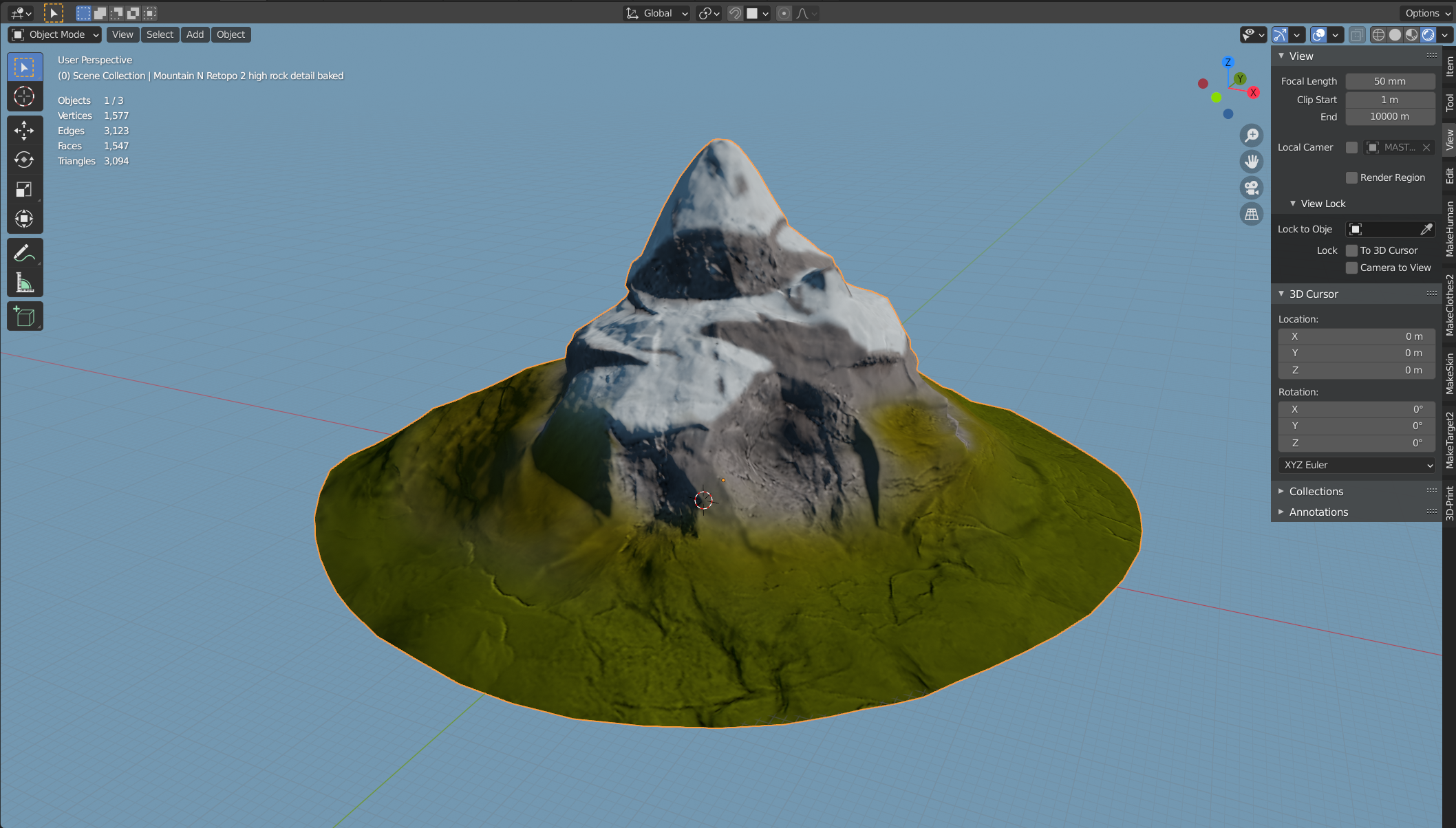 I tried adding more detail in the snow (like patches of stone inbetween to not have one big snowfield) but for that I would probably need to go to a 1k texture because you can see the pixels just to well.
What do you think? Is this what you had in mind? Should I try and go for more detail or do you think this is enough?
Have a nice week! 😀
April 28, 2021 at 11:28 am #65607Absolutely @tiborbleuel go 1k or 2k if you need it , Kent was worried about space on the google drive but that has changed, I know Kent would like to see more detail in textures on the mountains. Great job looks much better.
April 28, 2021 at 1:01 pm #65608I agree with Adrian on that. Nice work!
May 2, 2021 at 6:23 am #65609Homework Submission – Week 4 – Mountain N
@adrian2301 @jlampel
Ok so I went over the Textures one more time. I tried to add the details in the snow that I was talking about by adding a strong sun lamp and working with the shadows generated from the normal map to find spots where there might be no snow. It didnt quite turn out how I imagined but I dont think it is to bad. just tell what you think 🙂 I also weakened the influence of the cavity map on the grass to get a more vibrant vegetation which more fits the colors from our color palette.
Here is the result:
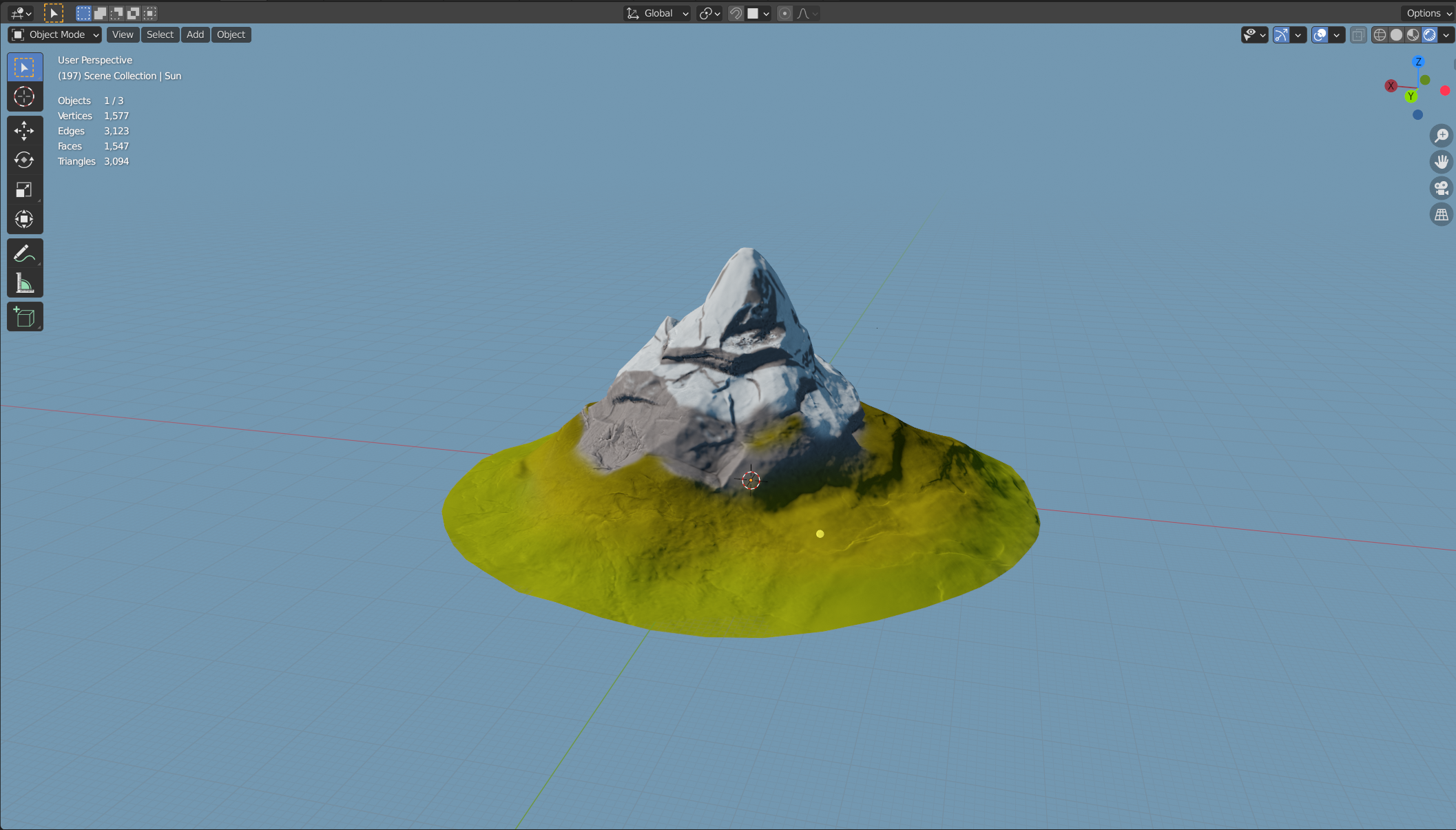
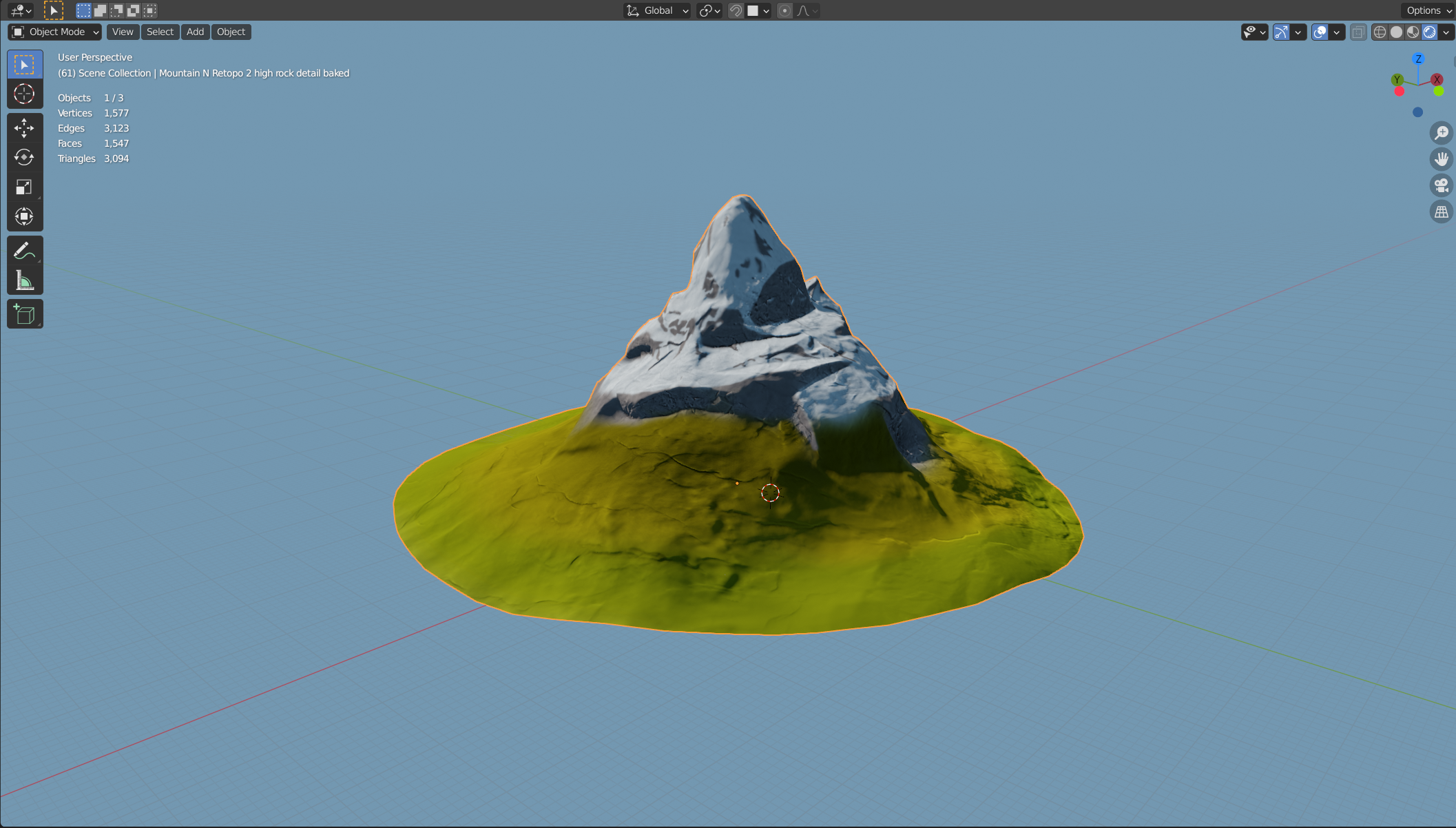
The textures now are 1k except the color one which is 2k. I still have all the lower and previous maps on my pc so if you prefere one of those I can just swap them.
May 2, 2021 at 8:57 am #65610Looks great @tiborbleuel , I would stick with the higher texture res.
You could of used 2k for all textures if you wanted to.
Even though the mountains are in the background they are very large, the more detail the better.
Great work.
May 2, 2021 at 9:19 am #65611Thank you 😀
May 3, 2021 at 10:22 am #65612@tiborbleuel Nice work finalizing the mountain! Only problem is I don’t have a color or cavity texture in the TEXTURES directory. If you could upload those that’d be great.
Also it’s OK to bake out 2048×2048 textures. I changed my request for lo-res textures for now. If I think they can be optimized I’ll do it later. But I also think the mountains will benefit from a larger texture res.
May 3, 2021 at 1:54 pm #65613Awesome job here @tiborbleuel ! Let me know once you’ve uploaded those textures for Kent and I’ll fill in the final grade.
May 3, 2021 at 2:33 pm #65614I do see the Color and Cavity map on my google drive folder. My Blender also finds them in this google drive directory. I now deleted them and added them back in maybe this solved the problem. Or could there be something else not working?
May 3, 2021 at 3:05 pm #65615@tiborbleuel from the blender file on google drive you need to go to the image textures in the material and open the texture from the texture folder on google drive. I have done it for you but just check open the file and see if the texture is on the model. I may have done it the same time you deleted and uploaded again. Excellent work.
-
AuthorPosts


- The topic ‘Collab2021 – WIP – tiborbleuel’ is closed to new replies.