
Collab2021-WIP-ketre
Forum Archive › Collab2021-WIP-ketre
- This topic has 36 replies, 11 voices, and was last updated 5 years, 4 months ago by
Kent Trammell.
-
AuthorPosts
-
April 10, 2021 at 2:49 am #65539
Could you get more of a cauliflower/broccoli look, like the green bushes?
The green ones look fantastic!
April 12, 2021 at 1:19 am #65540Those bushes look awesome. The green bush somehow reminds me of Studio Ghibli 😀
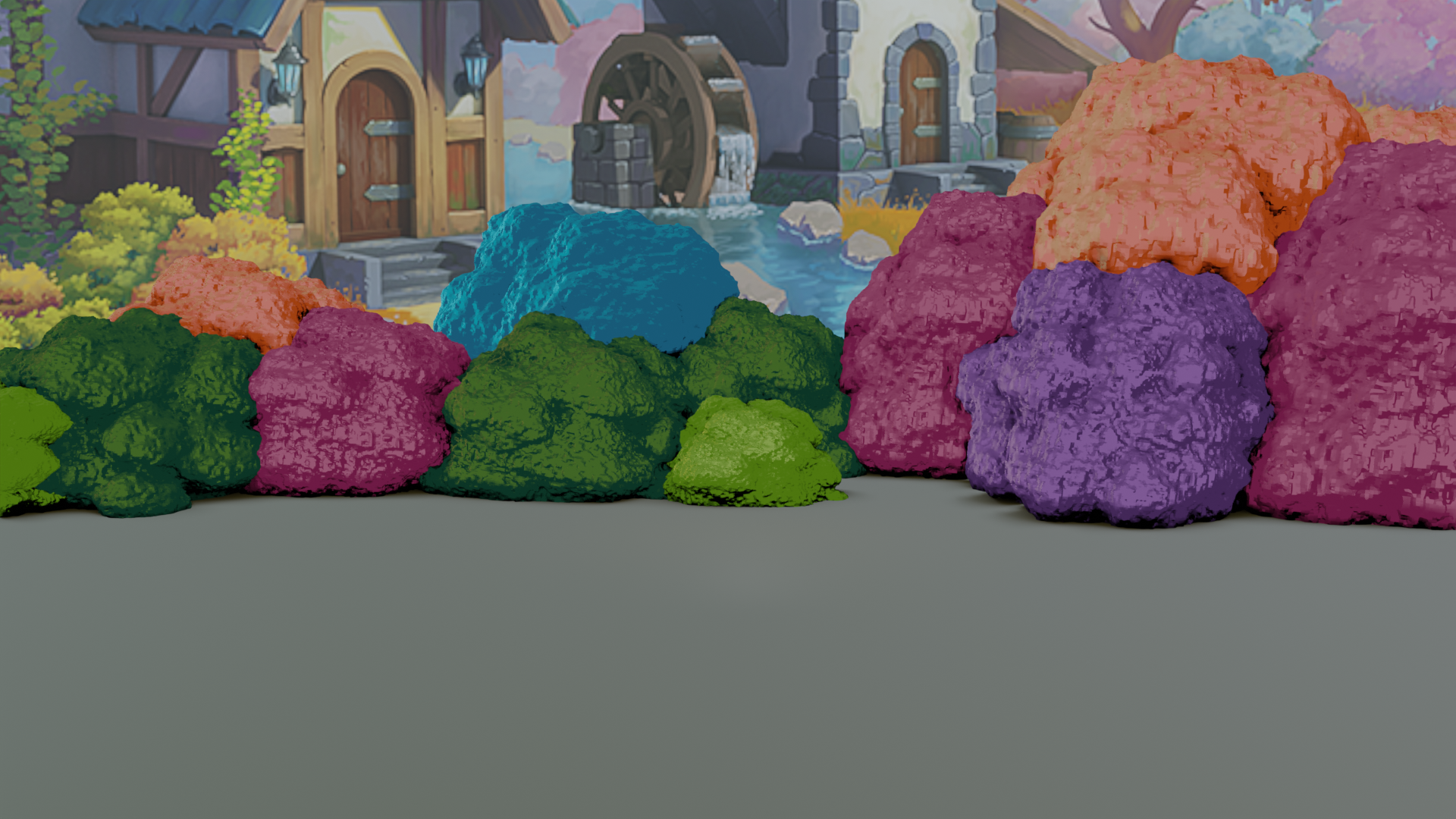
April 13, 2021 at 11:53 am #65541Homework Submission – Week 1
@theluthier My apologies I was reading in discord. And saw I was supposed to post my image and point / ping you.
 April 15, 2021 at 1:47 pm #65542
Great week 1 work @ketre! Bushes are not an easy task so I respect you for tackling a challenge.
If I’m honest, I prefer your earlier bush tests than what I see in the homework submission:
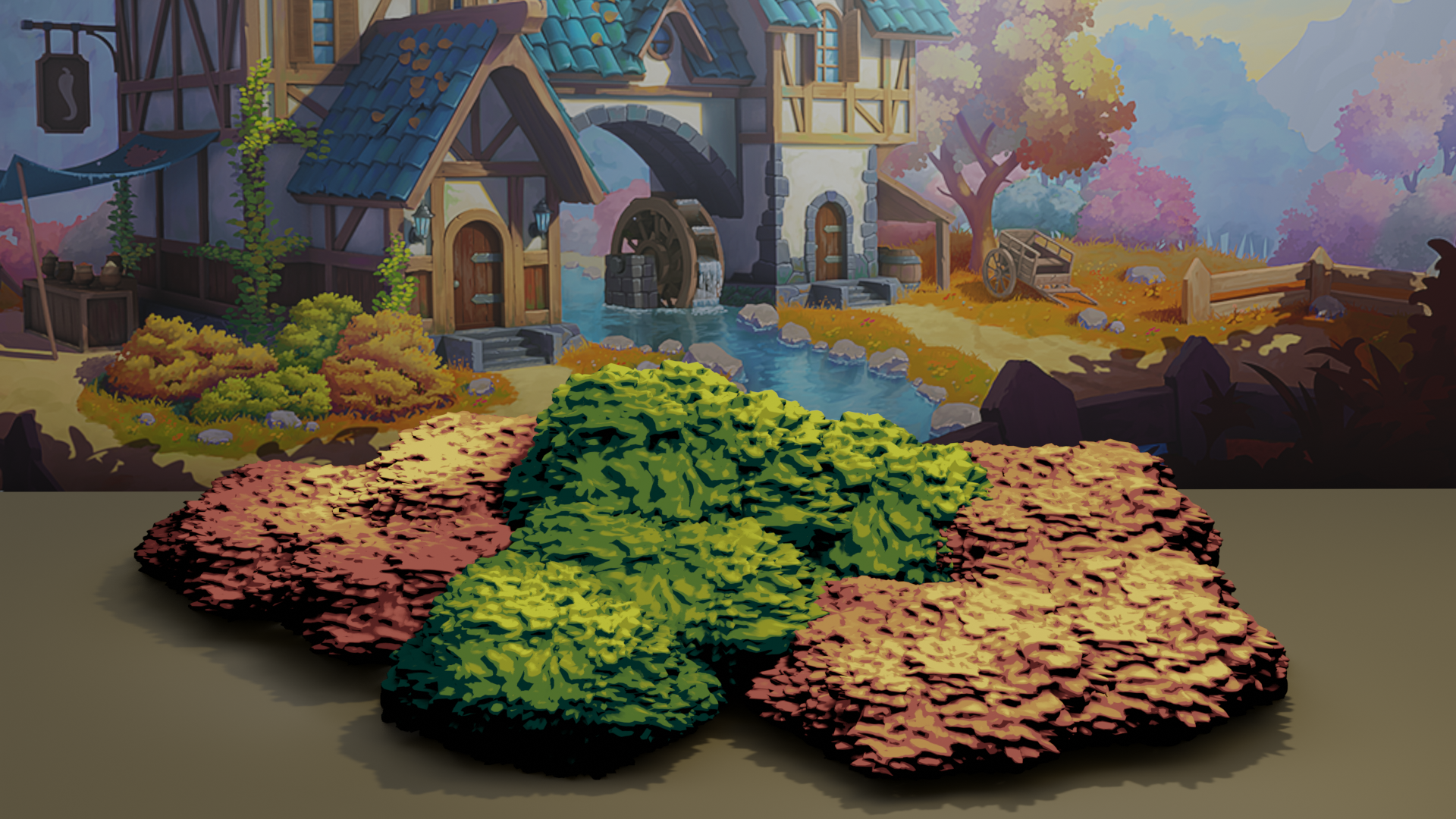
To me these read more bushy. They’re a bit high in contrast but the shape and appeal is much better imo. The only thing that’s lacking is a “leafy-ness”. The blobby bumps work well at a glance but for foreground bushes, the illusion breaks down fairly quick.
Perhaps a layer of alpha-mapped cards on the outside of the bush could finalize the effect. Here’s a video touching on the technique:
It’s not Blender unfortunately but hopefully the concept is clear enough to imagine implementing with your bushes.
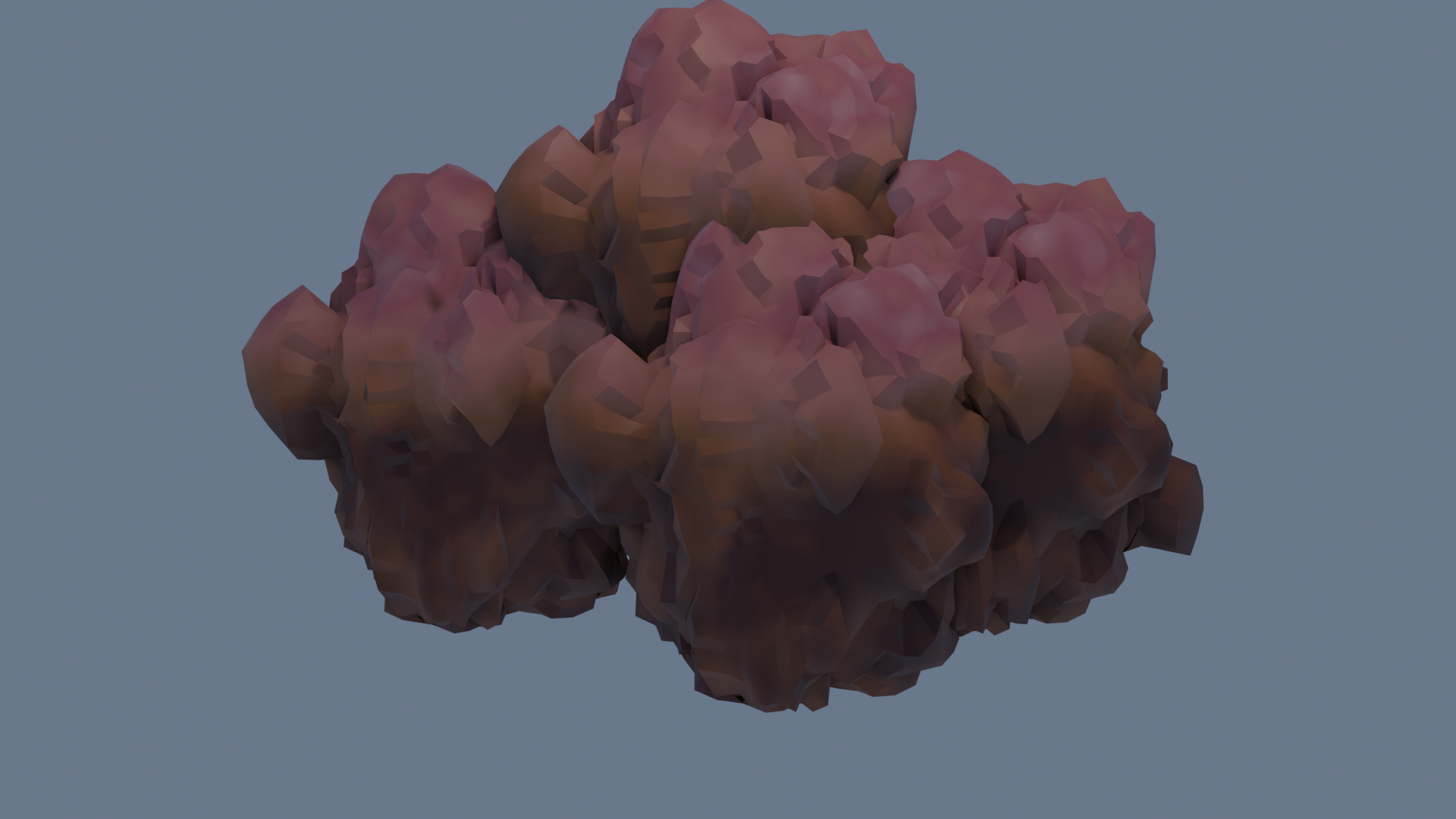
April 20, 2021 at 1:17 pm #65543This looks more like what I was wanting. p
 April 21, 2021 at 6:18 pm #65544
Hey @ketre , looks like you were off to a good start! I would recommend taking a crack at the image plane method mentioned by Kent so that all the bushes and trees can look similar enough to tie together as a cohesive scene. Ping me whenever you’re ready to submit for week 2!
April 22, 2021 at 12:34 pm #65545@jlampel ok I did see the images and thought those where what I’d choose. The experimentation was fun tho.
 April 23, 2021 at 4:27 pm #65546
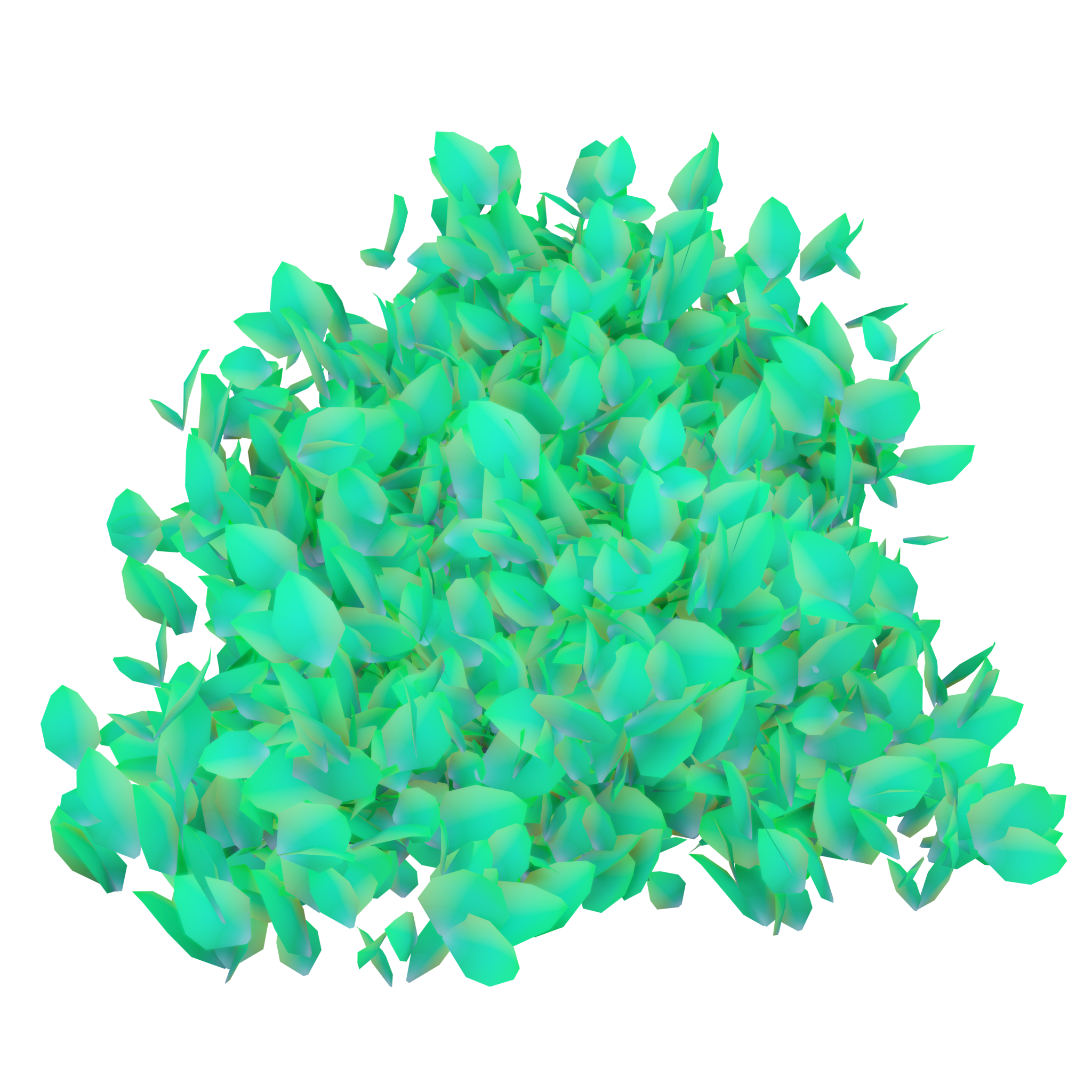
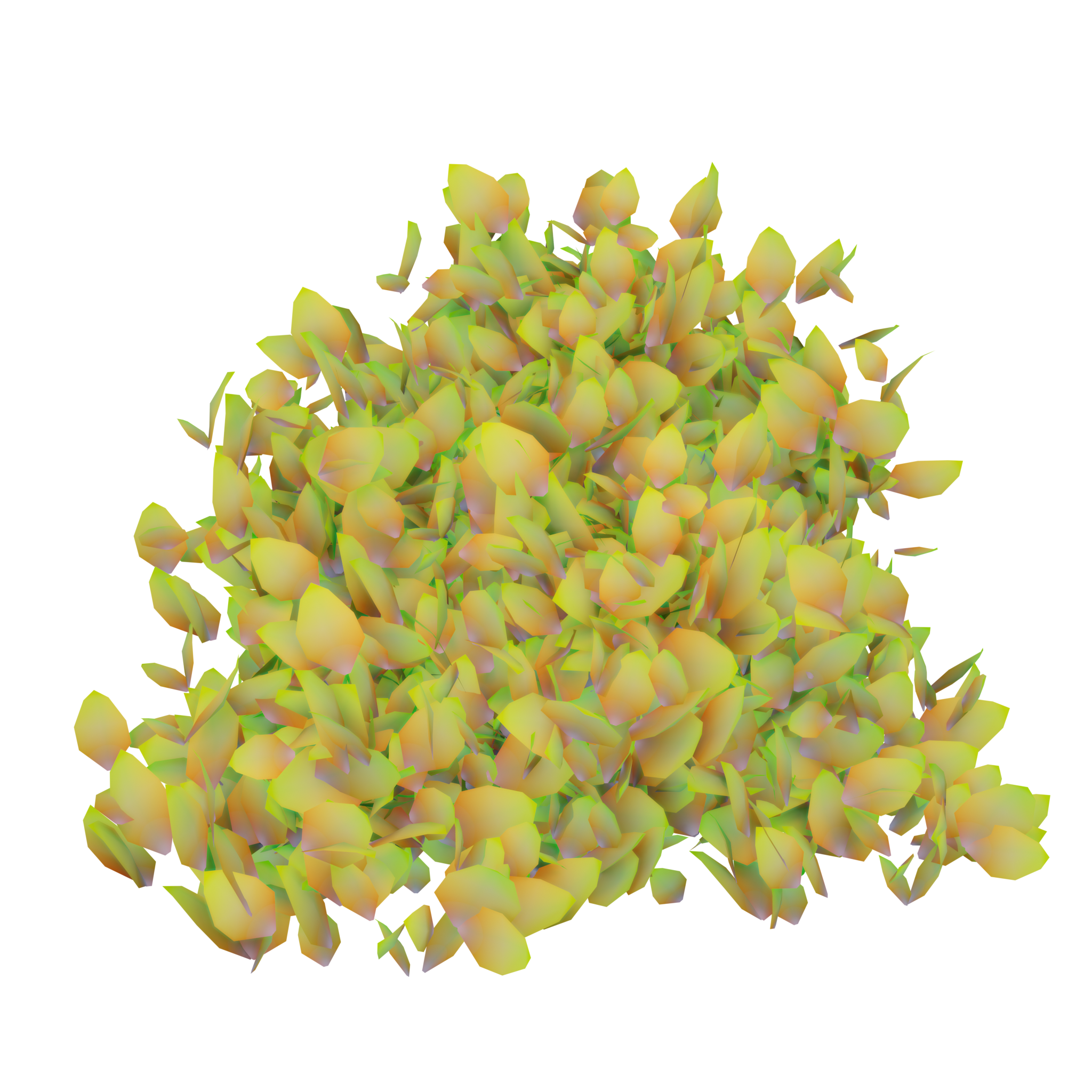
Wow, these look really great! Awesome job @keter ! Full points for this week. For most of the other nature assets we’ve gone with using transparent planes with bunches of leaves painted or baked on rather than using geometry for each individual leaf for the sake of polycount, but this is reasonably low poly so it could still work. Kent covered that other method in his livestream at about 50 minutes in: https://cgcookie.com/live_streams/collab2021-week-3-casual?wtime=3070
I dug through the file and the only thing I would want to change for this type of setup would be to set the icosphere’s shadow method to none so that it doesn’t effect the lighting of the leaves.
Keep up the good work!
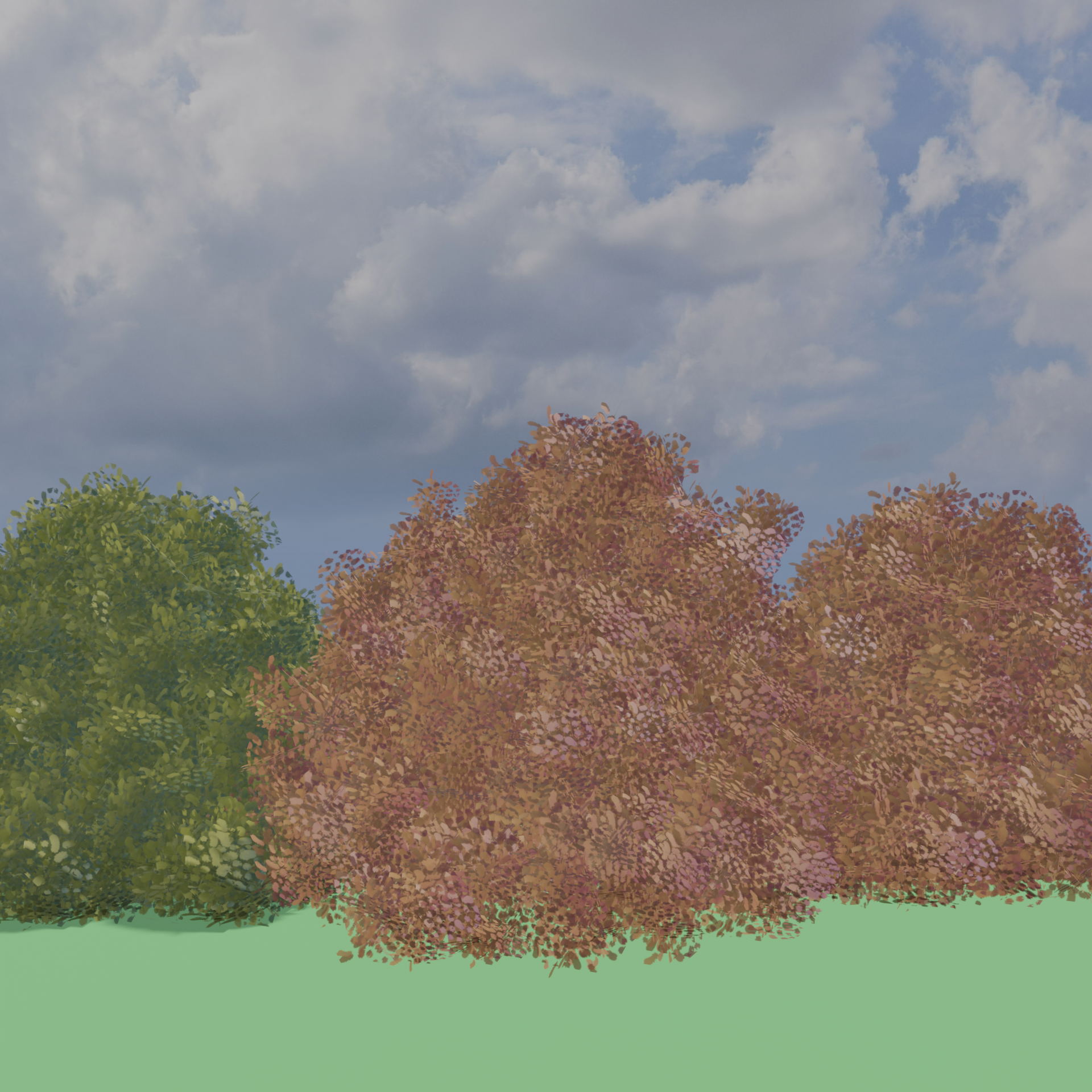
April 24, 2021 at 5:15 pm #65547@jlampel after watching and changing my settings and a few other things after watching Kent’s live stream here are my bushes. I’m scared to upload my file to the drive for messing things up.
 April 26, 2021 at 2:51 pm #65548
Wow, that’s the best version yet! Nice work! I’d love to see them in the drive. You can always save it as a new version with “_02” at the end so that it doesn’t overwrite any previous files.
April 26, 2021 at 6:40 pm #65549Thank you @jlampel here’s the link to my file
https://drive.google.com/file/d/1lQZUoxwFv2P9Rz-14Gjy6CuXqVKKLU_o/view?usp=sharing
April 28, 2021 at 11:33 am #65550These look really good! Wow! Full points for week 3 and a little extra for the effort.
The last step is to make convert each particle system to a separate object. To do so you can click Convert on the particle system in the modifier properties, make each instance a separate object with Object / Relations / Make Single User / Object & Data (needed to apply scale), Ctrl + A to apply scale (necessary so that they don’t scale up crazily in the next step), and Ctrl+J to join all the leaf objects into one.
We can then use the Data Transfer modifier to copy the normals from the original blobby bush object to the leaves so that it appears more like a rounded shape than a bunch of planes:
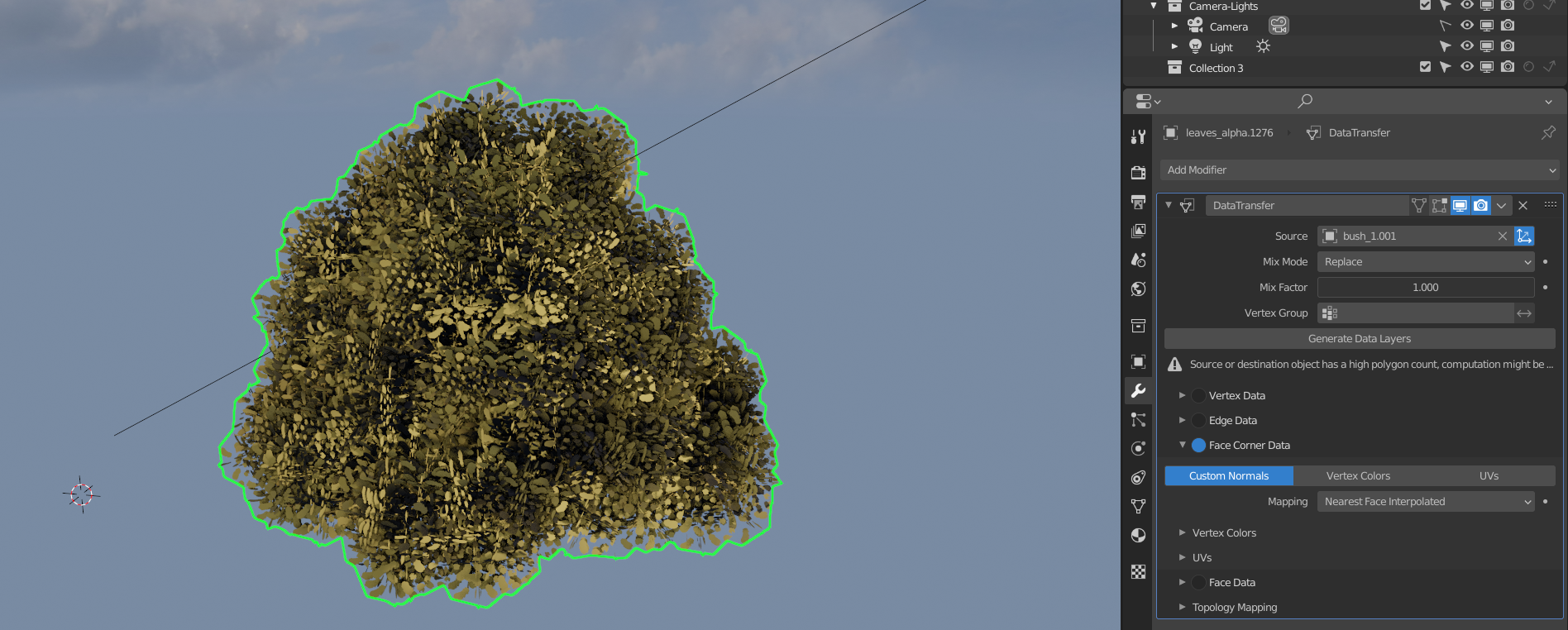
I decimated the original bush so that it’s a bit simpler to speed things up a bit, but it should be fine either way. We do want it set to smooth shading though so the leaves will be copying the normals of the smoothed version.
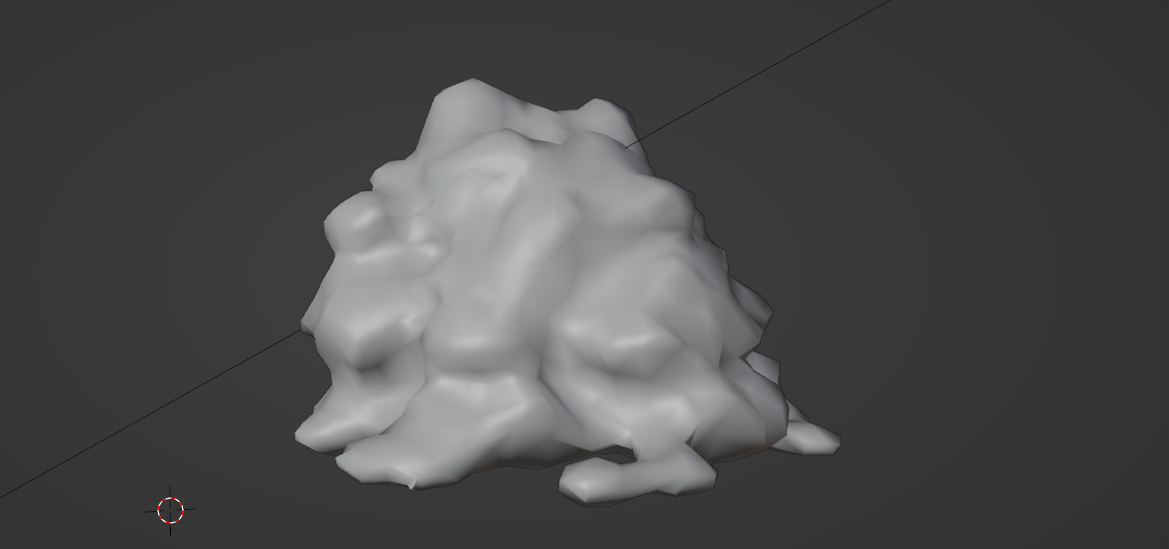
For the shader, a little bit of translucency goes a long way to helping it look soft. We want to use that instead of emission so that it looks good regardless of the lighting:
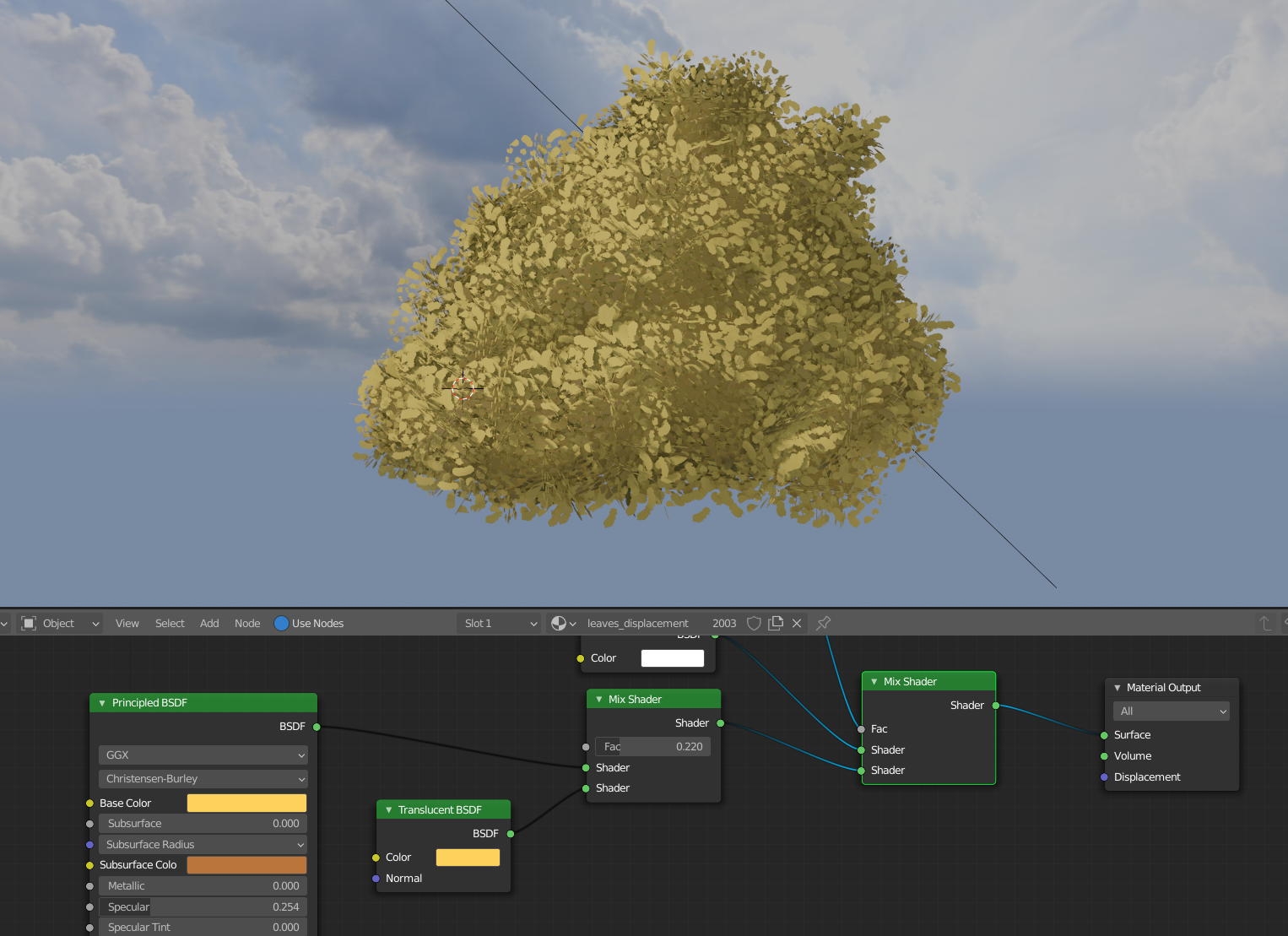
This process will break the procedural texture setup unfortunately (which looked really good!) since the bush as a whole is now the object instead of each bunch of leaves individually, but you could bake the original leaf object’s procedural color to a color map if you’d like to keep it.
Hope that helps and let me know if you have any questions along the way!
April 29, 2021 at 11:39 am #65551@jlampel i will need to research how to bake the colors. Any advice on where to look?
April 29, 2021 at 12:18 pm #65552Hopefully this video helps! Intro to Baking Textures with Cycles – CG Cookie
May 2, 2021 at 10:17 pm #65553@jlampel @theluthier I’ve submitted my final. Had someone load it up for me to make sure it went to the right place. SpiceWorld is looking amazing!
PS I looked at the settings, when I I first opened it and put it in Render Mode, everything looked fine but the Alpha was black. I had Blanche look at it, and he didn’t see the black.
And here’s my final Render.

-
AuthorPosts


- The topic ‘Collab2021-WIP-ketre’ is closed to new replies.