
Collab 2021 – WIP – szabi
Forum Archive › Collab 2021 – WIP – szabi
- This topic has 17 replies, 7 voices, and was last updated 5 years, 4 months ago by
splat21.
-
AuthorPosts
-
April 8, 2021 at 12:35 pm #13802
documentation for lantern asset in Collab 2021
April 11, 2021 at 1:27 am #67616Homework Submission – Week 1 – lantern
hi,
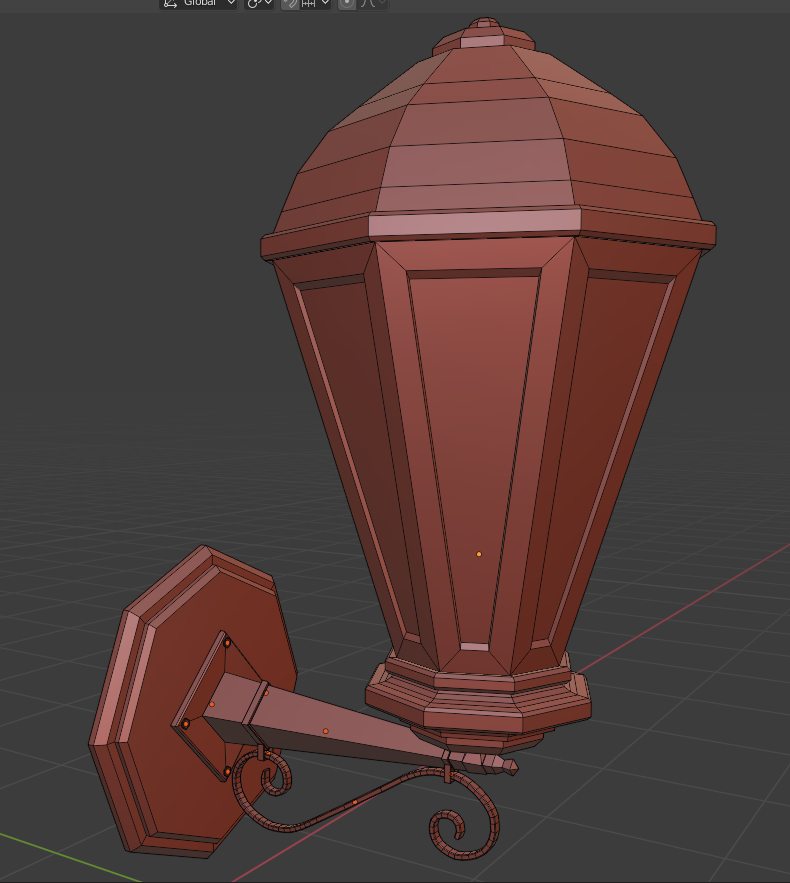
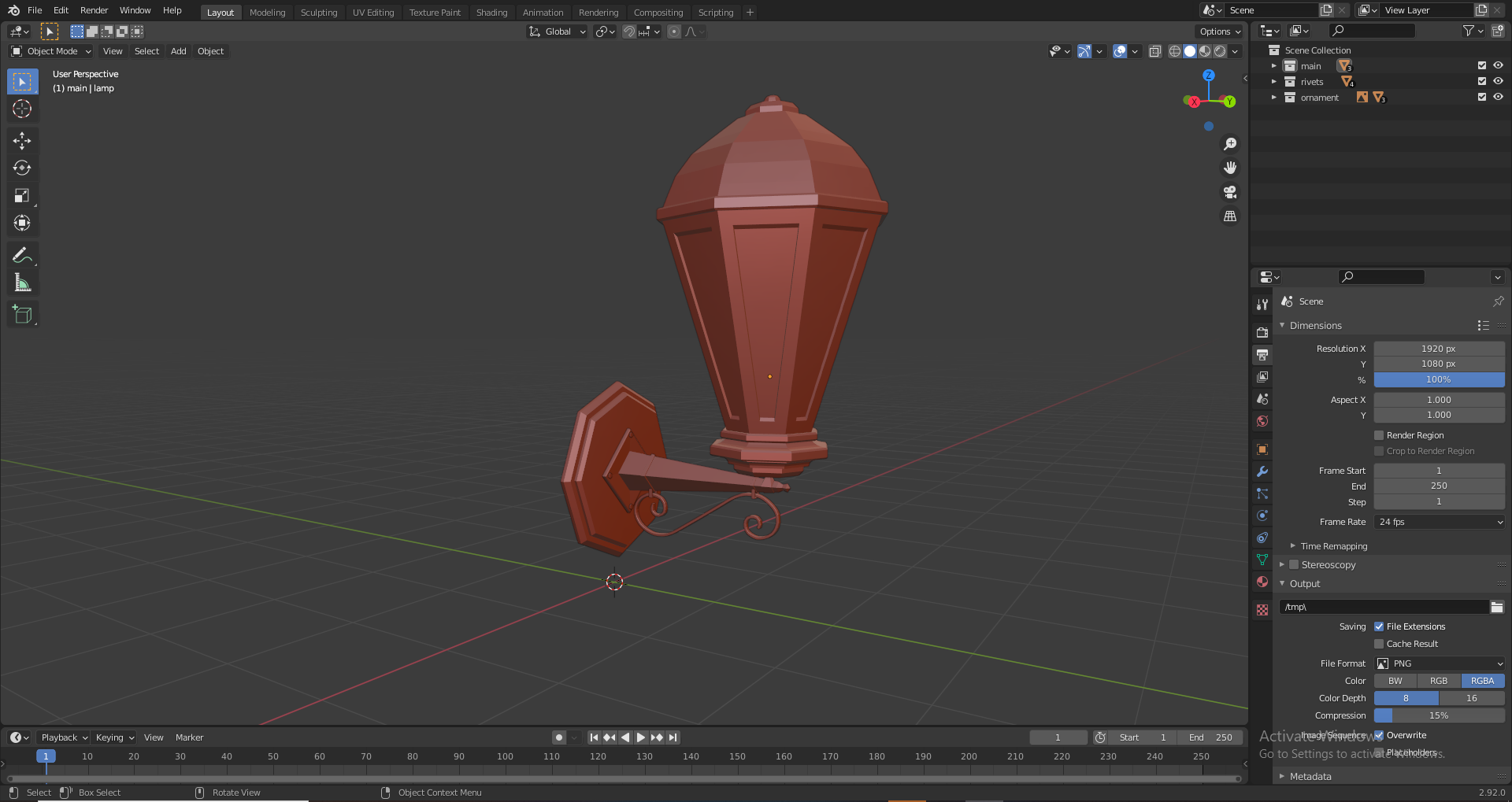
First attempt for the lantern asset. Any and all constructive criticism is greatly appreciated. Still very new to this kind of modeling:). Possibly a lot of silly mistakes or errors. And I am still thinking about the top part as it is a bit different in the artwork. But it is kind of hard to see.
Used for inspiration:
https://www.youtube.com/watch?v=9vs9ngnoTUY&ab_channel=BlenderTutorial
 April 11, 2021 at 1:29 am #67617
looking at the other entries for the lanterns I may have gone a bit haywire with the shape of this one :/
April 11, 2021 at 2:10 am #67618nice work, its indeed diffrent from the others but i still love it 😀
April 11, 2021 at 7:35 am #67619Excellent work, @szabi 👍!
April 11, 2021 at 10:13 am #67620thanks for the kind words 😀
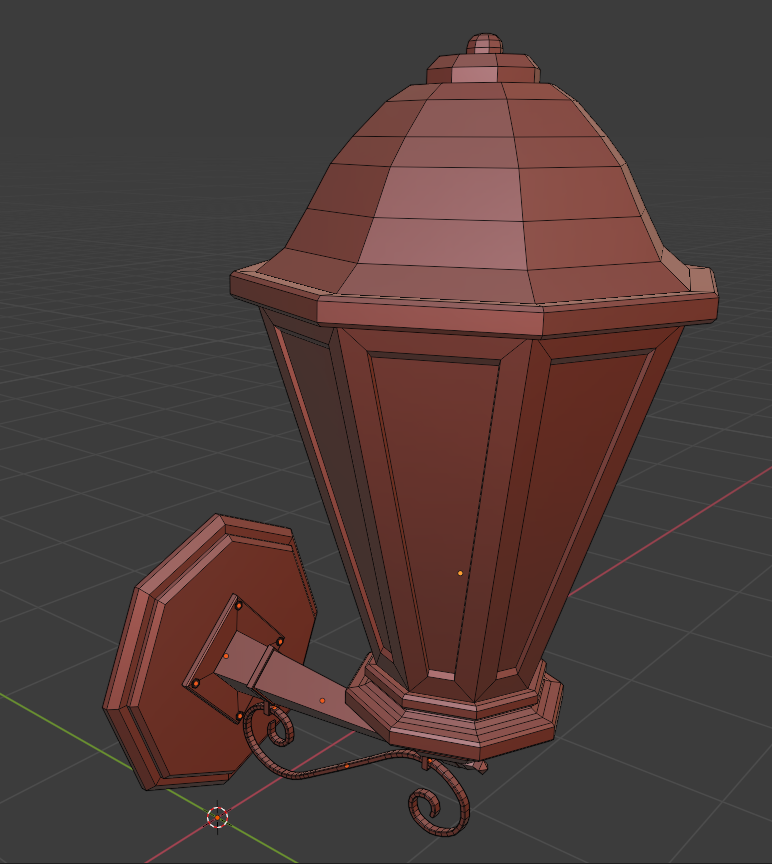
I modified the top to be a bit more like in Vadim’s artwork
 April 11, 2021 at 11:25 am #67621
great work the top looks much better this way 🙂
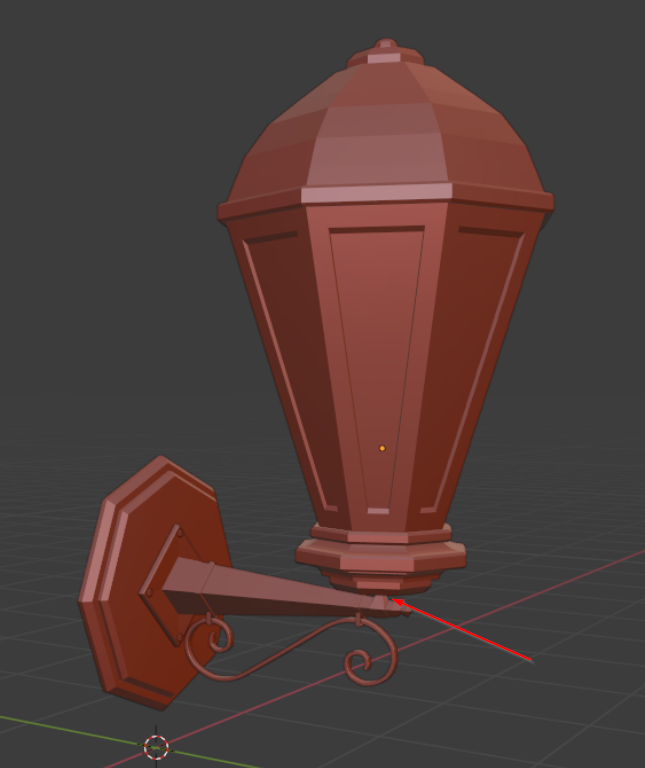
April 12, 2021 at 6:40 am #67622Nice lamp, but maybe the bottom support is a little bit thin?
 April 12, 2021 at 4:46 pm #67623
Nice job, @szabi! Very impressive for being new to modeling. You’ve easily earned full points this week 👍
I love the decorative detail at the bottom! Really interesting interpretation. Though it pains me to say…it should probably be omitted. Not because it doesn’t look good – It looks great! But it’s a detail that will be pretty small and likely to go unnoticed while requiring significant polygons. It’s possible to capture this detail in an alpha-mapped texture plane, but it’ll be easier / cleaner to remove it.
Sorry, it’s a lame note…after all it truly is an interesting detail you’ve added.
Would you be willing to let me use your .blend file during the demo tomorrow? If so please upload to this directory within the project files on Google drive: SPICE-VENDORS-HOUSE/SCENES/MODELS/TEMP
April 13, 2021 at 12:41 am #67624hi @theluthier,
Thank you for the feedback I really appreciate it. I am more than happy to let You use this .blend. Unfortunately I think I don’t have the permission yet to sync my drive to the folder. (Or I missed something important.) I get an error messgae when I try to add the folder to my drive. If I find the solution I will upload it as soon as possible.
April 18, 2021 at 3:38 pm #67625Homework Submission – Week 2 – lantern
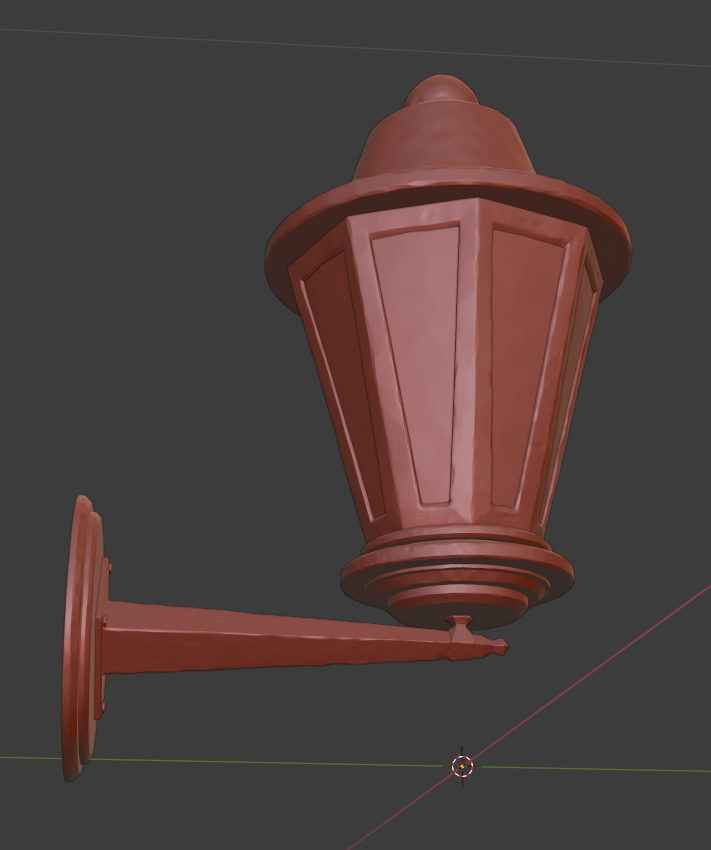
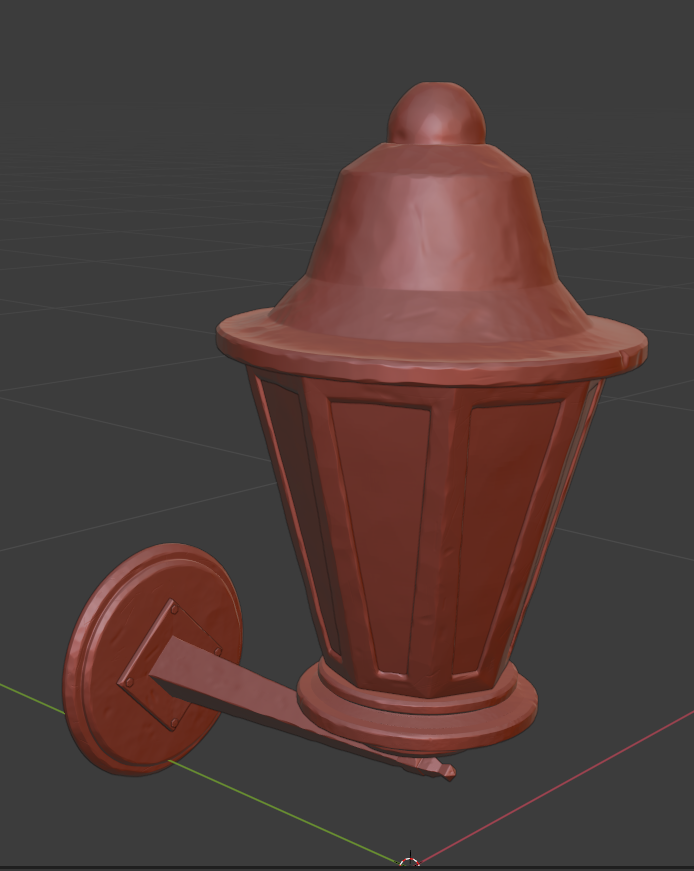
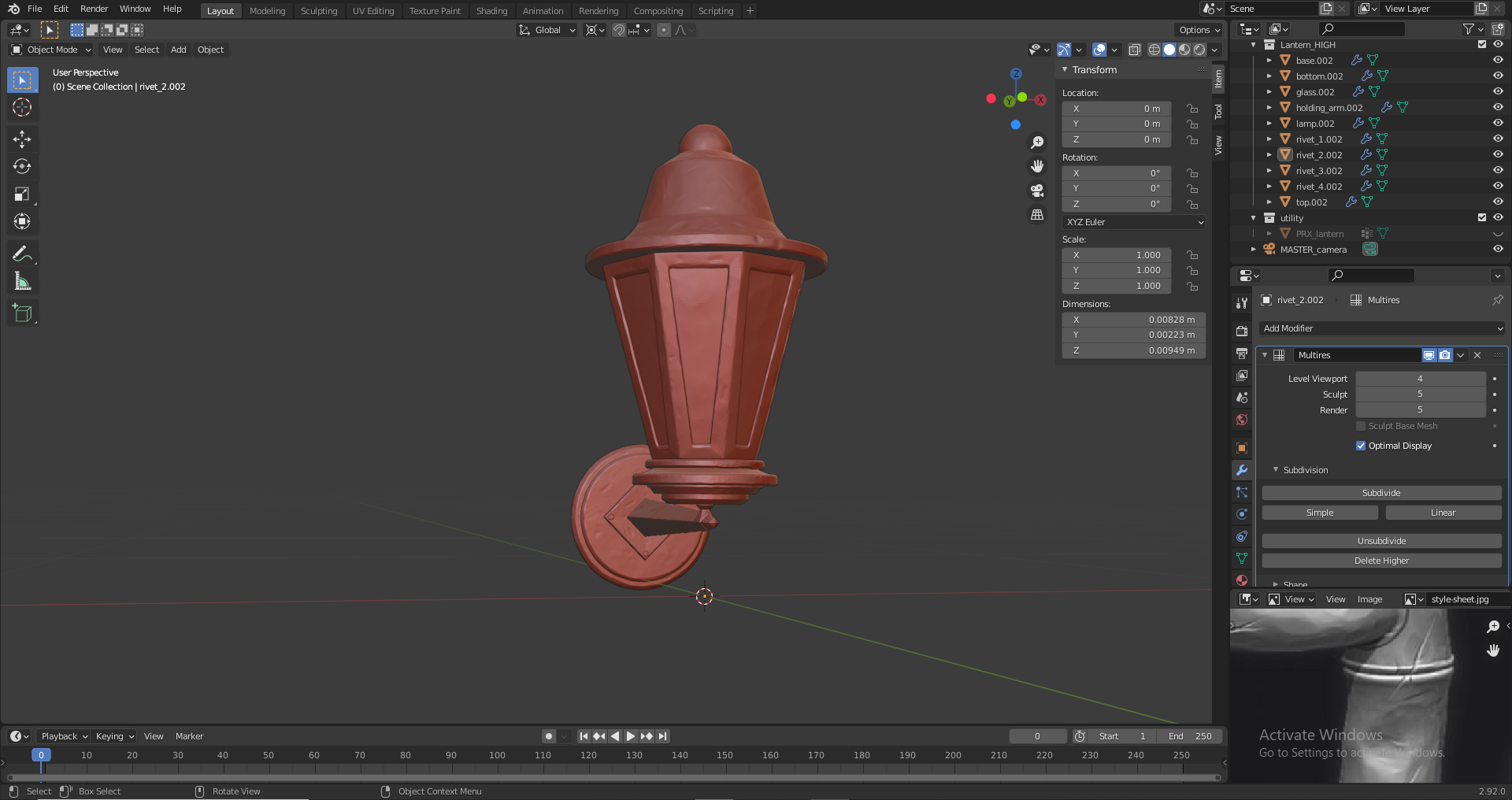
Unfortunately had a quite busy week so not a lot of time to blend :(. This definitely felt a bit harder. But fortunately the stream was about the workflow on a lantern which was super helpful. Couldn’t have done it without it.
I simplified the model (no more ornament :(:(:() and tried to match the shape of the top part to the artwork as much as I could.
Definitely a lot to improve upon. Had to fight with my not so great topology also a bit. I will definitely try to improve the sculpting if my time allows it next week.
 April 22, 2021 at 8:37 am #67626
Fantastic sculpting @szabi! Looks great – no constructive feedback from me. Keep doing good work 👏
April 25, 2021 at 3:17 pm #67627Homework Submission – Week 2 – lantern
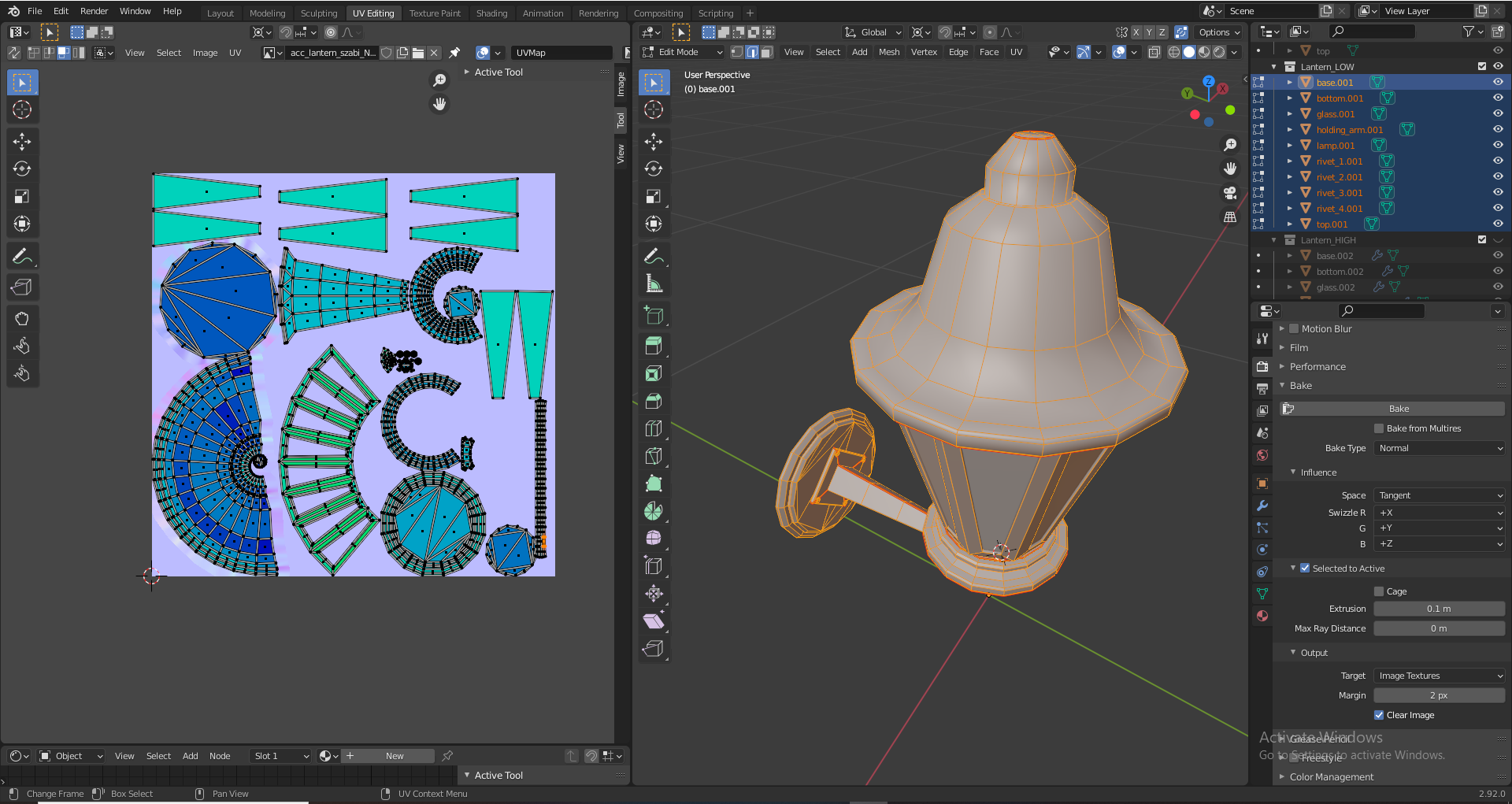
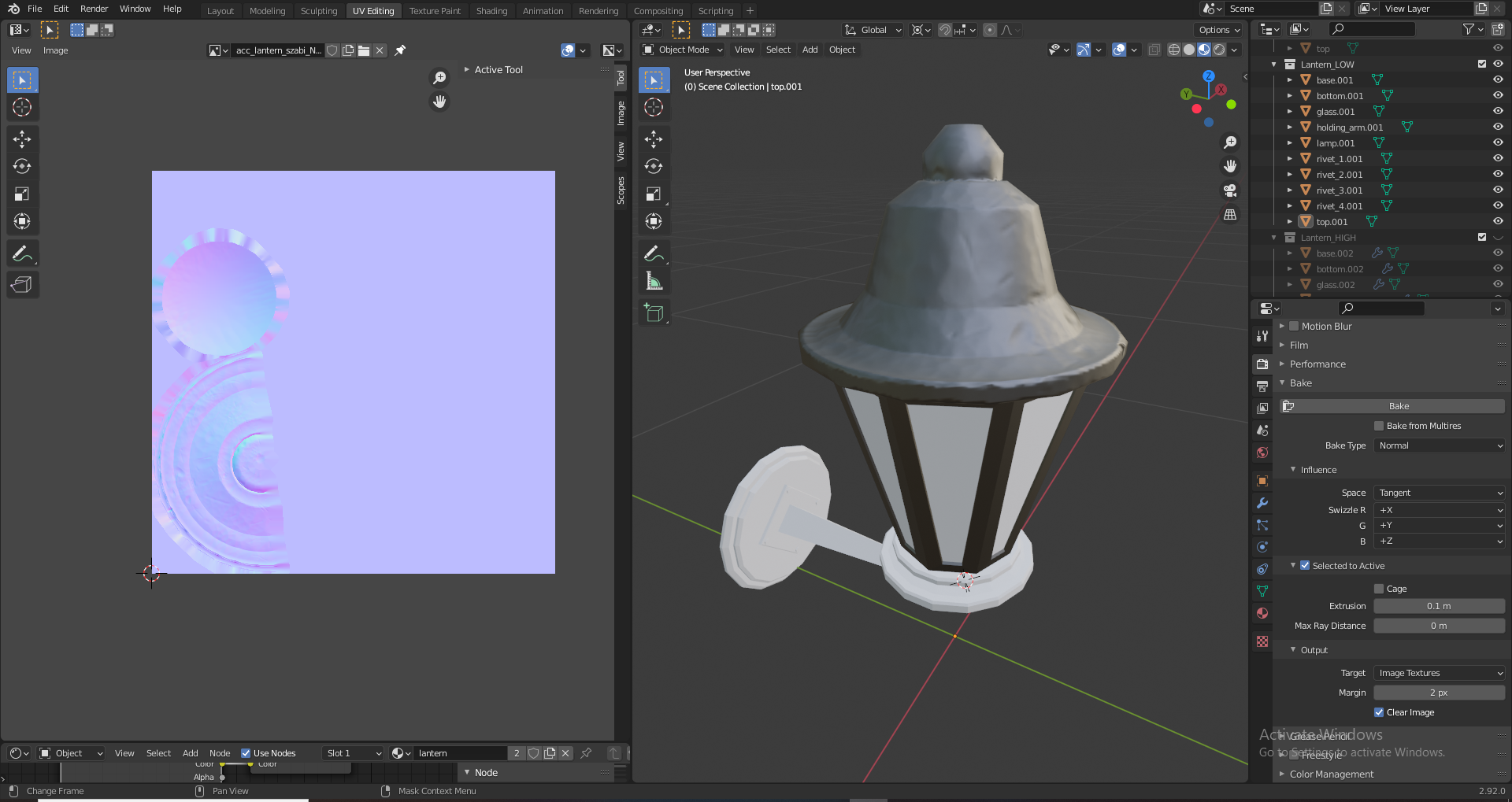
Finally my inexperience caught up with me. This baking stuff sure made my head hurt. After the UV unwrapping process. I started the normal map baking. The first part went succesffully. The second one though I couldn’t get through. The part just doesn’t show up after the baking on the image texture no matter what I do. I’ve contacted my team for some help and I will try again tomorrow with a hopefully clearer head.
 April 26, 2021 at 8:44 am #67628
@szabi I also had the problem that sometimes the baking was not showing on the map. Reloading the Image in the image editor worked for me
April 27, 2021 at 10:43 am #67629@monaloren Thanks for the tip. For me a complete restart for blender was the solution :/.
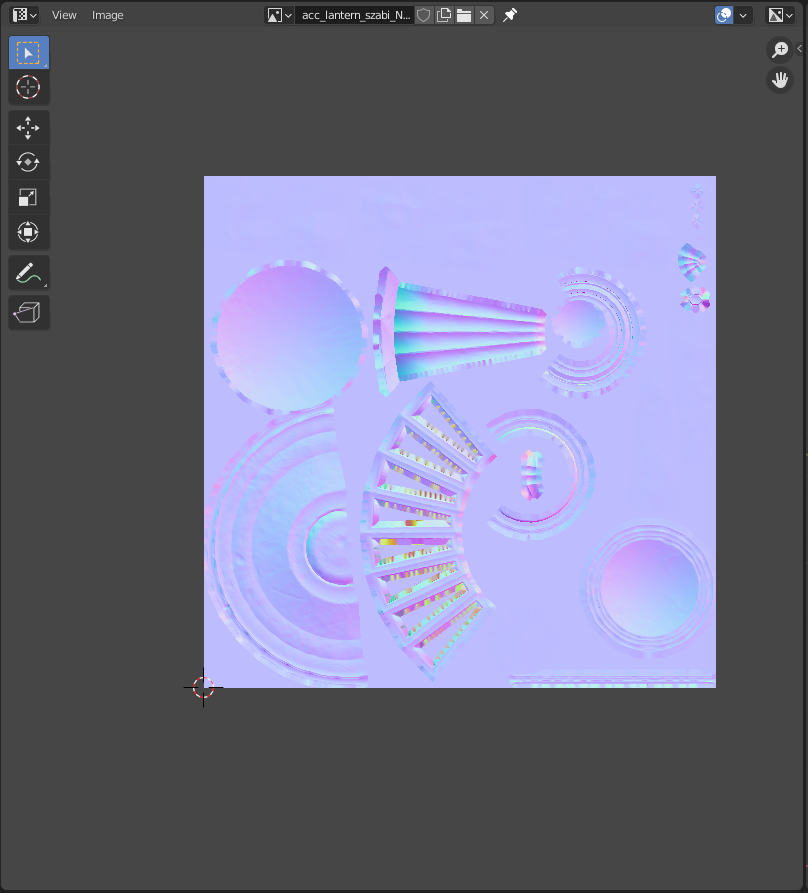
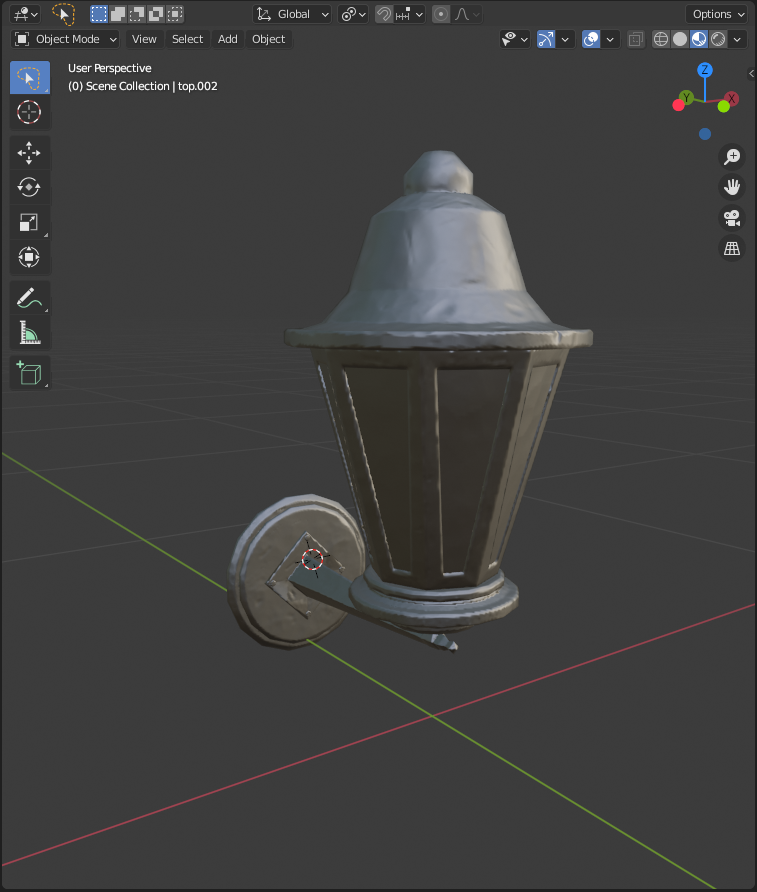
I managed to bake the normal maps now. Unfortunately the cage part has a lot of rainbow going on in the normal map. Not sure how to handle that problem. Though the outcome is not so disastrous as I was expecting it.
I am trying to tackle the cavity maps from now on.
-
AuthorPosts


- The topic ‘Collab 2021 – WIP – szabi’ is closed to new replies.