Course Library
Learning Paths
Free Courses
Learn Blender 3D in the way that’s right for you.
Inner Circle
Where members share progress and help each other learn.
›
The Commons
A free Blender community open to artists of all skill levels.
Forum Archive › Cant see the cg cookie intro
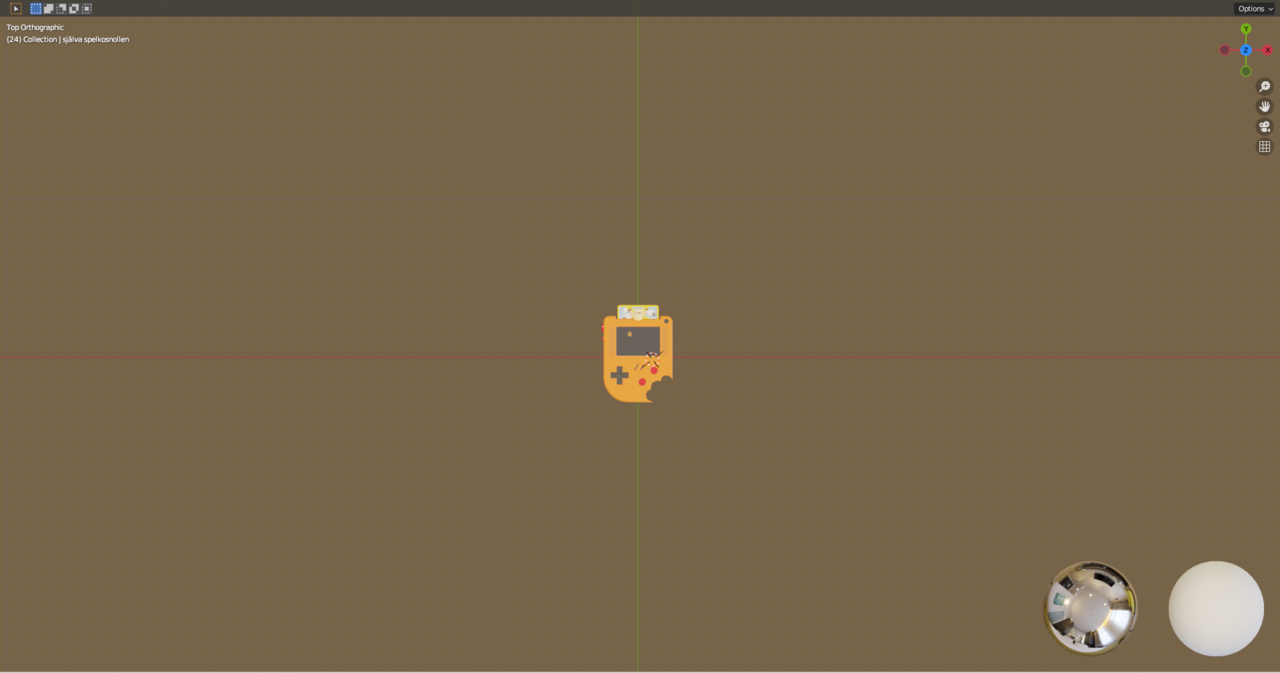
all the panels disappeard
It’s like in the beginning of the video from ~2:00 min….with the Eat Sheep image.
What panels do you mean?
Maybe you hit CTRL+Spacebar…that makes it go Fullscreen…just press CTRL+Spacebar again…
im talking about all my menus. for example where i can see my materials and objects
i clicked a button in the upper right corner and its back to normal now
Up in the header you have some work spaces that have predetermined layouts for the task you want to do. You can also switch between them:
To my fellow blender 4.0, remember to set emission to 1, for some reason mine was set to 0 and was not emiting anything, obviously…
Indeed Hernan @rafeeder thank you!
In the new Principled BSDF in 4.0, the default for Emission has been changed from black Color and Strength of 1, to a white Color with a strength of 0.

.