Can’t reposition rear spring

Forum Archive Can’t reposition rear spring

Viewing 8 posts - 1 through 8 (of 8 total)
  • Author
    Posts
  • #15276
    James Treweek
    Participant

      Ok, I’ve got myself into a corner here by trying to solve a few issues on my own.

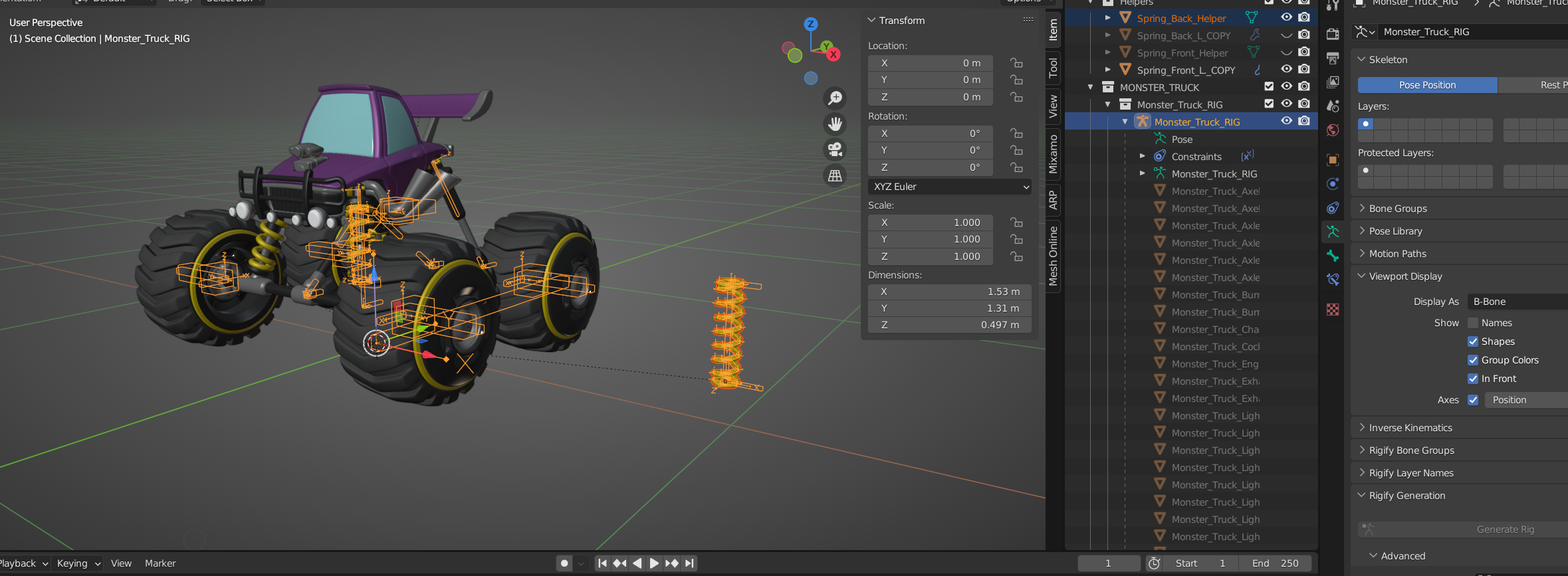
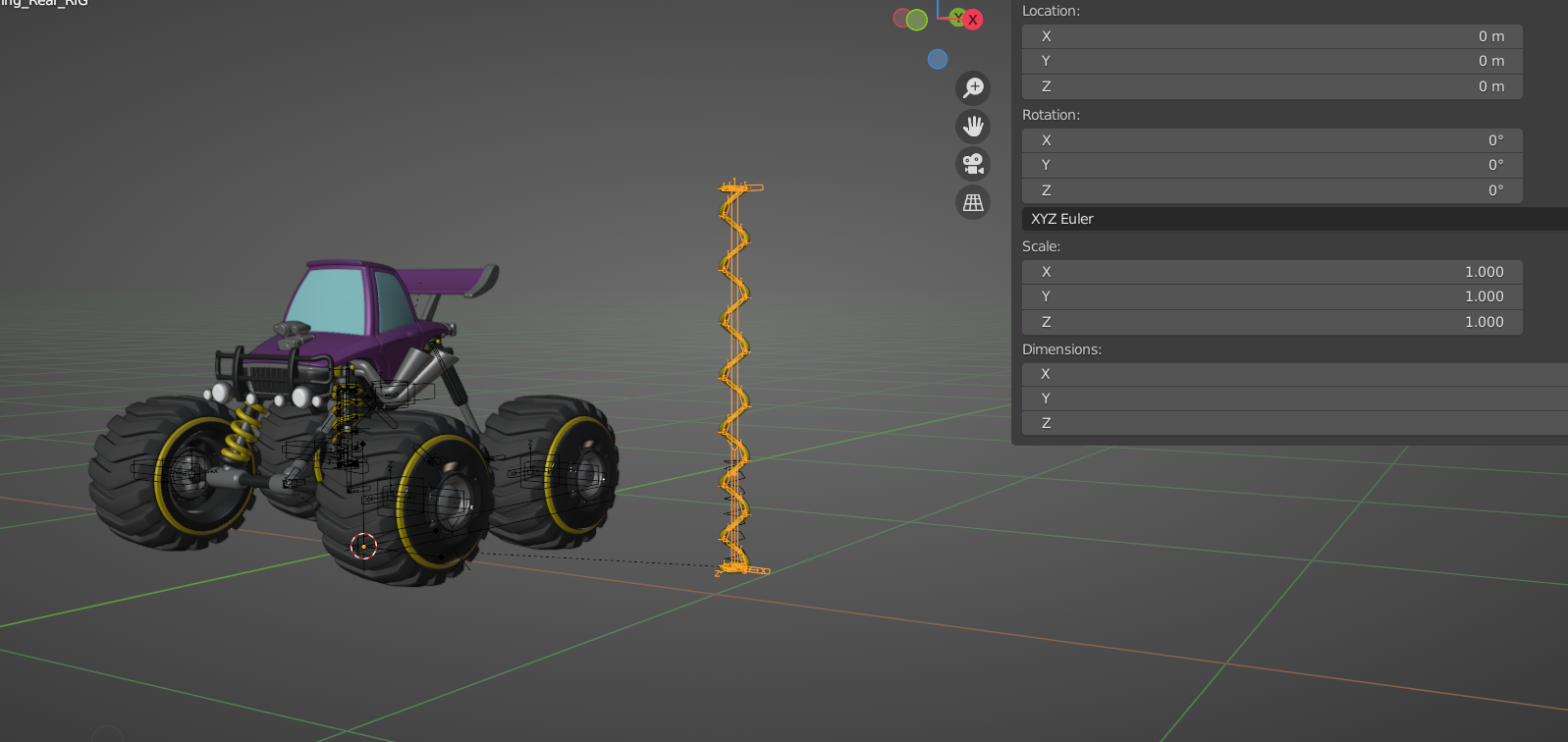
      Essentially I built the rear spring and everything is working correctly – BUT it’s part of the Monster_Truck_RIG (don’t ask….) rather than it’s own Spring_RIG.

      This means that when I select it in Object mode – the whole rig is selected, so that I can’t reposition the spring.

      Is there a simple way I can move my working spring to it’s own RIG so that it can be moved?
      (because these springs take FOREVER!) 🙂

      #74778
      Martin Bergwerf
      Participant

        Hi James, I am not a rigger, but have you tried (in Armature Edit Mode) P > Separate Bones, to ‘isolate selected bones into a separate armature’…

        #74779
        James Treweek
        Participant

          Ah! Thank you. Yes, that’s worked. I “think” it’s broken the constraints (but I can live with that).
          May have to weight paint all those loops again though 🙂
          Oh well, you live and learn! 🙂

          Thank You!

          #74780
          Adrian Bellworthy
          Participant

            Hey @Smartassmusic,

            @spikeyxxx is correct, you will need to separate them, once the spring is in position then you can re join them by selecting the spring armature first then the monster truck rig and press CTRL+J to join.

            In the lesson Wayne was in object mode when adding the first bone for the spring, you must of still been in edit mode on the monster rig, easy mistake and thankfully easily resolved.

            #74781
            James Treweek
            Participant

              Great to know, thank you.

              I thought it was useful to try to get myself out of the problem I’d created…… but I got stuck! Thanks so much for the help.

              #74782
              Wayne Dixon
              Participant

                Hi James,
                It might seem like a pain in the butt when you make mistakes – but trying to get yourself out of the problem even if it doesn’t work is an excellent way to learn.

                The others are correct.  Probably the easiest way out of this problem would be to select all the bones, separate them with P (edit mode)
                and then reposition the cursor where you need the origin to be and then snap the origin to the cursor on this new armature.
                Then continue on with the rest of the tutorial.

                NB: the constraints shouldn’t break unless the target wasn’t selected when you separated it.

                But never give up on trying to get yourself out of the problem yourself!
                Don’t forget that you can save your file and try something. If it doesn’t work you don’t have to try and continue from this new broken state, you can revert to the save file and try a different way. 

                Keep up the hard work.

                #74783
                James Treweek
                Participant

                  Brilliant, thank you!

                  Also, thank you for even getting me to the stage where I can  consider getting out of the problems myself,  in this insanely tricky but addictive software!

                  #74784
                  James Treweek
                  Participant

                    Hooray!!!!
                    Actually, despite not wanting to weight paint all those loops again, I learned more about weight painting by having to do it.

                  Viewing 8 posts - 1 through 8 (of 8 total)
                  • The topic ‘Can’t reposition rear spring’ is closed to new replies.