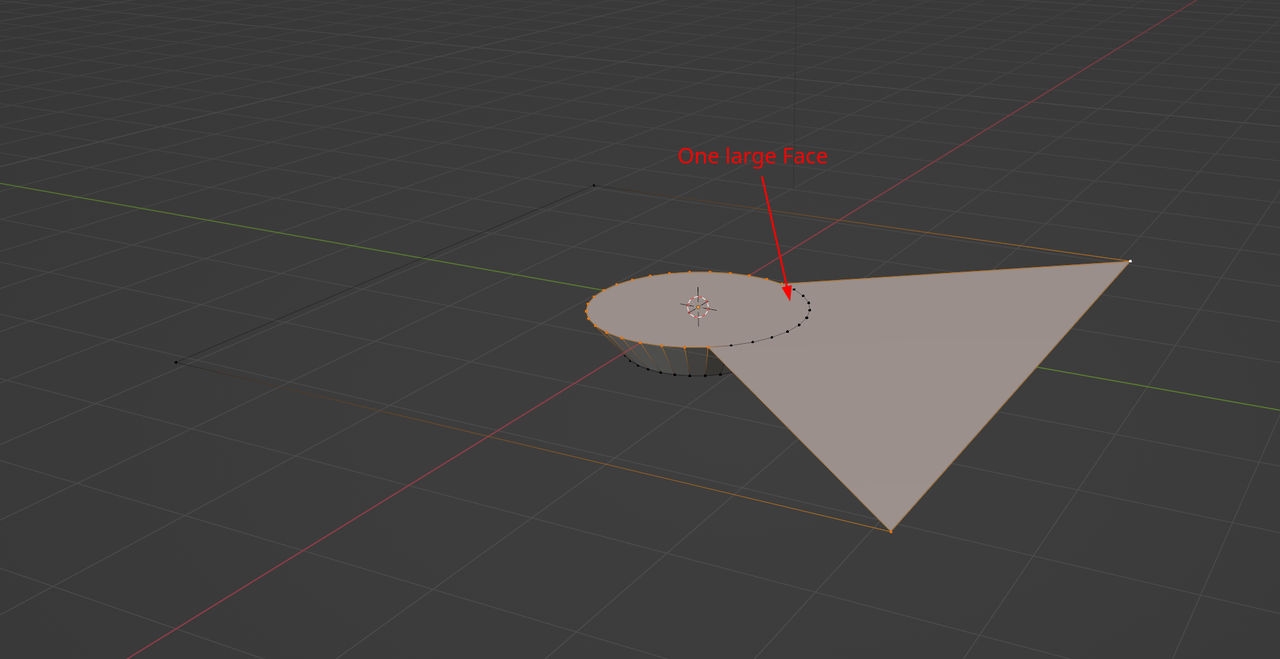
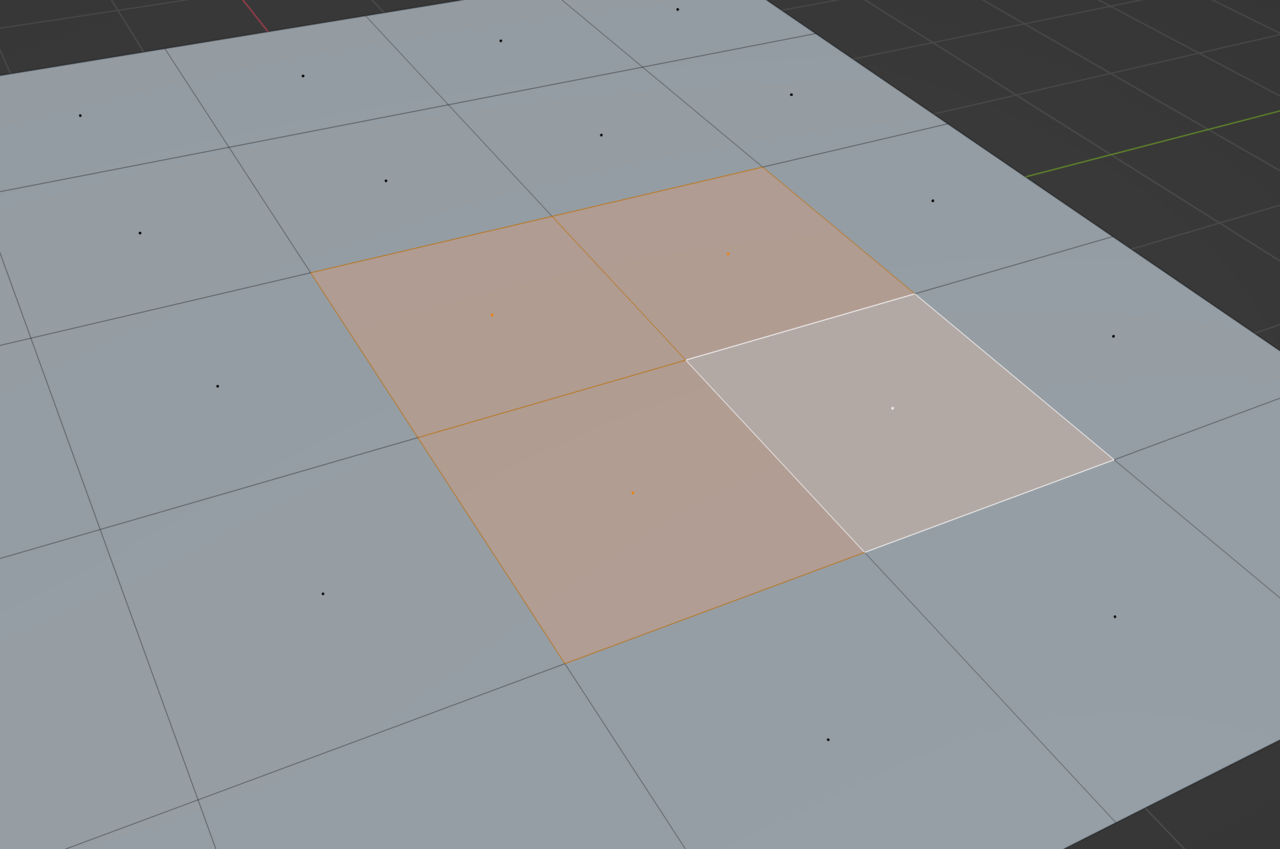
You can get a clearer picture of this if you go into face select mode and select the face, you’ll probably notice the face encompasses your D-Pad and the problematic button. Meaning the face is larger that it’s supposed to and you don’t realize it. See here hoe I have four faces selected, there’s one, two, three and four, you can see their middle dot in each one:
And here even though it appear to be two faces, it’s just one face selected:
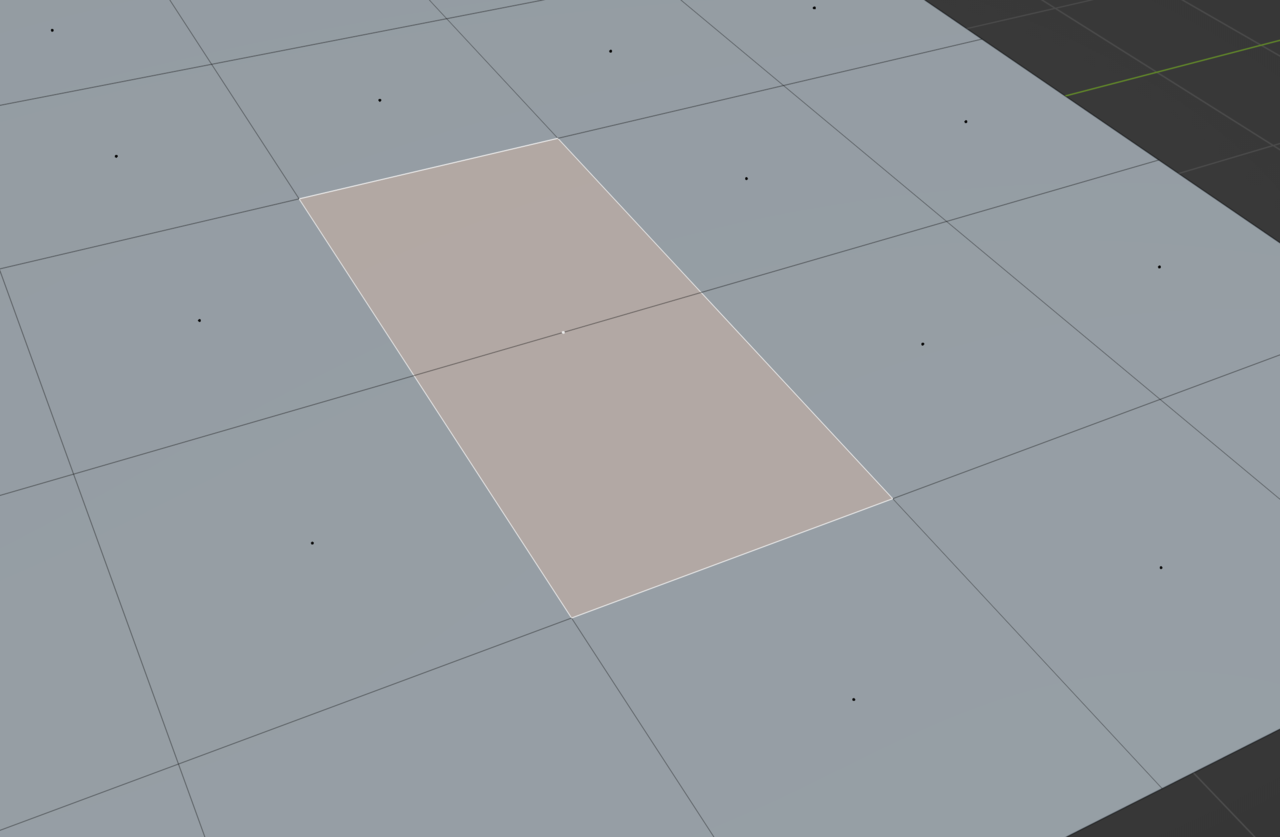
You can see the center dot right in the middle, if it were two faces, there should be two center dots in each face. It happens to be one face that an edge is crossing over it and makes it look like two.
In your console you have a big face and edges on top of it in the shape of a cross, and it makes it seems like the faces stop where the edge begins, but your edges of the cross and the buttons are basically hovering over the big face. So delete the big face and connect things properly by their vertices.

.