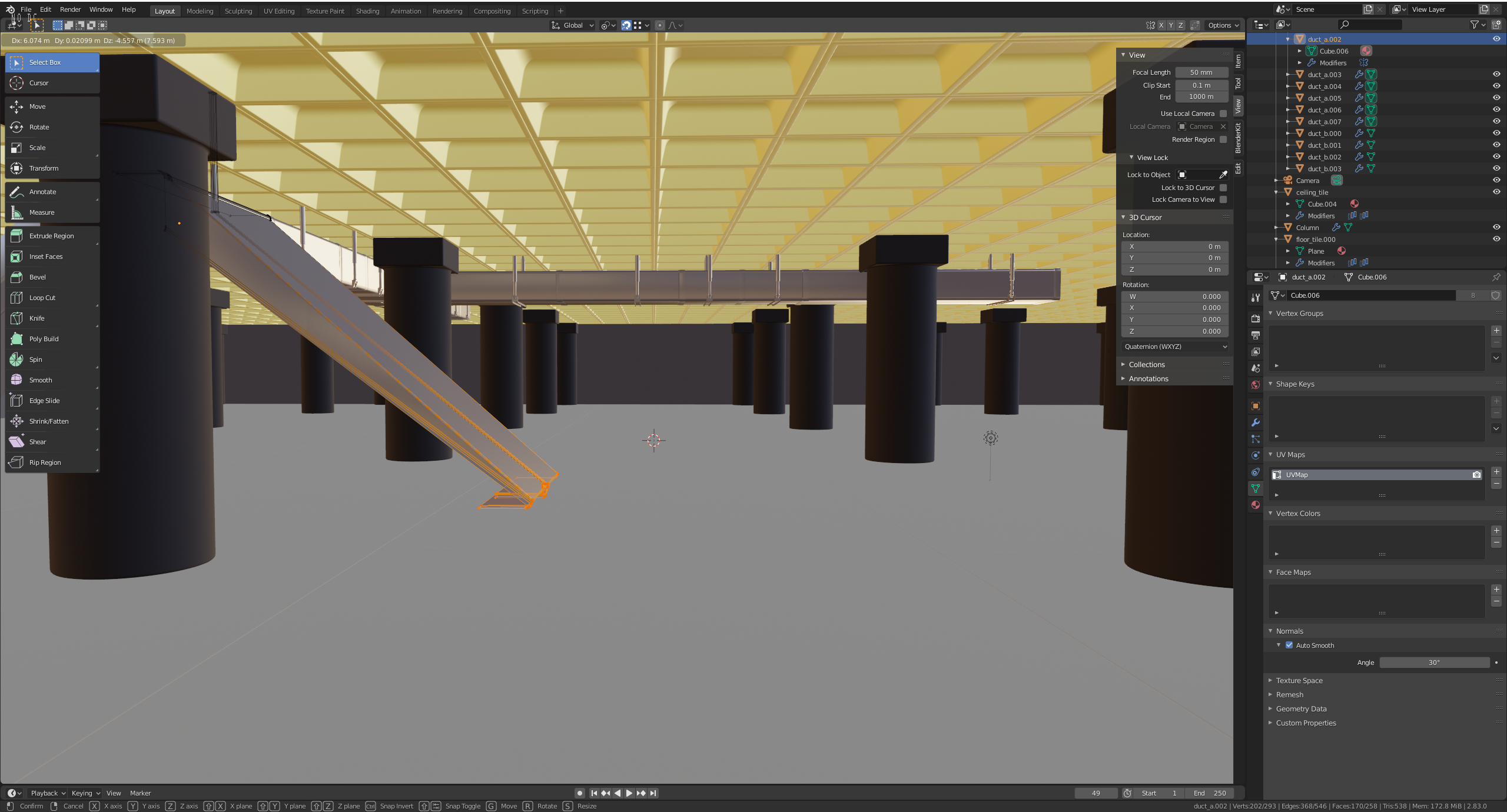
Cannot edit all the linked ducts at once ( I did use ALT D)

Forum Archive Cannot edit all the linked ducts at once ( I did use ALT D)

Viewing 5 posts - 1 through 5 (of 5 total)
  • Author
    Posts
  • #14119
    cherryholmes
    Participant

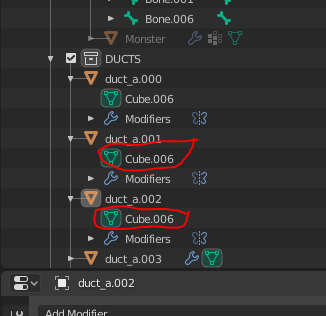
      Since they both have Cube.006, isn’t that an indicator that they are properly linked?

      #69307
      spikeyxxx
      Participant

        I would need  more information than just saying that you can’t do it. They should indeed be properly Linked…

        At least show the entire interface (with the 3d View) and make sure that you are in Edit Mode.

        #69308
        Adrian Bellworthy
        Participant

          Hey @cherryholmes ,

          You only need to select one duct, then enter edit mode.

          If you SHIFT select all the ducts you can only edit the active object, the last one selected, even though all the objects are in edit mode.

          Hope this helps

          #69309
          cherryholmes
          Participant

            Still nothing, however if I change the material in one, I noticed they all changed, just not edit mode transformations.

            #69310
            spikeyxxx
            Participant

              Could be a bug. I noticed that you are using an ancient version of Blender and even one that is the buggiest of the 2.83 LTS series: 2.83.0….It is no longer available, so I can’t test it, but please upgrade; the current 2.83 is 2.83.17

              You could also try 2.93, which is the latest LTS 

              Report back if it then still is not working.

            Viewing 5 posts - 1 through 5 (of 5 total)
            • The topic ‘Cannot edit all the linked ducts at once ( I did use ALT D)’ is closed to new replies.