Cannot connect vertices with ‘J’

Forum Archive Cannot connect vertices with ‘J’

Viewing 4 posts - 1 through 4 (of 4 total)
  • Author
    Posts
  • #16358
    Cao Kha Nguyen
    Participant

      Hi, I can’t connect these vertices as shown in the video. After a bevel + shrink, there is a hole appear as shown in this Image. Why it is not the case in the video and how can i fix this?

      Source to blender file: game_console

      #79163
      Omar Domenech
      Participant

        That is because your face is not connected from somewhere around. One thing you can do to test is select the face and move it around with G. You’ll probably see where there’s a gap and you’ll probably need to select all with A and M merge by distance.

        #79164
        Martin Bergwerf
        Participant

          Yes @caokha95 ,

          Omar is right.

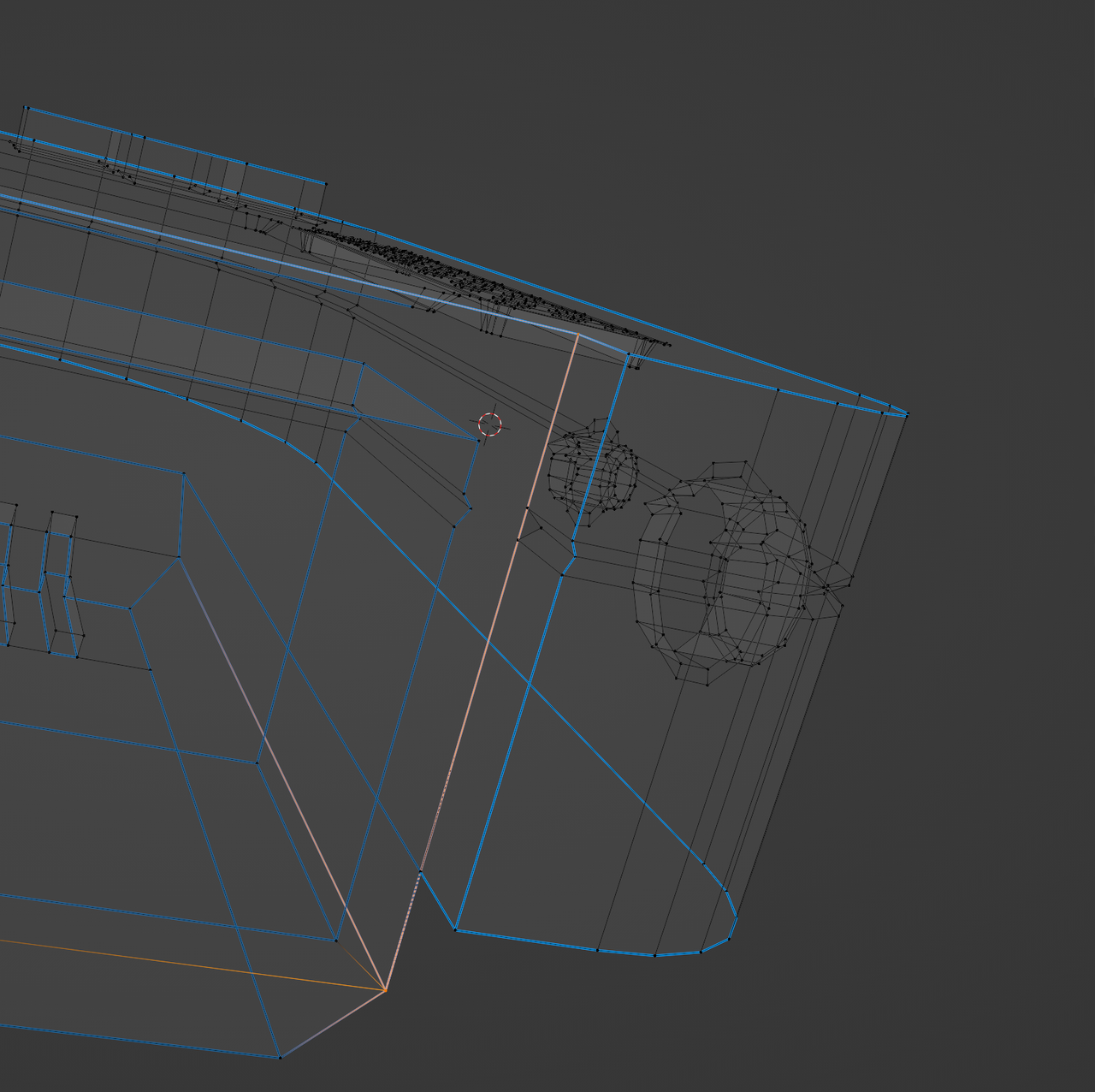
          Let me phrase it differently: you have an Edge here connecting the Vertices from top to bottom:

          J-not-working_1.png

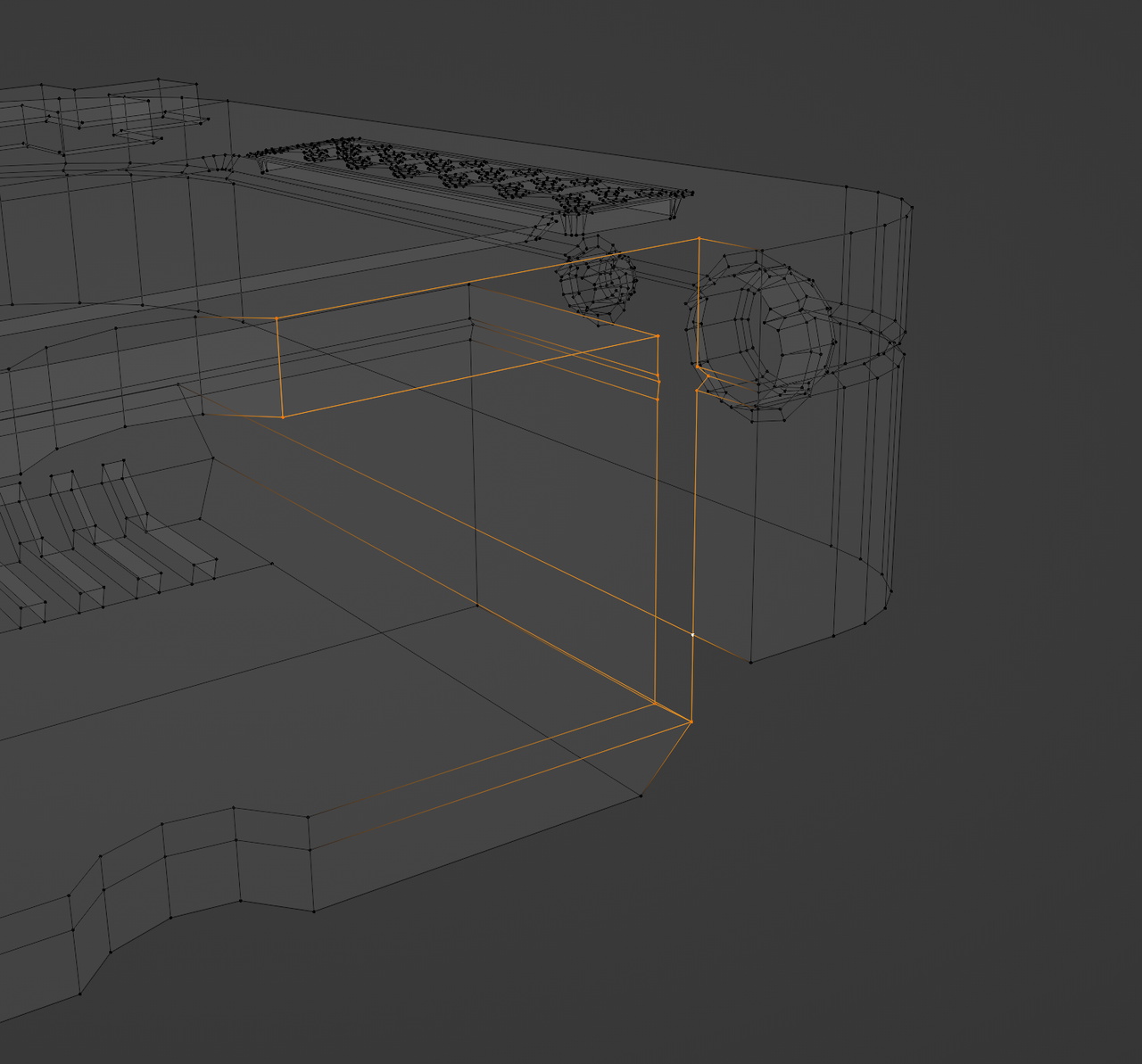
          Delete that Edge with X > Delete > Edges…then you get a hole and you can select the Edge loop surrounding it with ALT Select:

          J-not-working_2.png

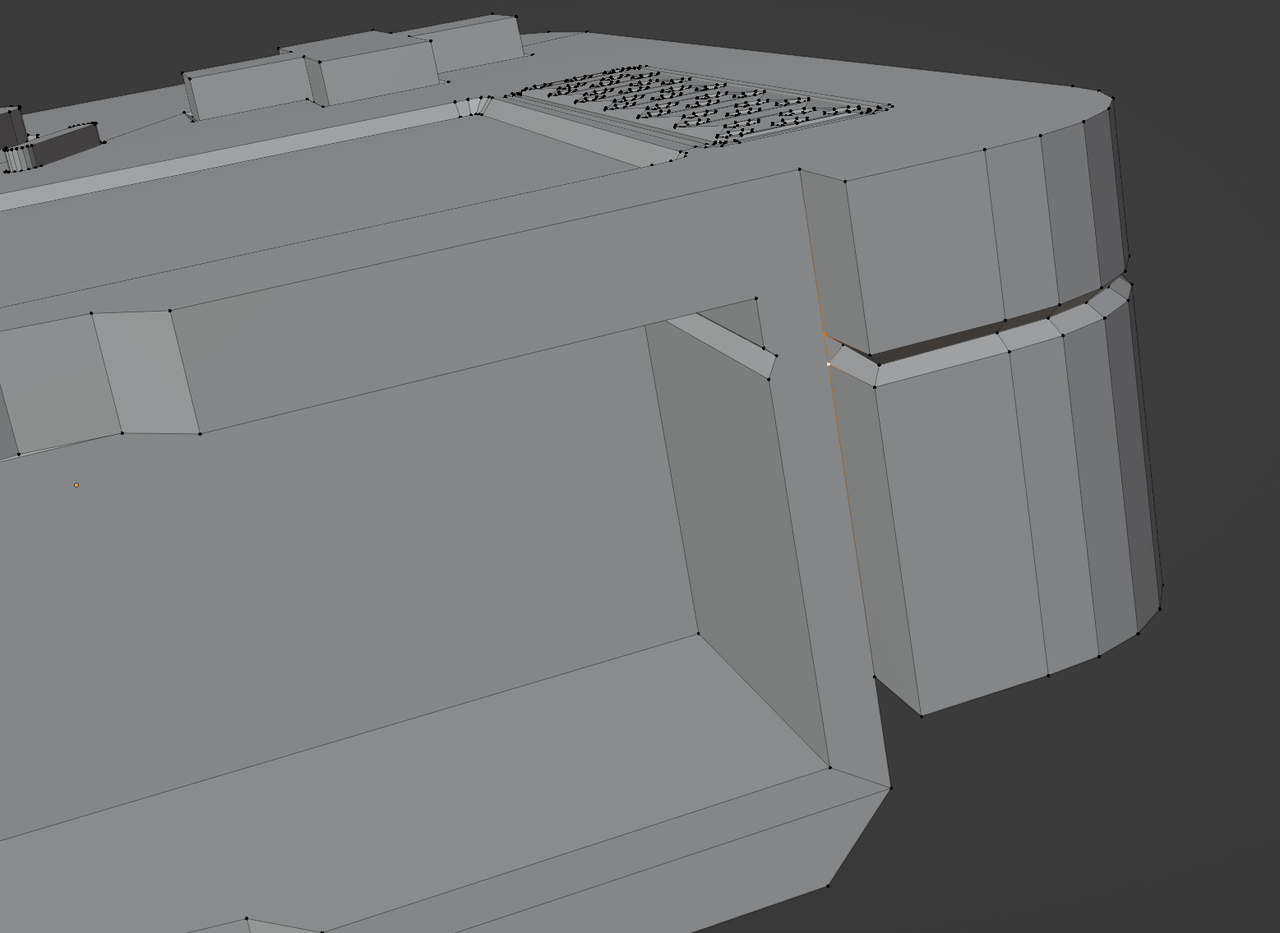
          Fill it with a single Face with F and then you can connect these two Vertices with J:

          J-not-working_3.png

          #79165
          Cao Kha Nguyen
          Participant

            Thank you all so much. The problem is solved with the solution from Martin 🙂

          Viewing 4 posts - 1 through 4 (of 4 total)
          • The topic ‘Cannot connect vertices with ‘J’’ is closed to new replies.