Bones disappeared

Forum Archive Bones disappeared

Viewing 4 posts - 1 through 4 (of 4 total)
  • Author
    Posts
  • #21322
    Eugene Ursu
    Participant

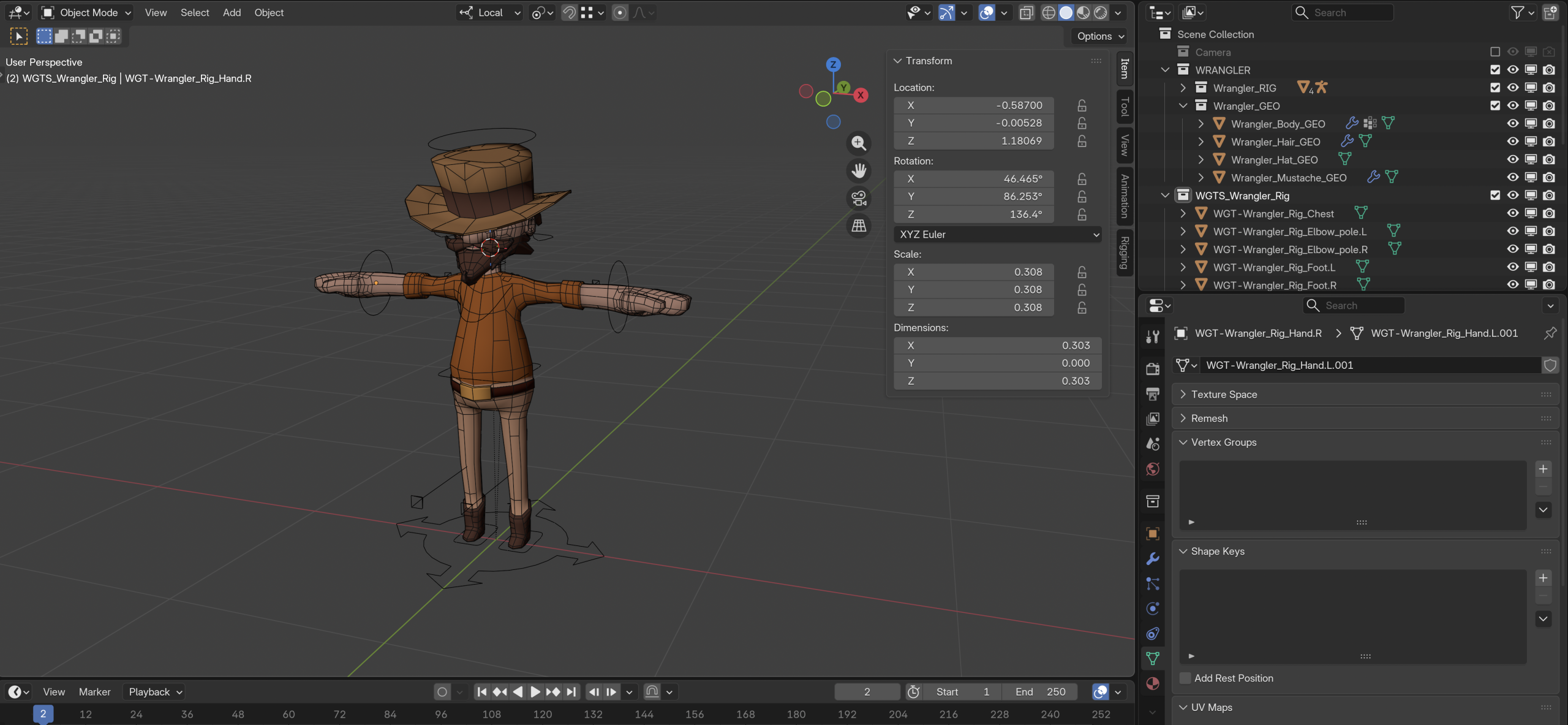
      Hey guys, I don’t know what I did but I can’t find my armature. I hid the DEFs and MCHs in collections (11:08) and then locked myself out of pose and can’t get back into it. Alt + H doesn’t work

      #99436
      Wayne Dixon
      Participant

        Hi Eugene.
        I think you might be locked out of the WDGT object, not the armature. 

        This can happen sometimes when you hide an object while in edit mode on that object (or similar).
        It’s annoying and if I can figure out the exact conditions that make it happen, I will fix it.

        But to get yourself back to where you need to be, try actually reselecting the object in the outliner, then set it to object mode before selecting your armature again.

        I hope that makes sense.
        Essentially the issue is that the active object is invisible, and then Blender can’t change the active object because it isn’t visible.
        (at least that’s what I *think* is happening)

        #99437
        Eugene Ursu
        Participant

          Hi Wayne, I was able to get out of it, thank you!

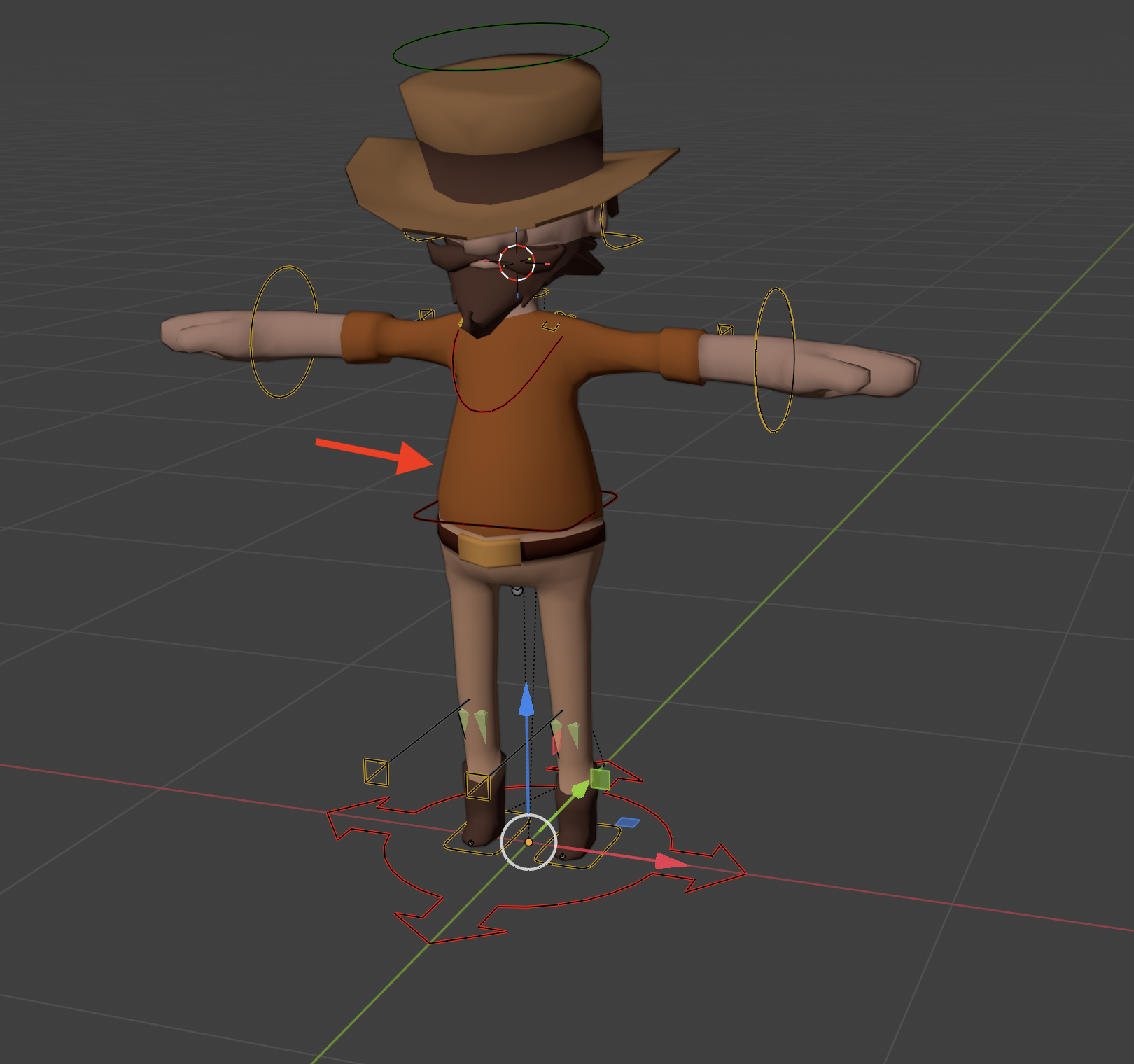
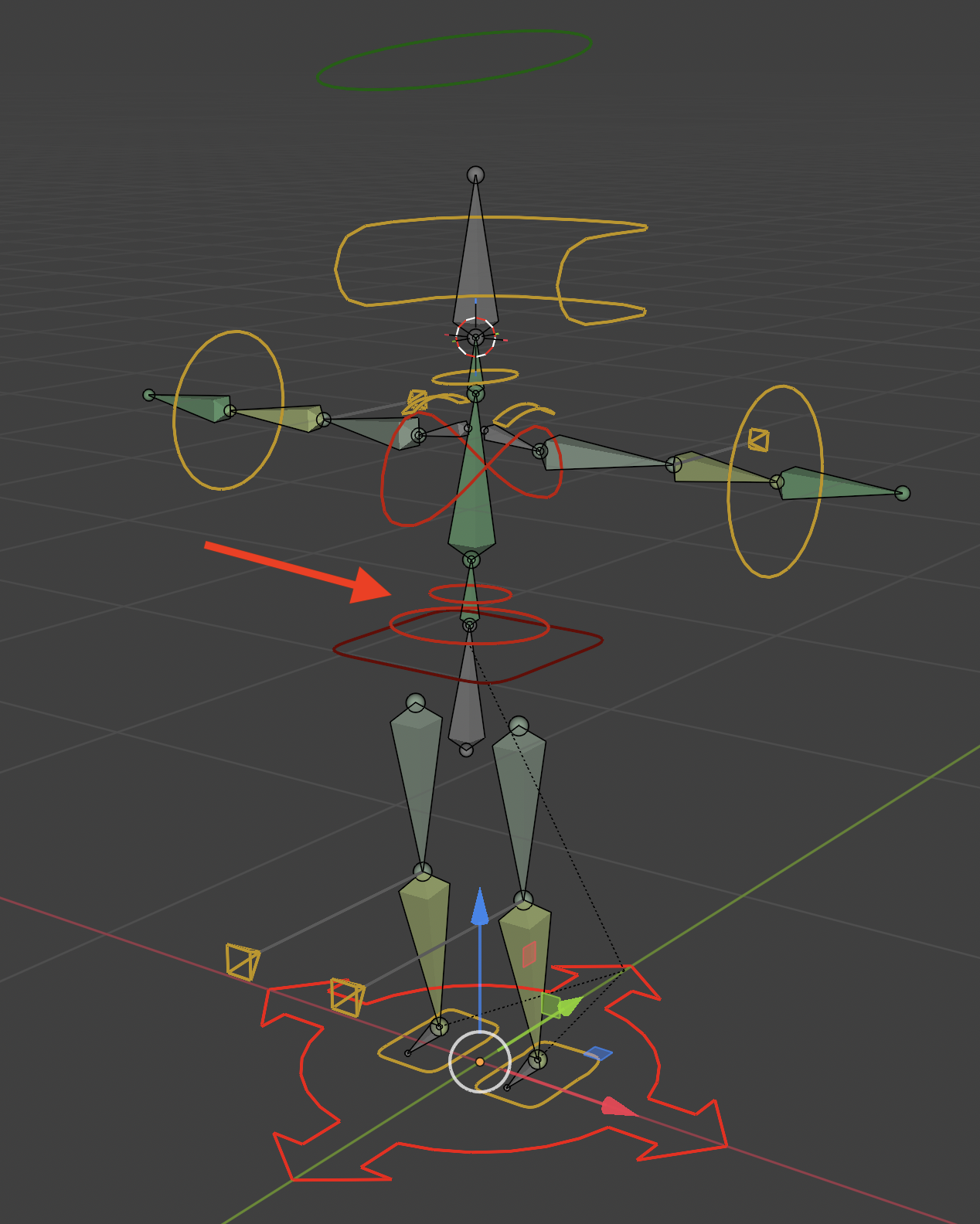
          My spine and hips widgets are not showing up though. The widgets are there, I can see them in local view but they don’t show, I don’t know what the deal is.
          It’s all good, I will submit the project, no worries 👍
          #99438
          Sascha Feider
          Participant

            Looks like they’re hidden by the mesh. Maybe try scaling them up a bit.
            Or send the ranger on a diet. 😀

          Viewing 4 posts - 1 through 4 (of 4 total)
          • The topic ‘Bones disappeared’ is closed to new replies.