Bone Heat Weighting: failed to find solution for one or more bones

Forum Archive Bone Heat Weighting: failed to find solution for one or more bones

Viewing 8 posts - 1 through 8 (of 8 total)
  • Author
    Posts
  • #18283
    Juju
    Participant

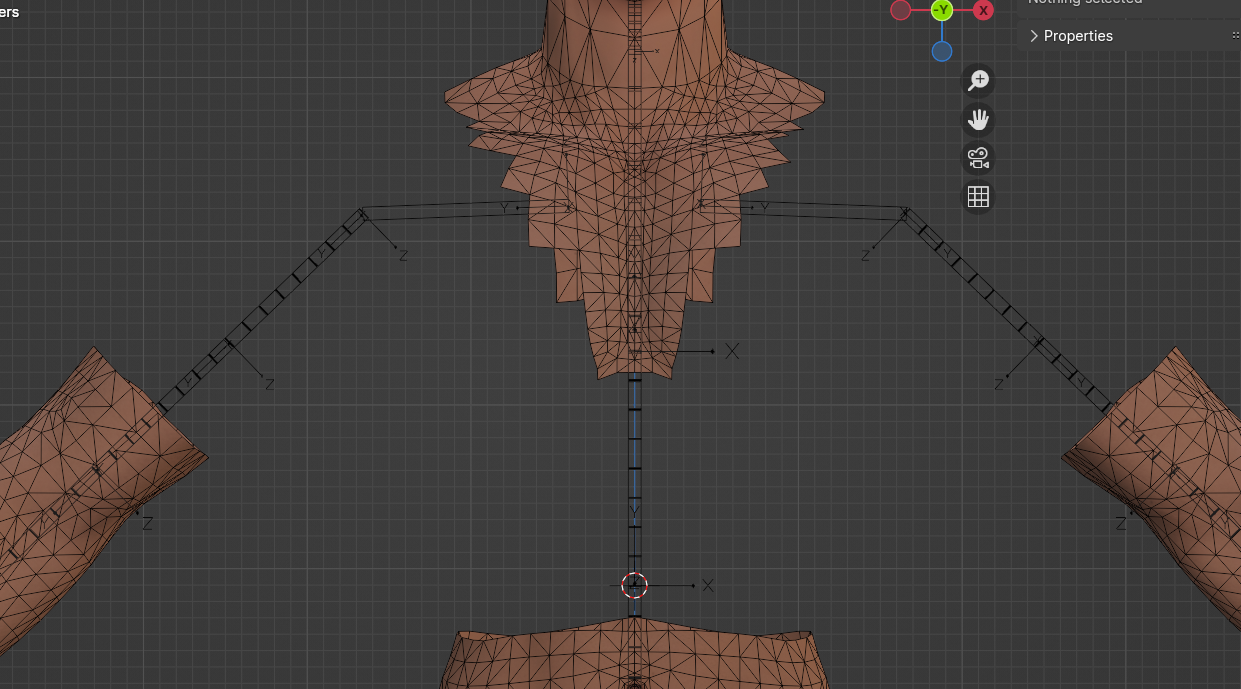
      I’m using a different model than the one in the course and I keep getting this error. Envelope weights kiiiiiiinda works but it’s too broken.
      Automatic weights creates the vertex groups but leaves them empty
      It’s a model in tris, but I’ve used automatic weights in the past with tris and never had issues. But it was a single mesh. 
      The one I’m currently using has a few interpolating meshes here and there.

      I really want to believe that I won’t need to manually paint all the empty groups T___T

      Any help very much appreciated.

      #87337
      Dwayne Savage
      Participant

        Wow, Haven’t seen that in awhile. This is common when you have overlapping faces or vertices are to close together. The most common way to handle this is to select mesh scale by 10(S10{Enter}) Select armature and scale by 10. Then parent with auto-weights. Select mesh and clear scale(Alt+s). Select armature and clear scale. In some really dense meshes you will need to scale by 20. If this still doesn’t work then you most likely have faces inside the mesh or duplicate vertices. 

        #87338
        Wayne Dixon
        Participant

          Yep as Dwayne mentioned.

          Scaling up the mesh (and armature), weighting, and then returning the scale usually fixes this.

          #87339
          Juju
          Participant

            Scaling to 10 and then back to 1 did the trick!
            Still need to figure out the workflow to do as the model I have has clothes.
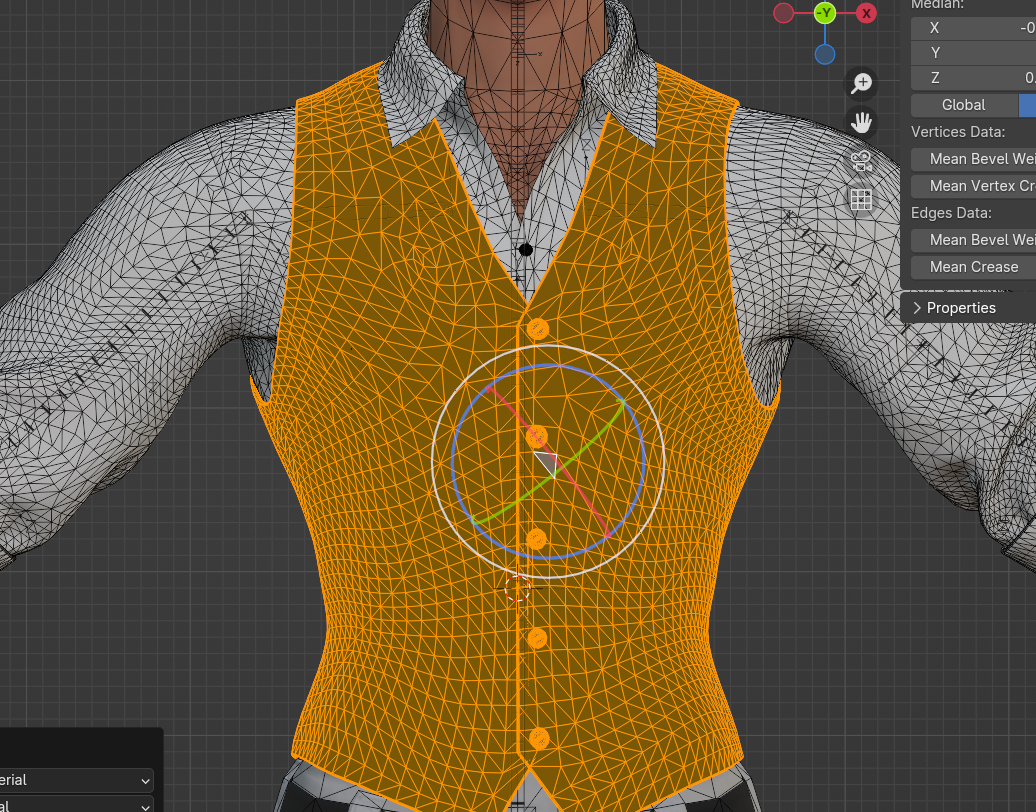
            Guess the proper way to do it is do a clothless model [one mesh, no interpolation of faces or vertices], then transfer the weights to the clothes, right?

            #87340
            Juju
            Participant

              I do have access to the missing geometry. Shall I reattach that part [chest and arms] without any clothes, work the rig on this base and once done do all the weight transfer to the clothes?


              #87341
              Wayne Dixon
              Participant

                That would be one way, juju.
                But I feel like you will need multiple solutions for all different types of situations.

                Most of the time scaling to 10 is enough.
                But sometimes it’s just 1 bone (or area) that is causing issues, so you can apply auto weights to all except that bone(s) and start from blank with that problem area.

                Hope that makes sense (and helps)

                #87342
                Juju
                Participant

                  I merged the base chest mesh to the rest and separated the clothes. That did the trick without the need to scale.
                  Did a quick test with weight transfer for the clothes and so far seems to adjust pretty well with some weight adjusting after it, specially considering the “challenging topology” im working with xD 

                  thanks a lot for the help!

                  #87343
                  Wayne Dixon
                  Participant

                    That certainly is some challenging topology Juju.

                    But I’m glad you’re making progress again.

                  Viewing 8 posts - 1 through 8 (of 8 total)
                  • The topic ‘Bone Heat Weighting: failed to find solution for one or more bones’ is closed to new replies.