Blender 2.91 Official Release is here!

Forum Archive Blender 2.91 Official Release is here!

Viewing 10 posts - 16 through 25 (of 25 total)
  • Author
    Posts
  • #61699
    Ingmar Franz
    Participant

      By the way: Blender 3.0 is planned for August 2021 ๐Ÿ˜€! Blender 4.0 should follow in August 2023.

      #61700
      kjcummings
      Participant

        This feature is really handy. I was really pleased when I saw it was added

        #61701
        kjcummings
        Participant

          I’m wondering when they will introduce the functions for time traveling, teleportations and coffee brewing into Blender. I don’t need the first two but coffee brewing is a must ๐Ÿ˜‰๐Ÿ˜โ˜•!

          ๐Ÿ˜‚ Won’t be surprised if one day I hear them announce a new feature that cures cancer! I’d be like, yeah that sounds about right.

          #61702
          Shawn Blanch
          Participant

            Oh man how did I miss that! My beloved curves just got a lovely update! And text objects definitely were in need of a makeover for something like this.

            So cool how much was released.

            #61703
            Ingmar Franz
            Participant

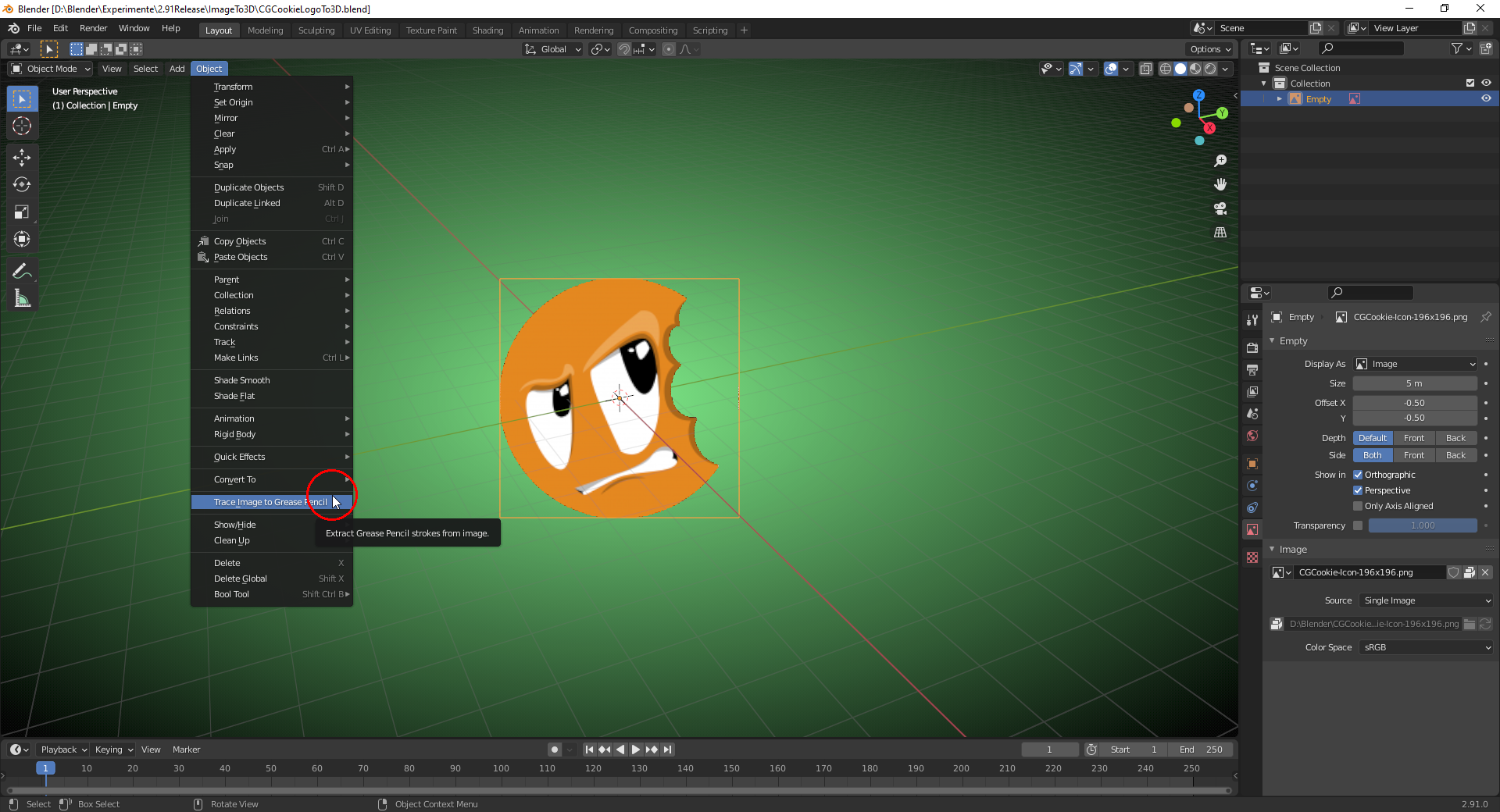
              Images added as “Reference Image” or “Background Image” can be traced with “Grease Pencil Strokes”, but only with one color (black per default):

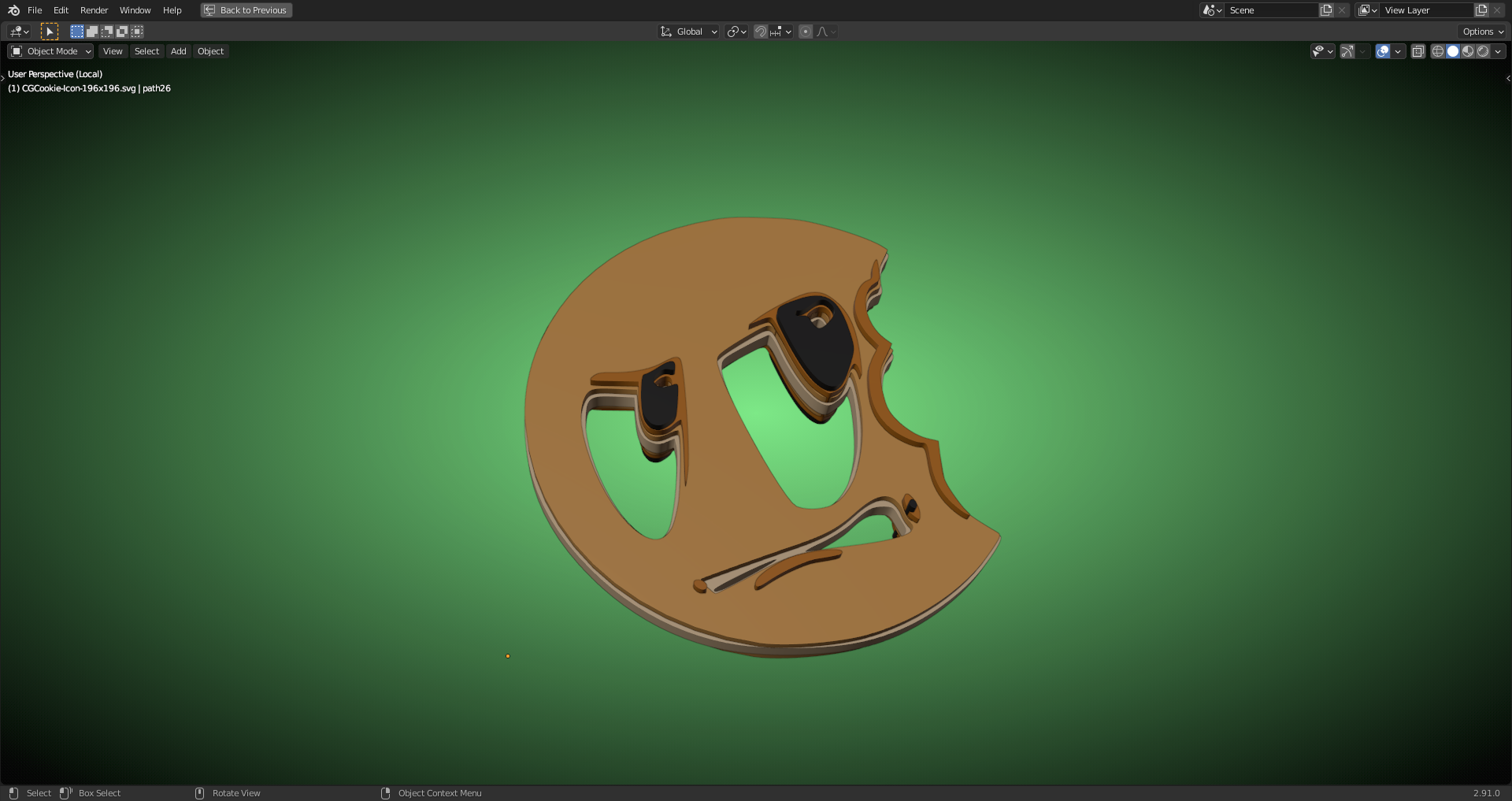
              If you want it with the colors preserved, you should trace it with Inkscape (freeware!) and import the saved “.svg” file into Blender as described here (scroll down a little bit to the post hightlighted with an orange frame) and extrude the separate curve paths with different thickness values (curves set to “2D” in order to get a filling):

              #61704
              Ingmar Franz
              Participant

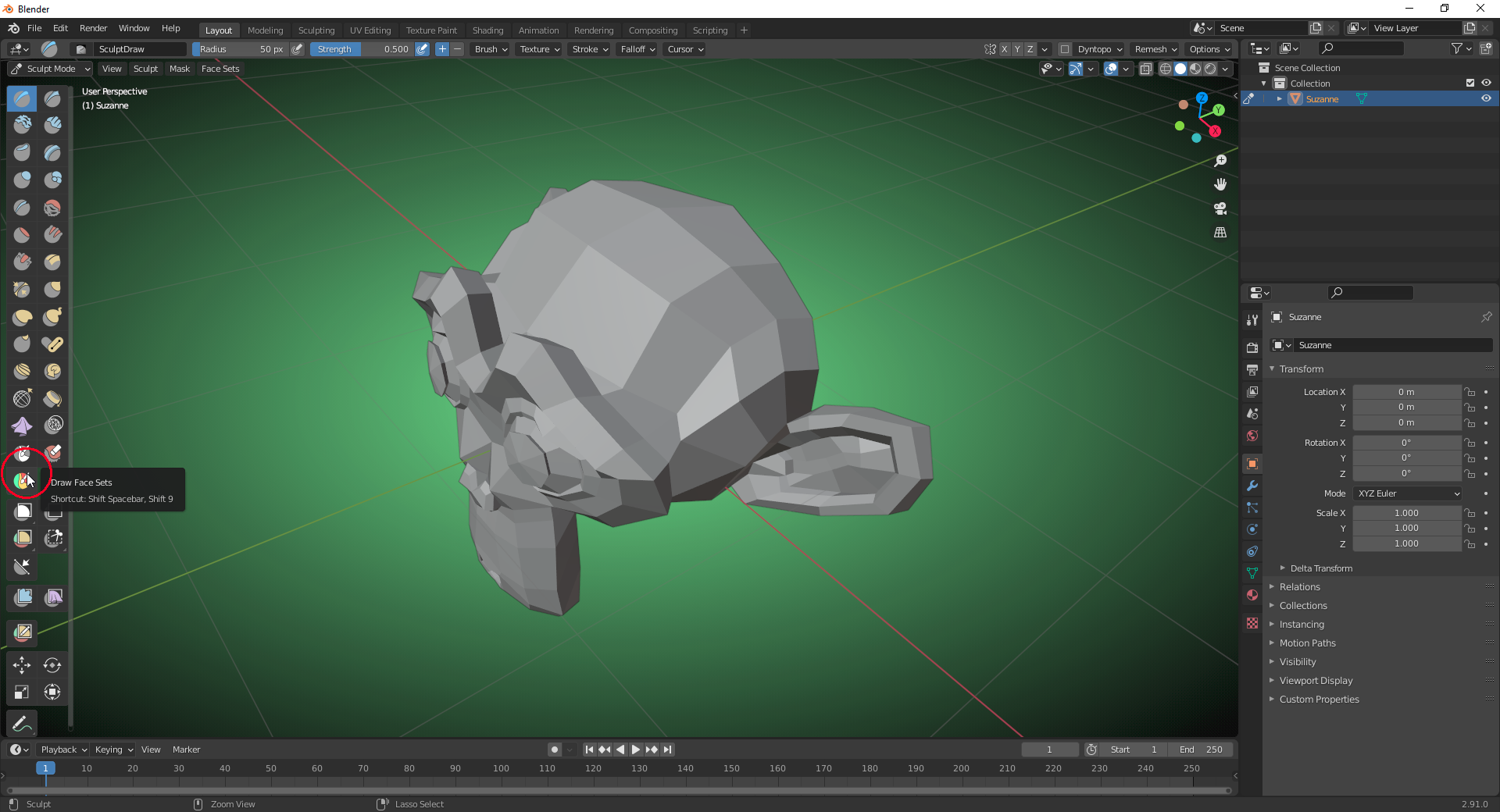
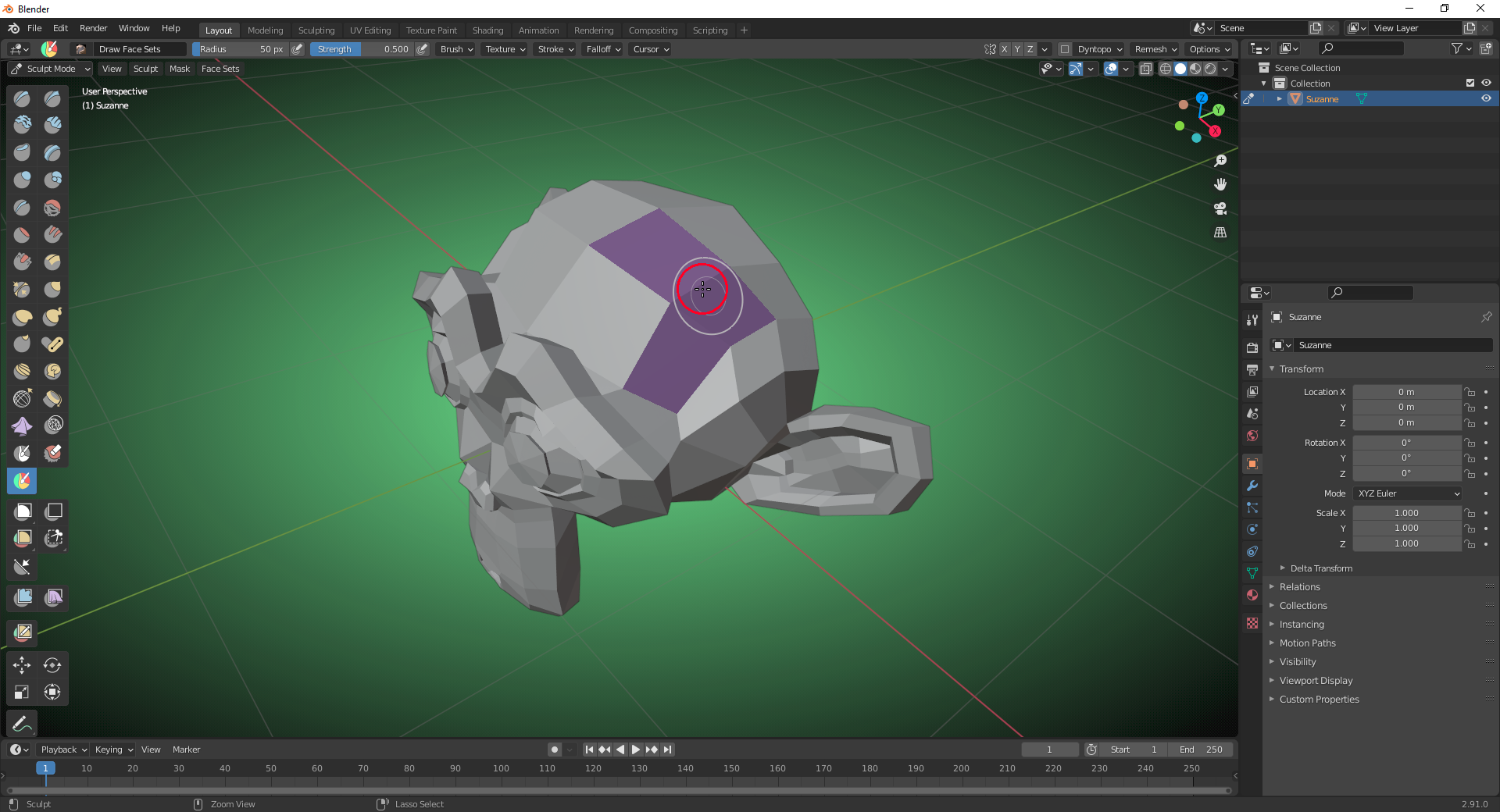
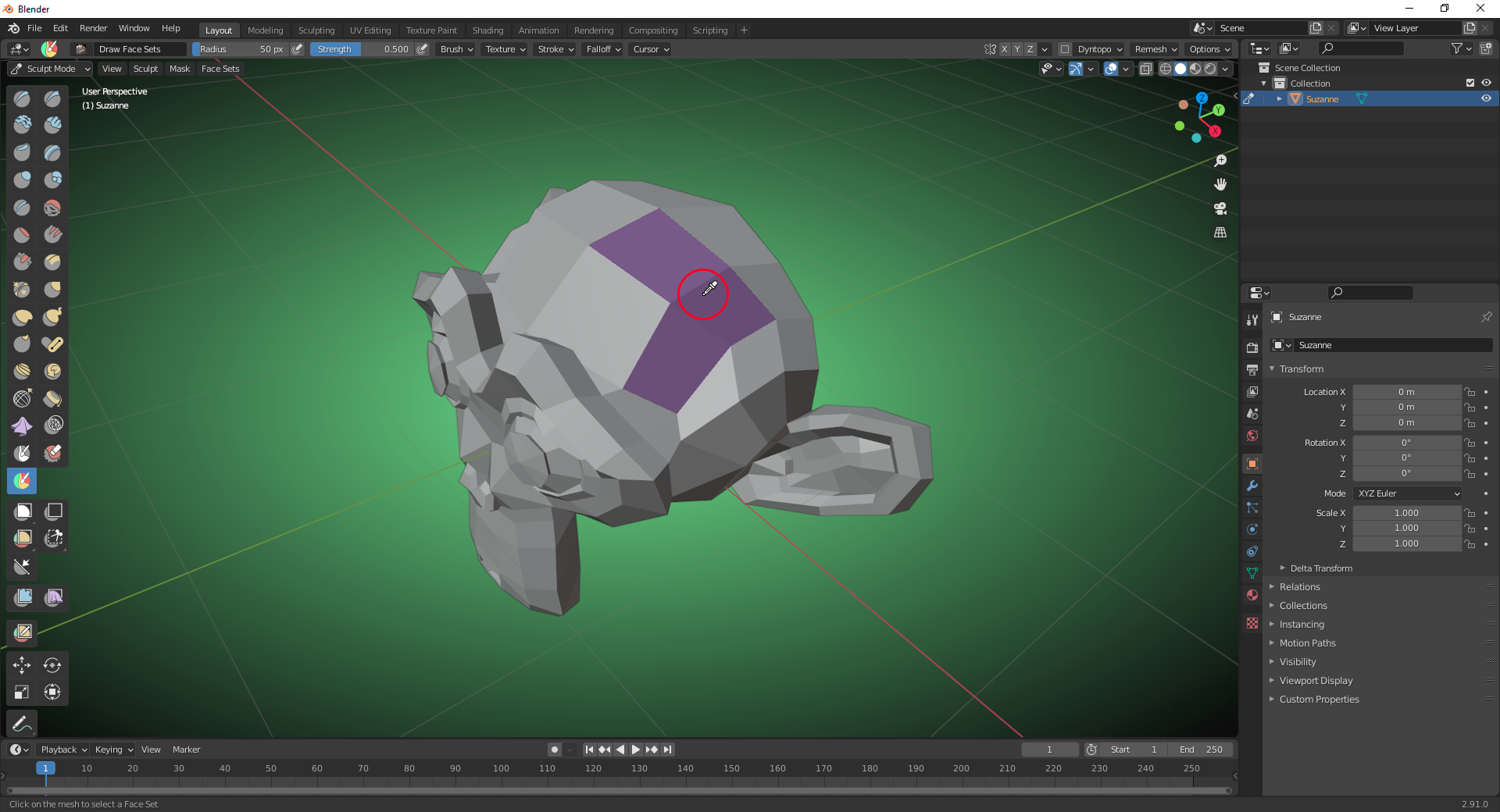
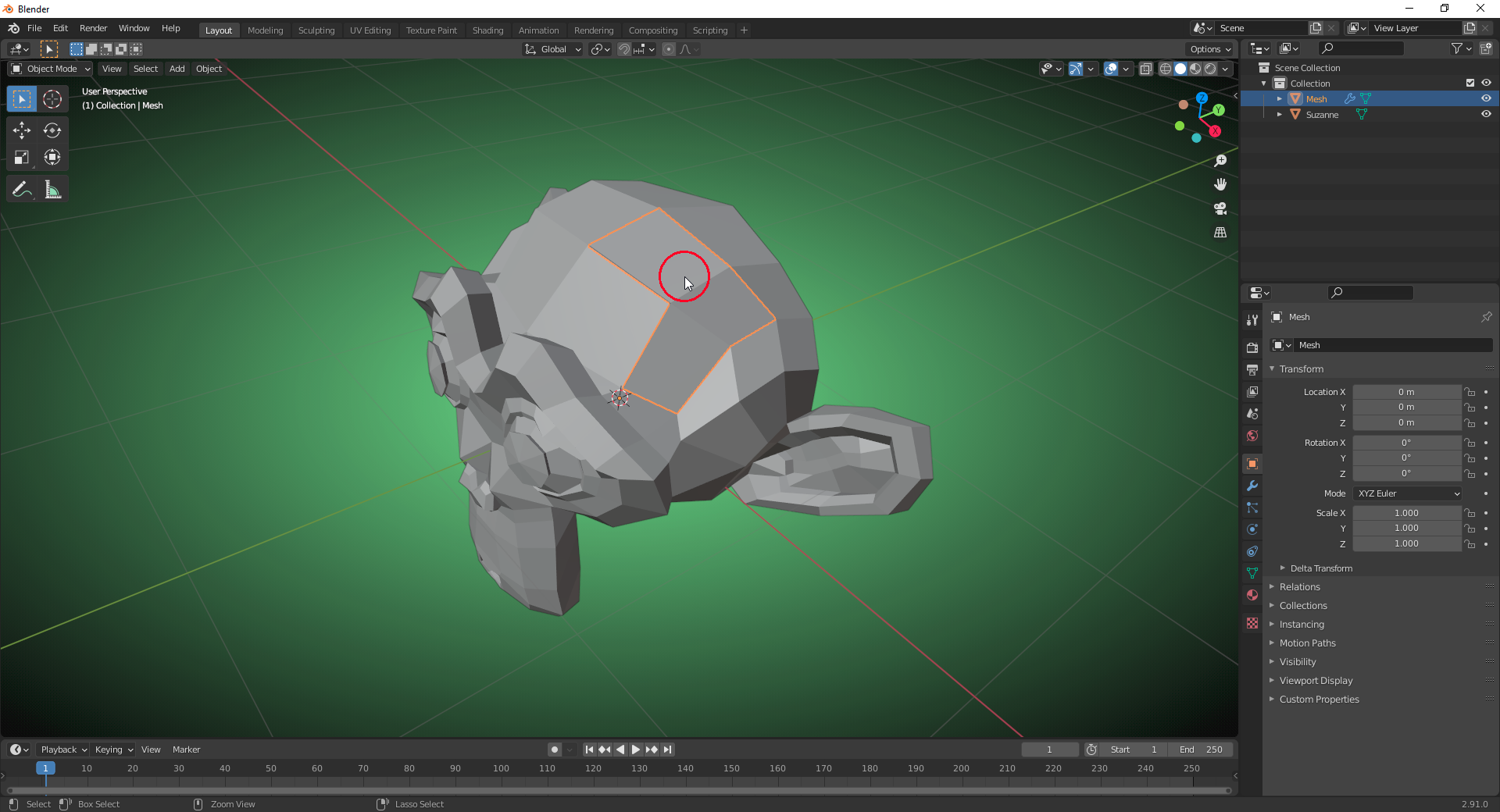
                One really cool feature already introduced with Blender 2.91.0 Alpha is the “Face Set Extract Operator”:

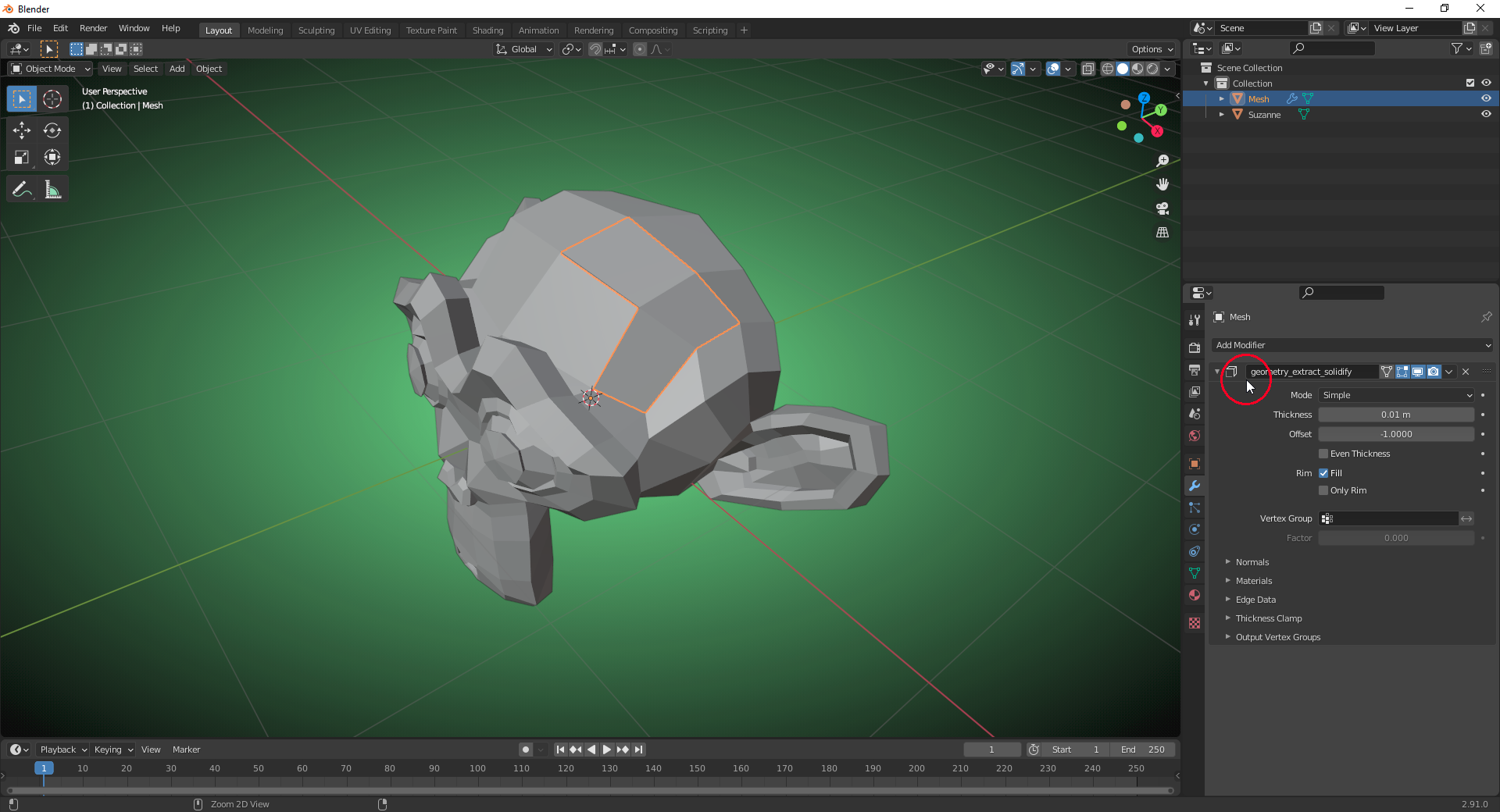
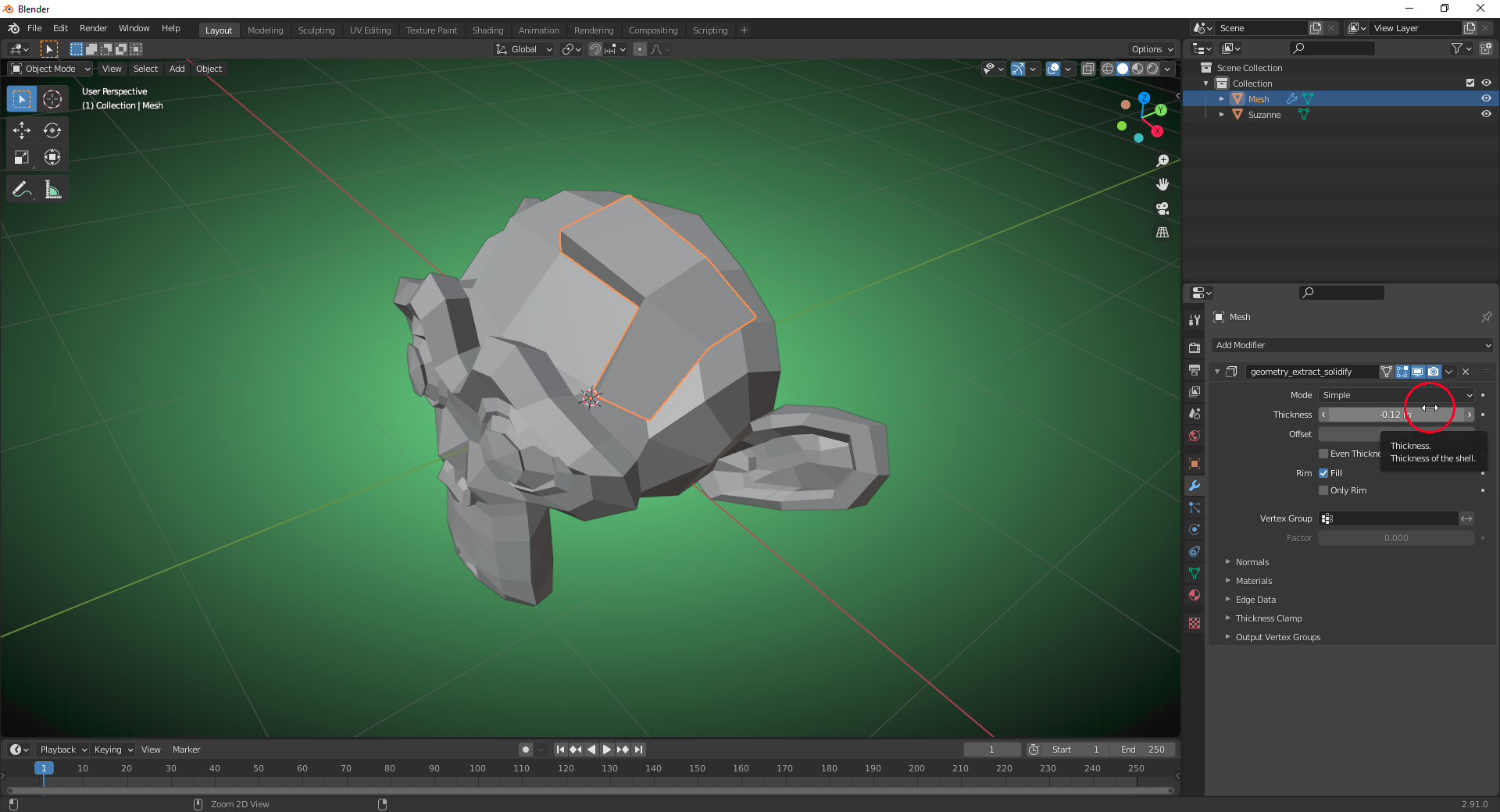
                It duplicates the faces of the selected “Face Set” as a separate object and adds a “Solidify Modifier” to it:

                It reminds me of the “Sculpt Tools” addon function “Extract Mask” used by Kent here at 2:42 for the creation of a belt for the “Wrangler” character.

                A video demonstration of the “Face Set Extract Operator” can be found here.

                #61705
                Shawn Blanch
                Participant

                  Hey that is pretty nifty.

                  It reminds me of the curve extract operations on HardOps.

                  #61706
                  sheila5
                  Participant

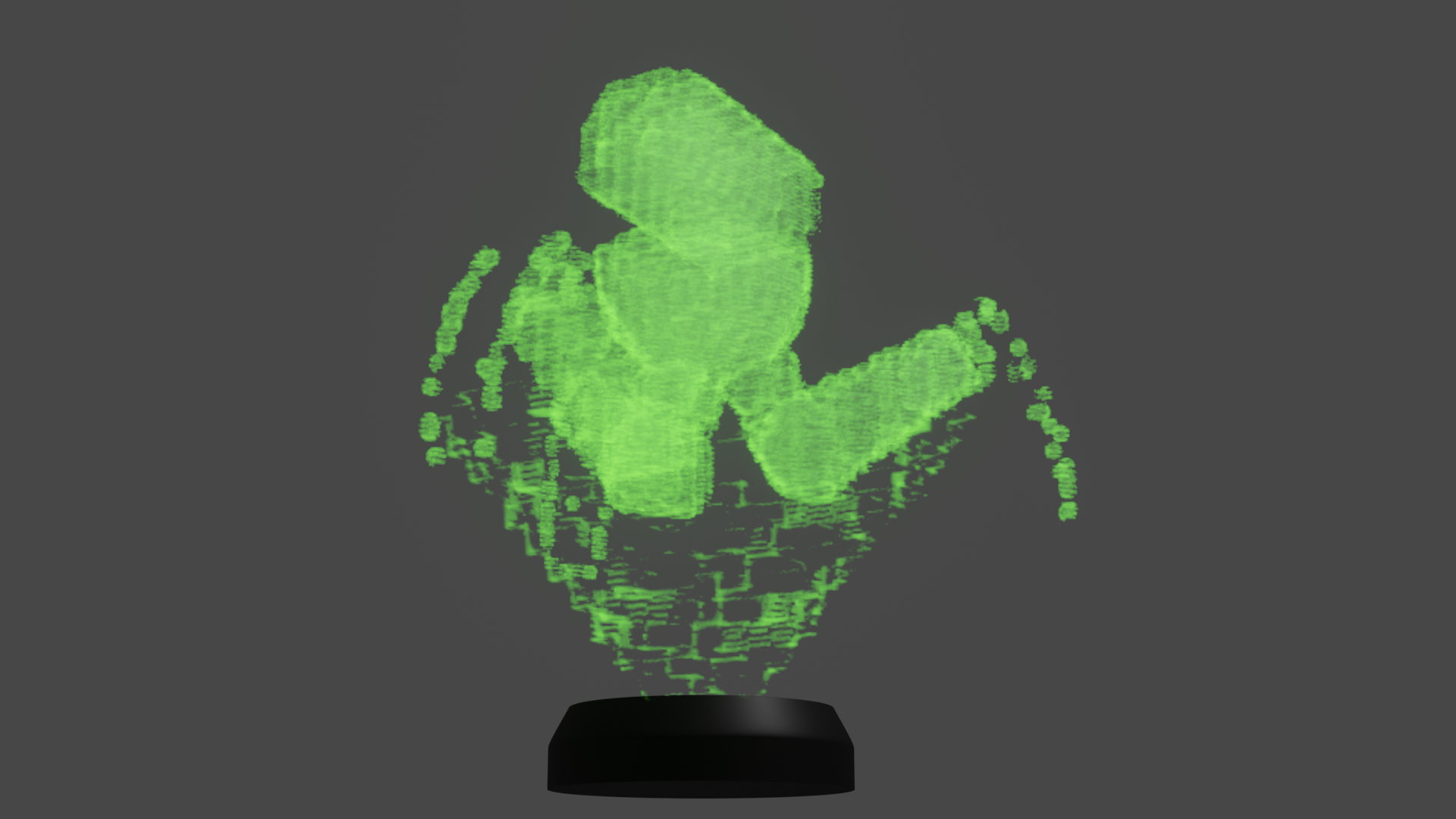
                    mesh to volume ‘hologram’

                    #61707
                    Ingmar Franz
                    Participant

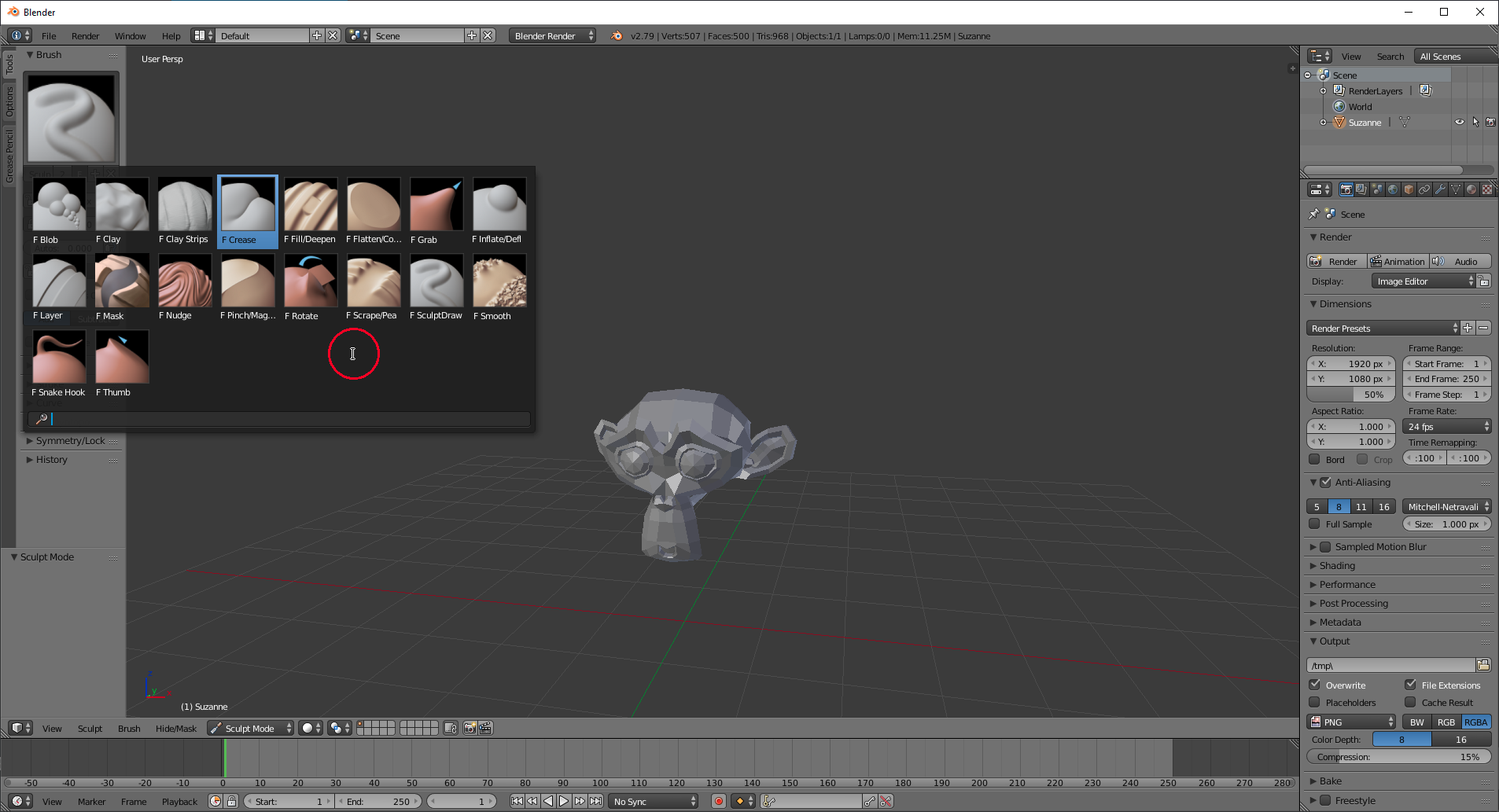
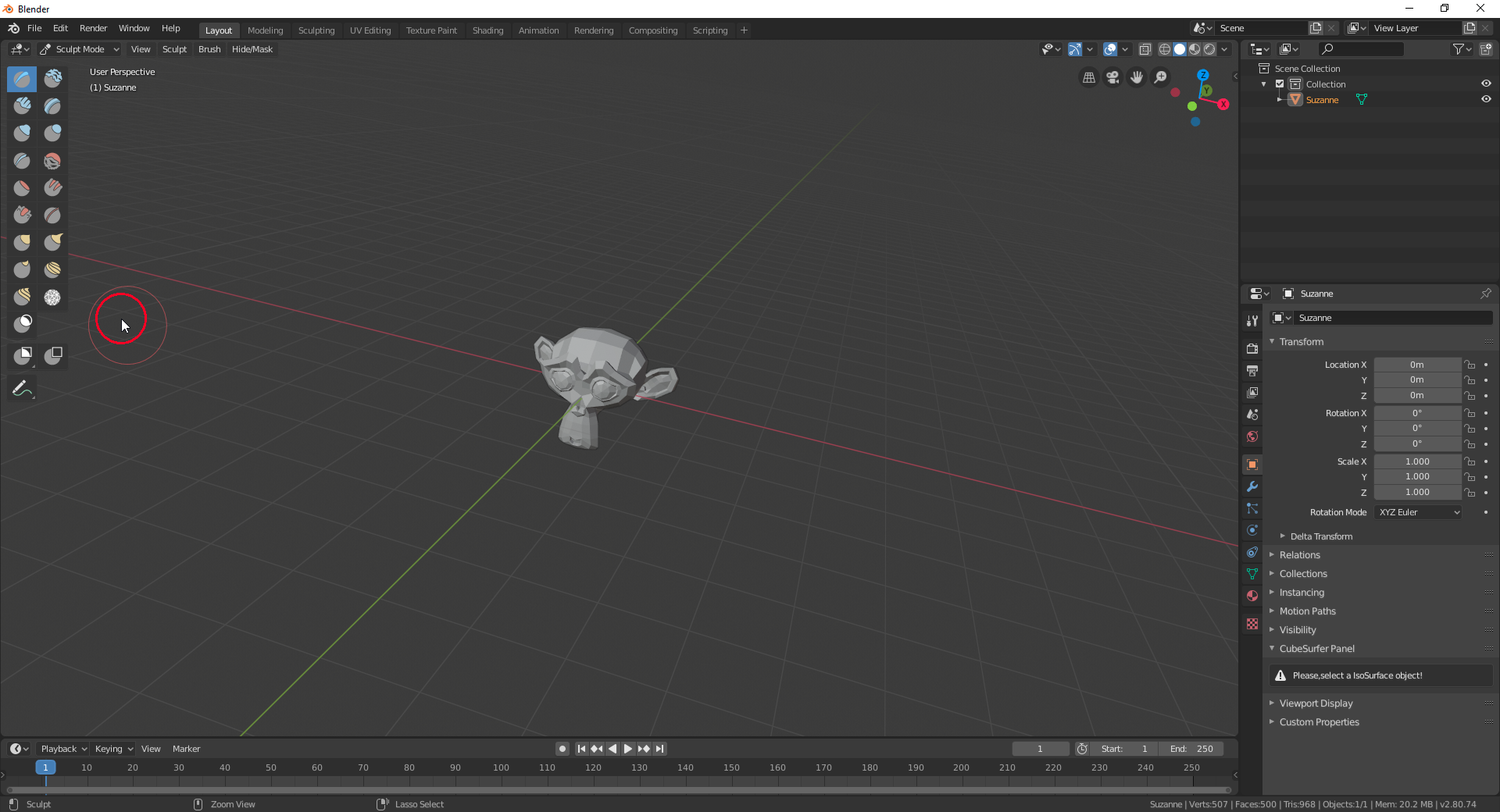
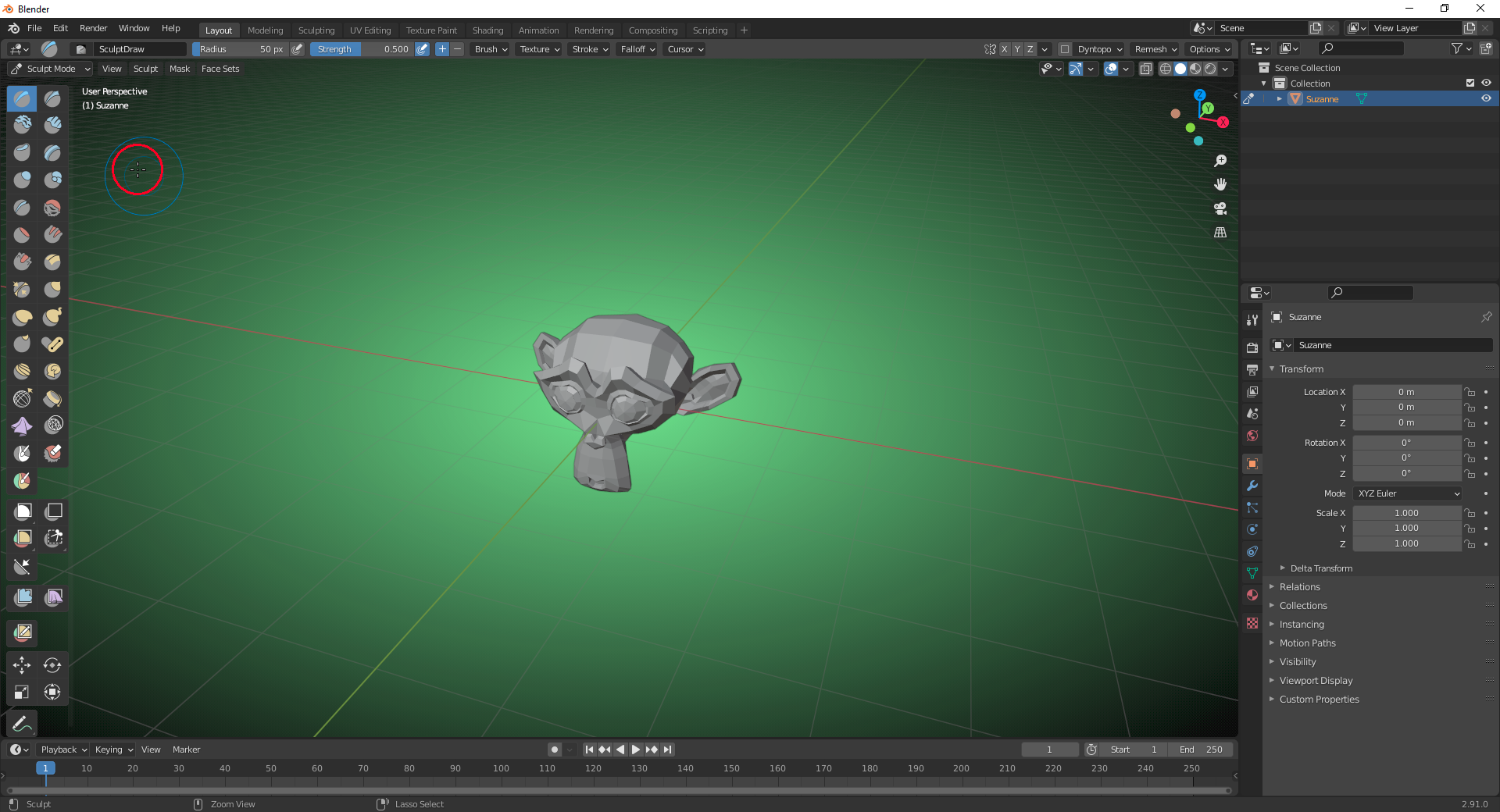
                      It’s amazing to see how the “Sculpt Brushes” have been developed since Blender 2.79.

                      1) Blender 2.79

                      2) Blender 2.80

                      3) Blender 2.91

                      #61708
                      Ingmar Franz
                      Participant

                        Experimenting with “Rigid Body Compound Shapes”:
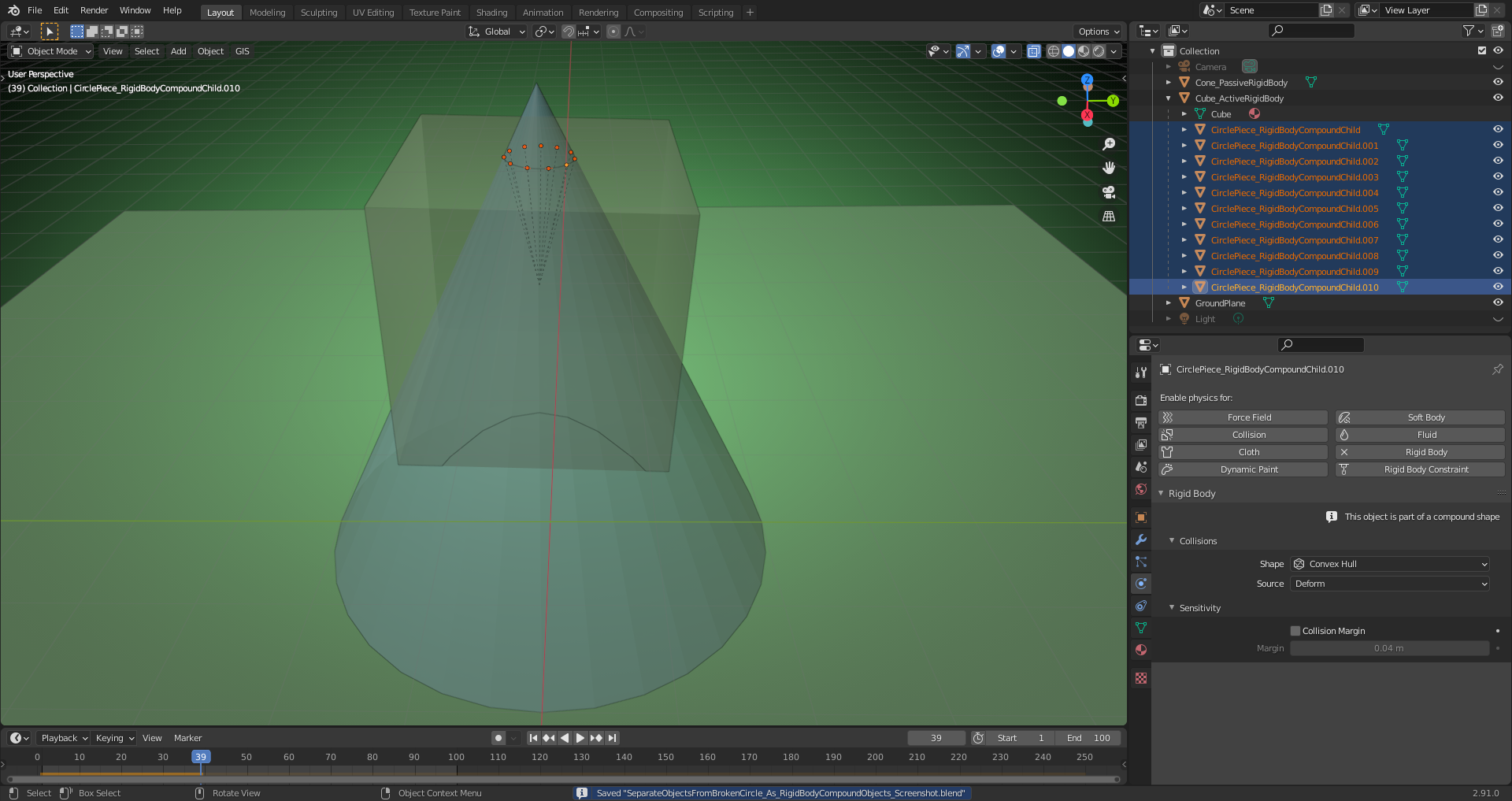
                        A circle has been broken into separate objects consisting each of a single edge which have been set up as “Active Rigid Body” objects using “Convex Hull” as “Collision Shape” without any “Collision Margin” . These “Circle Piece Objects” – after having set their “Object Origins” to “Geometry” – have been parented to a “Cube” which has been set up as “Active Rigid Body” object using “Compound Parent” as “Collision Shape” without any “Collision Margin”.  The “Circle Piece Objects” now stop exactly at the surface of the “Cone” which has been set up as “Passive Rigid Body” object.

                        So, “Compound Parent” in Blender 2.91 works with an arbitrary number of “Children” objects as “Collision Shapes” which are (as their “Parent” object) “Active Rigid Body” objects. Before Blender 2.91 you could only parent an object to one object set up as “Active Rigid Body” object which served as  “Collision object”. The “Child” object was no “Rigid Body” object.

                        File is here.

                      Viewing 10 posts - 16 through 25 (of 25 total)
                      • The topic ‘Blender 2.91 Official Release is here!’ is closed to new replies.