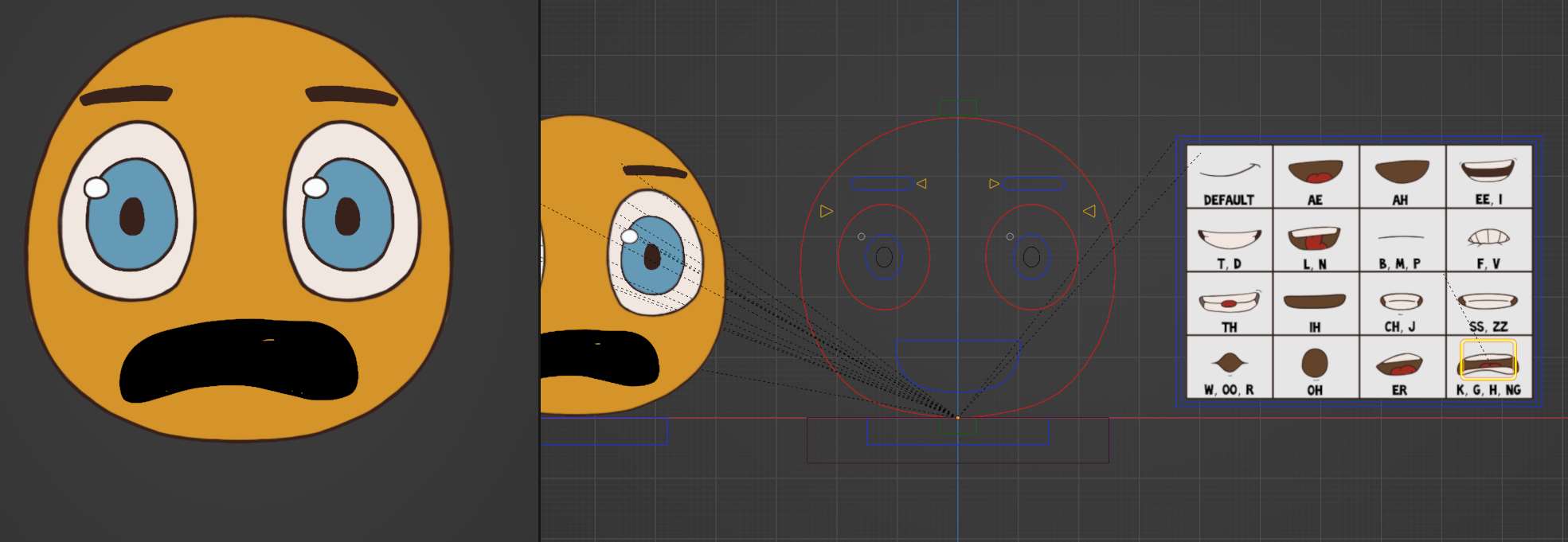
Black K mouth? How do I fix this?

Forum Archive Black K mouth? How do I fix this?

Viewing 6 posts - 1 through 6 (of 6 total)
  • Author
    Posts
  • #14713
    johnrili
    Participant

      #72278
      Adrian Bellworthy
      Participant

        Hey @johnrili ,

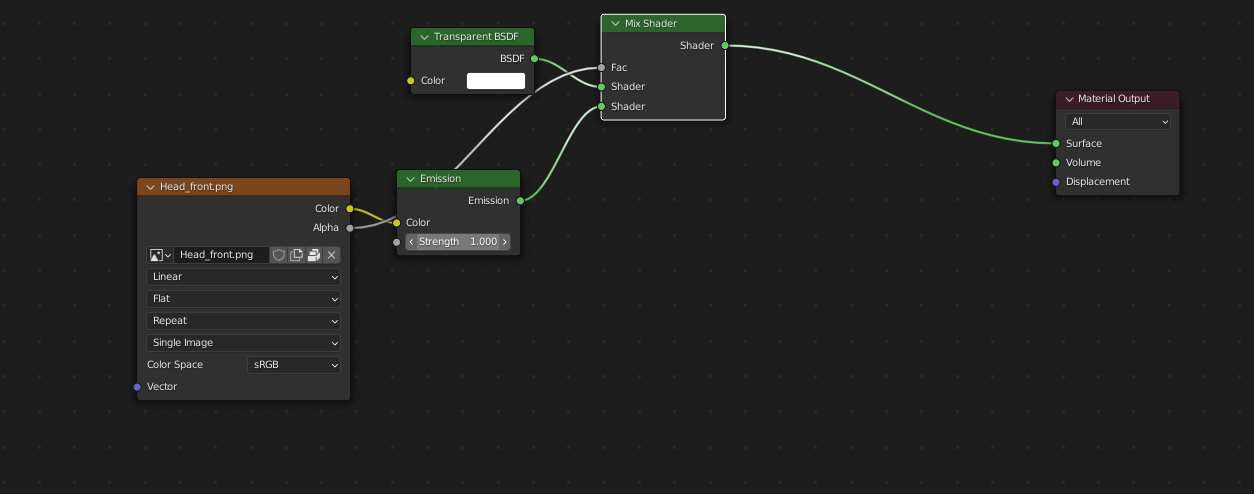
        Check the emission strength is set to 1 on the material, it looks like it is on 0.

        #72279
        johnrili
        Participant

          It is set to 1.

          #72280
          Adrian Bellworthy
          Participant

            That’s the head_front material.

            In the outliner, in the 2d_baker_GEO collection, select Mouth_D4_K_G_H_NG.png, and check the material for this. 

            #72281
            johnrili
            Participant

              Thank you!! The emission shader wasn’t plugged in. Which is weird. 

              #72282
              Wayne Dixon
              Participant

                Glad you guys got it all sorted.
                Sorry it took me so long to catch up on all my tasks.

              Viewing 6 posts - 1 through 6 (of 6 total)
              • The topic ‘Black K mouth? How do I fix this?’ is closed to new replies.