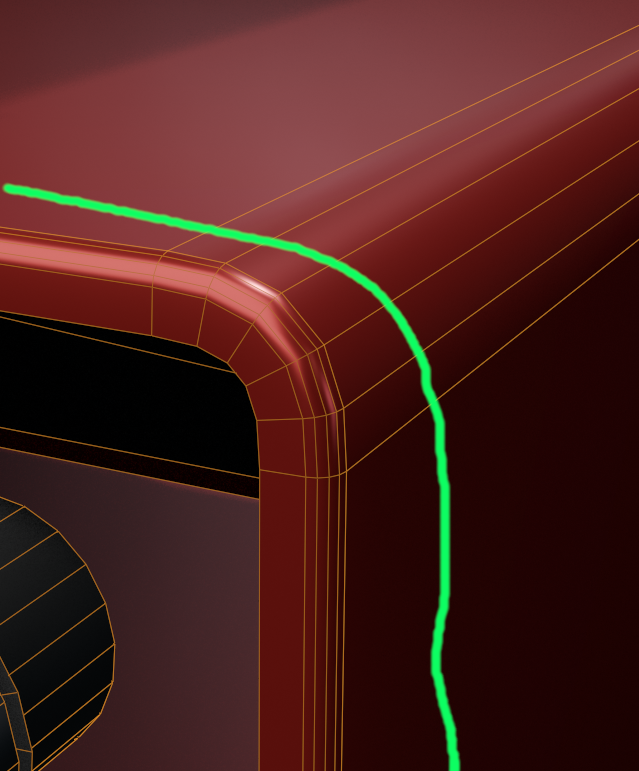
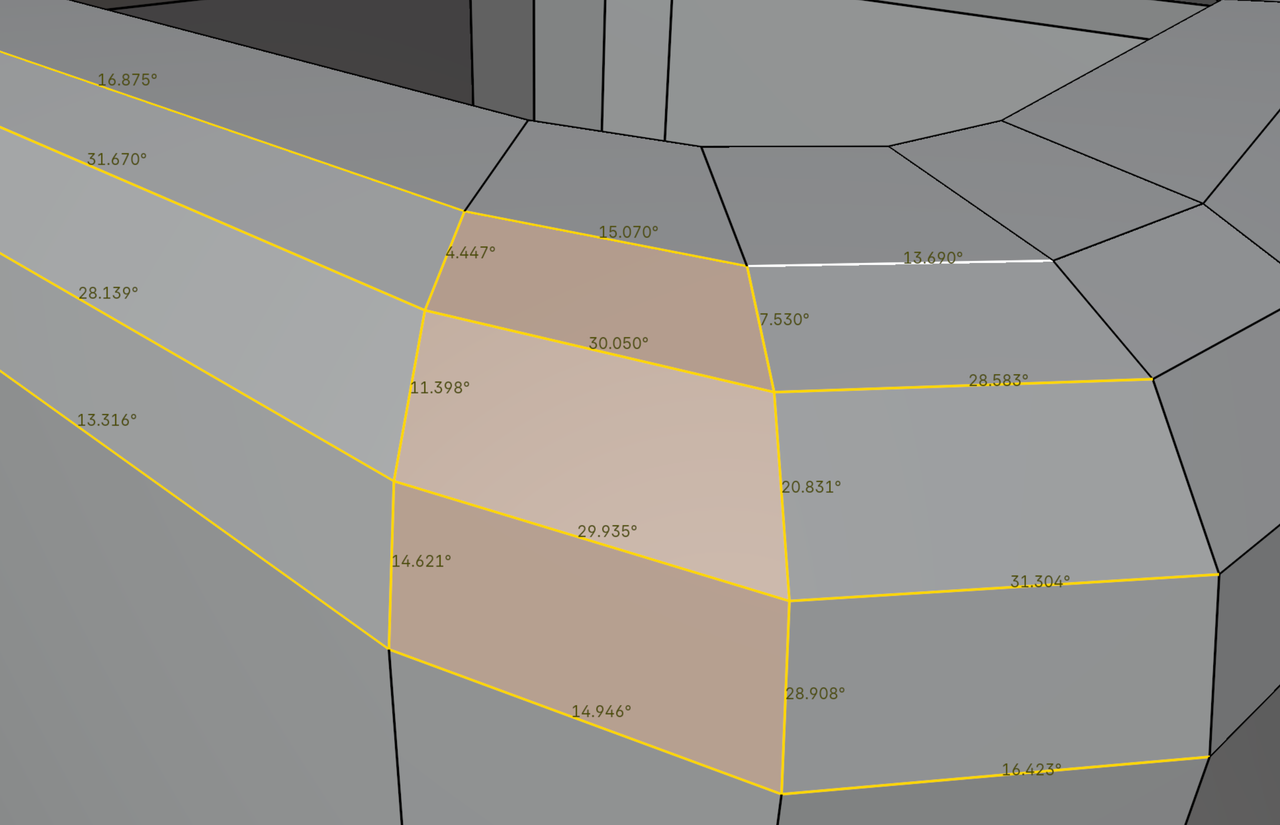
Beveling an Edge Through Another Beveled Edge with Multiple Segments

Forum Archive Beveling an Edge Through Another Beveled Edge with Multiple Segments

Viewing 7 posts - 1 through 7 (of 7 total)
  • Author
    Posts
  • #133530
    Jesse Palato
    Participant

      I’ve tried many ways to do this, but it never comes out right and I tend to avoid it altogether. 

      It’s about time I really tried to understand how it’s done. 

      Usual Suspects:

      The normals are good

      No double vertices

      Scale has been applied

      I have a box. Four of it’s edges are beveled with multiple segments.
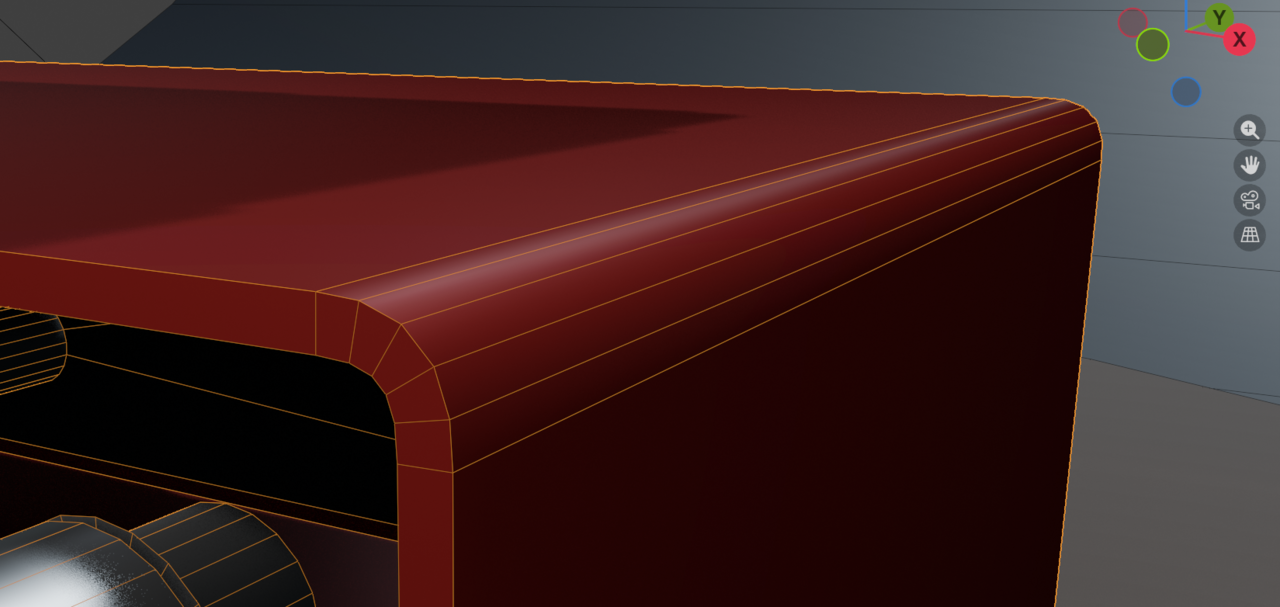
      prob1.png

      I want to bevel the front facing outer edge it’s connected to.
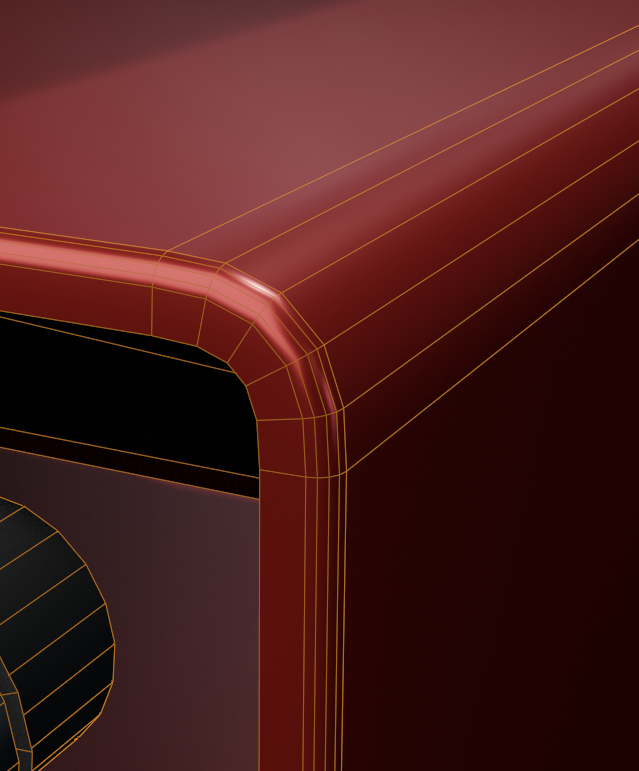
      prob2.png

      Of all the things I’m aware of to tinker with, it always looks bad.

      prob3.png

      I have enough sense to presume that the normal averaging between the faces is probably insufficient to get a nice smooth transition. However I’m out of ideas. 
      I’ve fiddled with harden, miter outer/inner settings, adding more topology, and a bunch of other ideas. I’m a novice though, so I can only understand so much of what I’m doing lol.

      Is there something fundamental I missed? Does this edge look fine to you? I can’t help but think it looks terrible.

      Thank you

      #133712
      Martin Bergwerf
      Participant

        Hi Jesse,

        You are probably just misusing that Matcap; there is nothing wrong with the Model, as far as I can tell.

        Use a Material (even a Principled BSDF will work) and look at it in Rendered View, maybe with an HDRI for Lighting. Use Auto Smooth Shading and play with the Threshold Angle, if necessary. It’ll probably look perfectly fine then.

        #133713
        Martin Bergwerf
        Participant

          Like when you take a full body PET scan from a perfectly healthy person; you’ll usually find 4 or 5 things that look suspicious/wrong.

          #133714
          Omar Domenech
          Participant

            Feels like the shading is a bit weird yes, we’d have to take a look at the model to know for sure, because it also happens that if you are too close to the model, when you are too zoomed in or too close, things will need way too much resolution to look pristine and smooth and nice at that level of closeness. So you have to judge and know how far away the model is going to be looked at, so you can determine how much resolution you’re gong to give it, if it’s even worth it. Now add having a highlight ping from the lighting, which always accentuates low resolutions and it’s how you may get that ugly looking geometry. 

            So it may be that you are judging your bevel from a distance that is too too close and you are not going to render very very very close up shots. When that happens to me, I try making a render to see if it doesn’t really look as bad and it was just the distance. 

            #133715
            Dwayne Savage
            Participant

              It’s the normal calculation. You can reduce it by adding an edge loop and then slide it until has a smoother transition. you could also manually adjust the normals but that is hard then it sounds. Also make sure you don’t have any flipped faces. 

              826-30200-uet7iz.png

              #133716
              Martin Bergwerf
              Participant

                Let me just add to what I already said:

                when Beveling like that, you automatically get ‘weird’, inconsistent looking angles:

                Bevel Inferno.png

                There’s nothing you can do about it; that’s (mostly) just 3D math. (You could get them more consistent, but that would lead to non-flat Faces.)

                But if you look at this too closely, and/or with an all-revealing Matcap, you might see things that you don’t like and then you can’t un-see them.

                #133717
                Jesse Palato
                Participant

                  Thank you so much Martin, Dwayne, and Omar for your help. I’ll definitely consider all this advice :]
                  hopefully i have enough time to tinker on it to get a satisfying solution

                Viewing 7 posts - 1 through 7 (of 7 total)
                • The topic ‘Beveling an Edge Through Another Beveled Edge with Multiple Segments’ is closed to new replies.