Bevel Problem

Forum Archive Bevel Problem

Viewing 5 posts - 1 through 5 (of 5 total)
  • Author
    Posts
  • #17488
    Alexis Badillo
    Participant

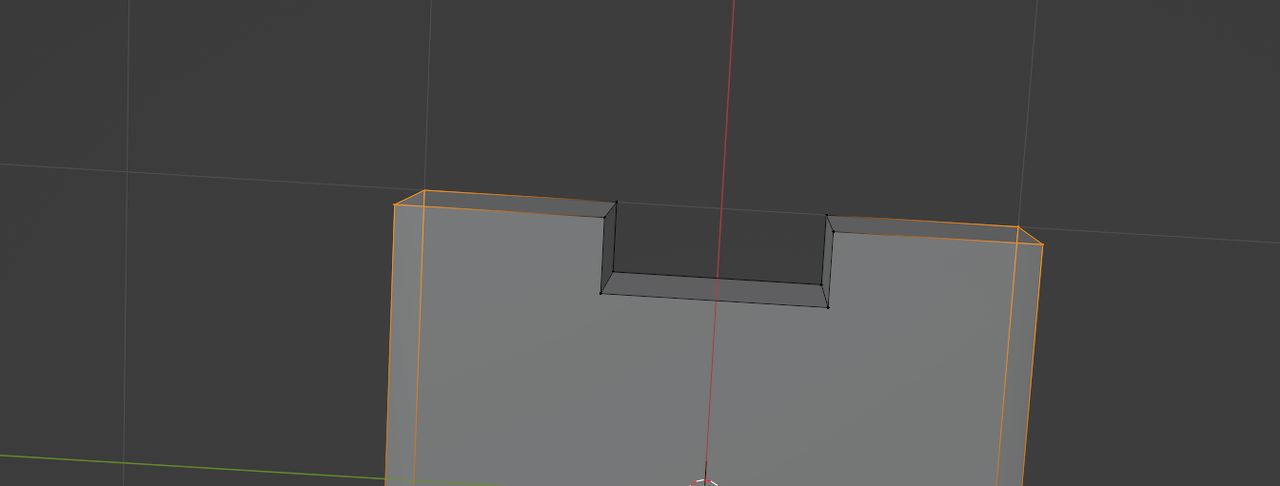
      Around 2:09 he beigns to bevel the corner of top corner of the console. When I try to bevel the two corners the tool activates but has no effect I have started over a few times and the problem persists. I am brand new and can not seem to figure it out.  I did apply the scale. 

      #84069
      Martin Bergwerf
      Participant

        Hi Alexis @alexispb310 ,

        First do a ‘clean up’, because your failed attempts might have created some so-called double Vertices; Select all Vertices (with A) and then M > Merge > By Distance.

        Then make sure you have all 4 Vertices Selected:

        Bevel_01.png

        and CTRL+B to Bevel.

        If that doesn’t help, let us know, please.

        #84070
        Adrian Bellworthy
        Participant

          TOP TIP:
          Use edge select when selecting multiple edges to bevel.
          Bevel is an edge tool, vertex select can sometimes mean unwanted edges can also be selected.

          #84071
          Omar Domenech
          Participant

            Another tip is when you select the edges or vertices, tap G and move them around, you’ll see instantly if there is something wrong if they behave weirdly or you have double vertices.

            #84072
            Alexis Badillo
            Participant

              I Figured it out after taking a break last night the trick was to merge by distance. Thanks alot guys. 

            Viewing 5 posts - 1 through 5 (of 5 total)
            • The topic ‘Bevel Problem’ is closed to new replies.