Bevel On Wood Planks Not Working

Forum Archive Bevel On Wood Planks Not Working

Viewing 2 posts - 1 through 2 (of 2 total)
  • Author
    Posts
  • #13064
    iii1brain
    Participant

      I click the edges that is clicked in the tutorial @3:35 but when I press ctrl+b to bevel, nothing changes at all. 3:39 is what should happen but I just move my mouse and there are no changes. I feel like I’ve followed this tutorial very well at this point so I have no idea what is happening. This is so frustrating.

      https://drive.google.com/file/d/1MVdMt_uTwig4nMoz8qwe38uk2rbtnE9h/view?usp=sharing

      #61481
      spikeyxxx
      Participant

        Hi, you have just encountered the second of the two main causes of all modelling issues (the other being: ‘flipped Normals’).

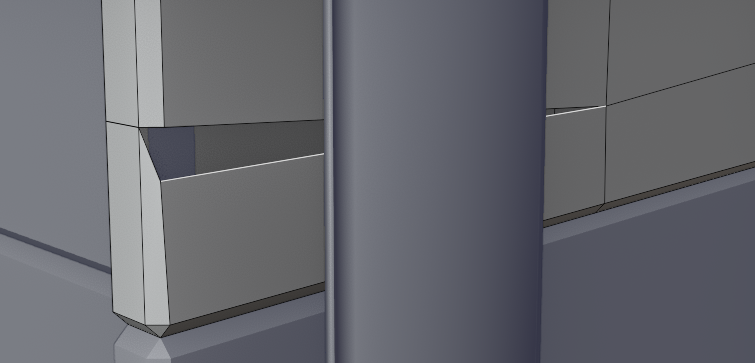
        You have double vertices (more than one vertex in the same place):

        That is why the bevel won’t work.

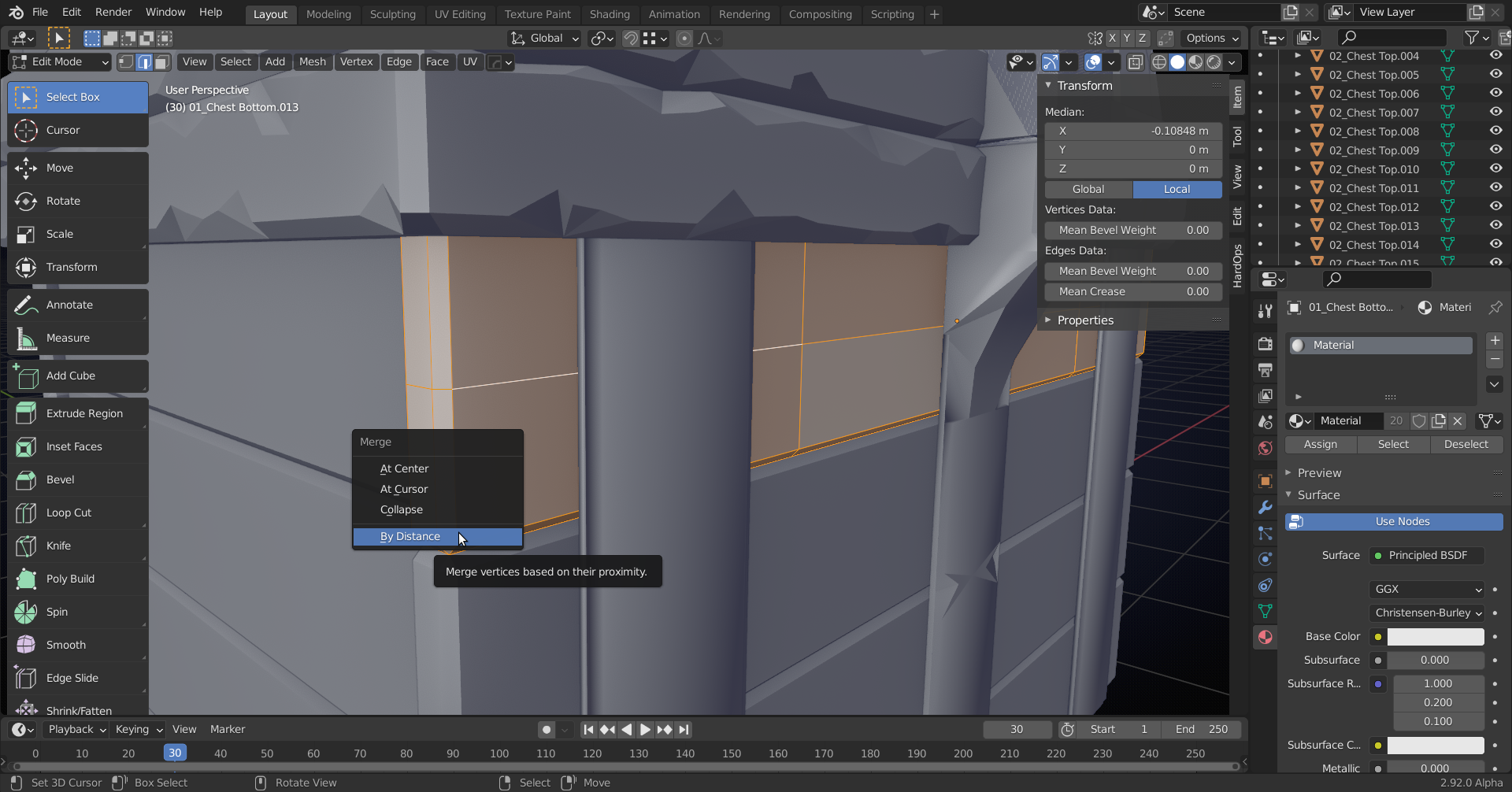
        Solution: select all and press M > Merge by Distance:

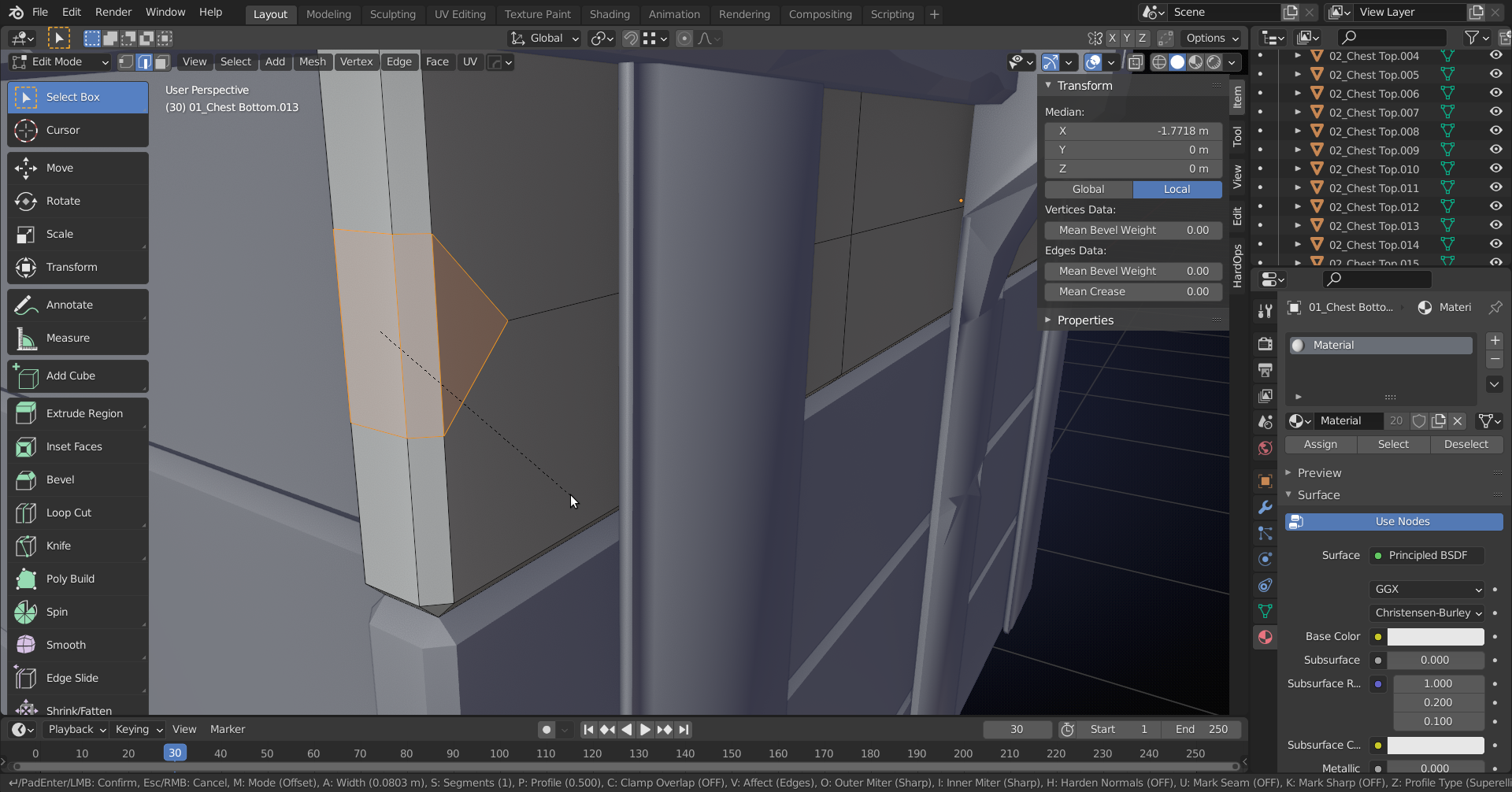
        And then you can bevel away:

      Viewing 2 posts - 1 through 2 (of 2 total)
      • The topic ‘Bevel On Wood Planks Not Working’ is closed to new replies.