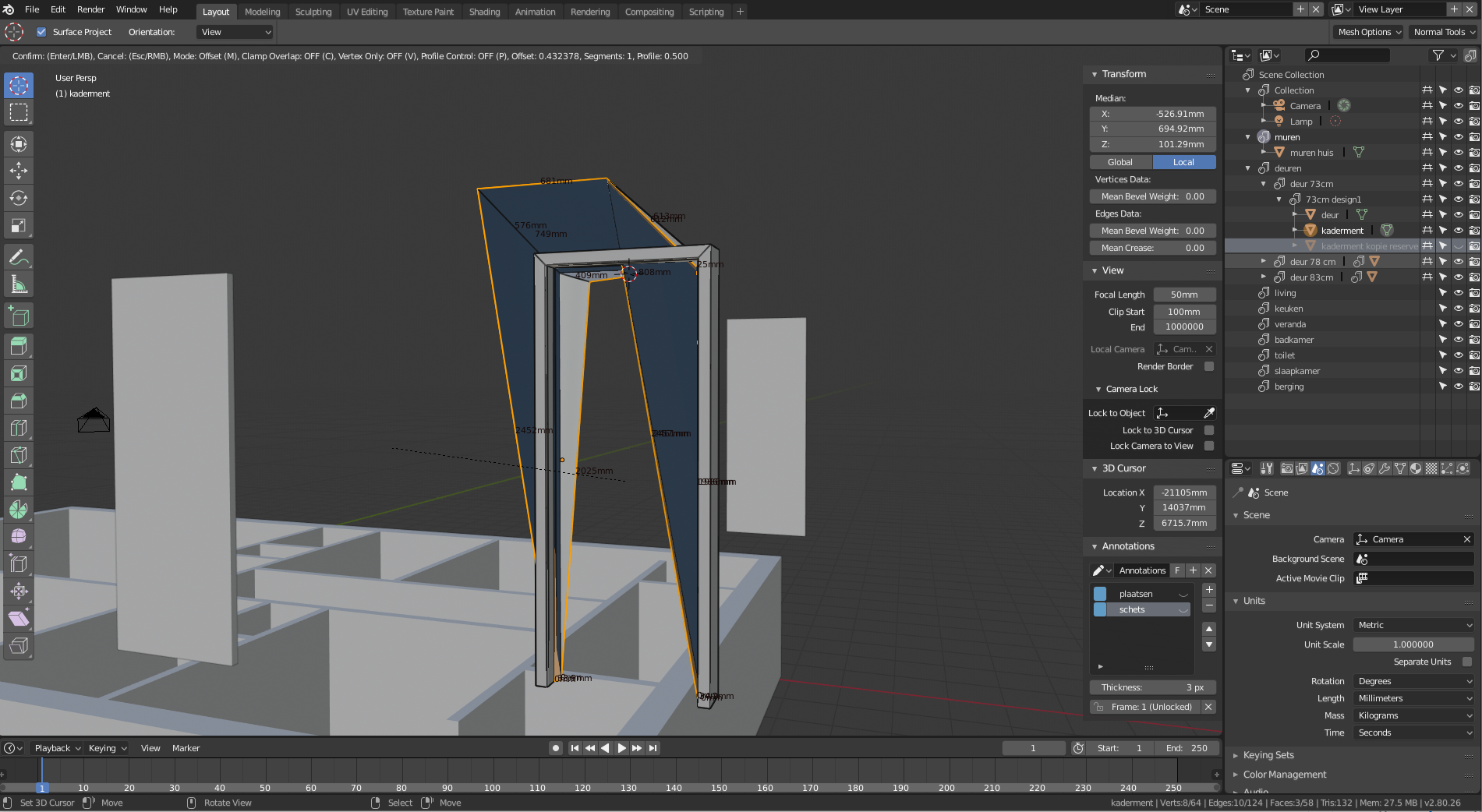
Hi @yukinoh1989 ,
there’s different reasons why a bevel could misbehave, try checking the following:
– did you apply Scale and Rotation on your object (Object mode, Ctrl + A > Apply Scale & Rotation)
– check your normals (Edit mode > select all > Ctrl + N )
– presence of doubles that need to removed.
Regardless whether you use the bevel modifier or the ctrl+b tool, this first troubleshooting can solve your issue. If not, I’d be curious to know how it looks before it get bevelled.
Good luck and hope that helps!
/Thibaut.

.