Course Library
Learning Paths
Free Courses
Learn Blender 3D in the way that’s right for you.
Inner Circle
Where members share progress and help each other learn.
›
The Commons
A free Blender community open to artists of all skill levels.
Forum Archive › Best Way to Create a Radial Gradient
Hi everyone, I was wondering how to create a radial gradient material? I want something like a flame, going from red to orange.
Thanks in advance!
That kinda sounds like the lava shader forge:
https://cgcookie.com/lessons/lava-introduction
Also maybe the looping patters:
https://cgcookie.com/lessons/looping-patterns-introduction
Or maybe an eye:
https://cgcookie.com/lessons/eye-material-sclera
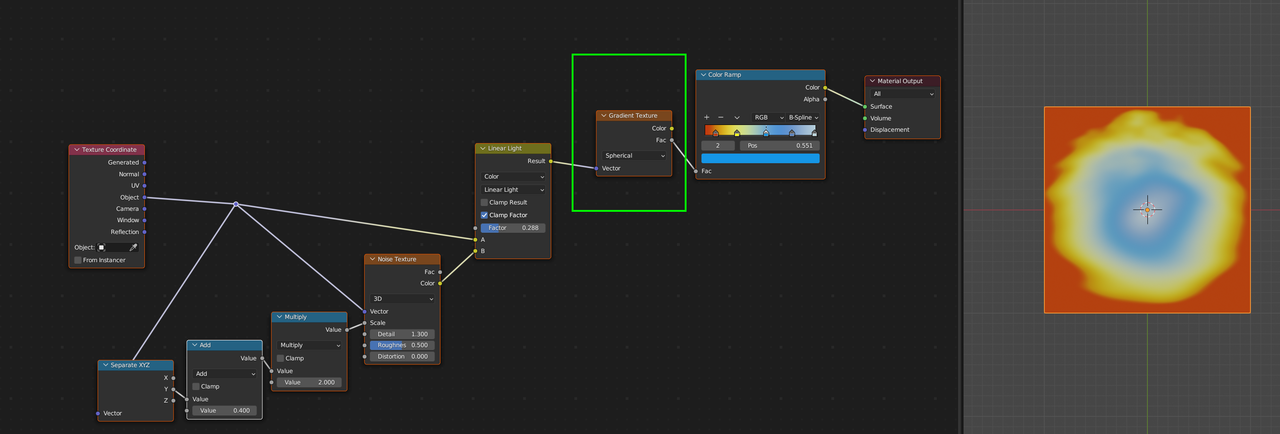
Hi Rob, I think you are looking for a Spherical Gradient (or Circular, if you remove one dimension), something like:
(You want a gradient along the radius of a circle, but radial means a gradient ‘along the radians’, so , going from 0 to 2 Pi…)
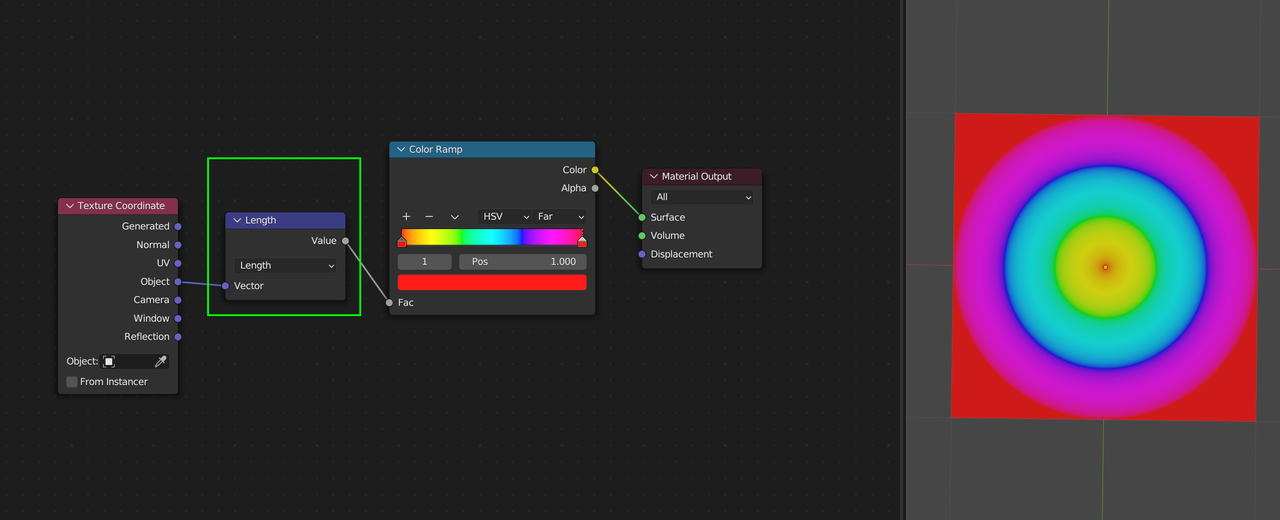
Alternatively (what I would prefer to use), there is a Vector Math > Length Node:
Dangs I’m taking note of this.
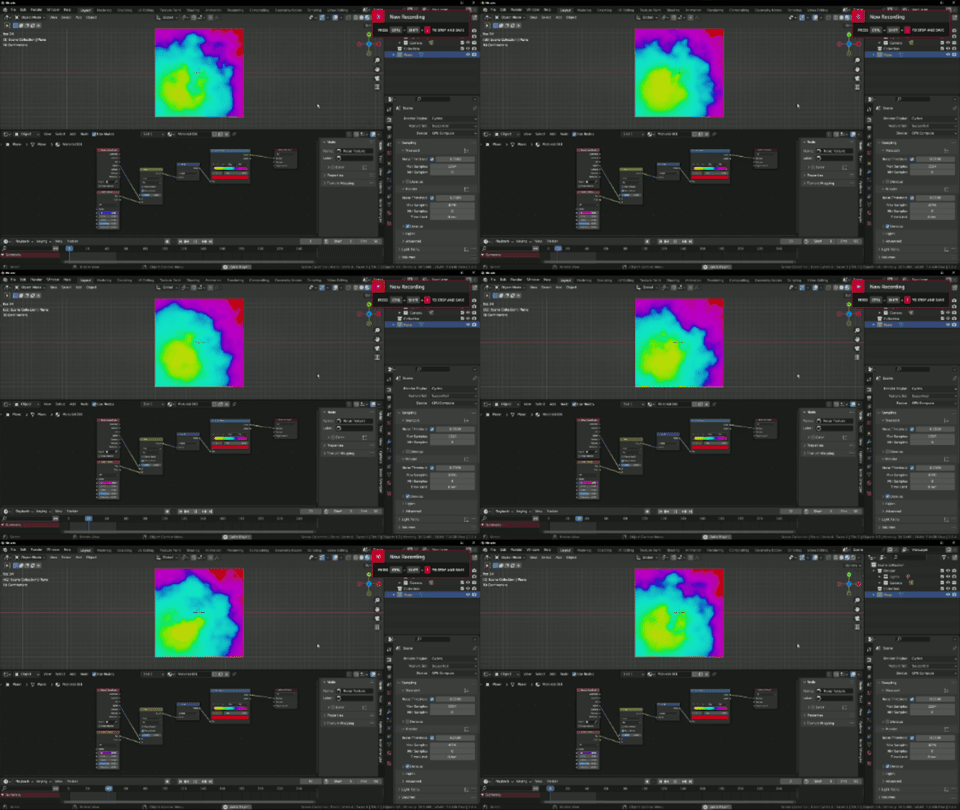
You could even add noise to the vector, change it to 4d and animate the w channel.