Course Library
Learning Paths
Free Courses
Learn Blender 3D in the way that’s right for you.
Inner Circle
Where members share progress and help each other learn.
›
The Commons
A free Blender community open to artists of all skill levels.
Forum Archive › Baking normal map resulting inversed
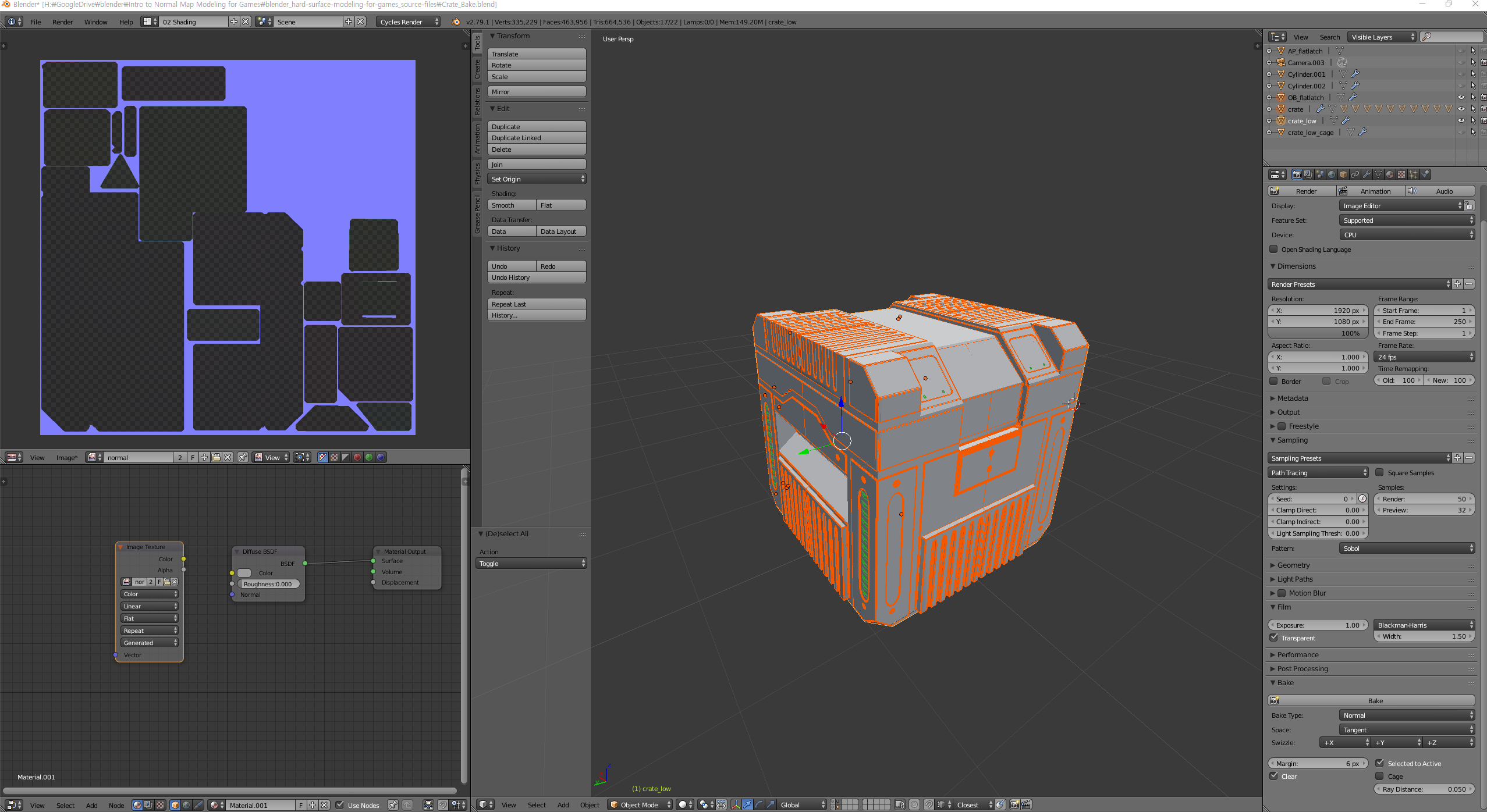
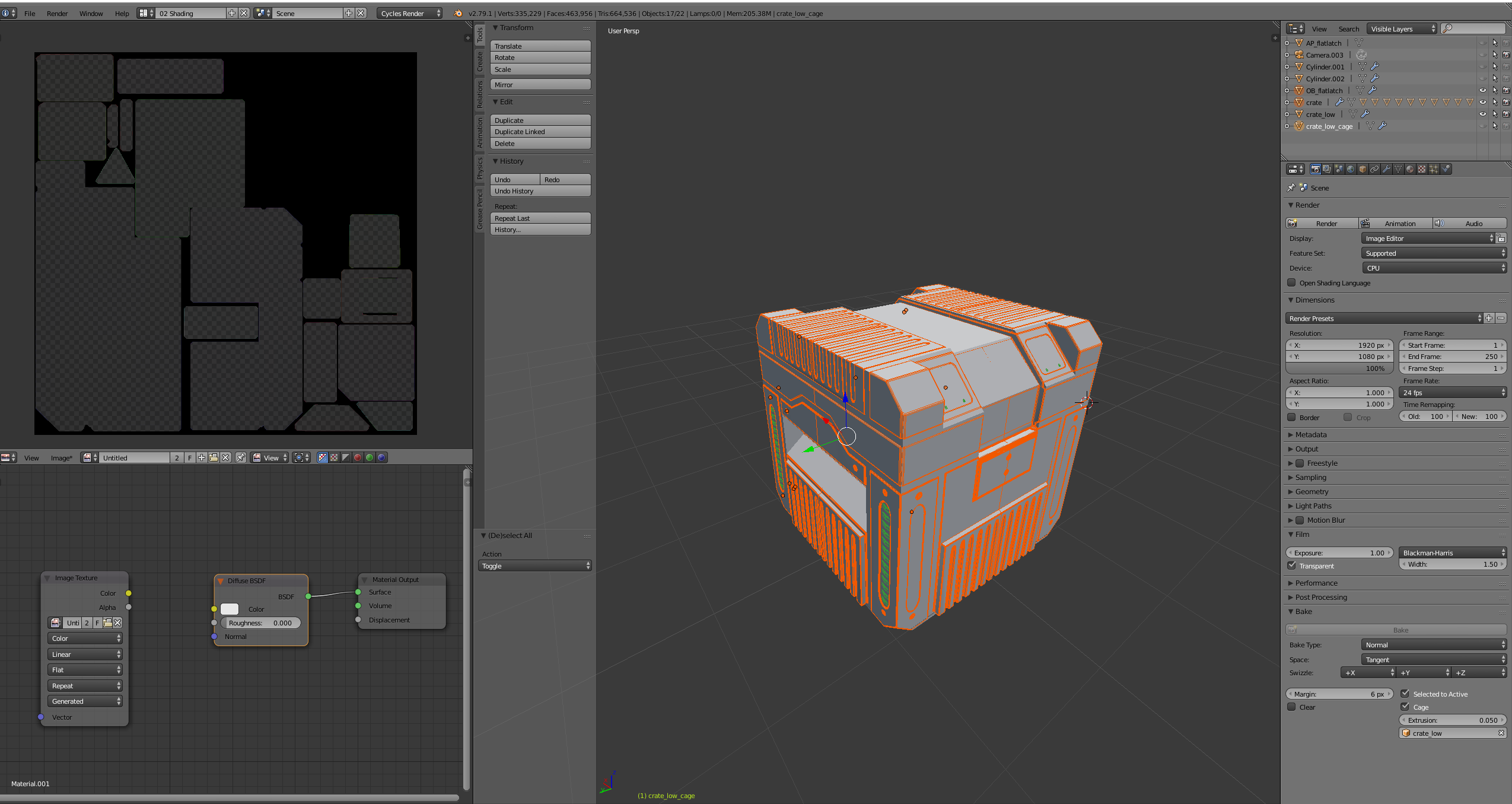
I tried many times as tutorial, but mapped areas looks inverse.
It’s black areas and blue background.
And second screen shows black areas and black background.
Maybe my setting is wrong in other section.
I couldn’t find what made this result.
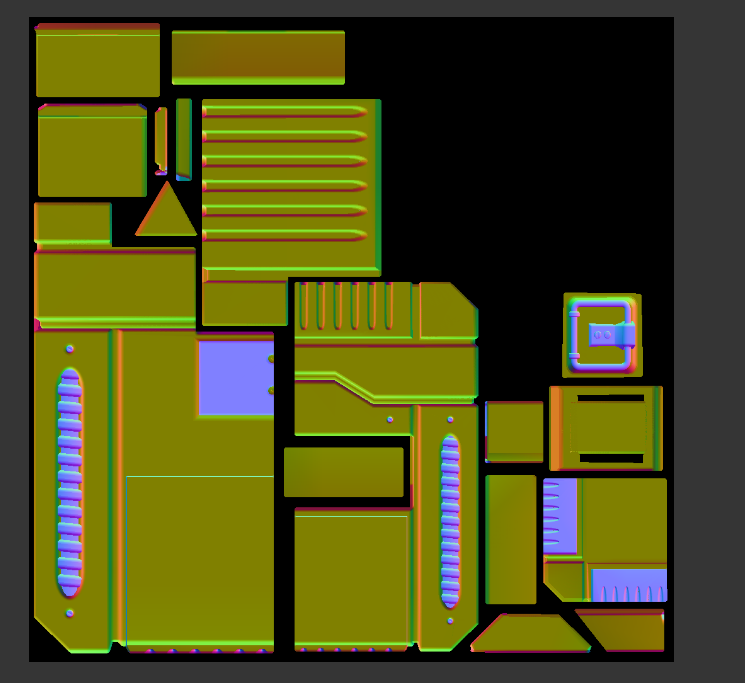
But it was solved by reinstall. Old one’s version was 2.79, too.
Mine is blender-2.79-windows64.msi
Factory reset didn’t solve either.
Interesting! The only other time I’ve seen that is when the normals are flipped. Glad you got it working!
I flipped all face I could see but it doesn’t make it blank.
I tried other tutorial with a blend file and result was very similar.
So I guess Blender system got corrupted.