[BAKE] normal-texture:RGB versus height-texture:grayscale

Forum Archive [BAKE] normal-texture:RGB versus height-texture:grayscale

Viewing 7 posts - 1 through 7 (of 7 total)
  • Author
    Posts
  • #20113
    Kevin Mather
    Participant

      I have a suspicion, but would like to confirm it. Both

      normal-texture:RGB -> Normal Map -> shader-Normal

      and

      height-texture:grayscale -> Bump Map -> shader-Normal

      seem to be able to produce a similar rendered appearance. I assume that similar calculations happen in both cases? I further assume that normal-texture:RGB produces better quality, because more bits of information per pixel?

      I am asking because it’s more practical in a few cases (i.e. text) to create a height-texture with any image editor, rather than hi-poly modeling and baking normals.

      (Interestingly, after applying a bump map, the result can be baked to get a normal texture.)

      #94747
      Dwayne Savage
      Participant

        Bump maps give elevation information based on mid-level. Mid-level is by default 50% grey. Height mapping uses a bump map but adds a smoothing transition in it calculations. 

        Normal maps give vectored information or angles and height. Thus the color of the axis in blender relate to the color of the texture. Thus R=X, G=Y, and B=Z. Blender uses the openGL normal map. Some normal maps you get use the direct X normal map. Direct X’s Y(aka green channel) is inverted. 

        #94748
        Martin Bergwerf
        Participant

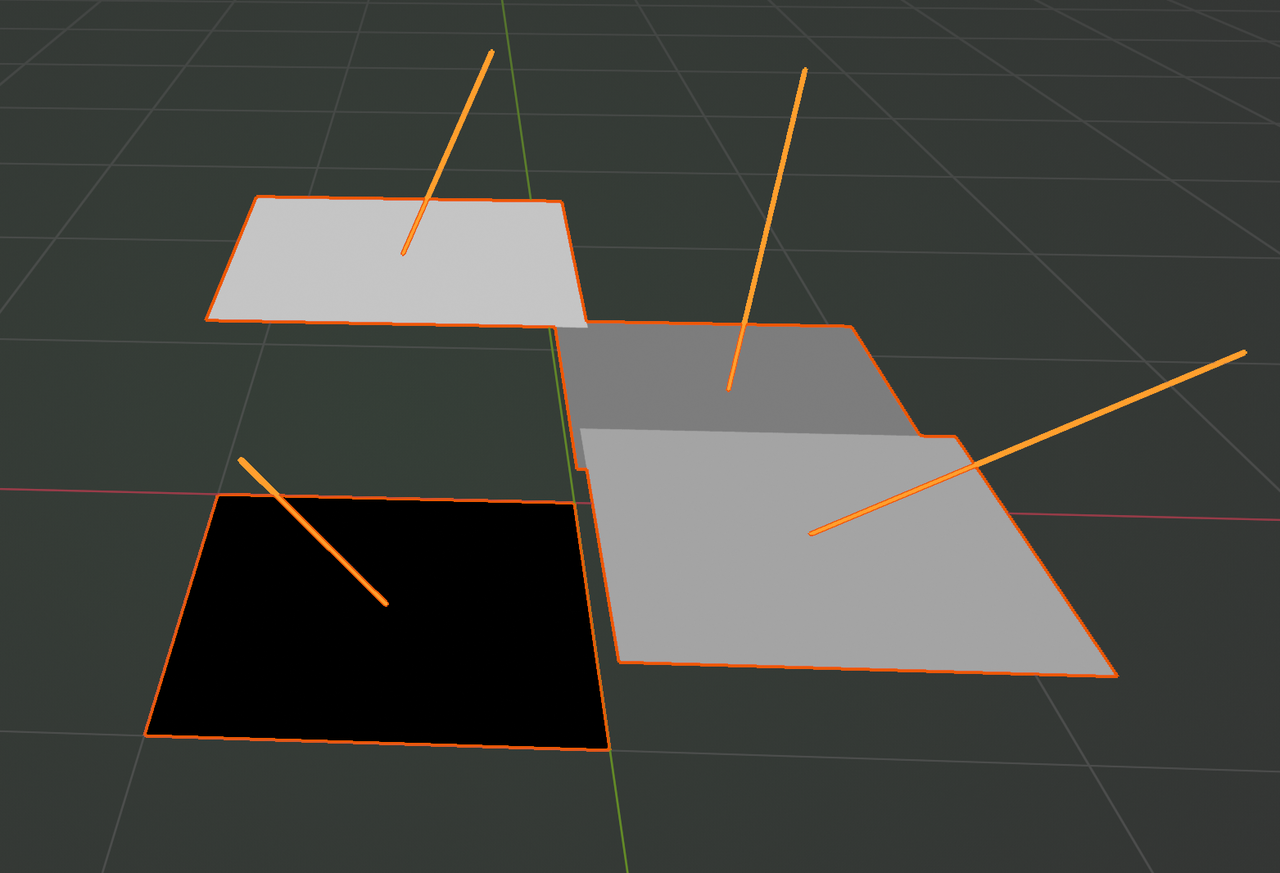
          In an image; let’s say we have 4 Pixels:

          Bump.png

          The Height (Bump) and Normal give complementary information.

          It depends on the situation, wheteher you use a Bump Map, Normal Map or both.

          #94749
          Kevin Mather
          Participant

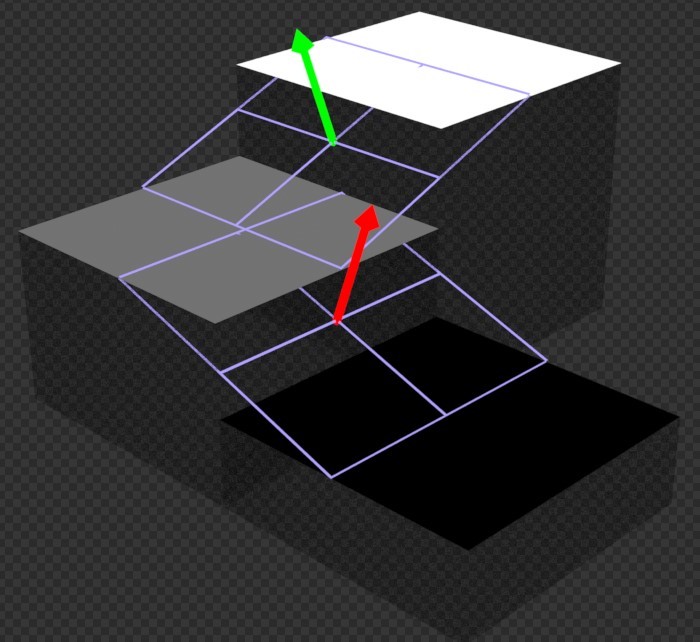
            Thanks @spikeyxxx . Your image is something like what I was envisioning. If I imagine each pixel as a tiny plane with a height, then the difference between 2 adjacent pixels should indicate (partially) a normal vector. (Blue would be the average height.) So it seems logical that Blender can convert height to normals.

            height-normal-01.jpg

            #94750
            Dwayne Savage
            Participant

              Actually @techworker1 the blue in your image is how height mapping is done. The stepped part would be a straight bump mapping. Both use the same grey scale texture. Blender uses height mapping.

              #94751
              Dwayne Savage
              Participant

                Found it, Here is a video that helps to explain the difference better. https://cgcookie.com/lessons/height-maps-vs-normal-maps

                #94752
                Martin Bergwerf
                Participant

                  Hi @techworker1 ,

                  The arrows in your (beatifully made) image, are ‘in between’ the Pixels and the Normals from the Bump Map would be the average of those arrows on each Pixel (at least that’s how I imagine it works). Those would not necessarily be the same as the Normals of the Pixels from a Normal Map (as you can ‘see’ in my example).

                Viewing 7 posts - 1 through 7 (of 7 total)
                • The topic ‘[BAKE] normal-texture:RGB versus height-texture:grayscale’ is closed to new replies.