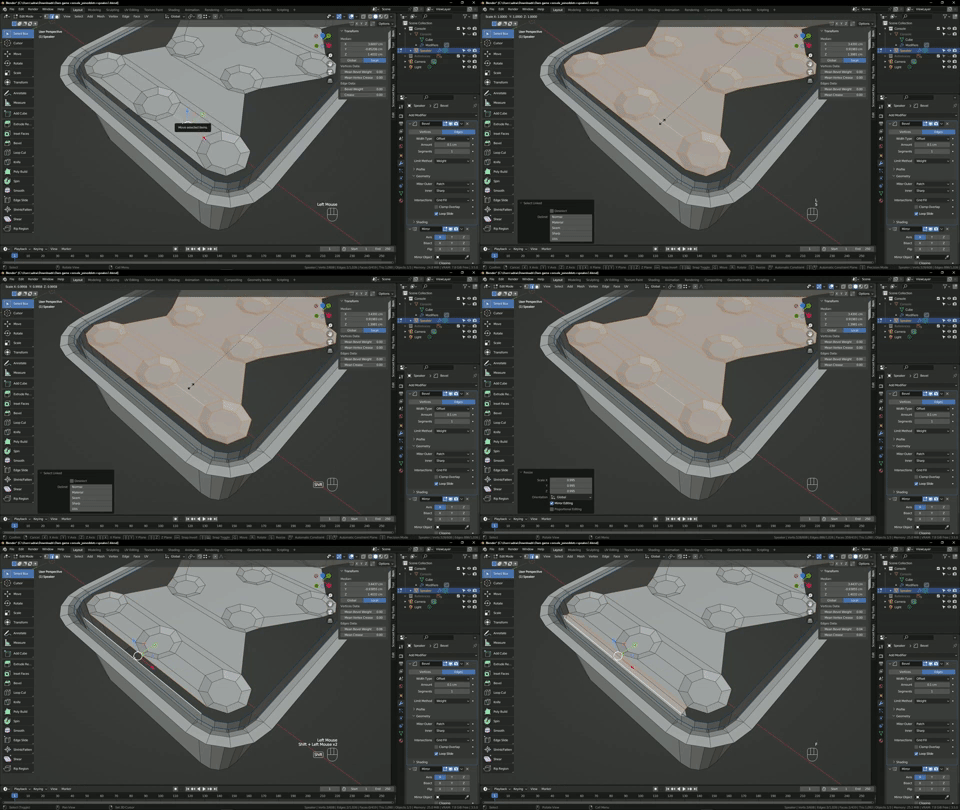
artefact strange

Forum Archive artefact strange

Viewing 5 posts - 1 through 5 (of 5 total)
  • Author
    Posts
  • #16539
    Marcel Hoekstra
    Participant

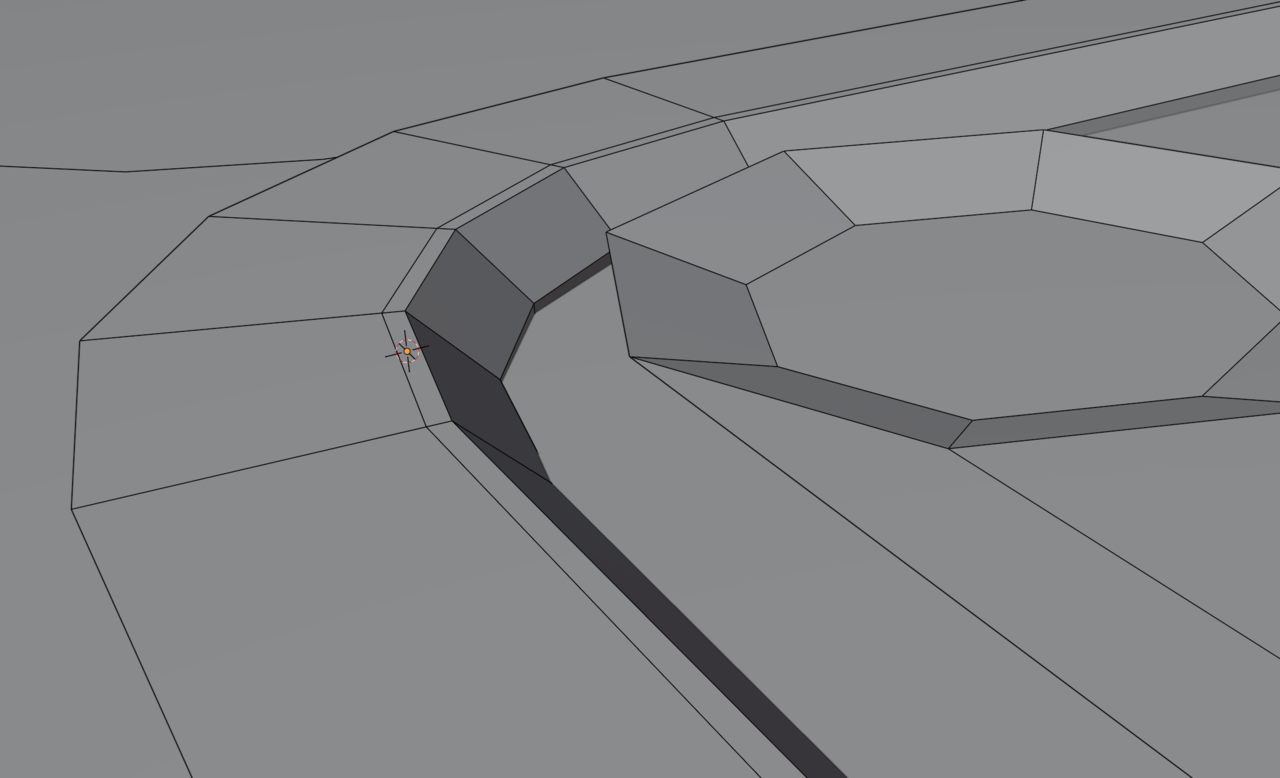
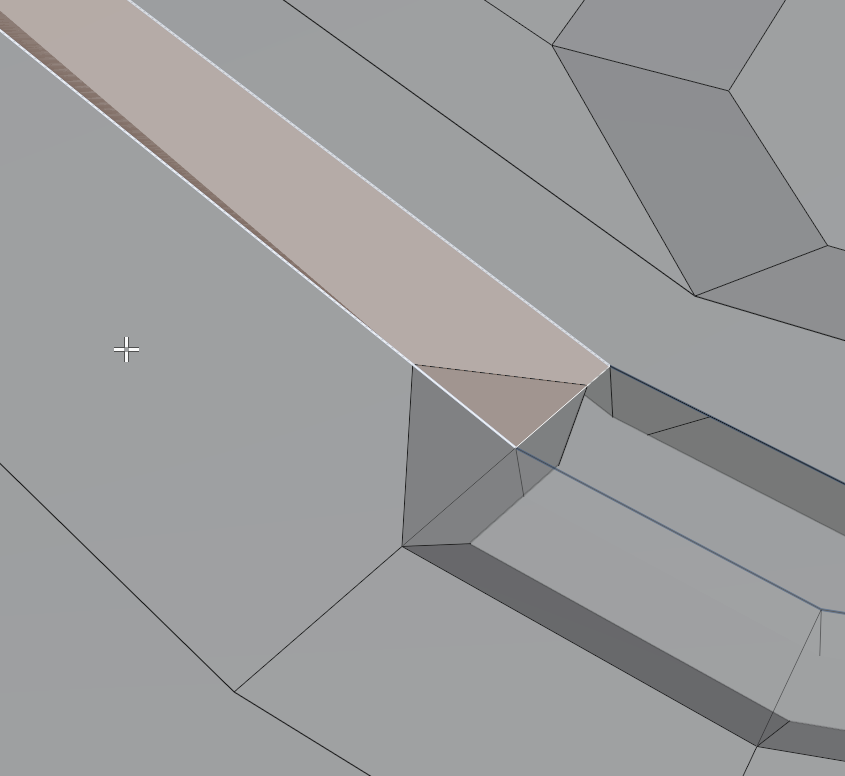
      Hi, when I try to (from 12:08), fill the mesh I end up with this artefact. Anybody got a clue why this is? Link below, Thanks!https://www.dropbox.com/s/mm684lwlsk6o233/Own%20game%20console_joineddots%2Bspeaker2.blend?dl=0

      #79913
      Omar Domenech
      Participant

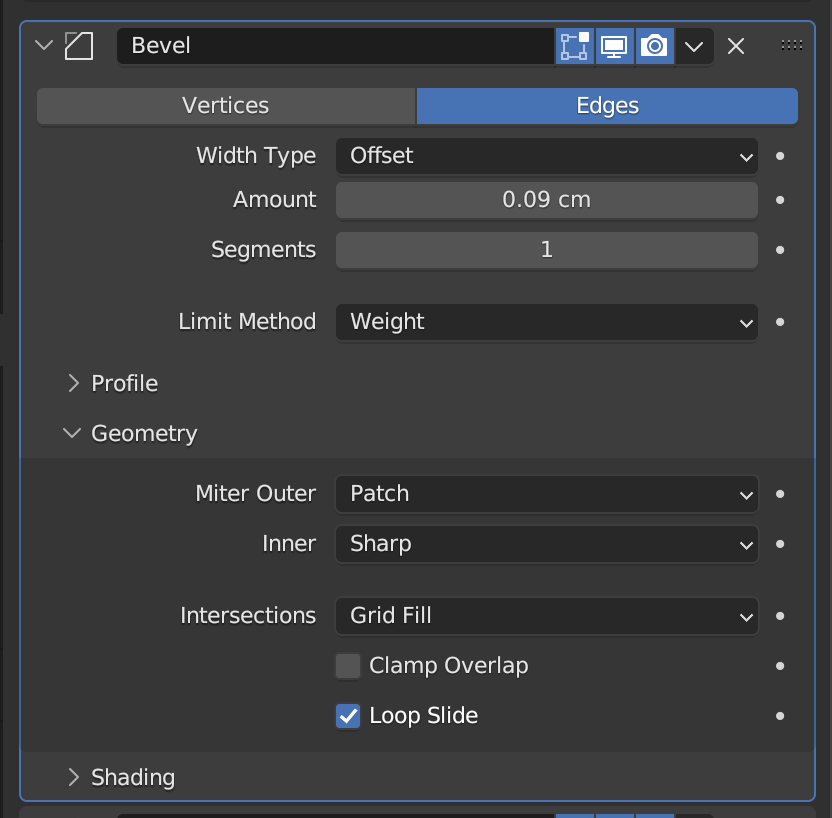
        Basically your Bevel amount value is too high and the mesh starts to intersect with itself. I lowered the value to 0.09cm and it corrects the craziness.

        Bevel.png

        Bevel Set.png

        #79914
        Marcel Hoekstra
        Participant

          Ah ok, thanks Omar! Awesome!

          #79915
          Adrian Bellworthy
          Participant

            Hey @Artmhdesign,

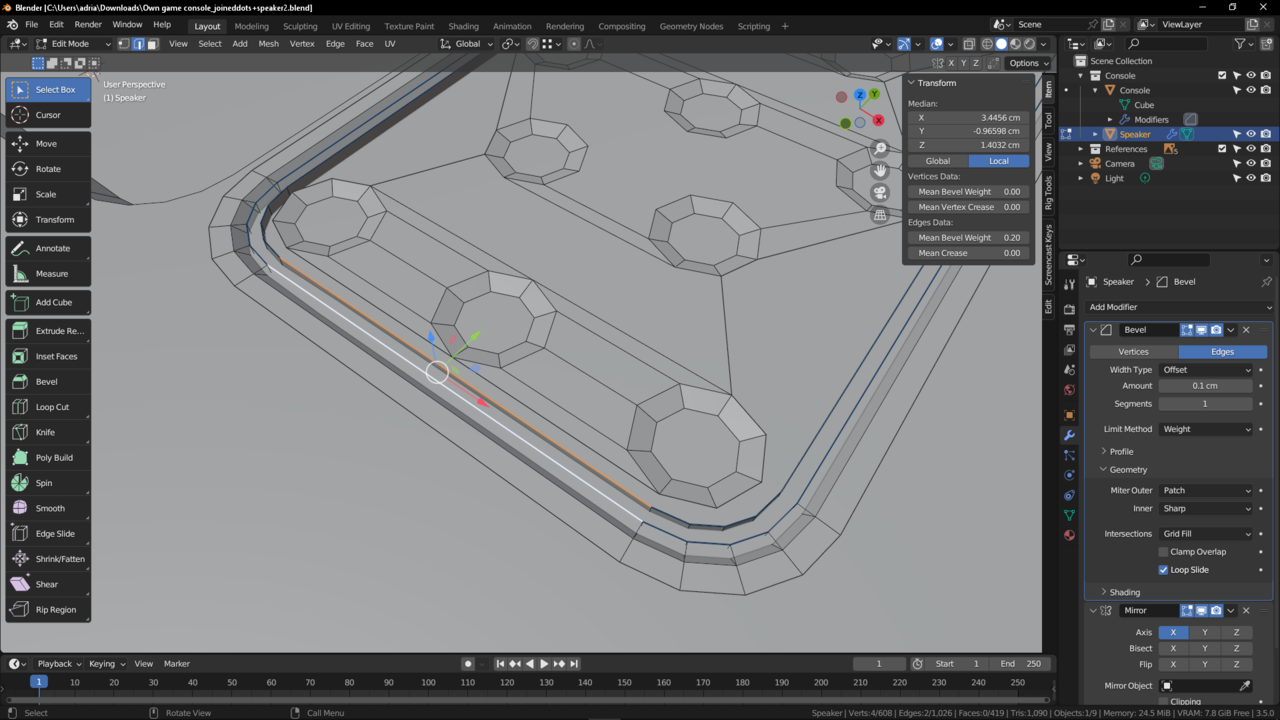
            I believe you have the wrong edges selected to fill the face, as in the lesson.

            At this point (12:08) in the lesson, we are connecting the holes of the speaker.
            When opening the file you have these edges selected, and what you fill on the image above.

            Wrong_Edges.png

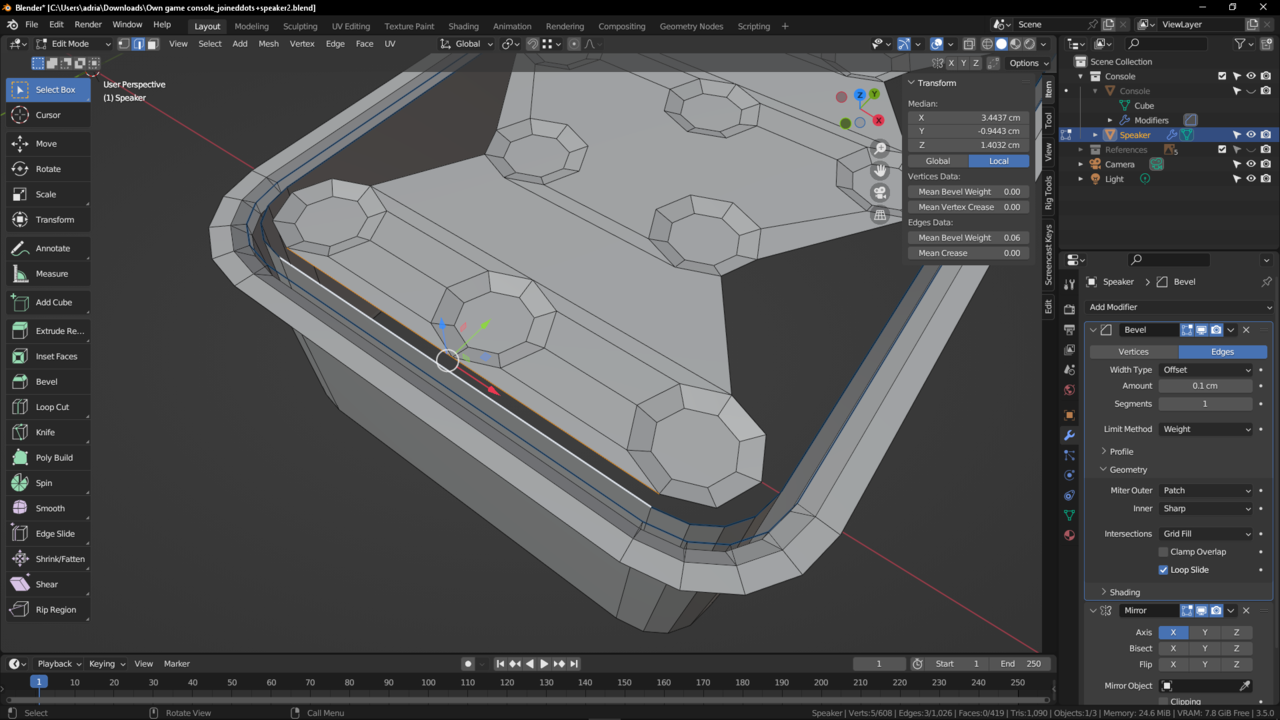
            The edges you should be selecting are these…

            Correct_Edges.png

            You may want to scale the holes mesh a little for the bevel to work, as they are very close to the outer edge.

            Scale_Holes.gif

            #79916
            Marcel Hoekstra
            Participant

              Yes, I think I did :), this worked thanks for your explanation and demo!!

            Viewing 5 posts - 1 through 5 (of 5 total)
            • The topic ‘artefact strange’ is closed to new replies.