The only true workflow shift that could trip up a beginner is:
Slotted Actions (introduced in 4.4)
- In 4.2 and earlier, an Action was just a single block of animation tied to one type of data (say, object transforms or an armature).
- In 4.4+, Actions can contain multiple “slots”, so one Action might hold animation for multiple data sources (e.g., both an object’s transforms and its material properties).
- The UI looks a little different: you’ll sometimes see “Slots” dropdowns or sections in the Dope Sheet, NLA, or Properties panel.
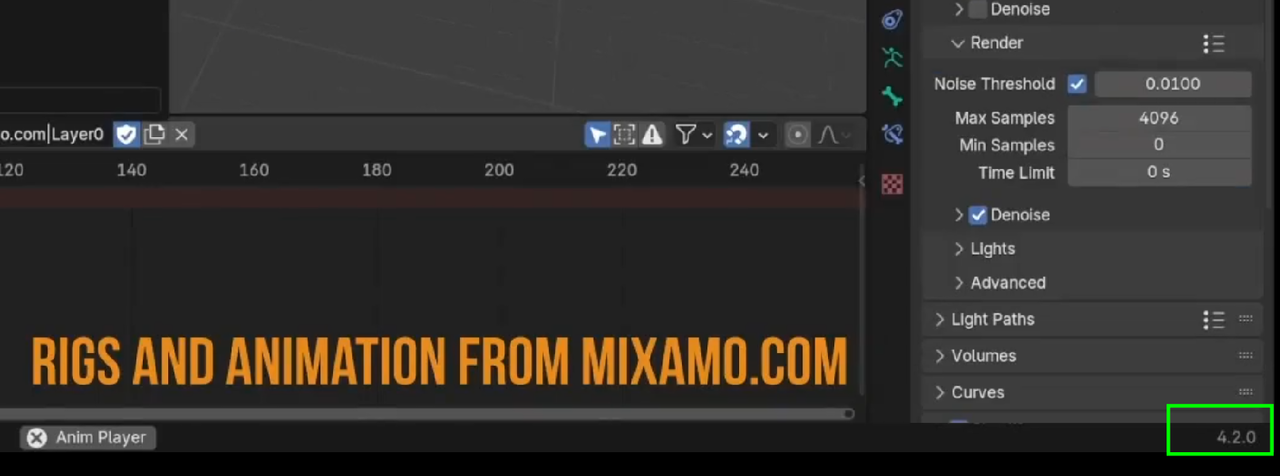
For a beginner just learning the basics, this isn’t disruptive. But the video that specifically going over actions and the action editor I would follow along in 4.2 to understand what an action does and how animation data can be shared and used across your scenes. Once you have a grasp on that, jump into the recent release and experiment with this new slotted action feature.

.