
Architectural Visualization snapping tool
- This topic has 3 replies, 2 voices, and was last updated 4 years, 7 months ago by
.
Viewing 4 posts - 1 through 4 (of 4 total)


 It takes a bit of getting used to in the beginning, but once you ‘get it’, it is really powerfull.
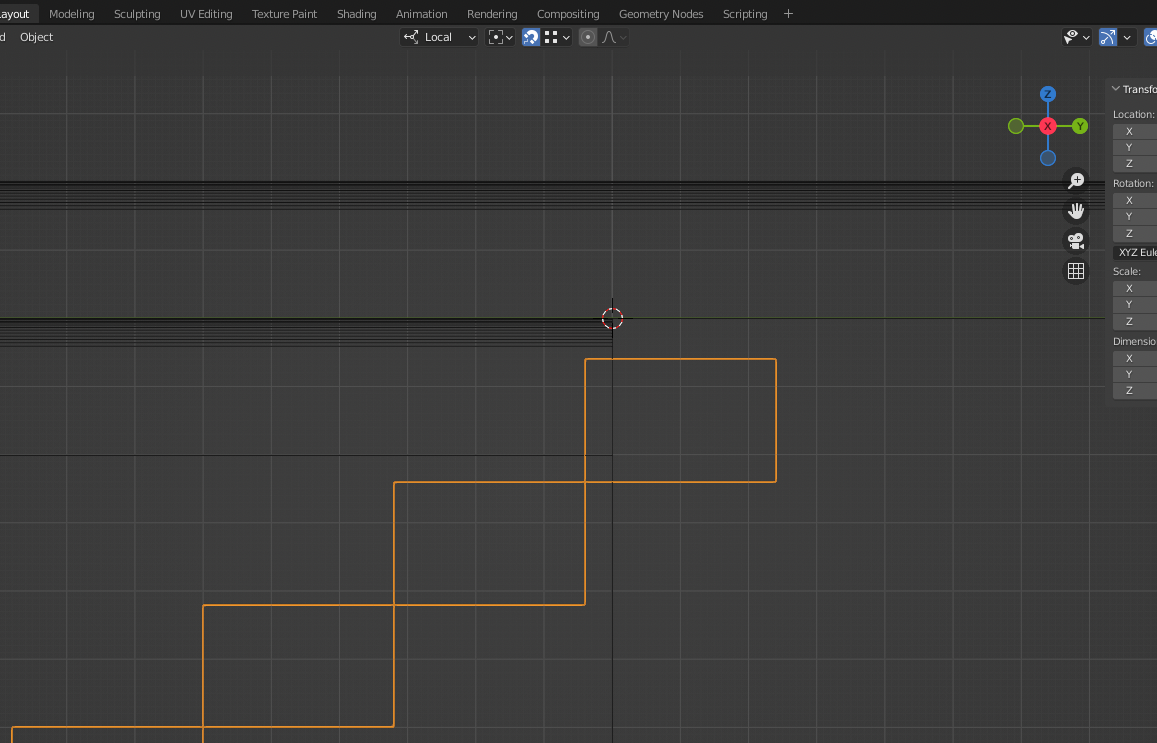
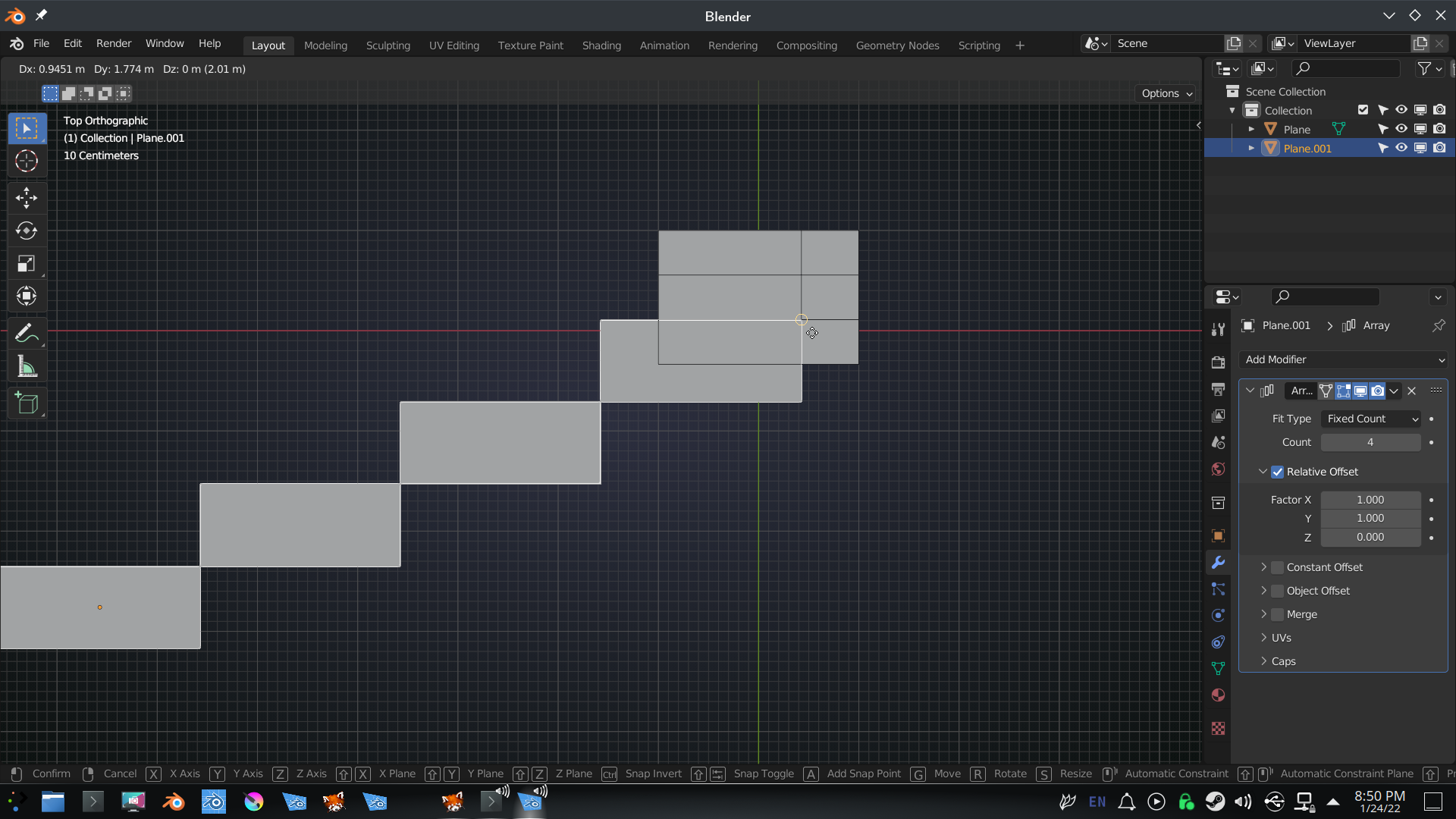
 The entire array became lopsided whenever I hovered over the vertex with the snapping tool on. I worked around it by making the original stair cube to be on top, and arraying it downwards, and snapping with increment. Still no idea how vertex works.
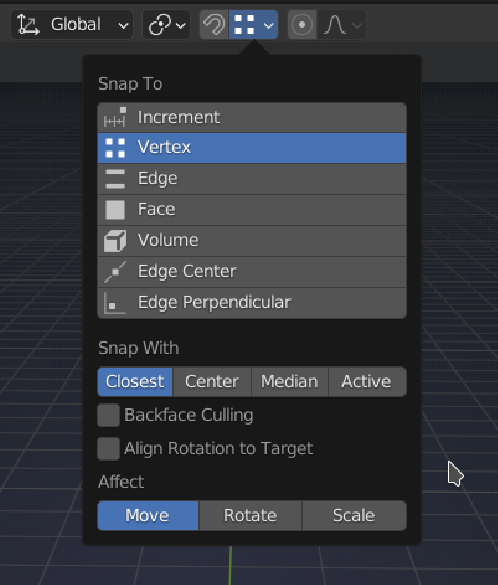 Or hide your profiled ‘sideboards’ (H, or the eye icon in the Outliner).
Viewing 4 posts - 1 through 4 (of 4 total)
- The topic ‘Architectural Visualization snapping tool’ is closed to new replies.