
Alternatives for photoshop.
Forum Archive › Alternatives for photoshop.
- This topic has 12 replies, 10 voices, and was last updated 8 years, 4 months ago by
Sam K.
-
AuthorPosts
-
February 26, 2018 at 2:21 pm #9514
New citizen here, i joined a week ago. I am learning 3D but i am aslo considering learning abit of concepting. I have one problem however, photoshop is way to expensive and all the couses seems to be with it. Is there any alternatives, workarounds or any kind of solution?
I know gimp is free but what about the tools, does it have the same ones used in cgcookie courses?
February 26, 2018 at 2:44 pm #34305Hey Arev, most of the alternatives to photoshop have a similar toolset. The key is to understand how they work. They’re usually fundamentally the same, for example the paint brush tool has the same essential functions across the board, no matter which app you’re using. Once you familiarise yourself then the workflow should be easily transferable. As for a Photoshop alternative that isn’t Gimp maybe try Krita, seems to be quite popular. Hope this helps
February 26, 2018 at 3:03 pm #34306Thank you, yes i know krita is an alternative. Just thought maybe gimp and photoshop would be closer to eachother than Krita and photoshop.
February 26, 2018 at 3:09 pm #34307February 26, 2018 at 3:29 pm #34308When we are at it, we could probly add alot of software to the list. But the reason i think i want to use gimp is because it is probly the software that looks most like photoshop. Both when it comes to menus and tools. So it is probly alot easier to navigate menus and tools to find the same things in gimp, that are being shown on th videos. I dont know this a 100%, but i am guessing it.
February 26, 2018 at 6:21 pm #34309I’ve been messing around with Krita, and it’s pretty decent alternative to PS. It does have its quirks, though, like the layer clipping mask system is super weird and I don’t like it. You have to group layers if you want clipping mask properties, but the lowest layer will affect how it works. So, if you have a background with a character and want to limit your strokes to the character, you must have the character layers in a group or else the lowest layer (BG) will be the “limits” of the strokes, if that makes sense. It confused the crap out of me when I first did it. Whereas in PS, right click, make clipping mask, and done. There are some hotkeys I like in Krita than in PS and then some frustrations with my grokked PS hotkeys that don’t translate to Krita. Overall, I think it’s a decent alternative to PS, just quirky. There are other alternatives out there, too, but I can’t speak for those.
Remember, the tool doesn’t matter as much as what you can make with the tool. There are some excellent artists out there that only use a couple of brushes in a drawing software. Give each software a try, and see what works best for you. Sure, you’ll have to translate some things, but that’ll give you an edge when helping somebody else with similar problems.
February 27, 2018 at 2:31 am #34310Gimp is a great and free image editing tool, and there are enough good quality (websites / video) tutorials on the Internet, that can assist you to get the max out of this wonderfull tool.
Here are a few to get you started on Youtube:
Gimp beginner tutorialsFebruary 27, 2018 at 6:22 pm #34311I use Gimp for most things. Inkscape for vector graphics. They are a little clunky, but seem sufficient for most things I want to do. If you are working on the cheap (free) I certainly wouldn’t discount them.
March 1, 2018 at 12:53 am #34312i tend to use Clip Studio Paint. I like how it works better, the pen pressure and stabalizer work like they should and the default brushes are pretty awesome.
March 3, 2018 at 10:52 pm #34313I haven’t found any free software that is an exact alternative to Photoshop. I use both Gimp, Krita, and Inkscape.
- Gimp = Photo editing and manipulation
- Krita = Digital painting and drawing
- Inkscape = Vector graphics
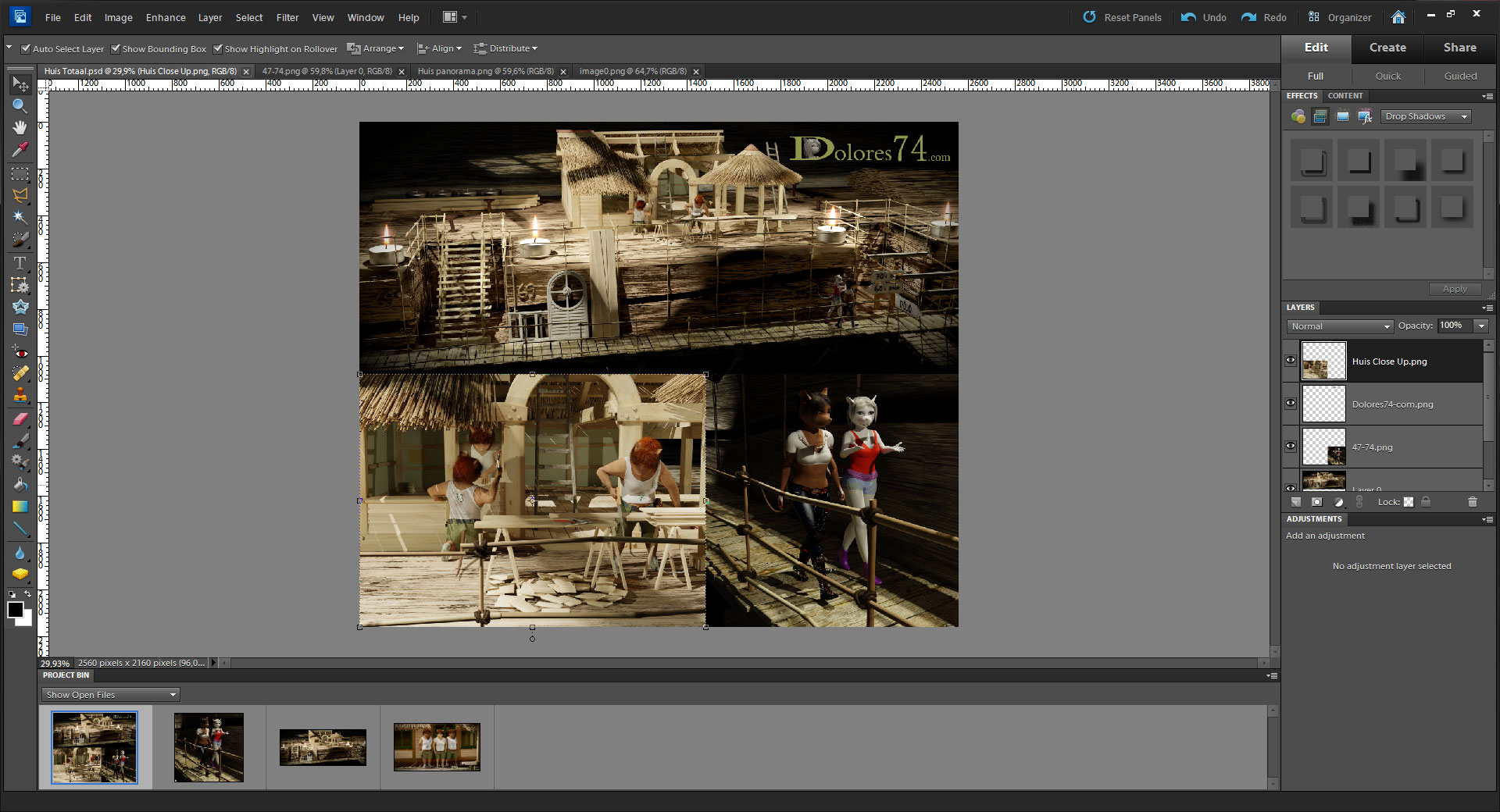
March 4, 2018 at 1:47 pm #34314Photoshop has a lite version, it is called Photoshop Elements and cost 100 €.
 March 4, 2018 at 4:21 pm #34315
Just picked up Krita, based on your and other’s recommendations here. Glad I did!
May 7, 2018 at 8:51 am #34316@arev Hey, just wanted to throw out there that Autodesk Sketchbook Pro just went free. I started off using Gimp the moved to Krita but when I tried Photoshop I couldn’t go back to Krita. However, I have a ton of lag issues with photoshop and Sketchbook pro is way better in certain ways in my opinion. You should try it!
-
AuthorPosts


- The topic ‘Alternatives for photoshop.’ is closed to new replies.