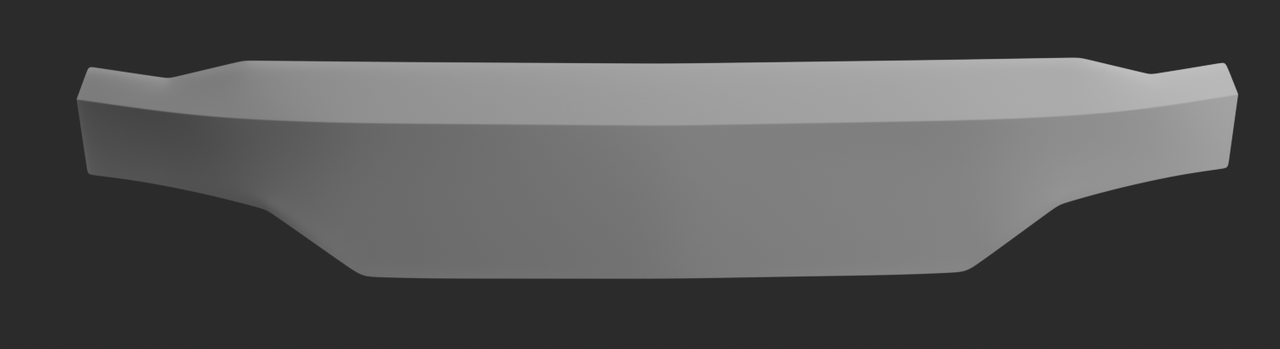
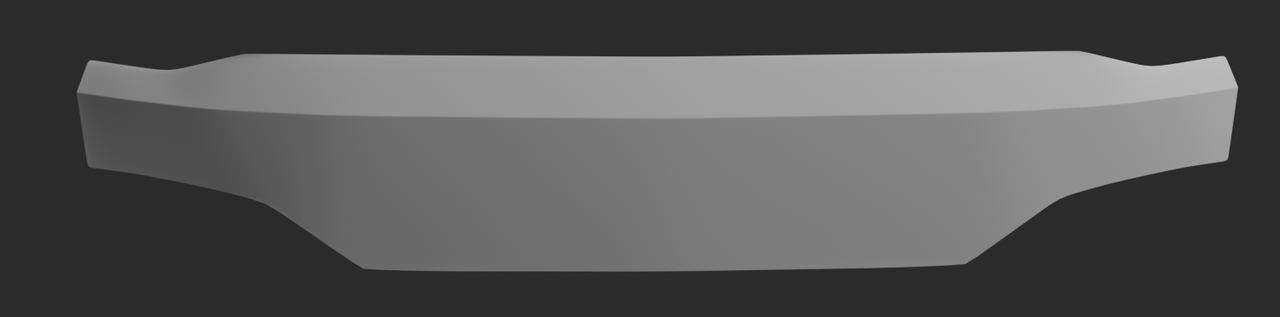
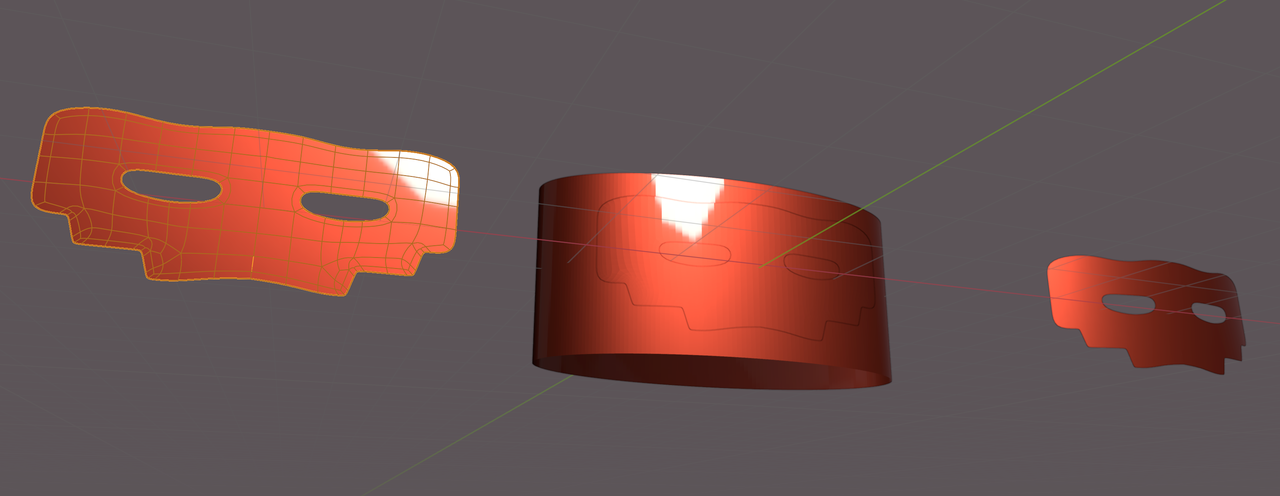
Today I wanted to give a front panel a bit more outside detail, grabbed a coffee and thought it would be a walk in the park. Unfortunately I am having a hard time adding top and bottom corners on a panel which is slightly curved and unforgiving.
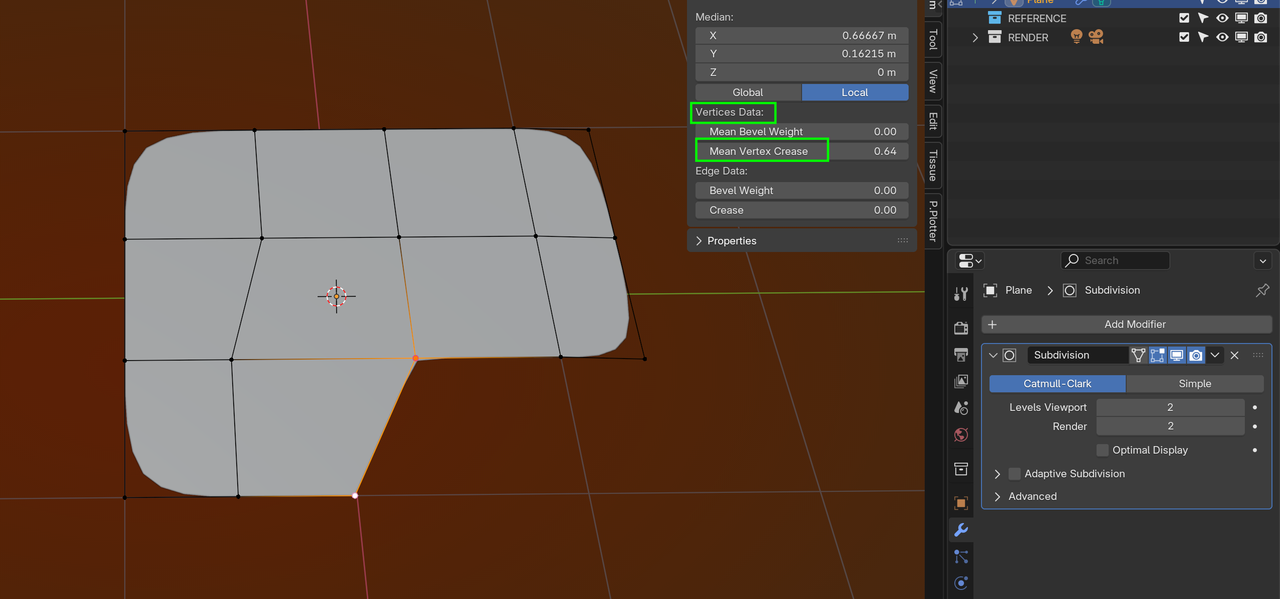
I highlighted the vertices / corners I want to make sharp.
For now the piece is planer, with a bevel, solidify and SubD modifier.
Things I tried so far:
Add a bevel after applying solidify. (Creates pinching)
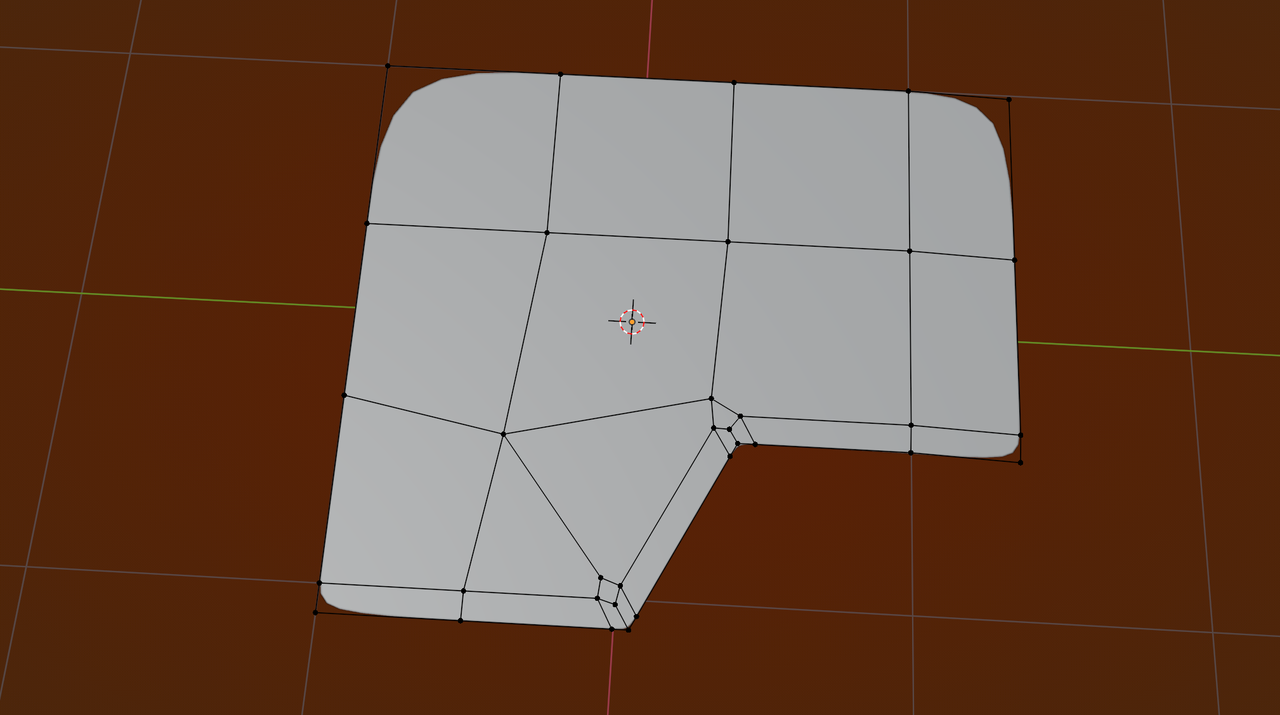
Added the vertices by hand and ran edge loops. (Creates shading issues) and uneven edges
Created triangles holding 3 vertices at the edge.
Bevel modifier.
Edge creasing.
What would be the correct flow to model this panel?
Second question, (asked before, I know) is there a way to even out added edges/vertices on a curved surface? I tried loop tools “relax” and “even” but that does not let the vertices follow the same path / curvature. Or tools / techniques that make this process simpler. (Looptools and smooth vertices was a tip from Jonathan during one of his topology course chapters)



.