Course Library
Learning Paths
Free Courses
Learn Blender 3D in the way that’s right for you.
Inner Circle
Where members share progress and help each other learn.
›
The Commons
A free Blender community open to artists of all skill levels.
Forum Archive › 9:35 Can’t set keyframe in the graph editor
Video time: 9:35
Hello,
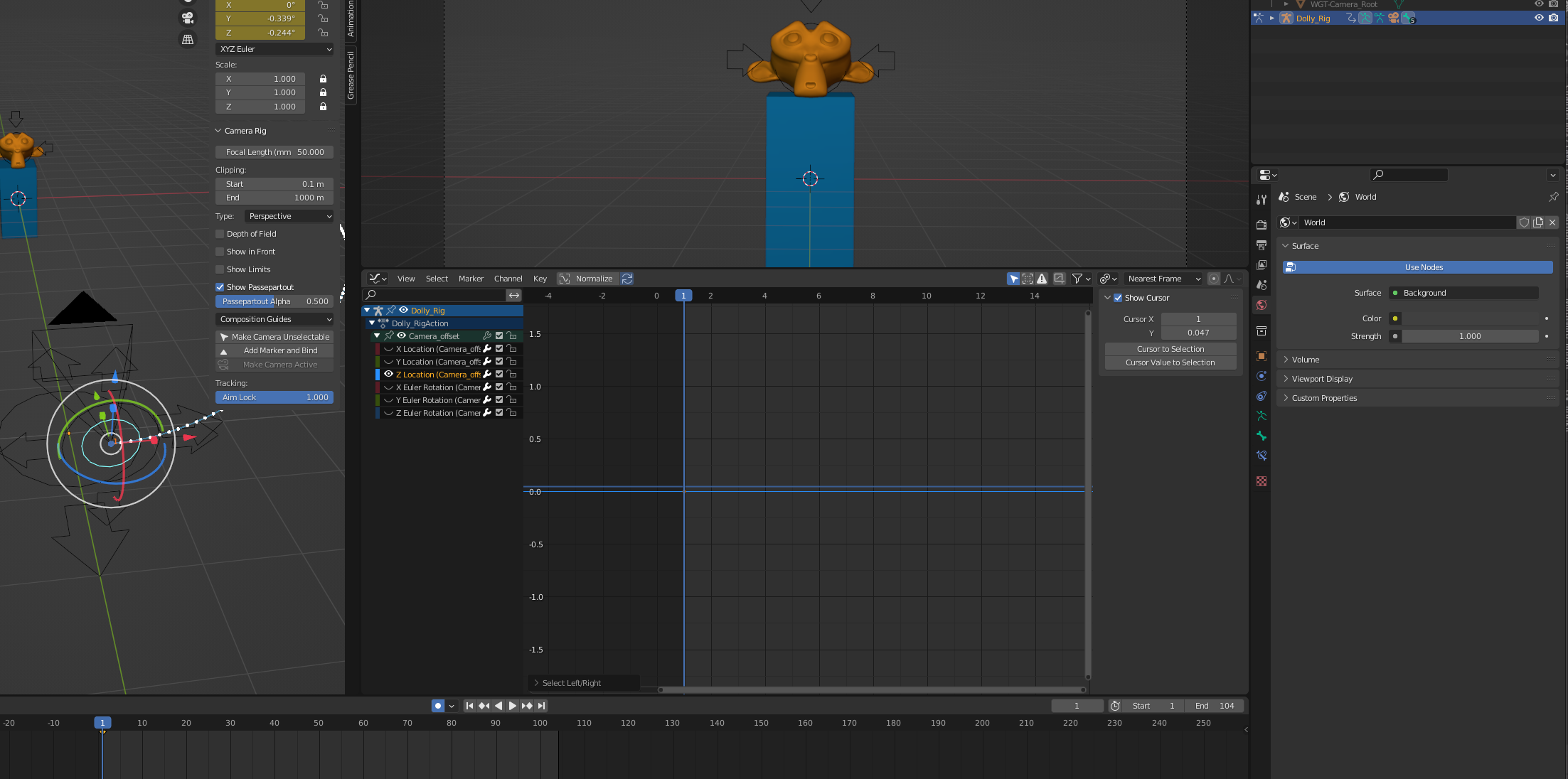
somehow I can’t add keyframes with ctrl left click. I’m using Blender 3.0.1.
Did they change the shortcut? I can’t find it.
Kind regards
Christian
No that still works, you just need to make sure the channel is active (and visible) on the left hand side.I’m talking about next to the eyeballs, not in the graph part.
Hope that sorts it out for you.
Hey thanks for the quick answer. 🙂
I think everything is visible here. I tried to reset the preferences but that didn’t work either.
The shortcut you are after is CTRL+RightClick
When you are a left click selecter, then it is like @adrian2301 says, CTRL+RMB.
But remember that @waylow uses right click select (while that is superior) and then the shortcut is CTRL+LMB
omg thank you all yeah it was right clilck. Thanks 😀
Oh dear, my bad.
Yes I forgot that left and right is flipped, when you live in the other hemisphere…..I mean, when you use right click select.