2.8 setting up different viewport shading options for different viewport windows?

Forum Archive 2.8 setting up different viewport shading options for different viewport windows?

Viewing 9 posts - 1 through 9 (of 9 total)
  • Author
    Posts
  • #10676
    Ross Franks
    Participant

      Hi there,

      hopefully this makes sense.

      But can you set up different viewport shading options for different viewport windows?

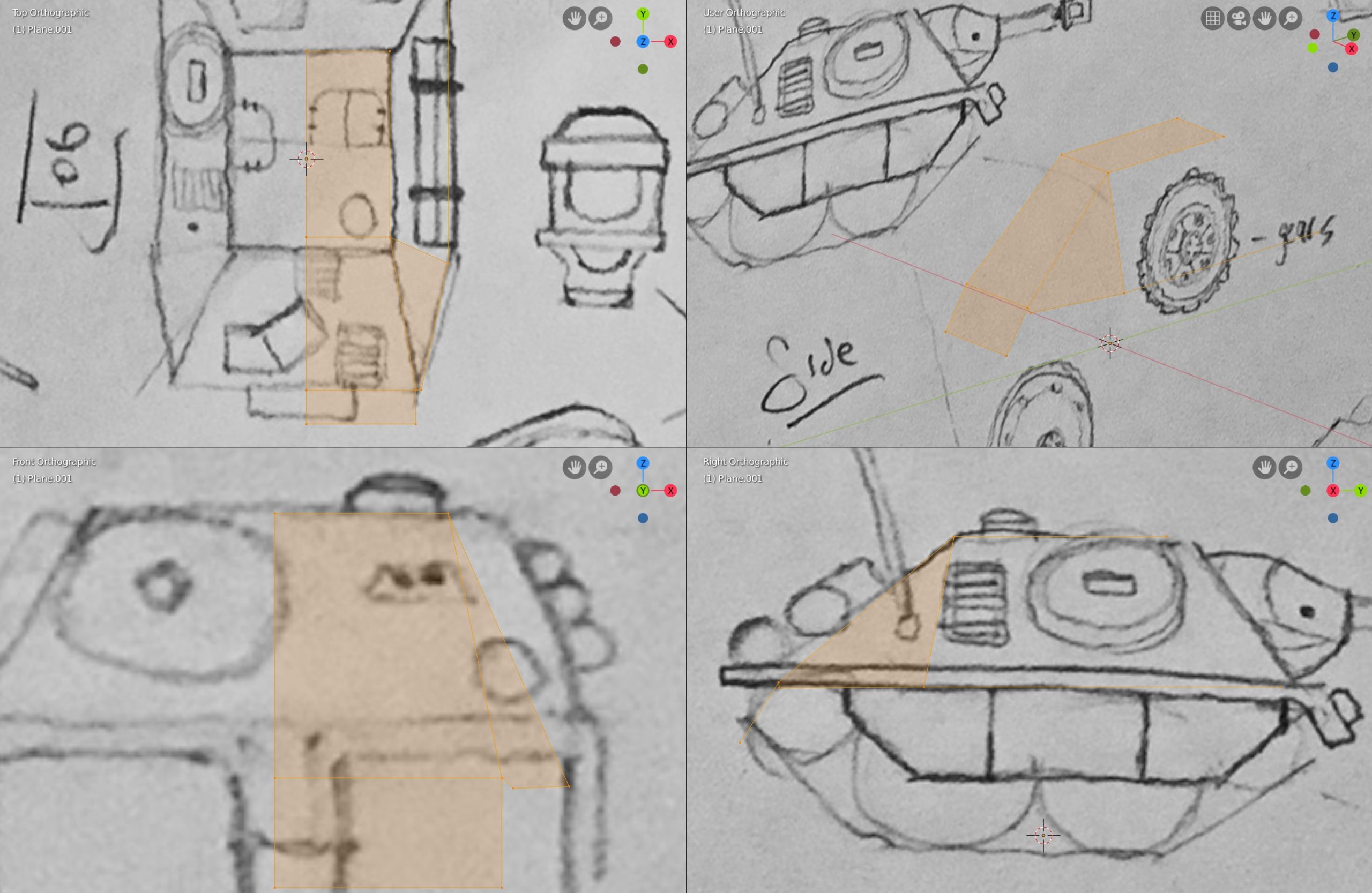
      ie if I’m using the Quad window viewports (see image) can I have X-Ray shading in all viewports except for the ortho viewport, because in the ortho viewport I just want a wireframe shading (or even hiding the blueprint objects).

      #50738
      spikeyxxx
      Participant

        HI @rfranks !

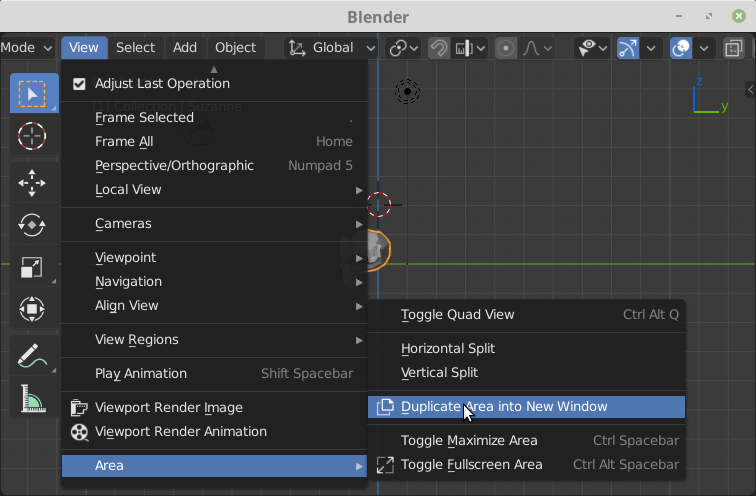
        The only way to do that as far as I know is to go to View > Area > Duplicate Area into New Window:

        Then you can make four new Viewports that are independent as far as shading is concerned.

        Not ideal, but…

        #50739
        spikeyxxx
        Participant

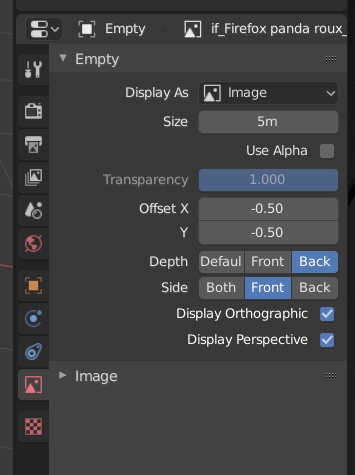
          Oh, and hiding the background image in perspective or orthographic view can be set here:

          #50740
          Jonathan Lampel
          Participant

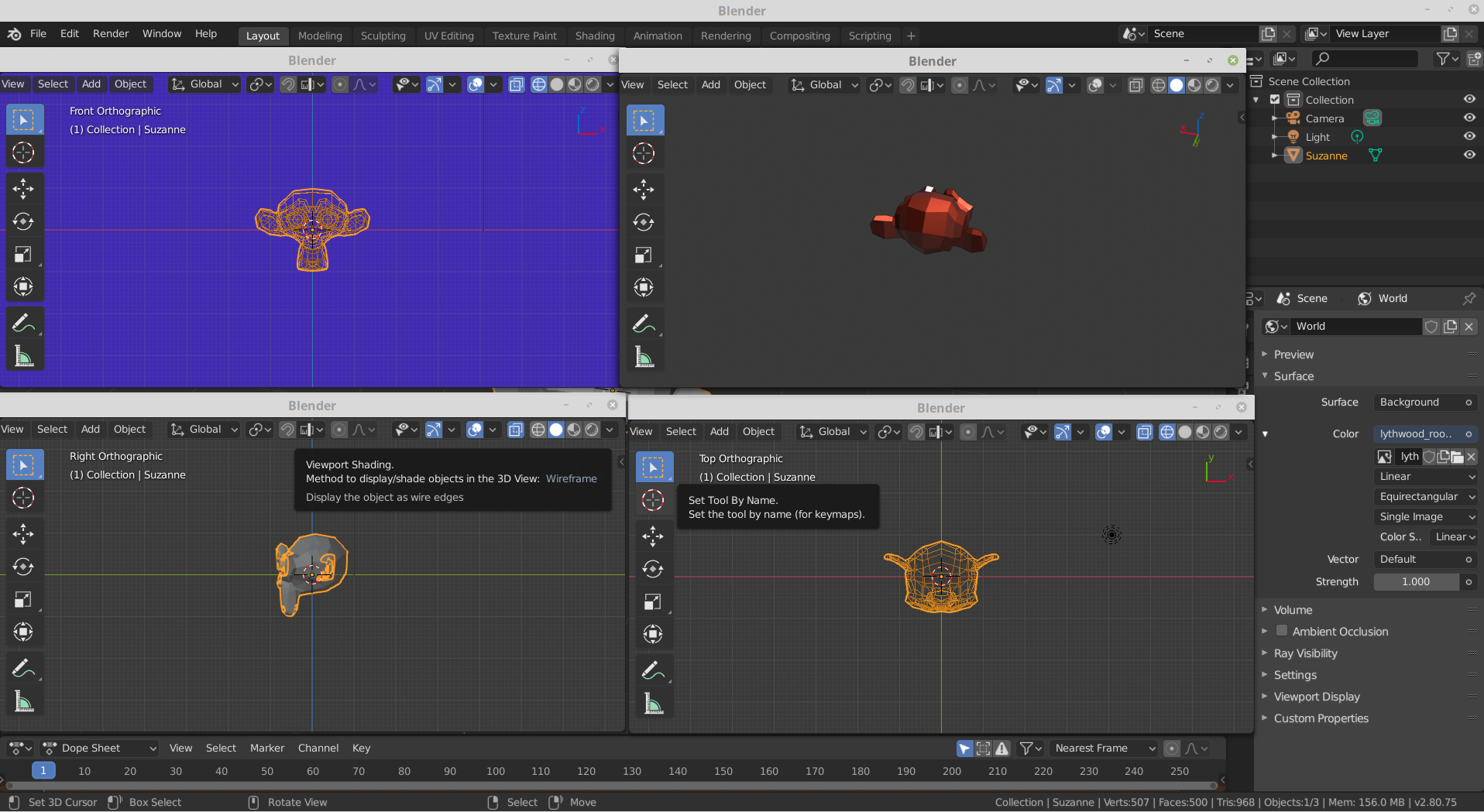
            @spikeyxxx is close! All viewports in Blender are independent of each other though, so you can just split your window (right click on the border and choose split). Each one can have it’s own shading: 

            You can hide the toolbar, text info, and navigate gizmo in the others so that it’s a bit cleaner. You can also use the selection / visibility popover next to the gizmos popover to turn off background images (empties) for different viewports. 

            Pro tips: If you line up the editor lines exactly, they’ll become stuck together so you can move them as one. You can also use the hotkey Ctrl+Space to jump in and out of full screen for any viewport or editor. 

            #50741
            spikeyxxx
            Participant

              @jlampel Thank you, that is great!I didn’t know that.

              #50742
              Ross Franks
              Participant

                Thanks guys, so looks like what I’m after is…

                1) Setup 4 viewports (don’t use Quad View), 

                2) Make all of them Ortho viewports except the top right viewport (ie make it Perspective)

                3) Then in the perspective viewport  select the blueprint Empty object and in Object Data turn off Display Perspective

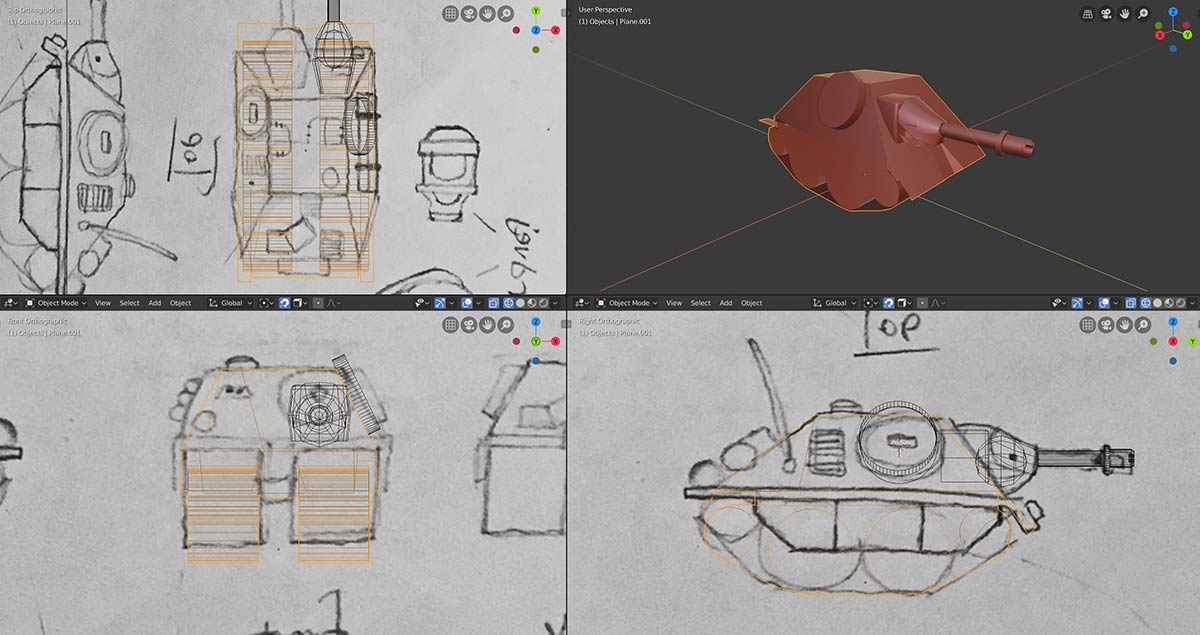
                Giving me wireframes against the blueprints, but a solid view of the tank in a perspective view without the distraction of the blueprints, ie…

                Thanks again.

                #50743
                Jonathan Lampel
                Participant

                  There you go! Looking forward to seeing how this tank turns out 🙂 

                  #50744
                  Ross Franks
                  Participant

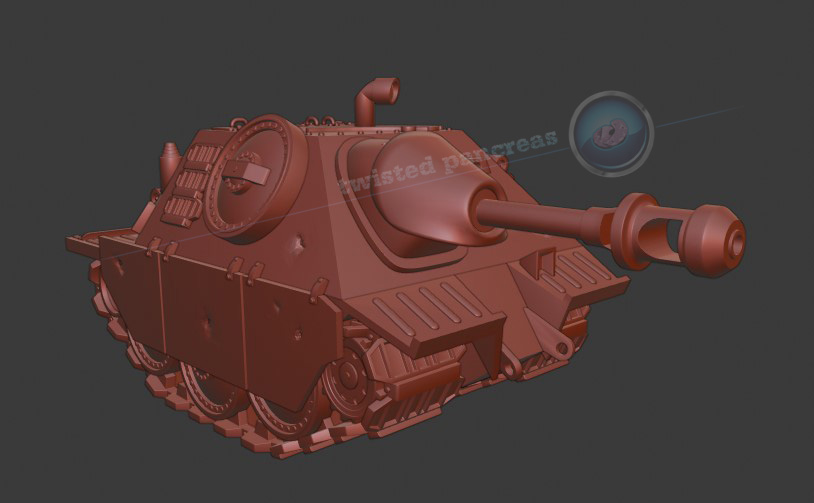
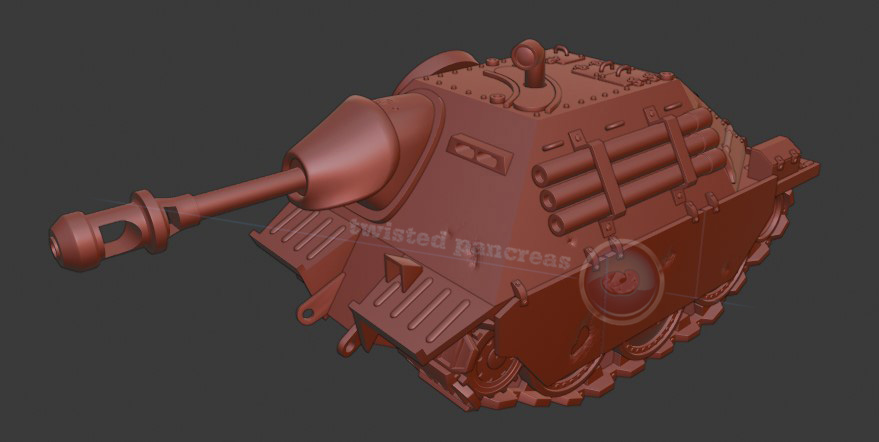
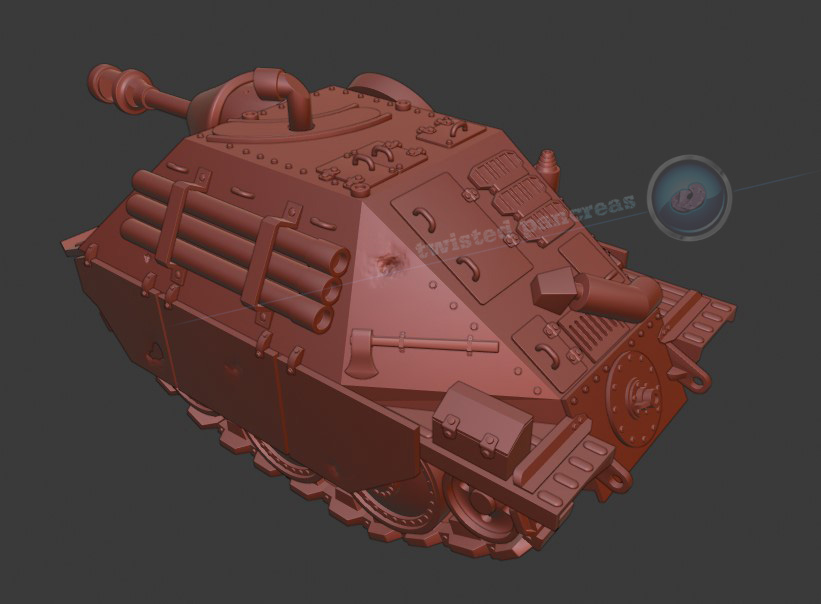
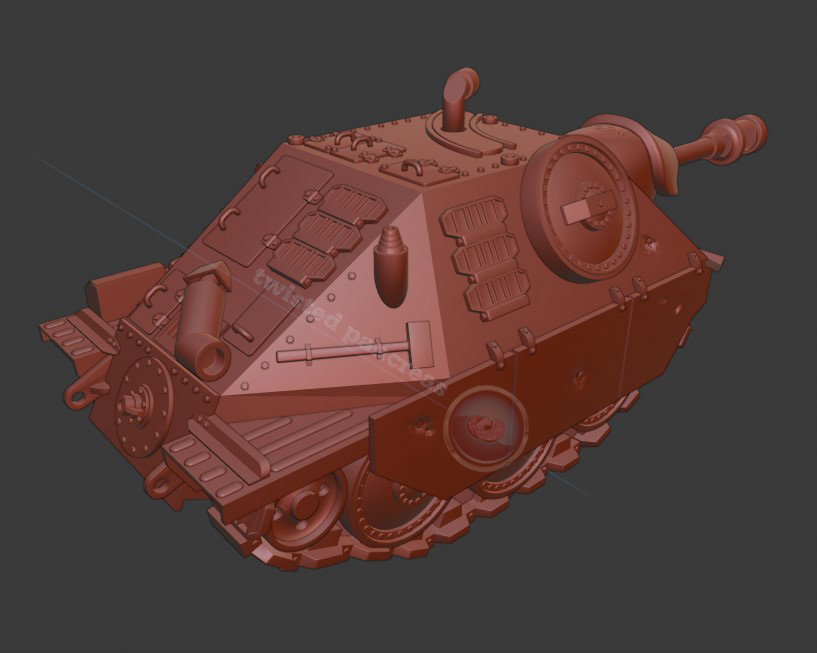
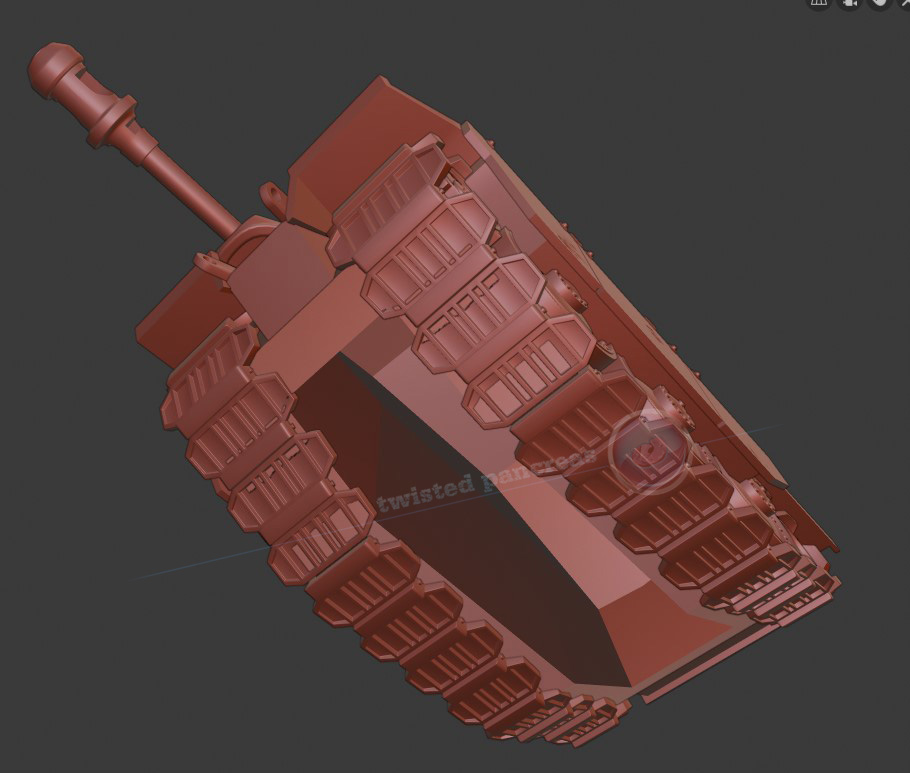
                    Thanks Jonathan, it’s very early in the block out stage, but it’s for my son who loves the Hetzer tank so I thought I’d make him a 3d print of one for his birthday in the similar style to Meng’s World War Toons models…

                    #50745
                    Ross Franks
                    Participant

                      Hey there Jonathan Lampel (jlampel) here was the end result, reasdy to go to the printers…

                    Viewing 9 posts - 1 through 9 (of 9 total)
                    • The topic ‘2.8 setting up different viewport shading options for different viewport windows?’ is closed to new replies.