Reply To: Why is my UV Unwrap nowhere near what this video shows?

Forum Archive Why is my UV Unwrap nowhere near what this video shows? Reply To: Why is my UV Unwrap nowhere near what this video shows?

#93258
Martin Bergwerf
Participant

    Hi Joe, 

    first the last part, which was your original Question; You have all Objects Selected now, but only 1 is in Edit Mode:
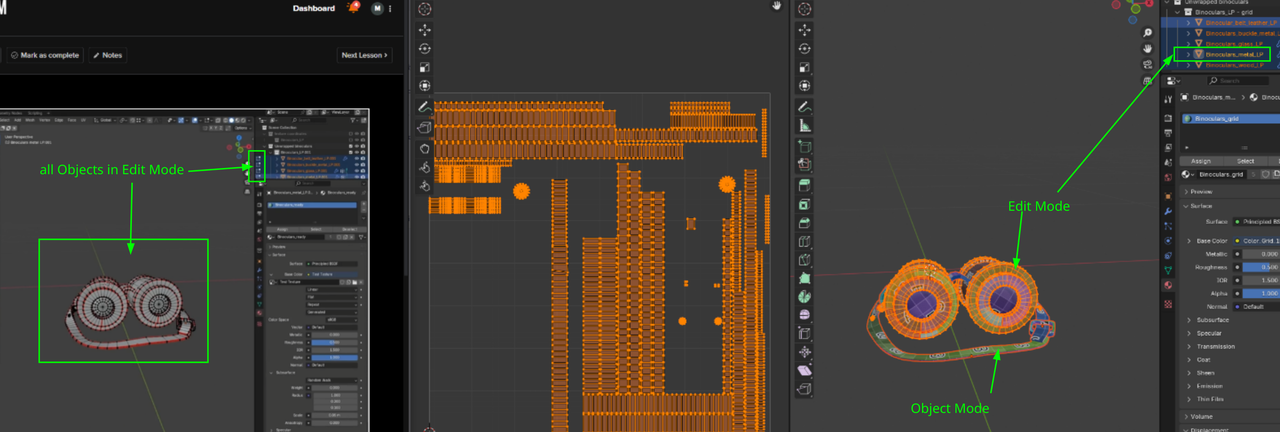
    Modes.png

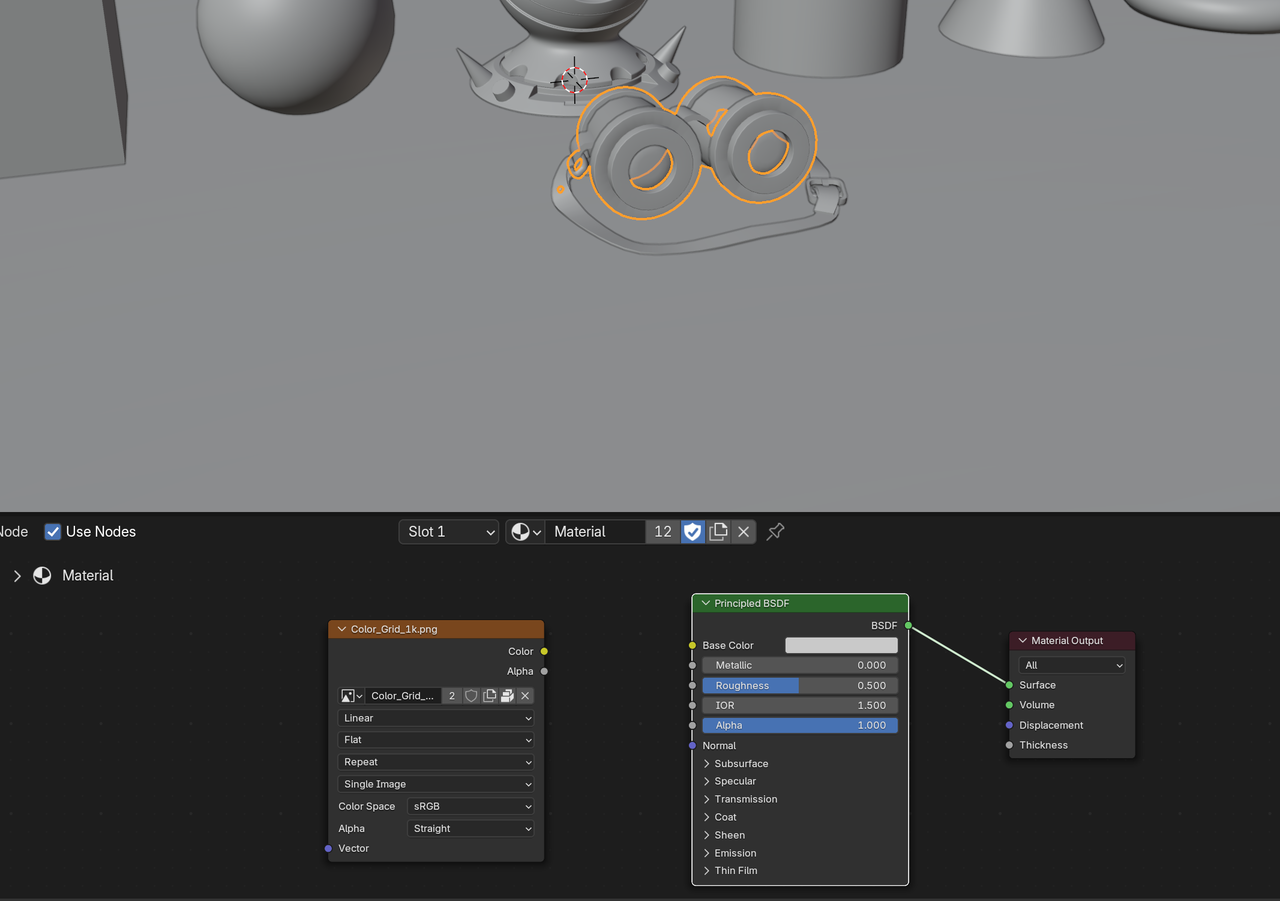
    When I open the file, I get this:

    File/>00.png” data-loading=”lazy”></p>
<p>The Image is already there, as you can see.</p>
<p><b>“…how she gets the shader material to show up for Cylinder.001 when she doesn’t have it selected”</b></p>
<p>If you ALT+A Deselect everything, that Material will still show, even if nothing is Selected.</p>
<p><b>“… when she unchecked the first collection “texture coordinates”, it made her shader window blank out”</b></p>
<p>That’s because that was the only Collection that was enabled.</p>
<p><b>“…she’s got “Binoculars_metal_LP ” selected in the outliner, but there’s no outline in the workspace window”</b></p>
<p>That’s because she has the Overlays disabled.</p>
<p>You might want to go back to Blender Basics 4.x and the CORE Fundamentals of Modeling, before tackling this Course.</p>

		
	</div><!-- .bbp-reply-content -->
</div><!-- .reply -->


</div>
		</div>
	</div>


<footer class=