Press G to get into Move mode, then B to Set Snap Base and then:
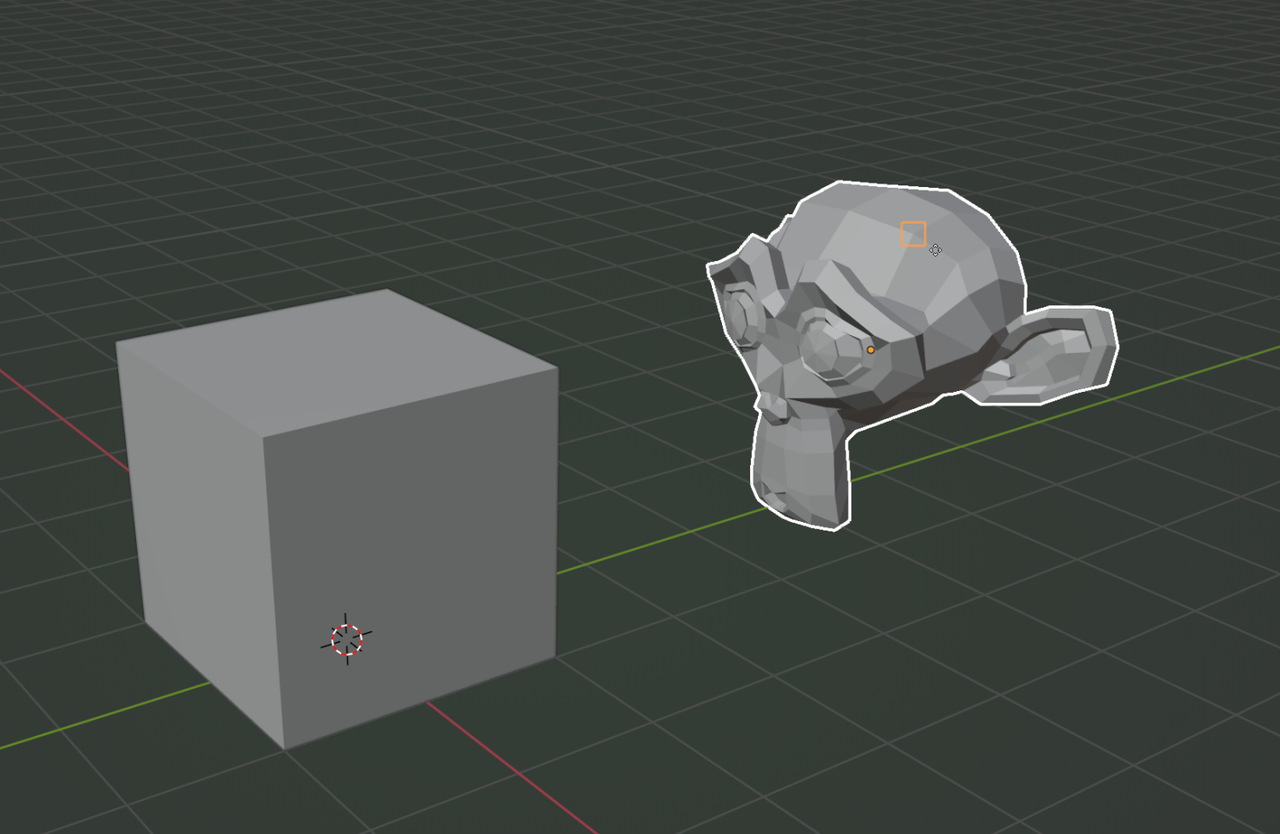
The orange square is a sort of preview of which Vertex is going to be the Snap Base. A circle indicates that a Face is going to be the Snap Base, a double triangle for an Edge and a triangle for an Edge Center.

