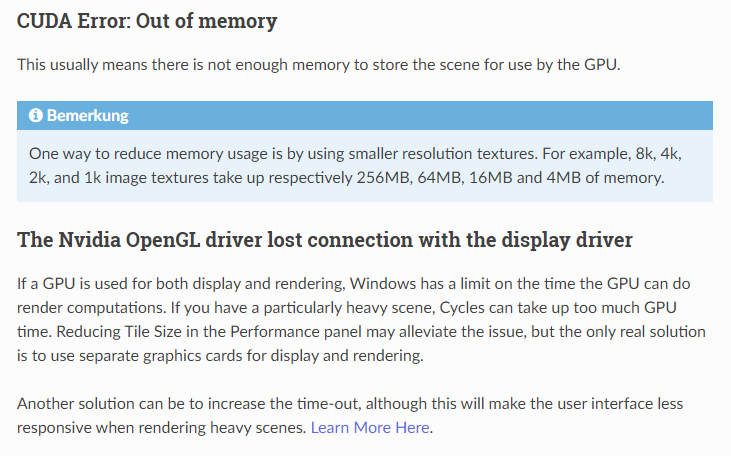
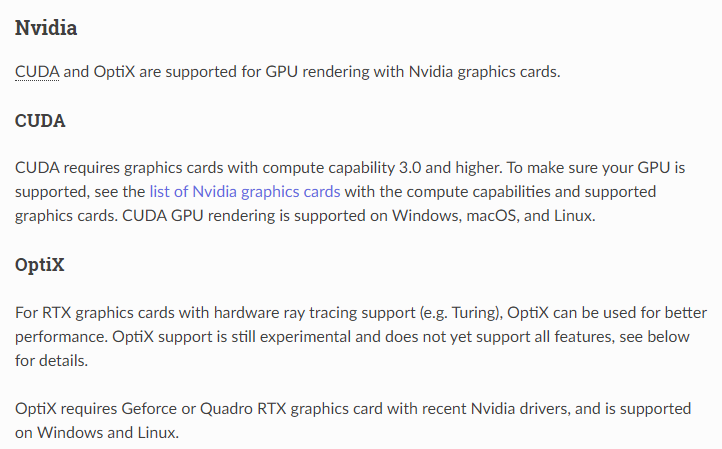
The error message indicates that the memory of the graphics card or the shared memory was not sufficient for rendering. You could change something in your scene, use fewer lights, optimize textures, reduce subdivision modifiers, use instances instead of copies, i.e. ALT+D instead of Shift + D or something similar. You can tweak the render settings, lower resolution, lightpaths. Actually everything that requires performance and needs to be cached. I don’t know if this will help in the end, I’ve never dealt with it before, but maybe the render device setting will help a bit. If you go to Settings -> System, your graphics card will be listed under None/Cuda/OptiX. Depending on which graphics card you have.
I think maybe it’s not so much the memory of the graphics card but also the RAM memory.
This is from the Blender manual, maybe it can help.
https://docs.blender.org/manual/de/2.83/render/cycles/gpu_rendering.html