As Dwayne already said, if you keep the areas small, the smaller the distortion will be. If you use a bevel modifier and a SubD you will achieve this. I would try this, as your face is not bent there. It still wouldn’t be nice, but maybe this will help you quickly.
Otherwise I would probably remove the vertices and then put in loop cuts CTRL + R. (Depending on how the complete mesh looks and it is possible) The more loop cuts there are in a smaller space, the sharper the area becomes, so you have to be a bit careful with that.
My example is not perfect but there are certain topology guidelines where you can clean up your mesh. You can do this with the KnifeTool (K key). Becareful with double vertices. Merge is your Friend.
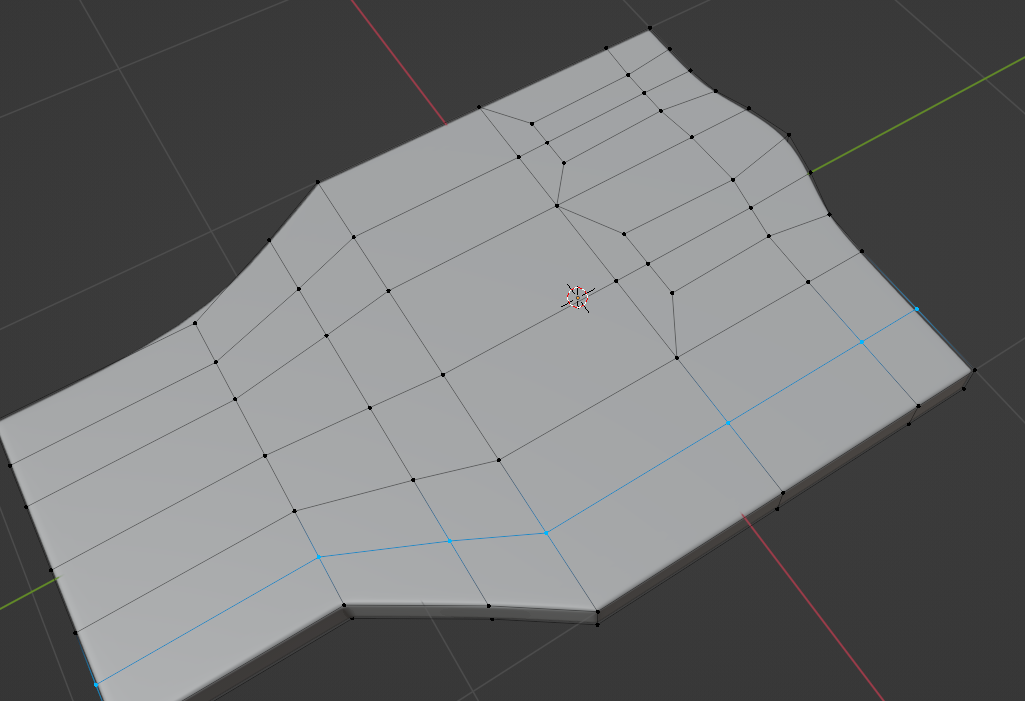
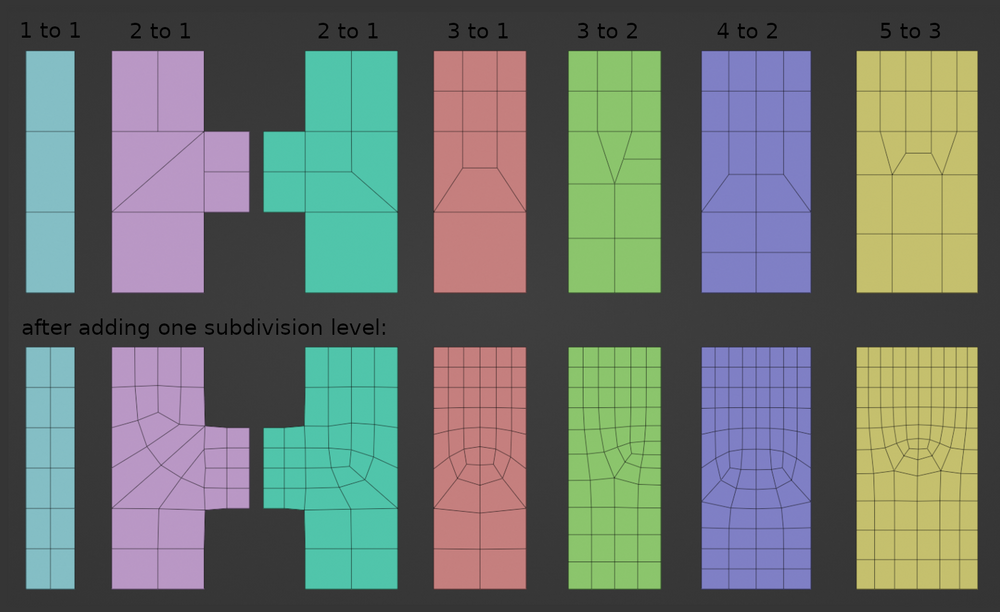
Image from https://blog.yarsalabs.com/blender-topology-guide/

