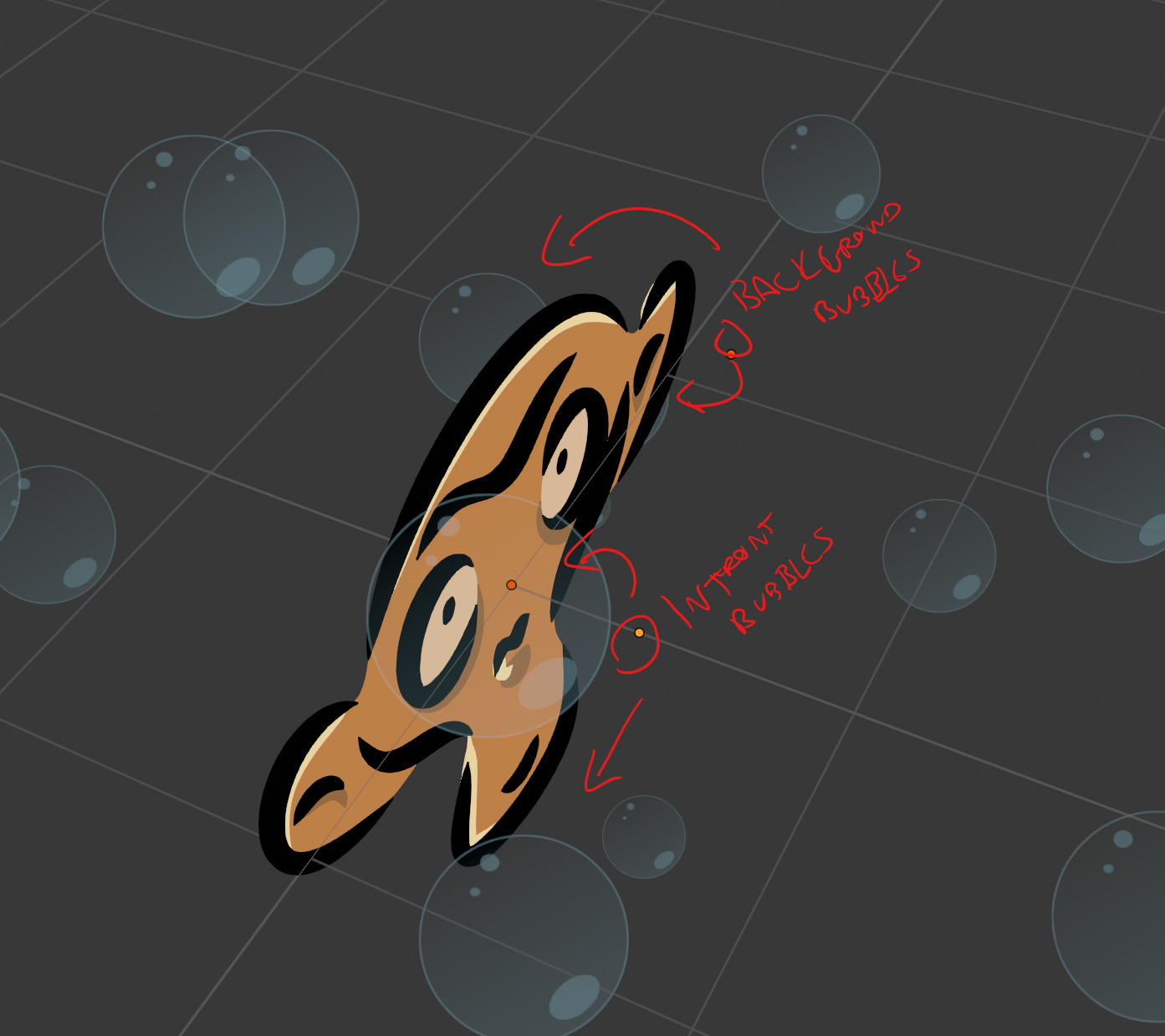
The reason the alpha is clipping the dog and not the background is likely because the Maia object shares the same origin location as the bubble object. It’s a quirk of Grease Pencil, that some aspects of the object will be calculated from the point of origin – even if the bubbles are spread out over 3D space. The way to fix this is REALLY simple – move the bubbles forward along the Y axis – even just a little bit – and the bubbles should behave.
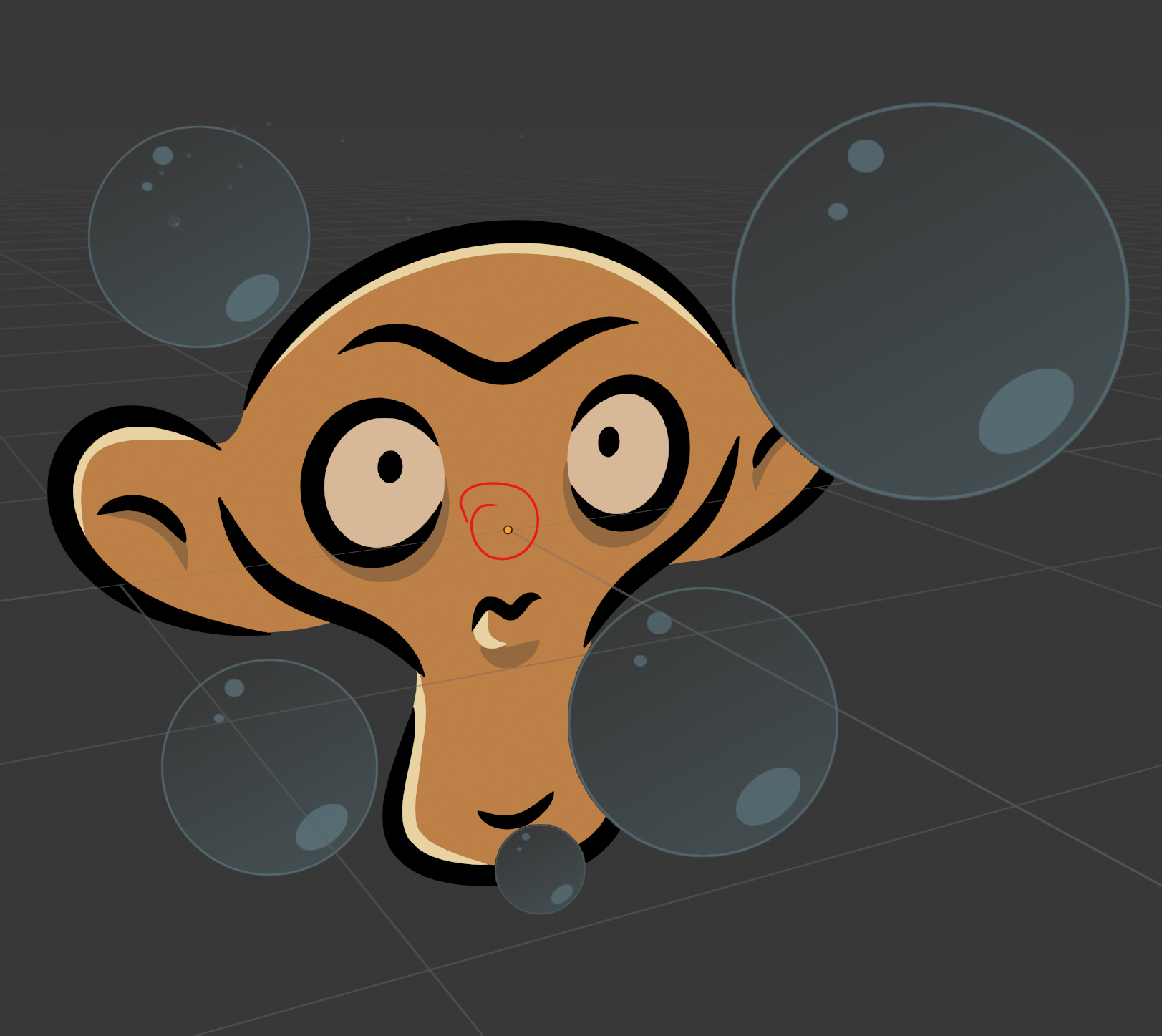
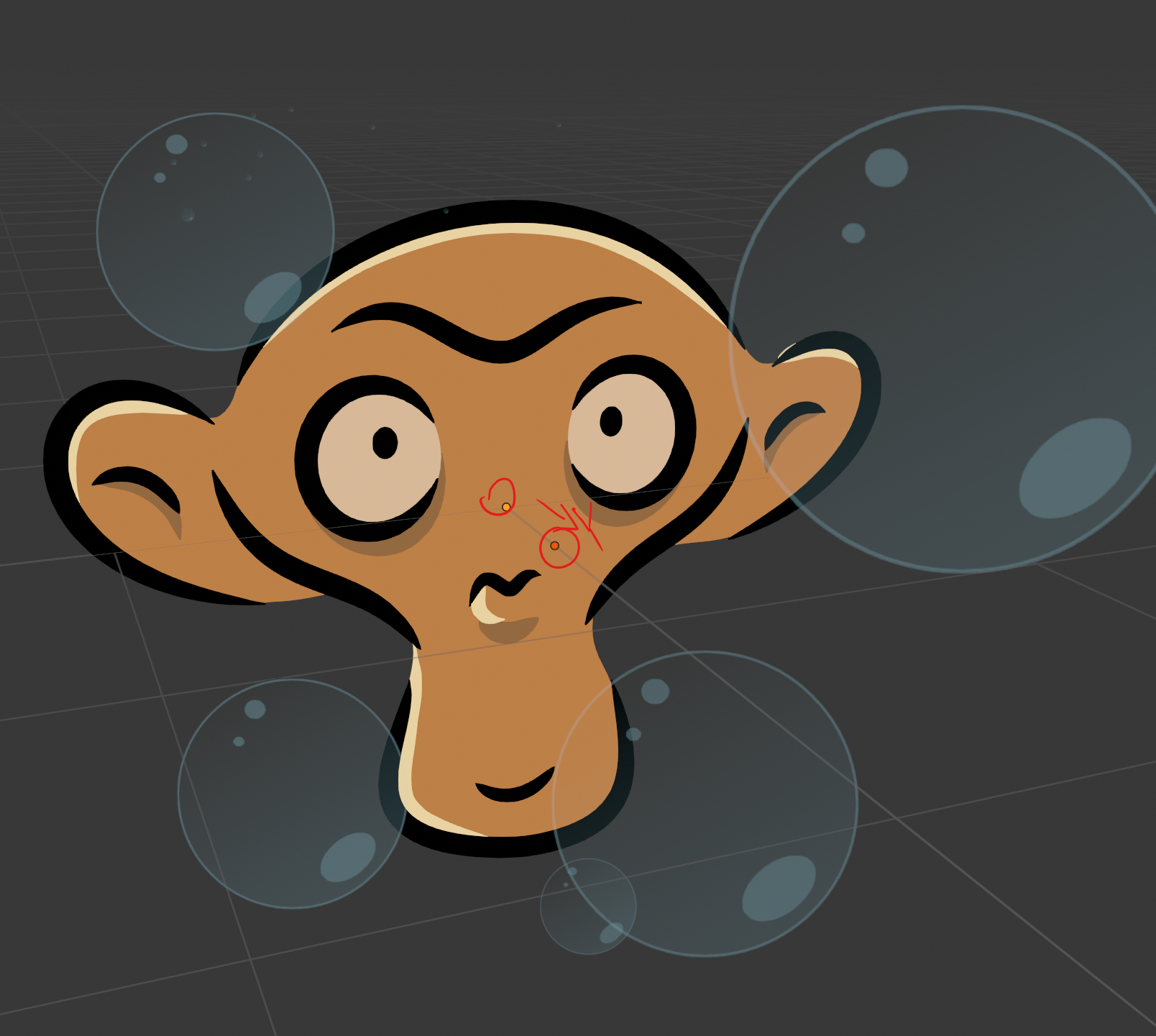
Note however, that if you wish bubbles that are positioned behind the monkey (in my case) it is recommended that you create a “background bubbles” object and position that behind the monkey.