Hi Roxana,
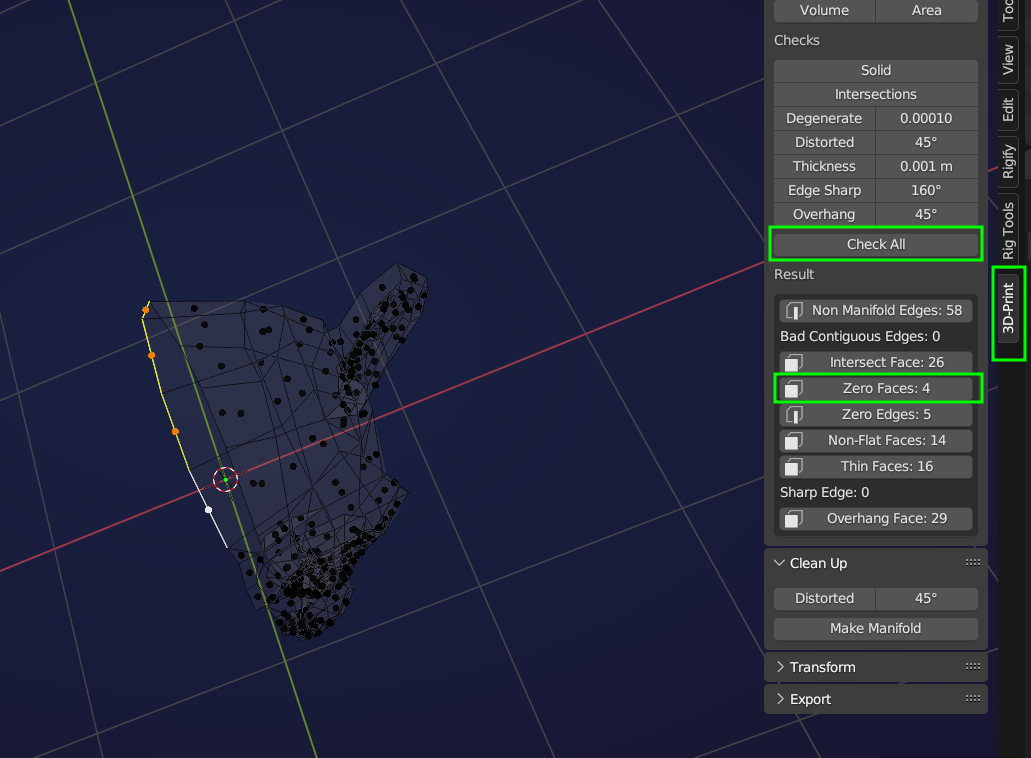
Those ‘vertices’ in Face Select Mode are the center dots of Faces (so-called zero Faces, because they have a surface area of zero). They should not be there! Select them in Face Select Mode (easiest in Wireframe view!):
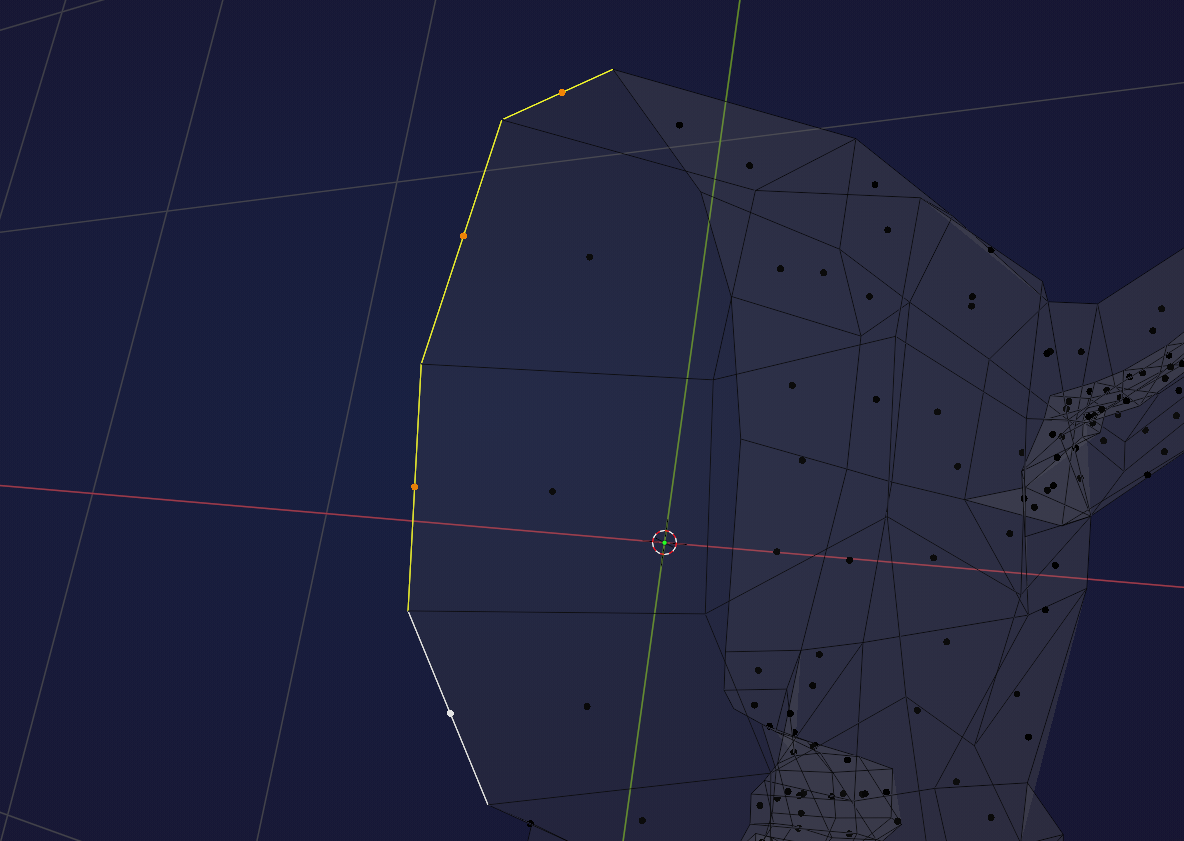
and X > Delete > Faces.
Another way to select them, is to enable the 3D Print Toolbox Addon and click on ‘Check All’ and then on the ‘Zero Faces’: