For anybody who has more than one GPU in their computer , it turns out that it is surprisingly easy to render on Sheep-it with them all. Simply open several instances of the client , one for each GPU you wish to use and select the required GPU in the settings of each one. Below you can see that I am rendering with 3 of my four cards, saving the main display card so that I can keep working on the computer while the others are rendering.
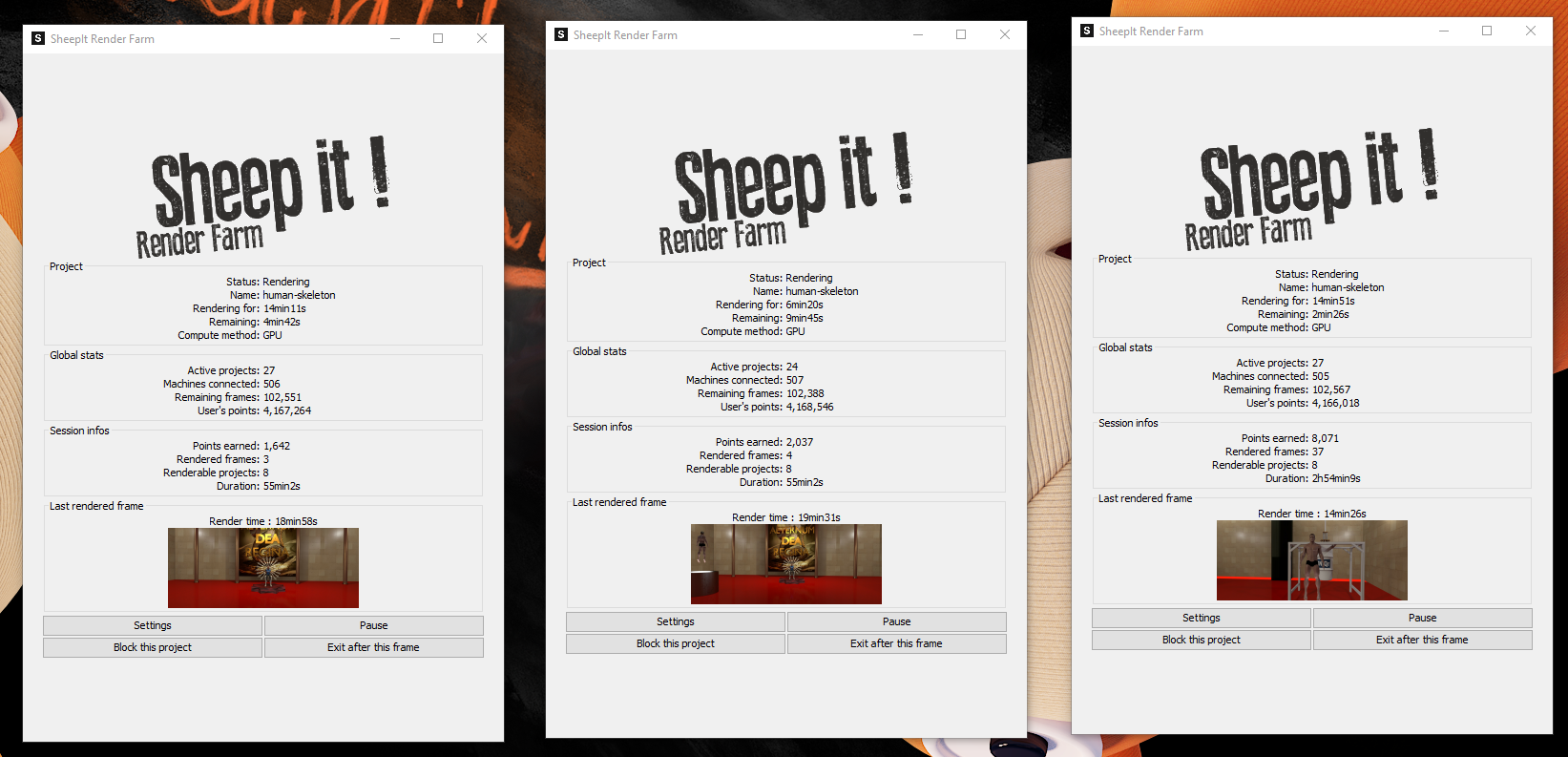
@theluthier , you suggested a way to run a script to do this a few weeks back , but it turns out that it is a lot simpler than we thought and I’ve left all four GPU’s rendering like this for 48 hours straight several times without any issues so it seems to be stable enough simply opening the Sheep-it client several times.

