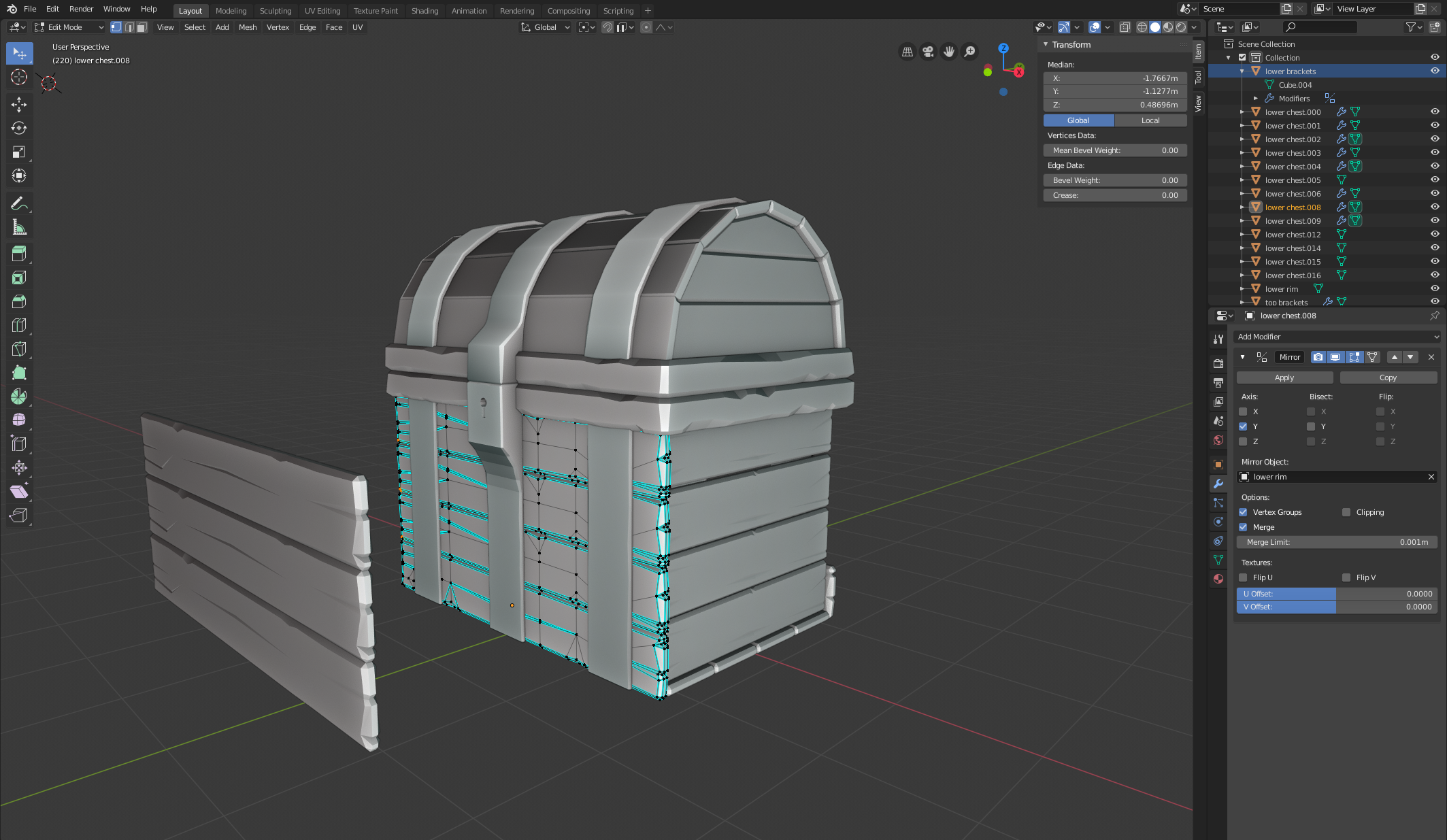
Hey @spikeyxxx thanks for the reply! One mistake I was making was the Single User — I was doing a search for Unlink Connection (which obviously wasn’t working).
However, I’m still running into the same issue. I selected all the front planks and made them single user, selecting Object & Object Data. Selected the front planks and applied rotation, linked them (and they all reverted to the same rotation). I applied a mirror modifier to the linked planks and applied the modifier link.
Then as soon as I start rotating any of the front planks on the X or Z axis and go into edit mode, the same behavior crops up. Here are some screenshot showing the steps:
Unlinked (Single Users) and applying the rotation transform
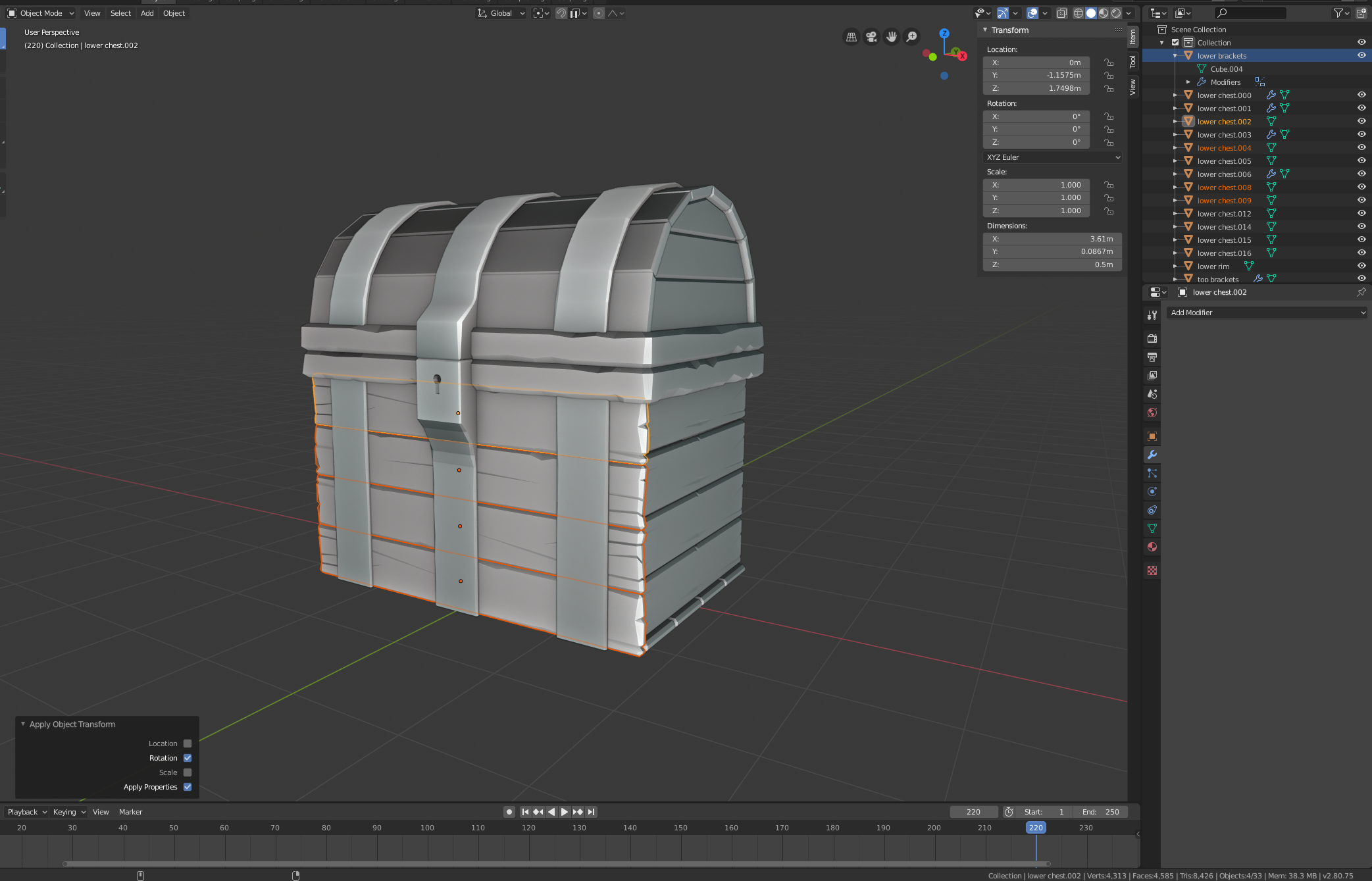
Linking Object data (rotations clear)
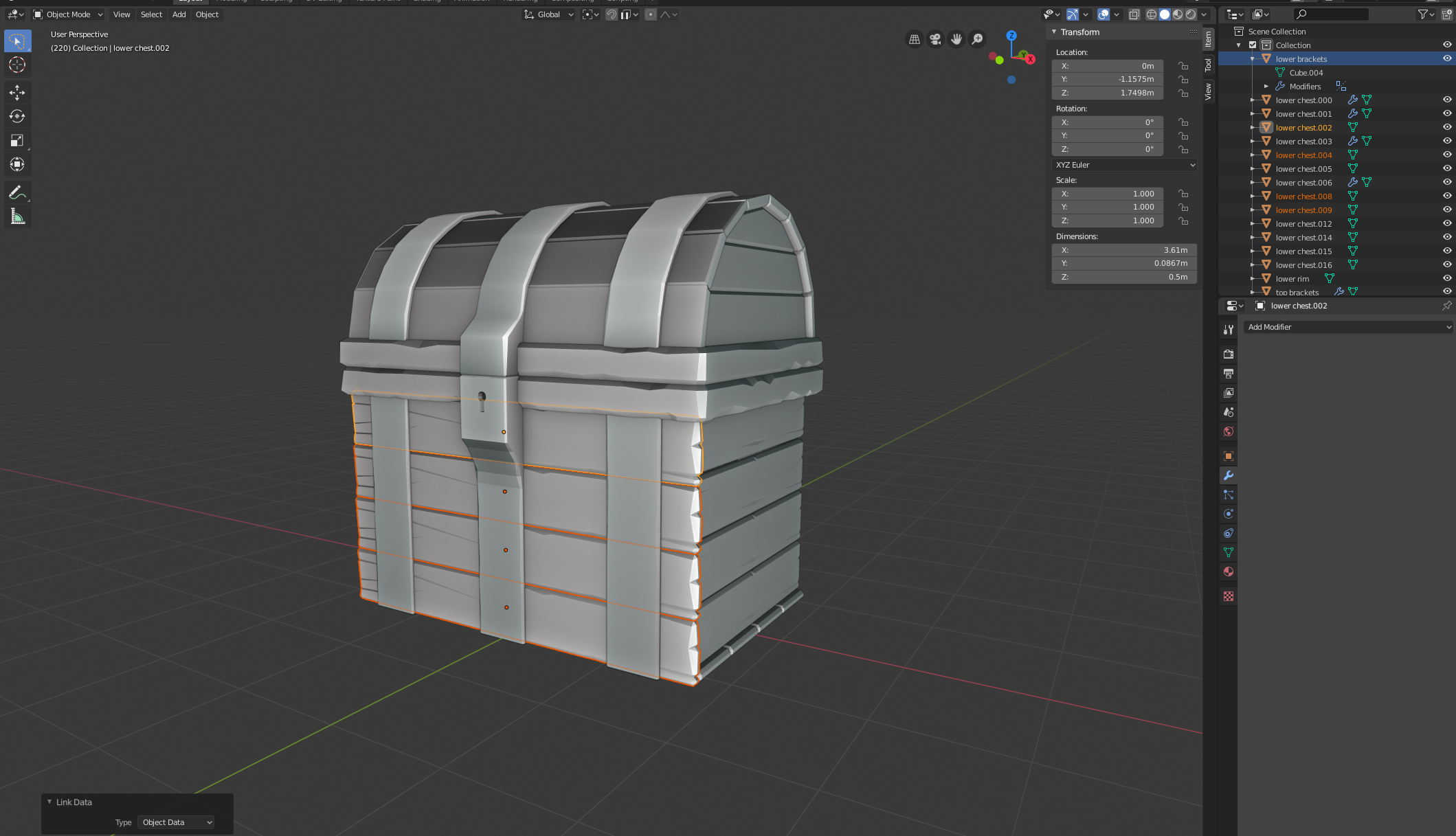
Linking Object Data and applying a mirror modifier to the top plank
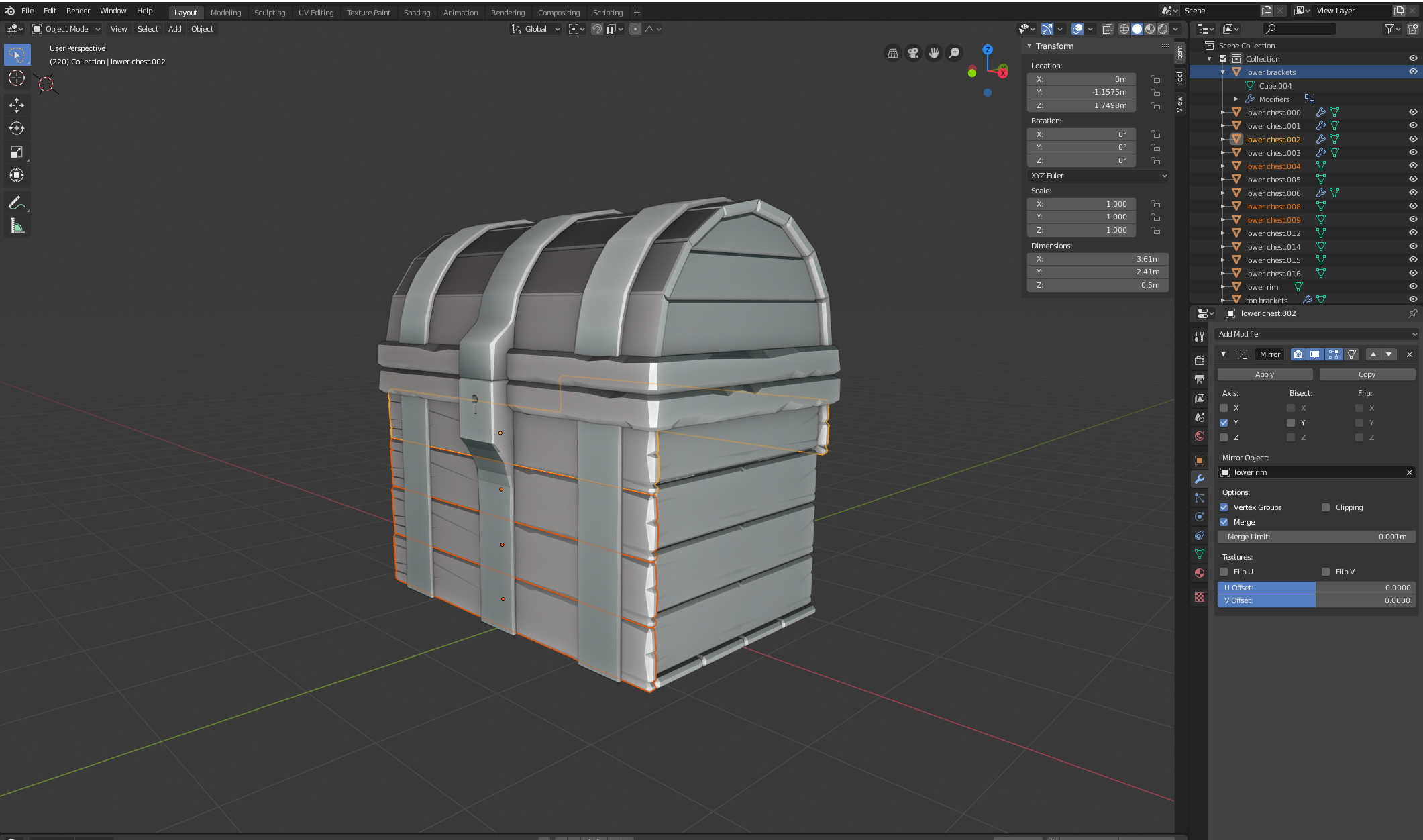
Applying Modifier Link
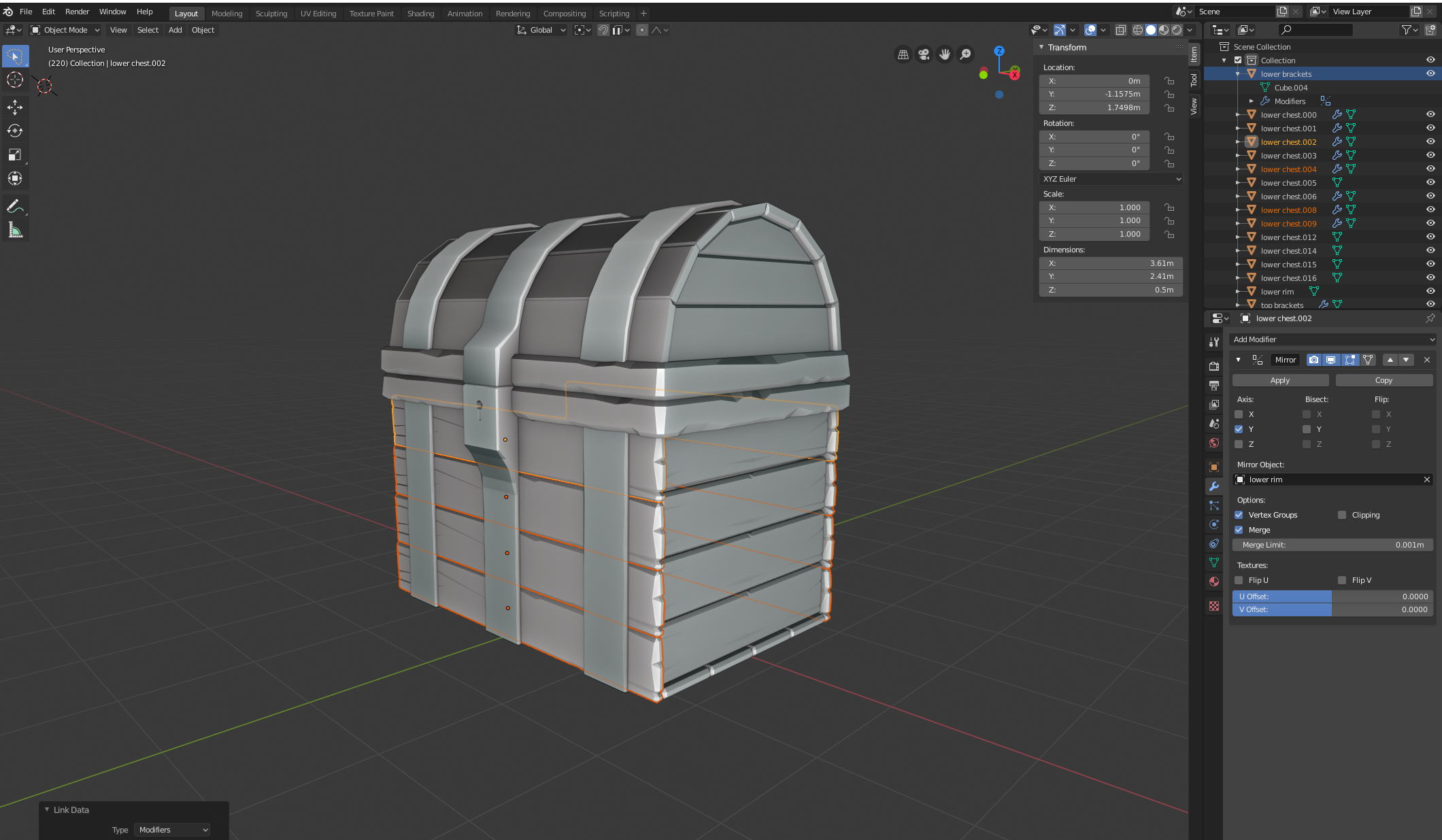
Rotating the bottom plank 180 degrees on the X axis
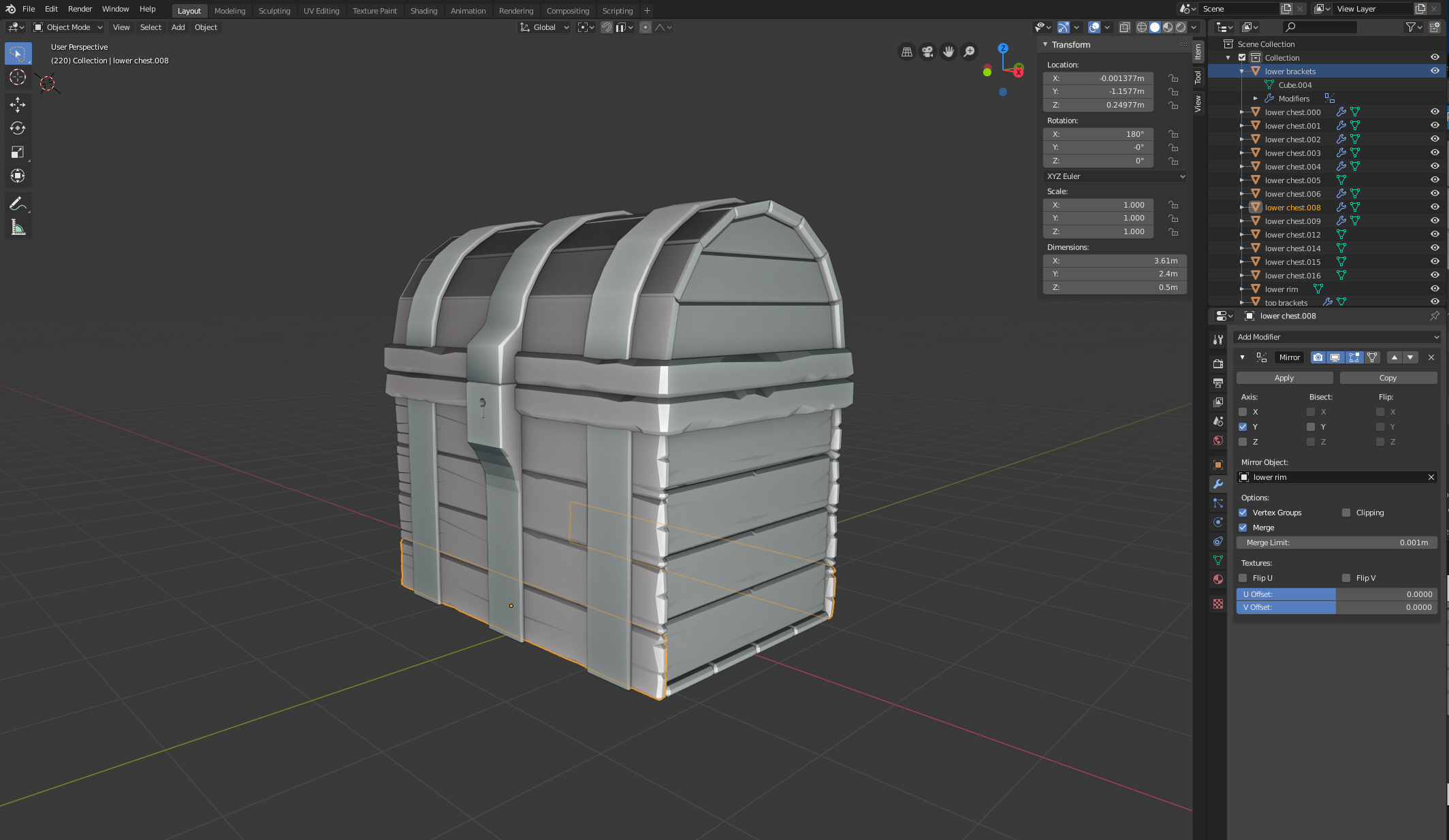
With the bottom plank still selected, pressing Tab to enter Edit mode