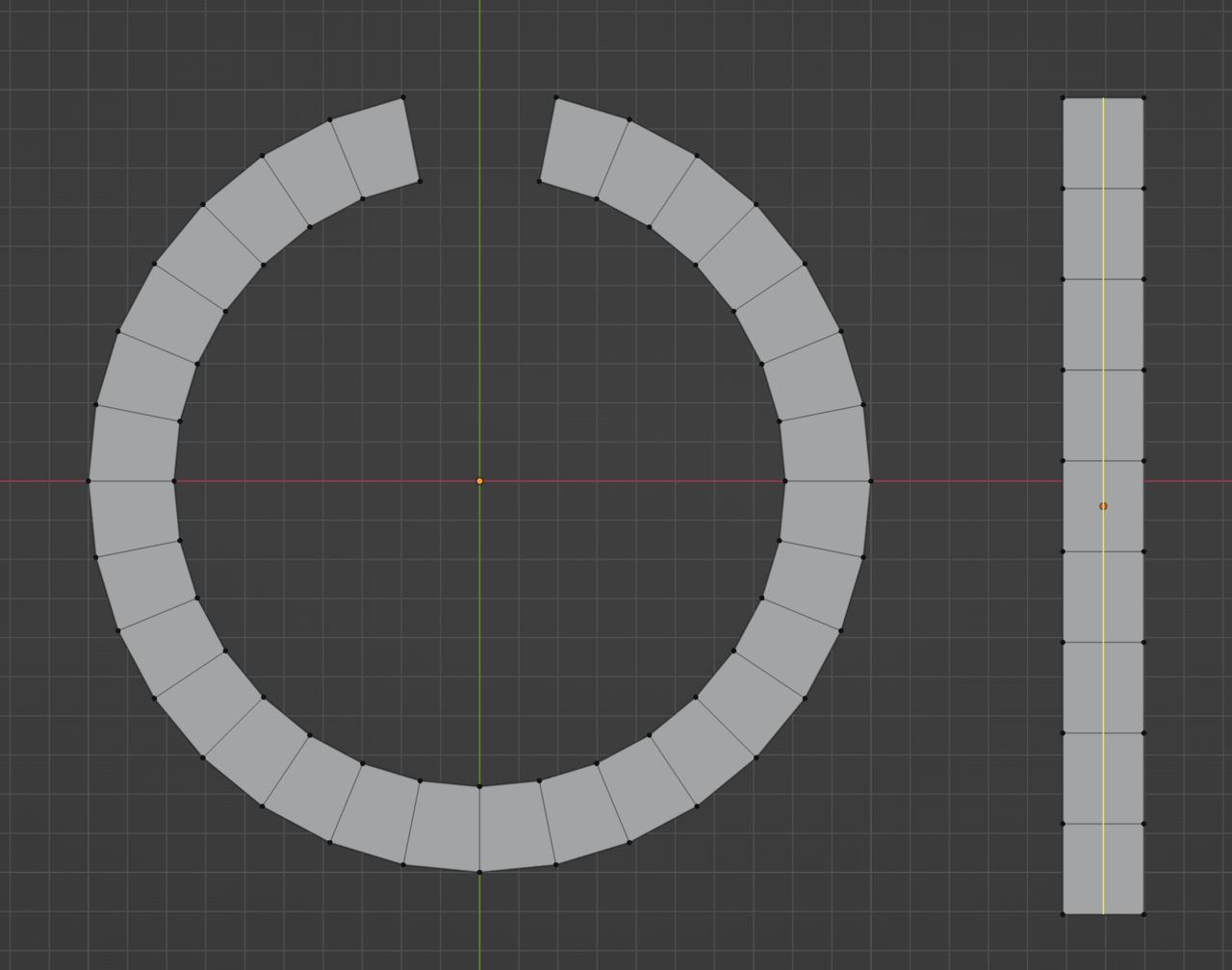
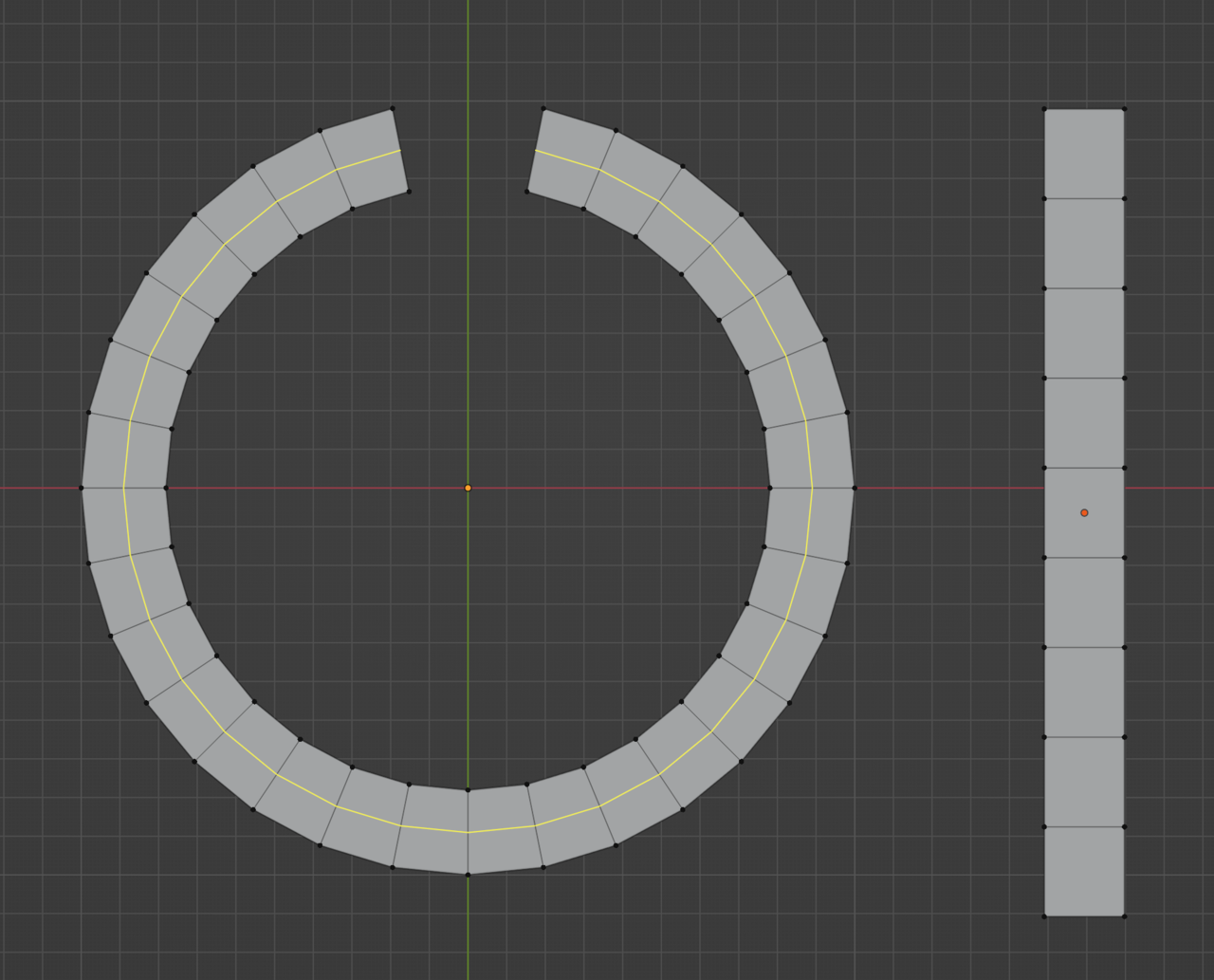
Reply To: Loops changing direction without poles
Forum Archive › Loops changing direction without poles › Reply To: Loops changing direction without poles

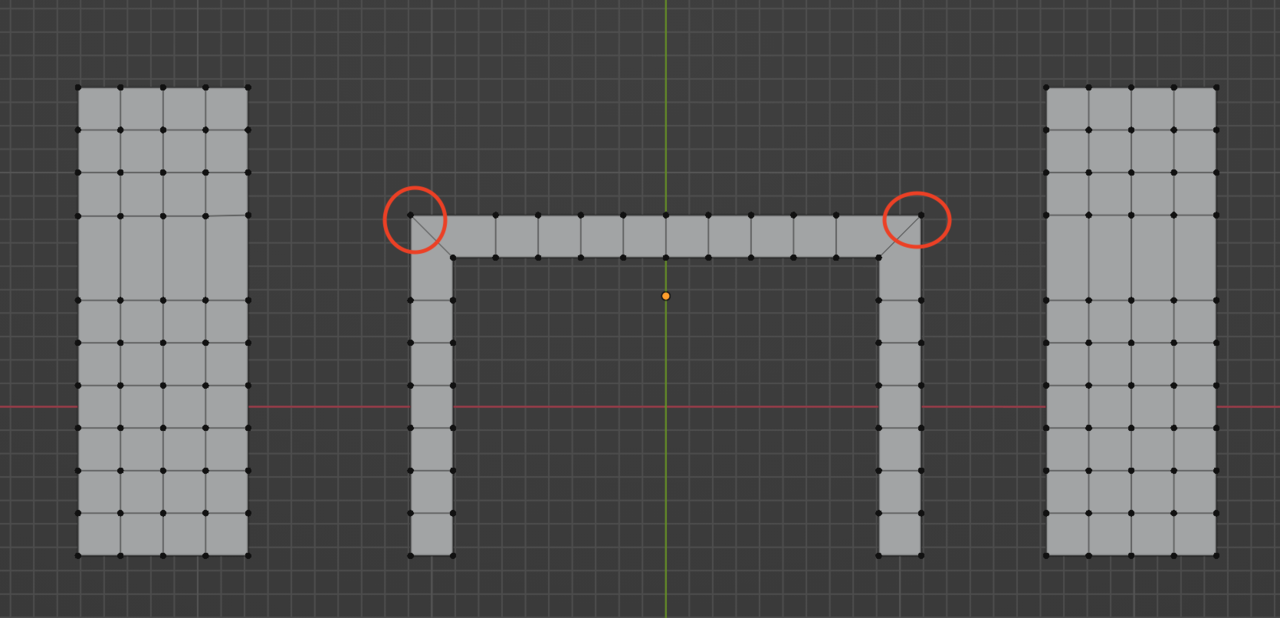
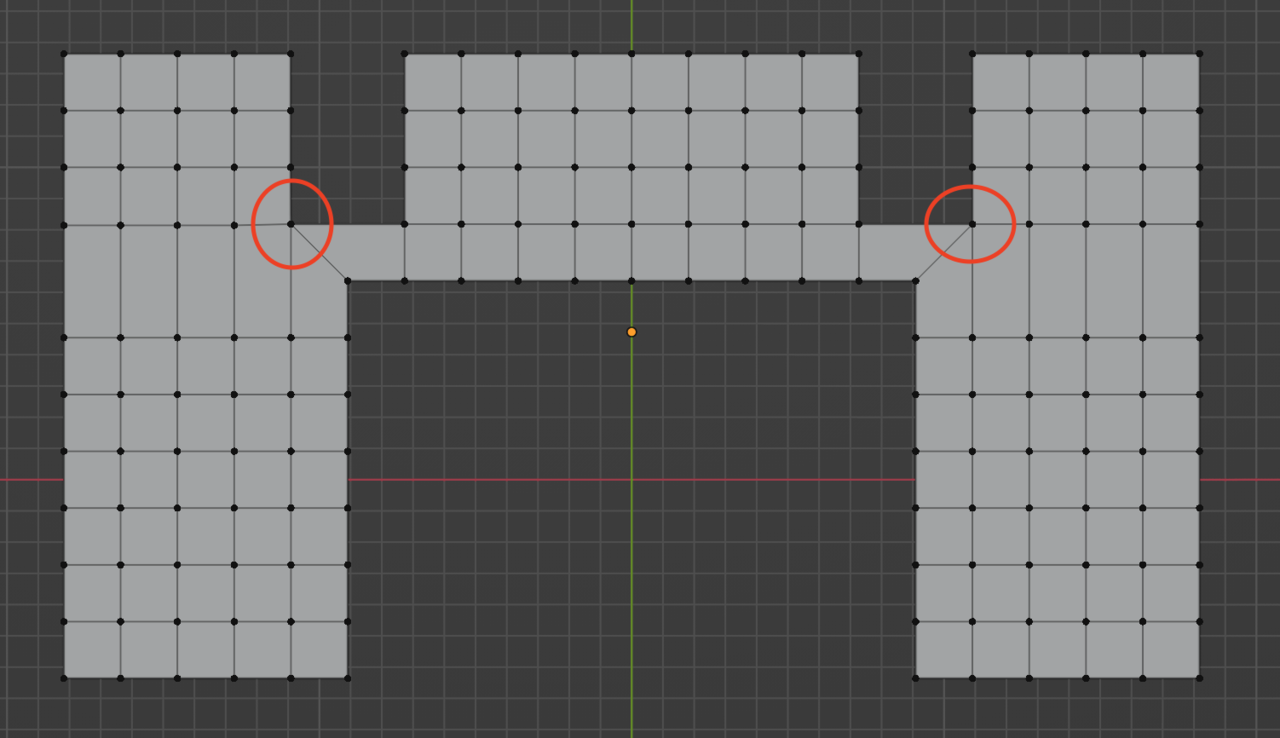
I’d say it’s all about what path the loop takes and where you want it to go, and NOT how it visually looks. The where you want it to go is crucial I think. For example, you have this weird thing as a mesh:
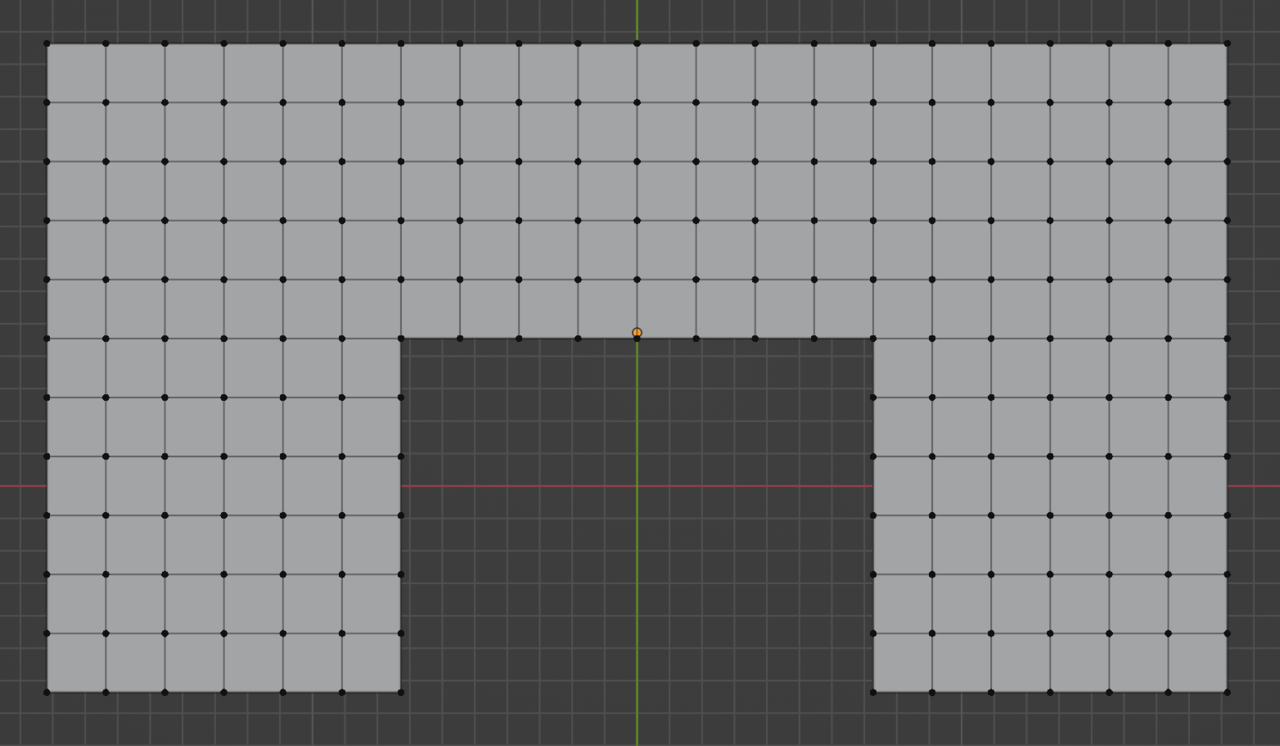
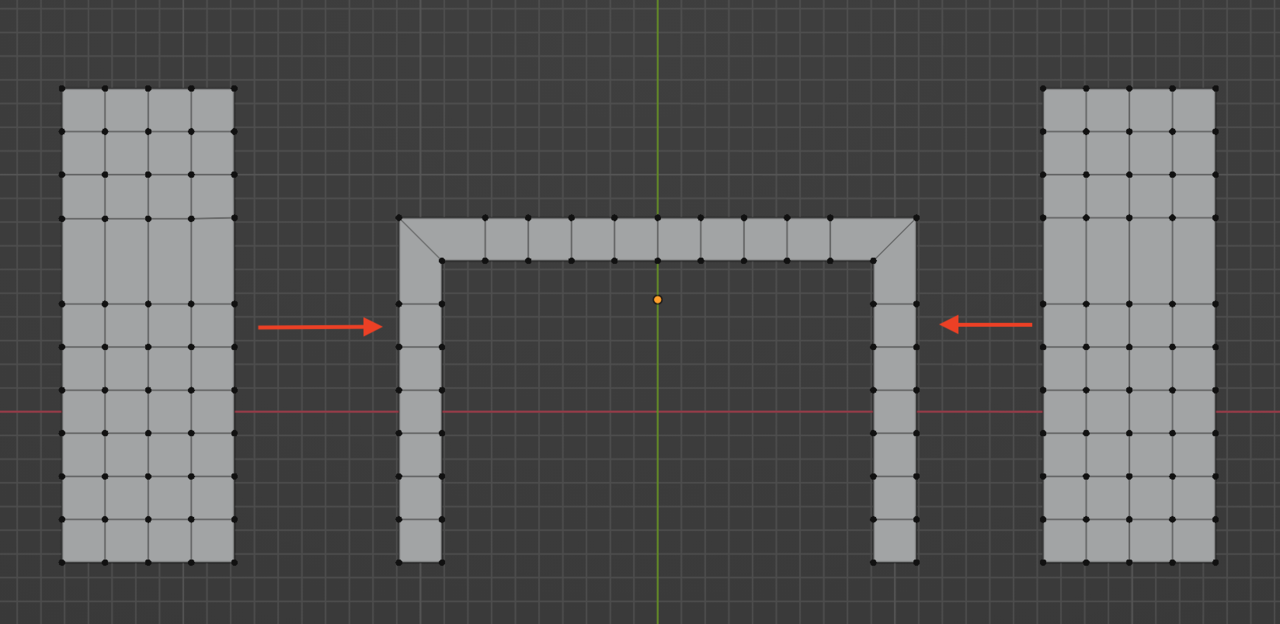
And I want the loops to make U-turns. Like this:
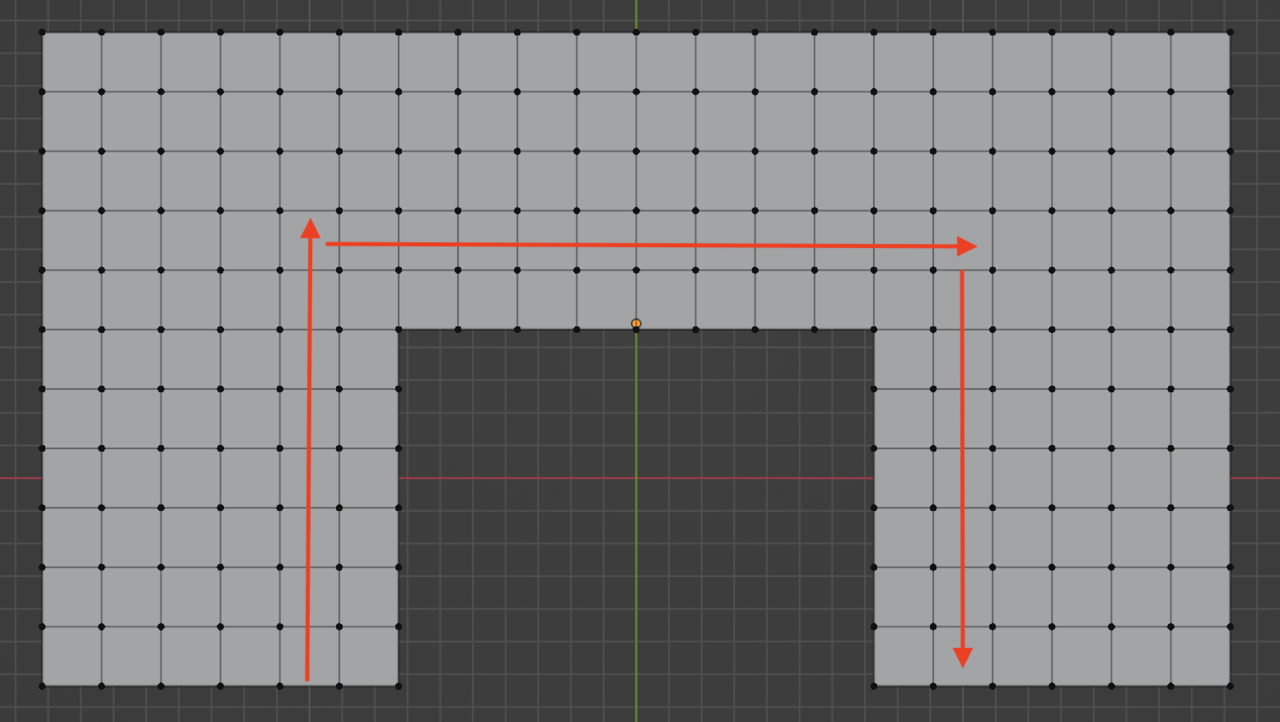
But you’ll find that when you position your mouse with the edge loop tool on on those faces, the loop will just want to go on in each case:
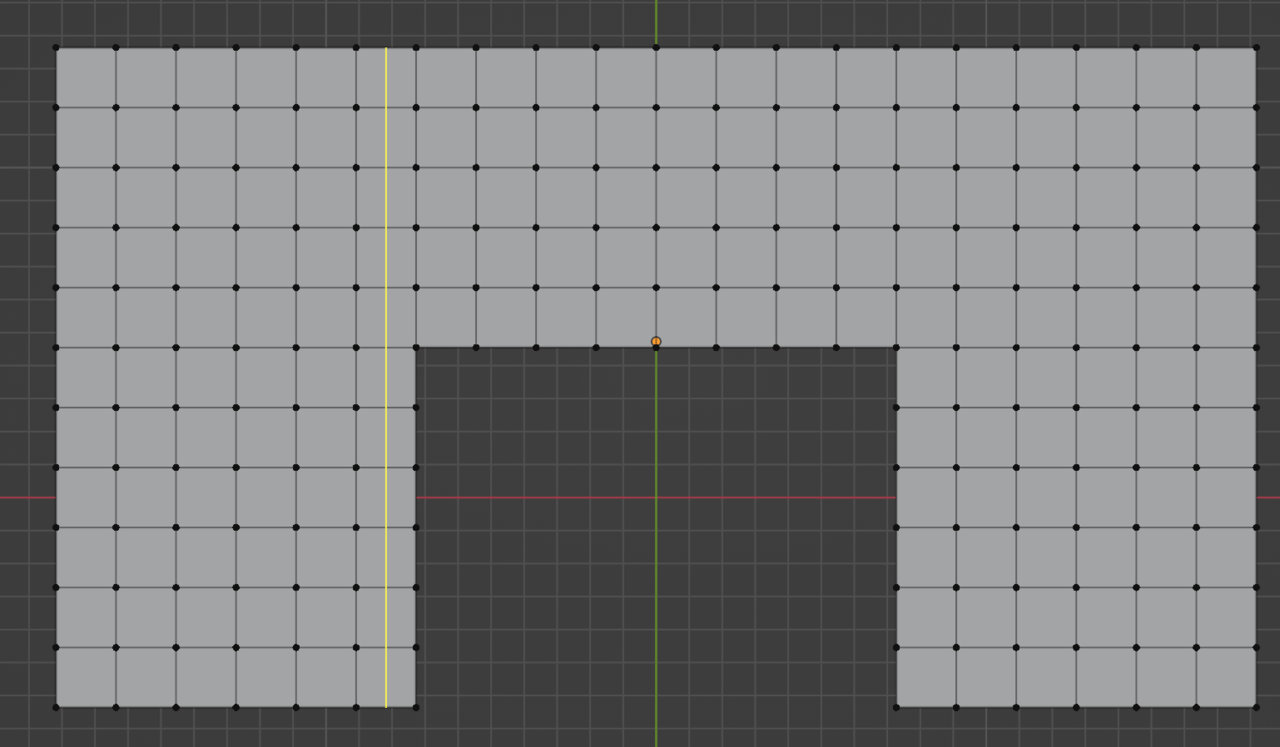
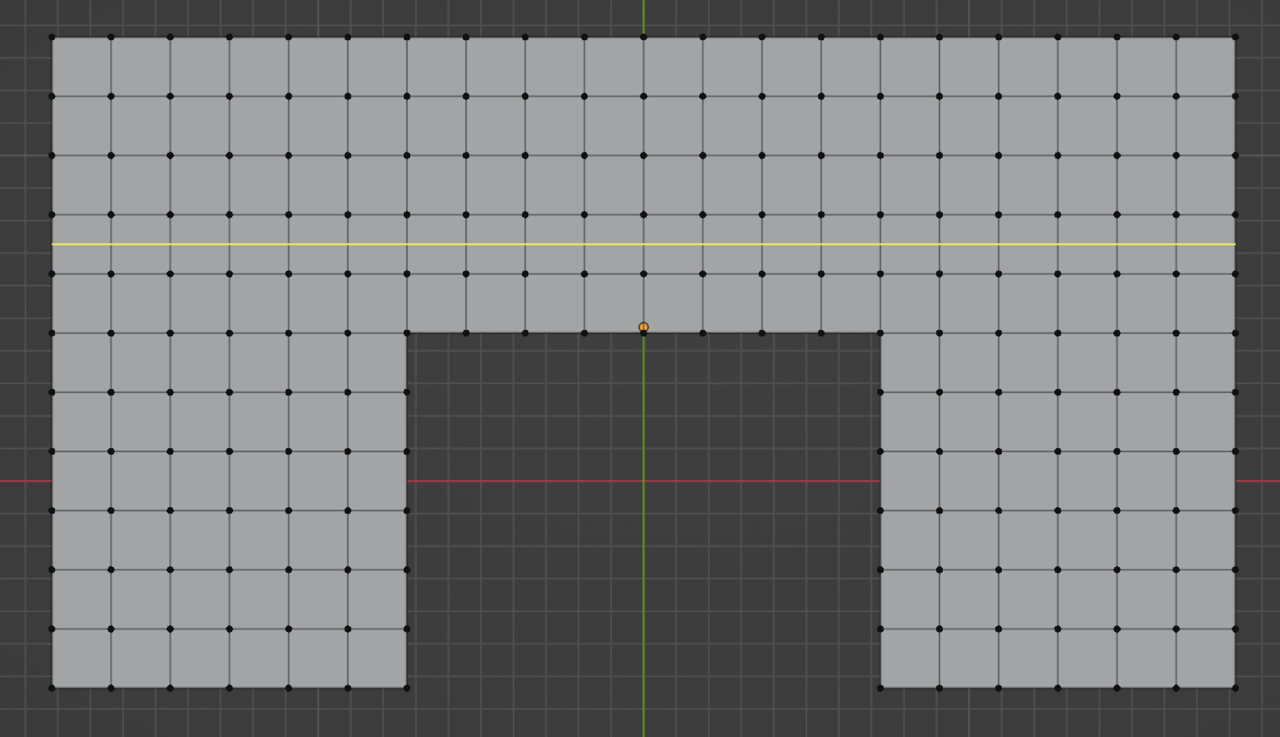
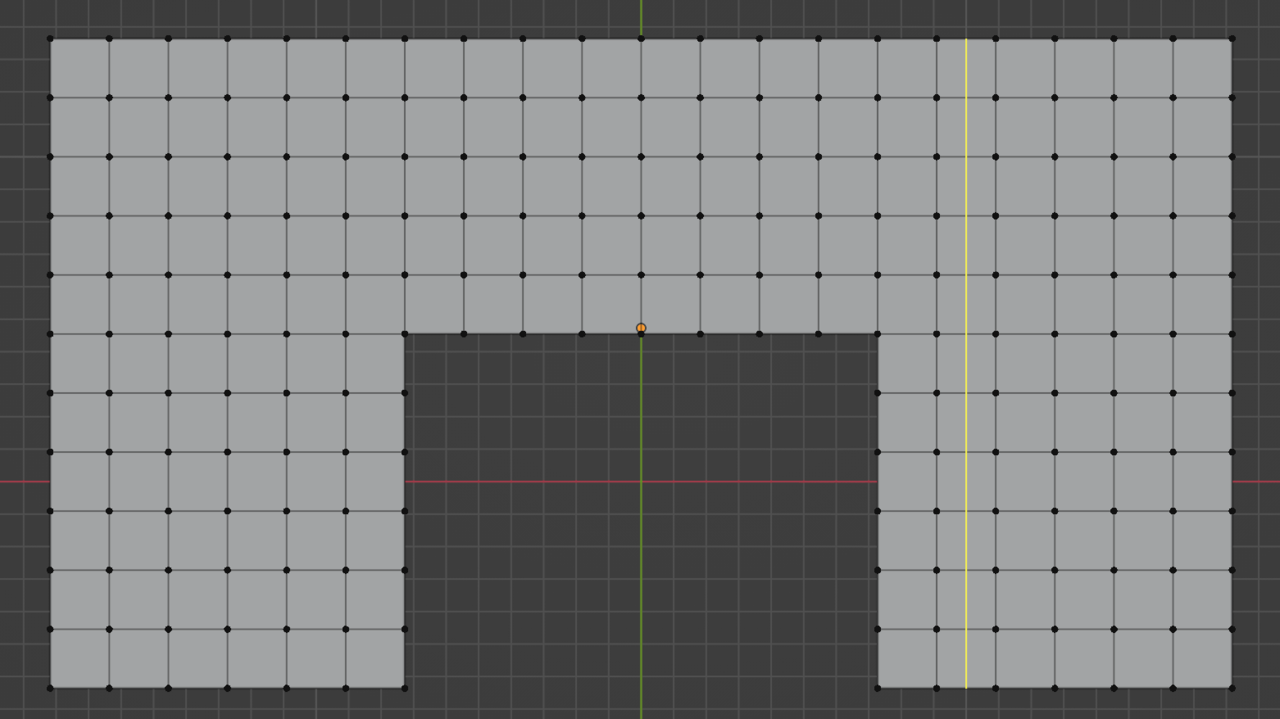
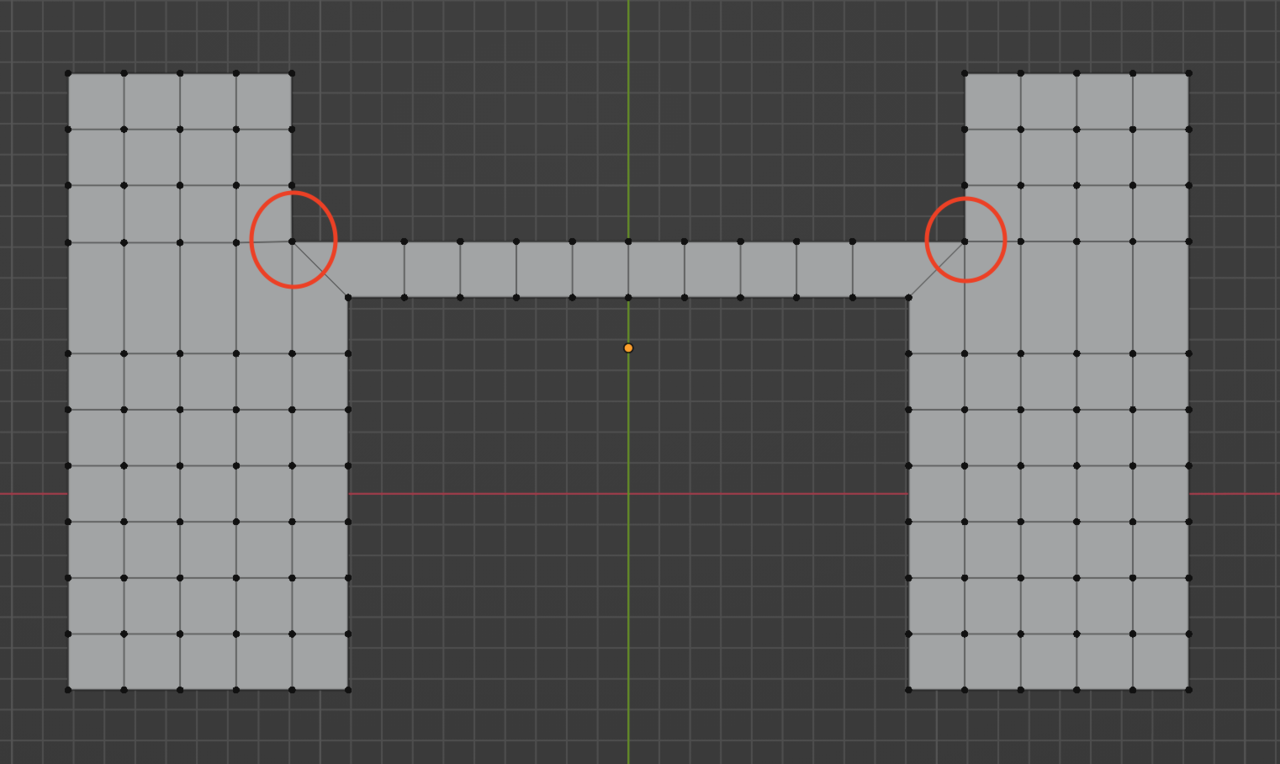
So the way to make them turn is by forcing the loop to follow the row of faces I want them to, and that is with a pole that marks the point where I tell the geometry to make the turn:
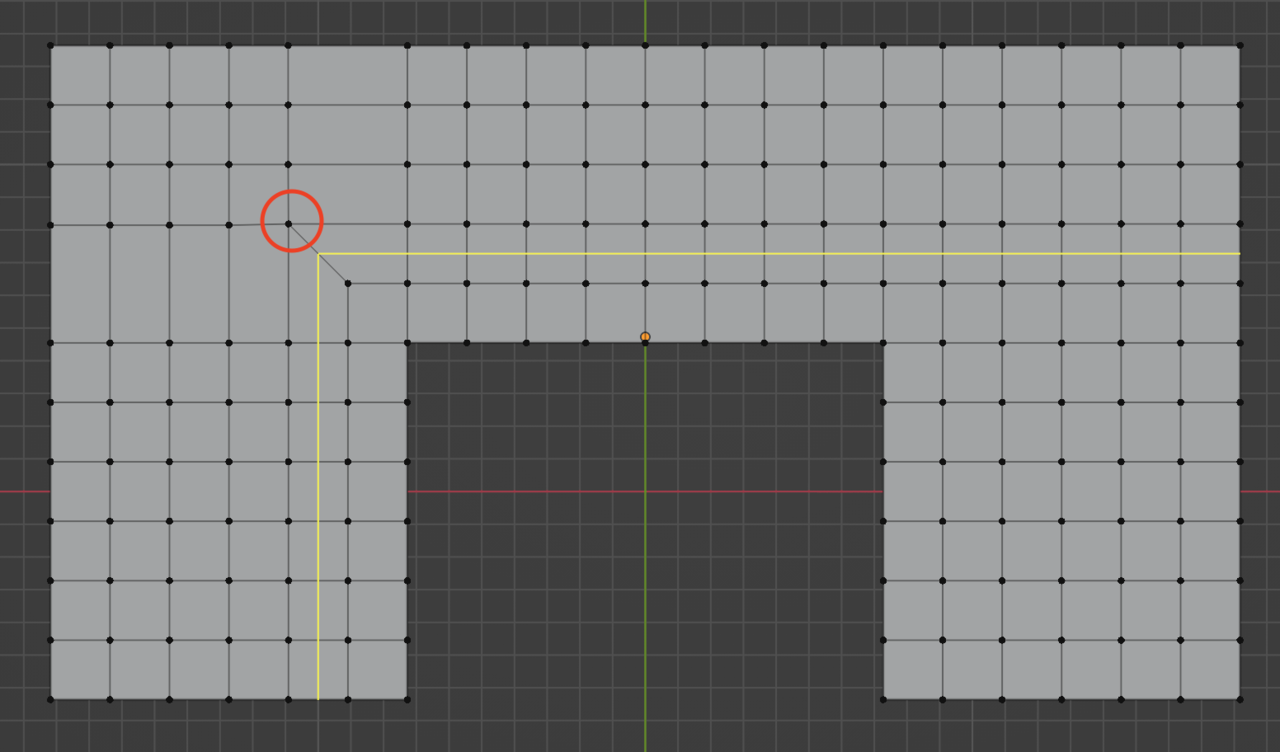
That one first, now the other one:
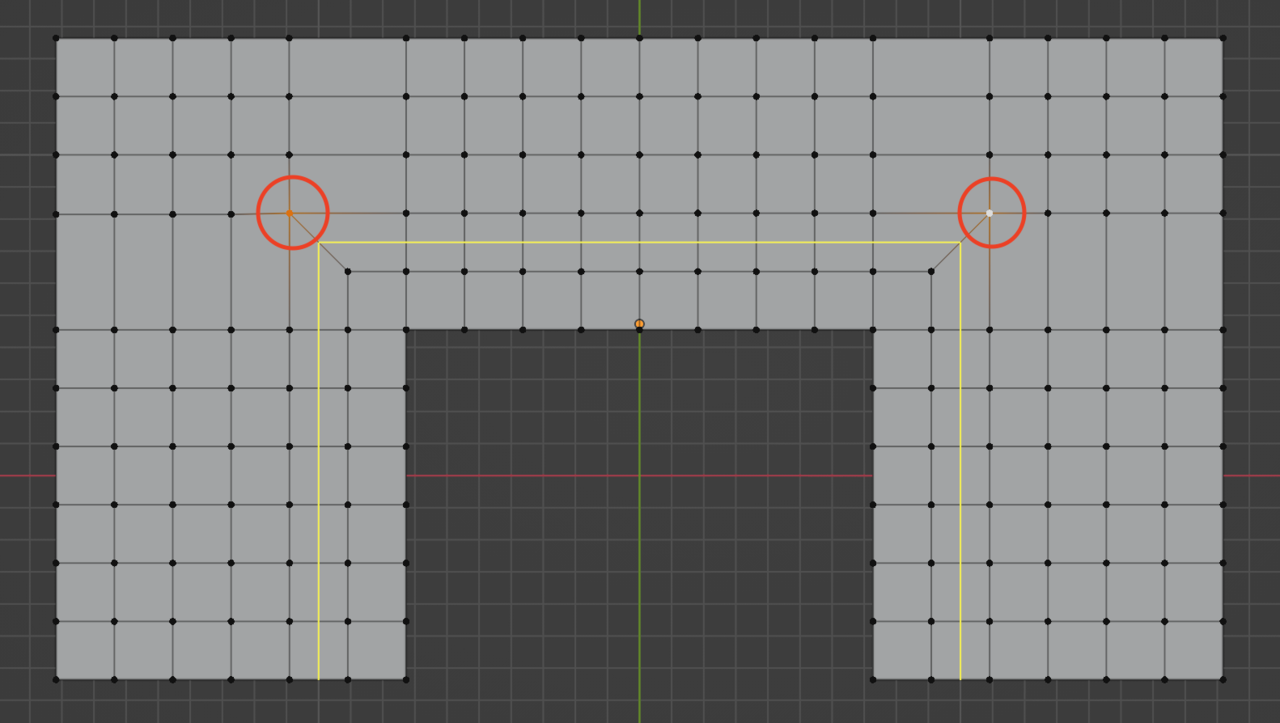
So as you can see the loop is “turning there where I want it to.
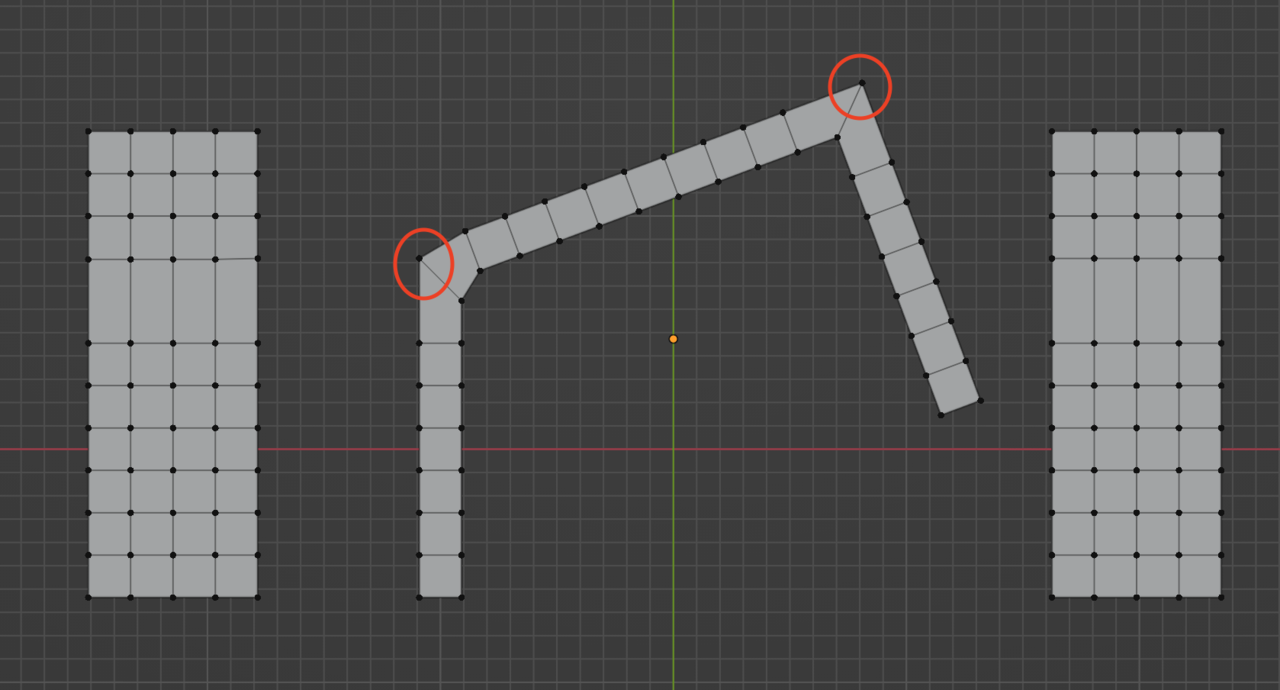
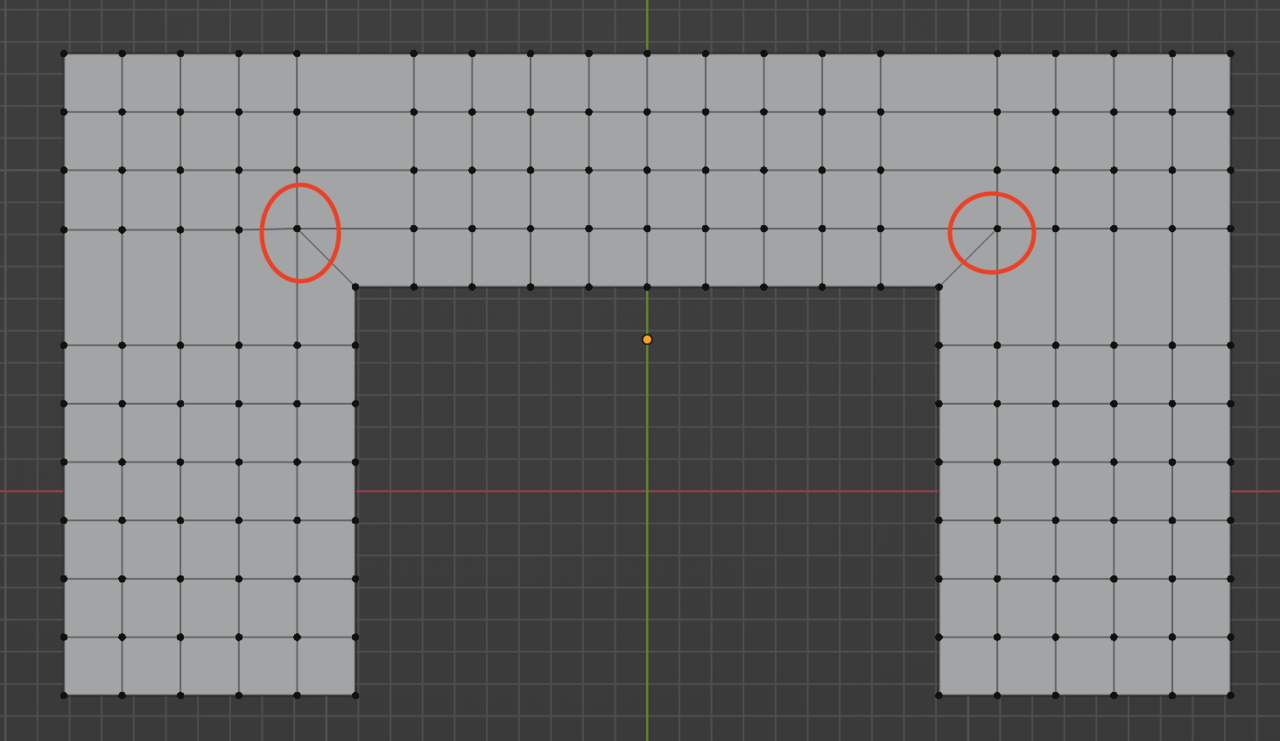
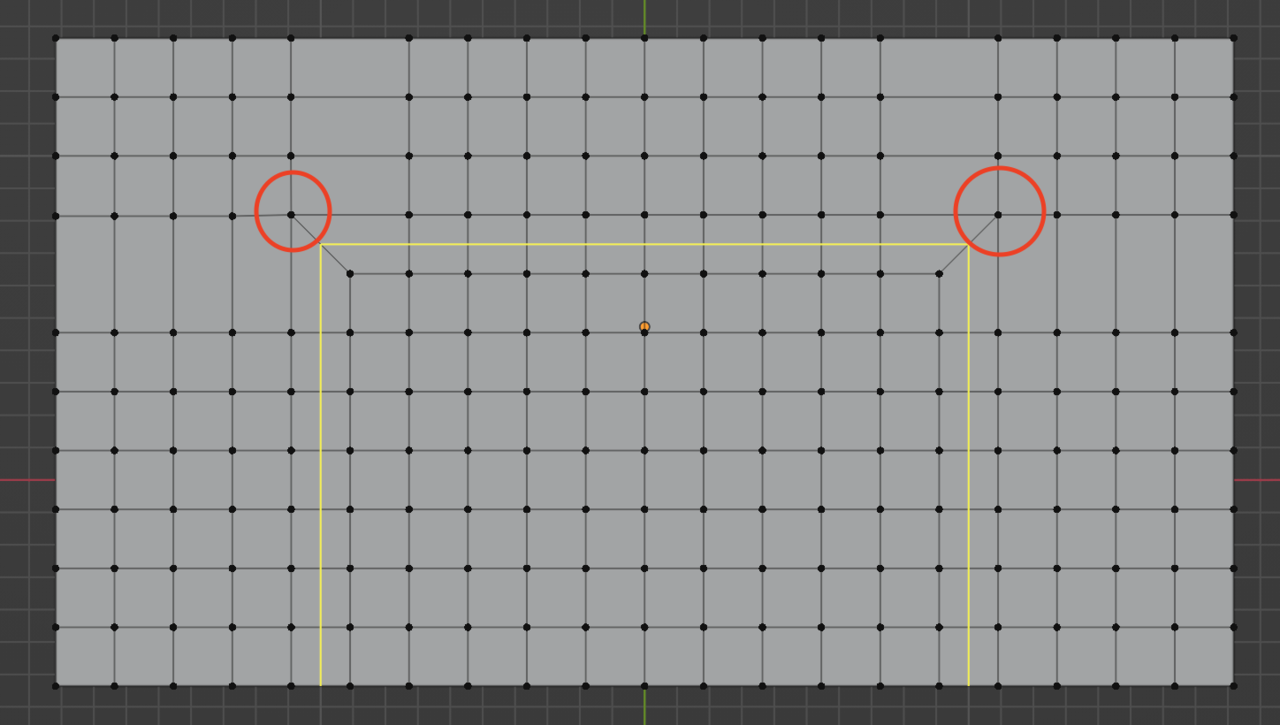
Now I can come in and make a mess out of the shape, turn it and twist it and commit some humans right abuse on the mesh and it will visually look very different, but from the loop’s points of view it’s the same, he is just following one row of face after the other until it either has to stop because of a Ngon or a triangle, or turn because of a pole. Where the pole is it will “turn”, it will not follow the straight path it had before. But as you can see to “turn” here from a visual sense, to your eyes it’s difficult to comprehend:
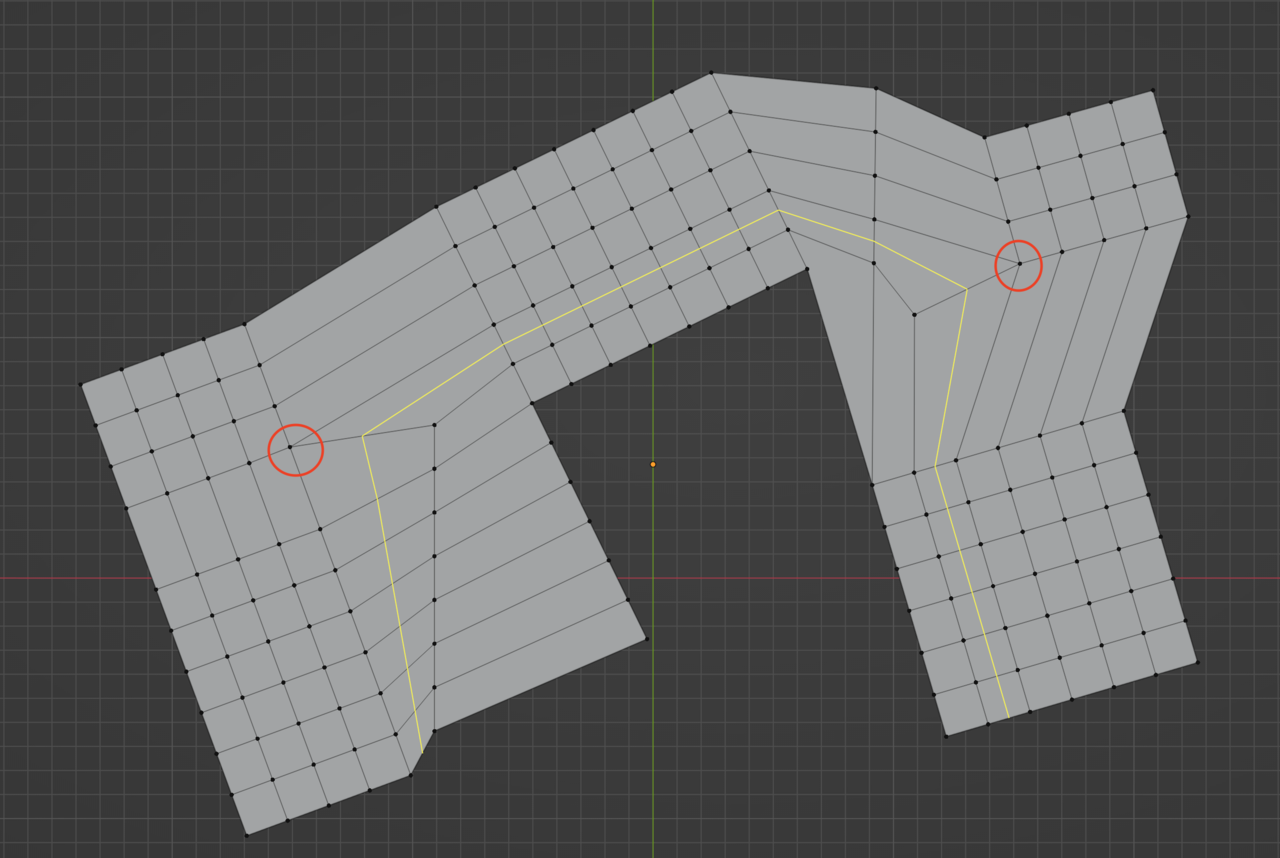
Maybe imagine it deconstructed like this:
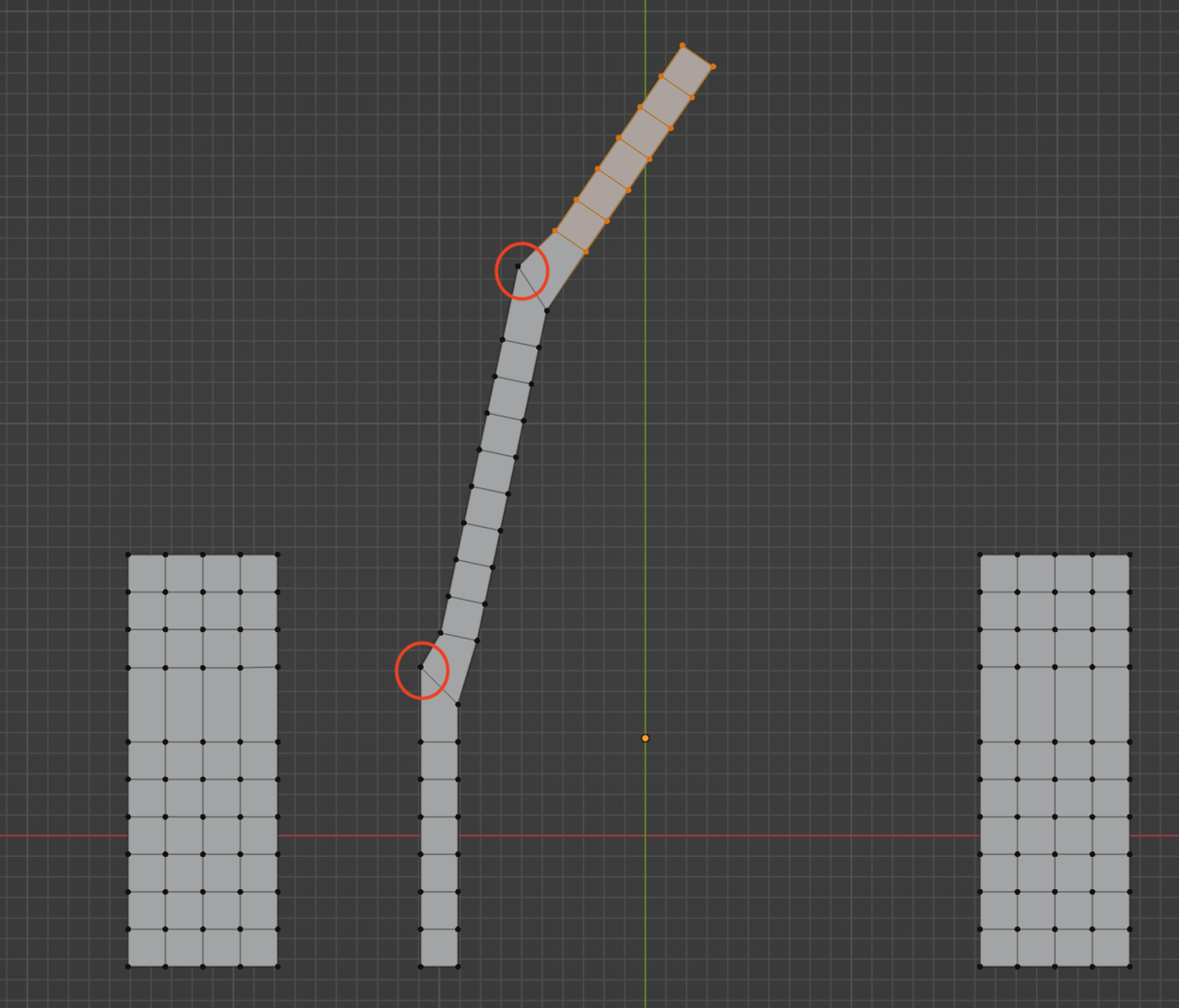
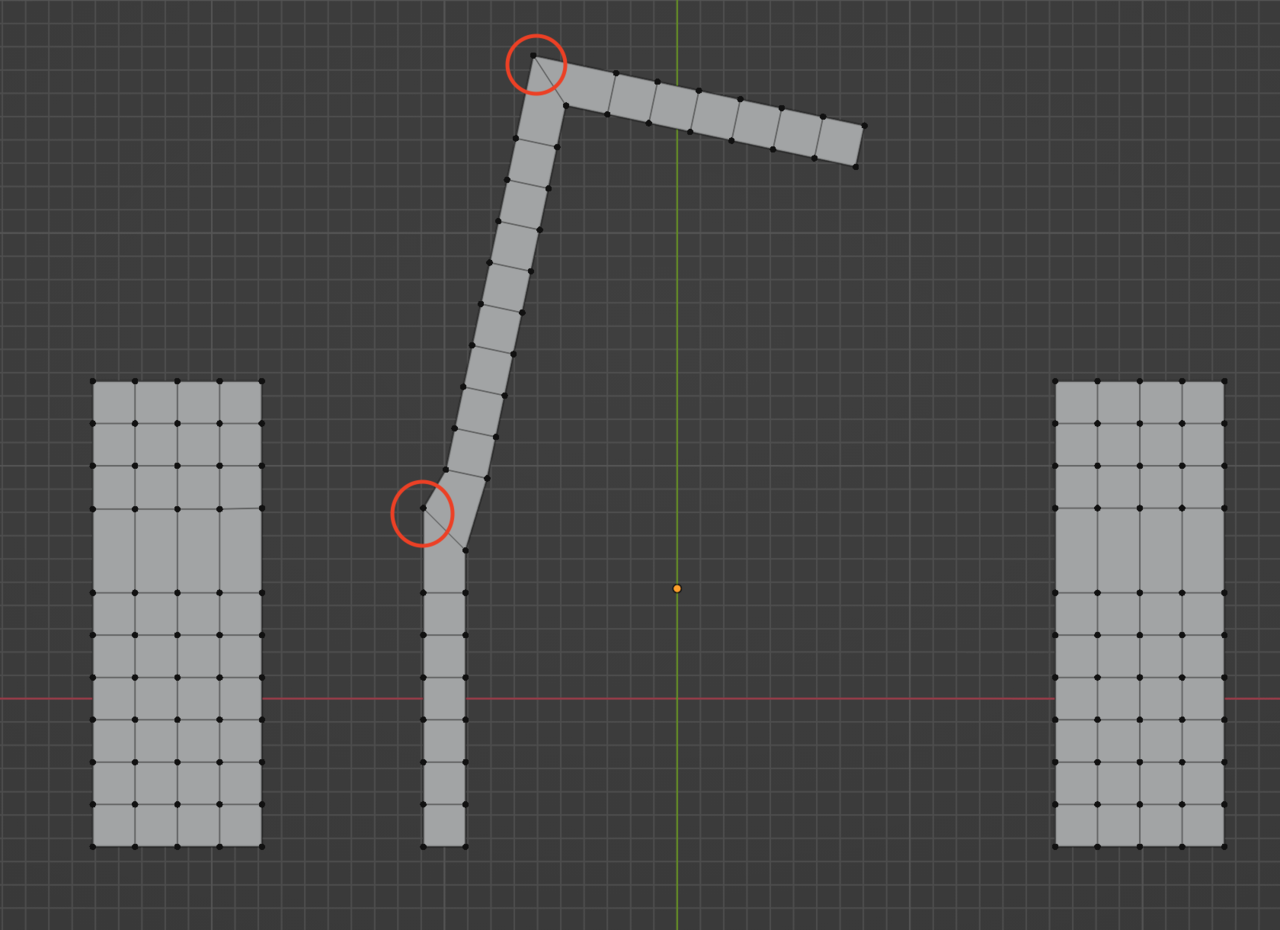
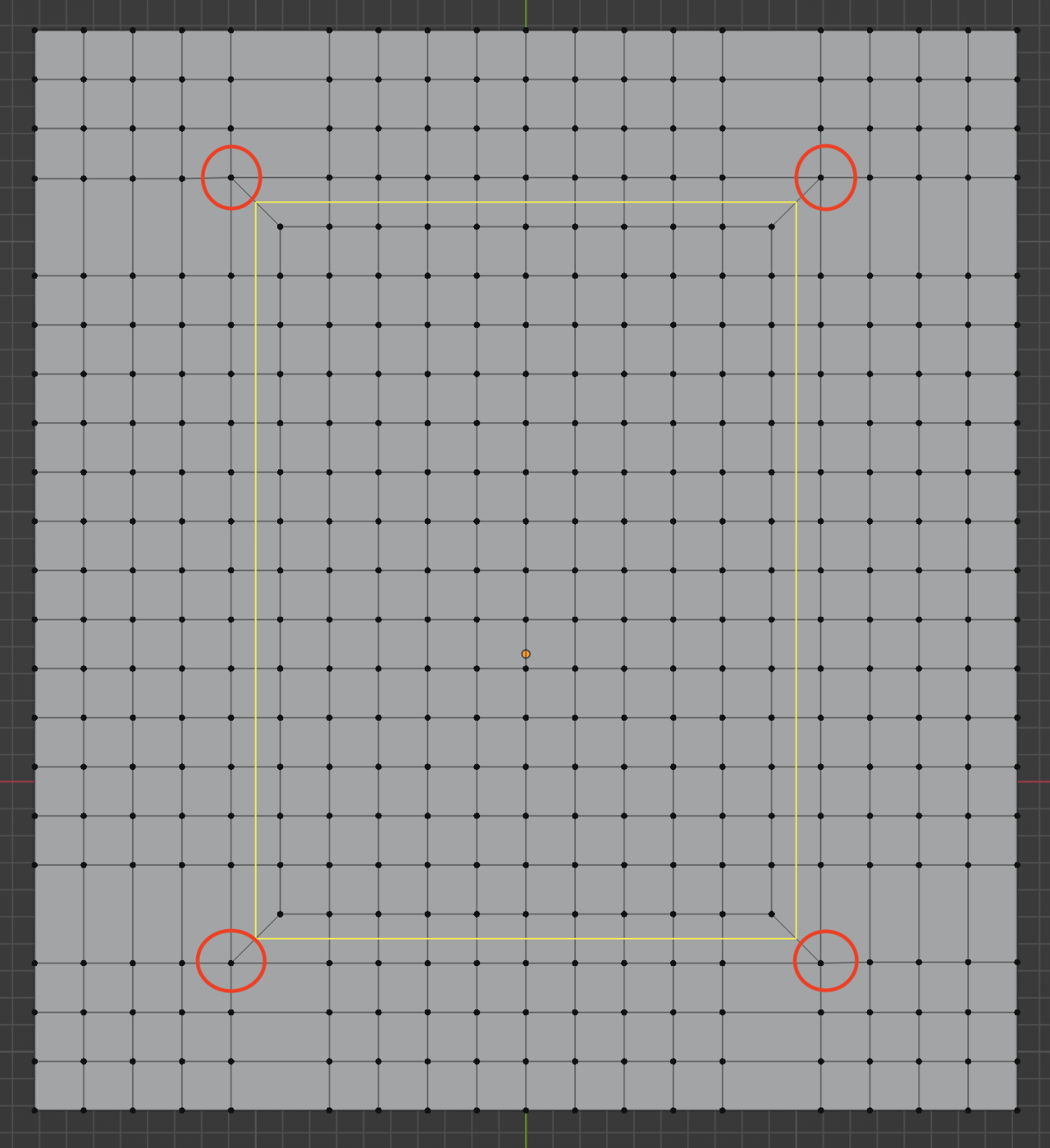
The example you have on the circle the answer is: Yes, it is basically a straight line that the loop takes, just wrapped around itself. it’s just visually not straight, but it is going straight from the loop perspective. Imagine that straight stick wrapped in on itself, it’s have the shape of a circle yes, but the loop is still going straight as it were. It is not the visual aspect we call going straight, it is the loop going on and on and on.