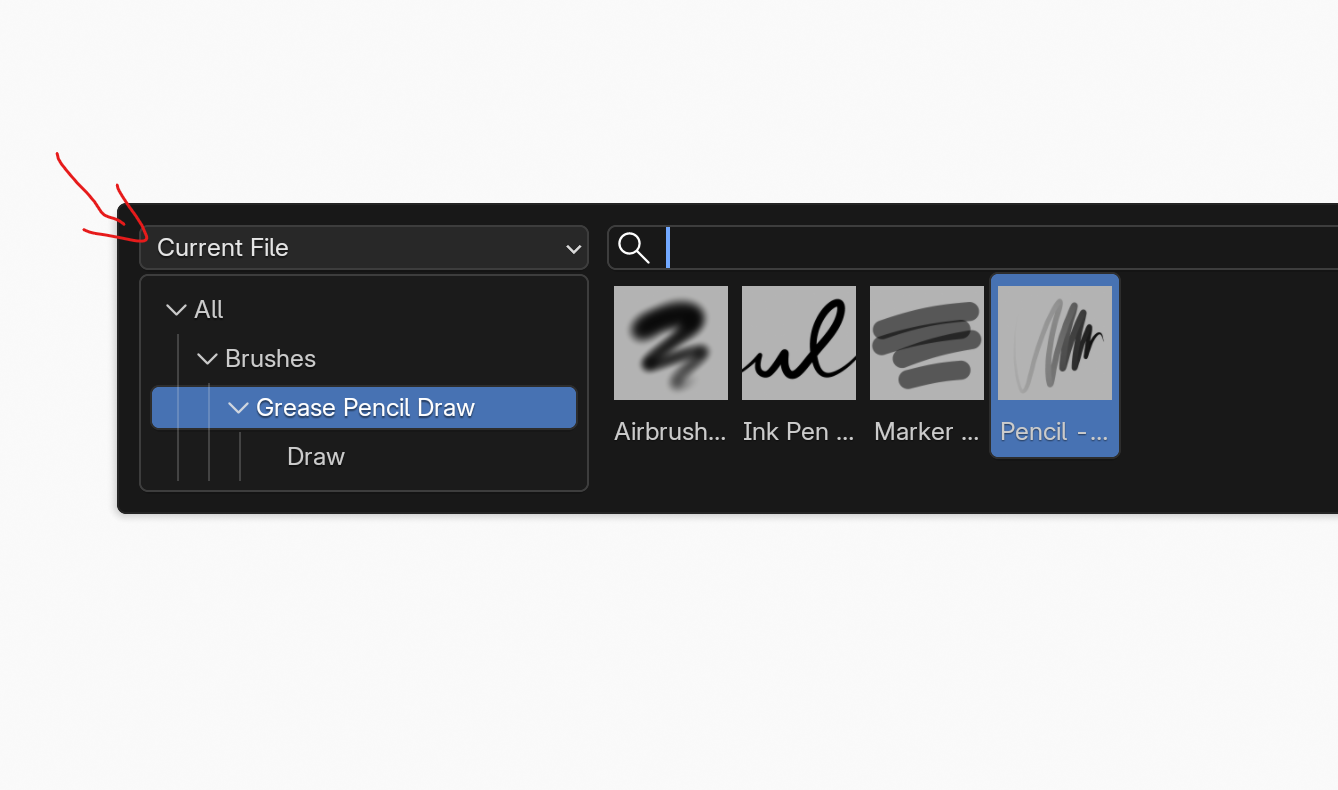
I will be discussing simple methods of saving brushes directly to your file (my current preferred way) as opposed to Assets. The pros of saving it to the file is that all the settings and changes that you make as you go are saved within the file. You can share this file and the brushes will be preserved. You can also filter them in any asset shelf like so:
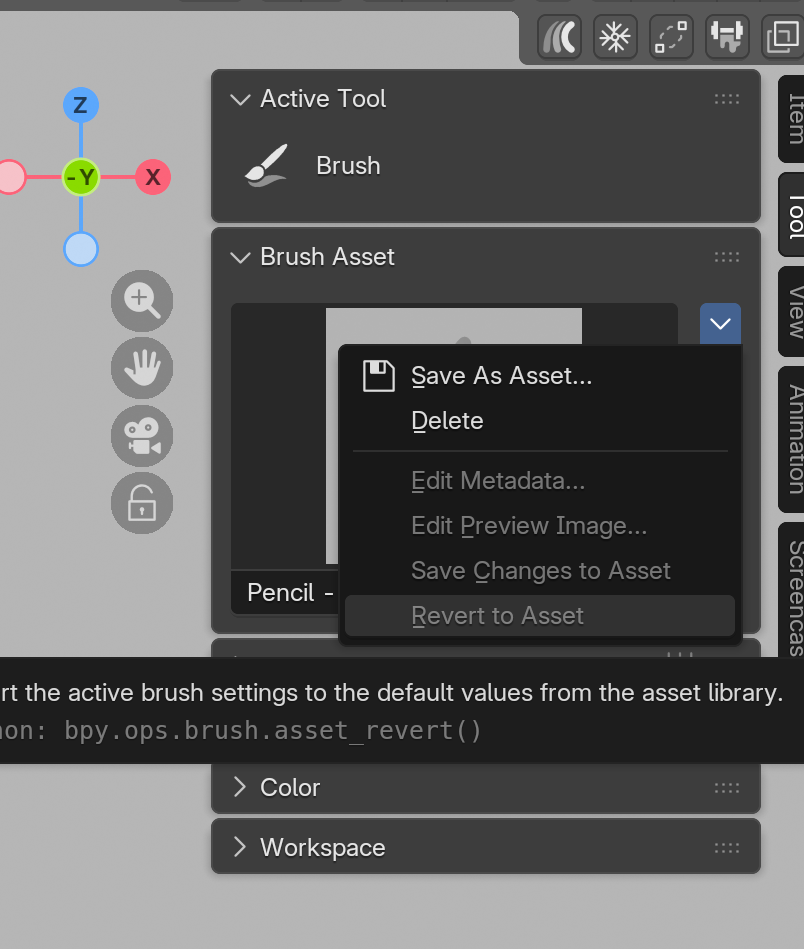
While any metadata editing is greyed out, it is not necessary because all changes are saved within the file itself.
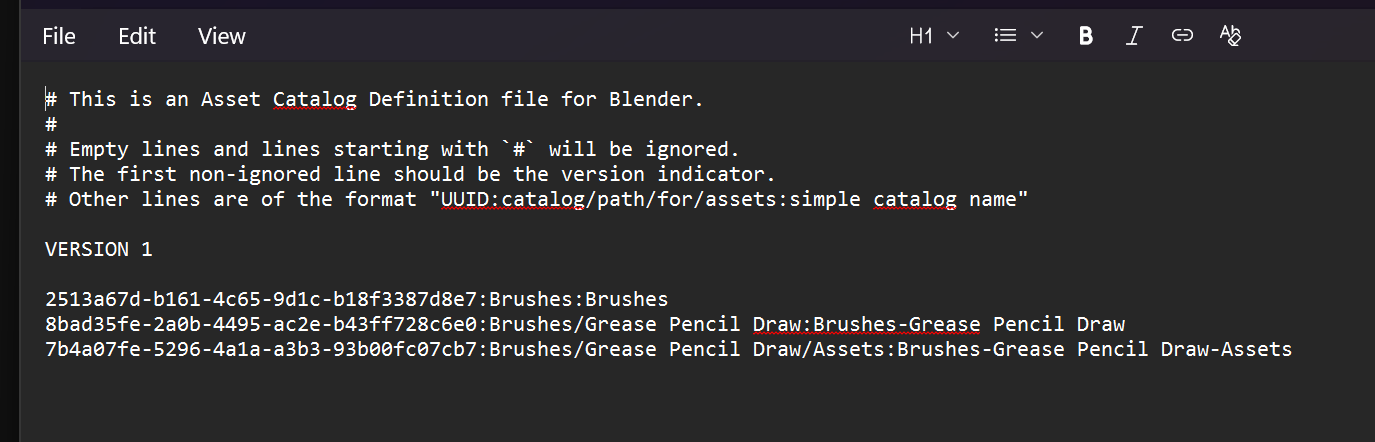
Currently this is my preferred “no fuss” way of working, but should you wish to create a brush pack, then saving the brush as an asset is how you do it. These files are self-contained .blend files – name.asset.blend – and you can edit these like other assets. Where you file these away is completely up to you, just know that a .cat file will be generated and updated wherever your library is created. Often when things go wrong, this file is not updated or is corrupted, and you can either go into the text file and manually edit (if you know what you are doing) or simply delete the files and get Blender to generate a new one.
Both methods are not entirely interchangable, but they have their uses. It is really cool that you can work in a simplified, no-fuss way, or be an asset afficionado and catalogue everything.

