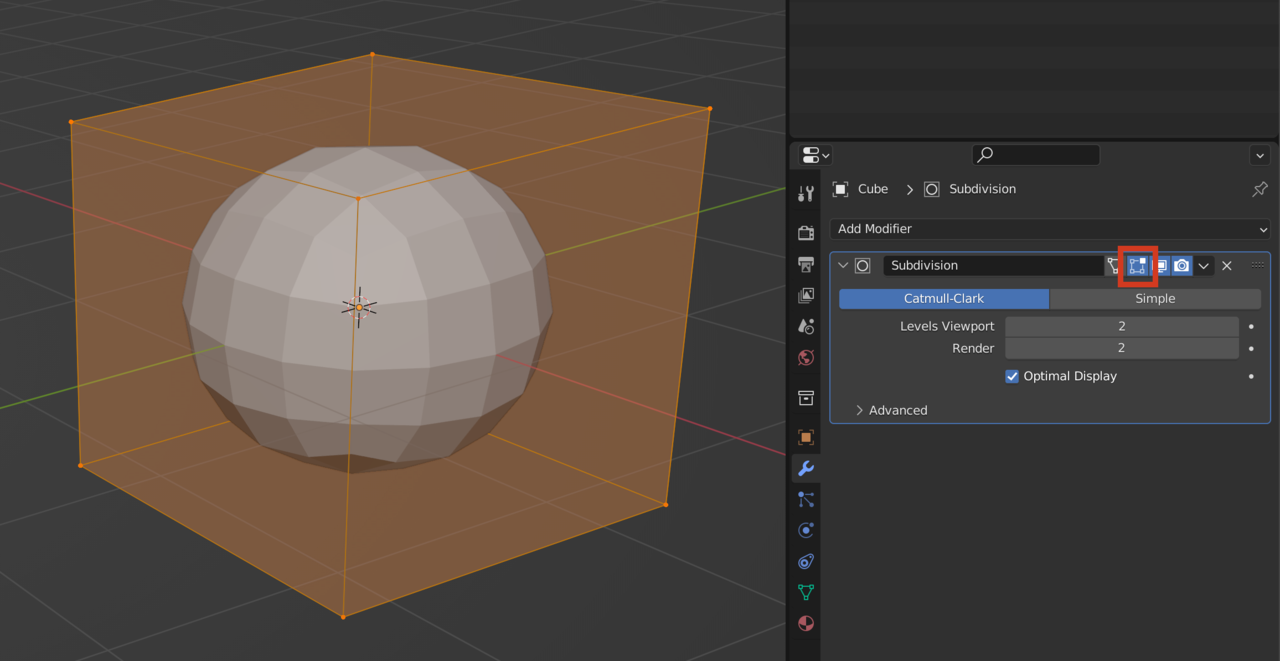
Yeah it’s ok, that’s just how Blender previews a modifier. It looks like a cube on the outside because that is your underlying or original geometry, and it shows the circle inside as the result of your modifier over the cube. That all happens when you go into Edit Mode, but you can change that using this button, which will turn off the edit mode preview of the modifier: