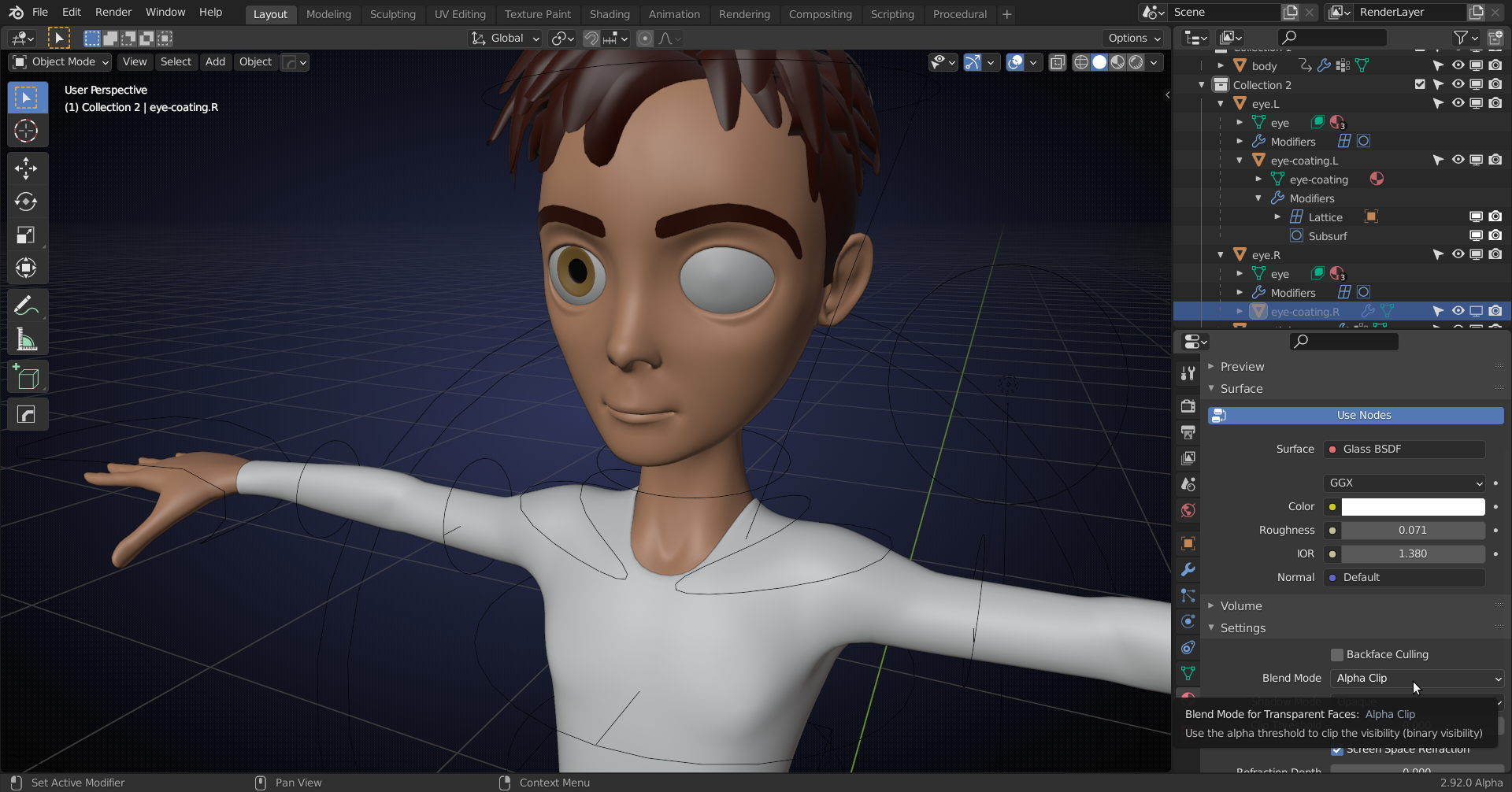
There is a coating over the eyes (Glass Material) that is disabled in the Viewport, but not in the Render, hence the difference. You’ll need to open an Eye in the Outliner and select the (greyed out) Coating and in the Material Tab enable Screen Space Refraction and set the Blend mode to Alpha Clip or so:
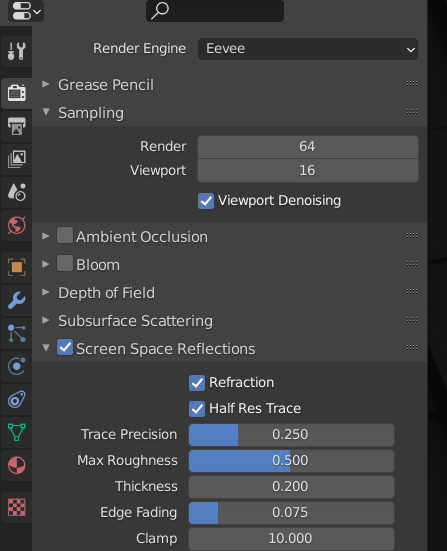
Also enable Reflection and Refraction in the Render Tab:
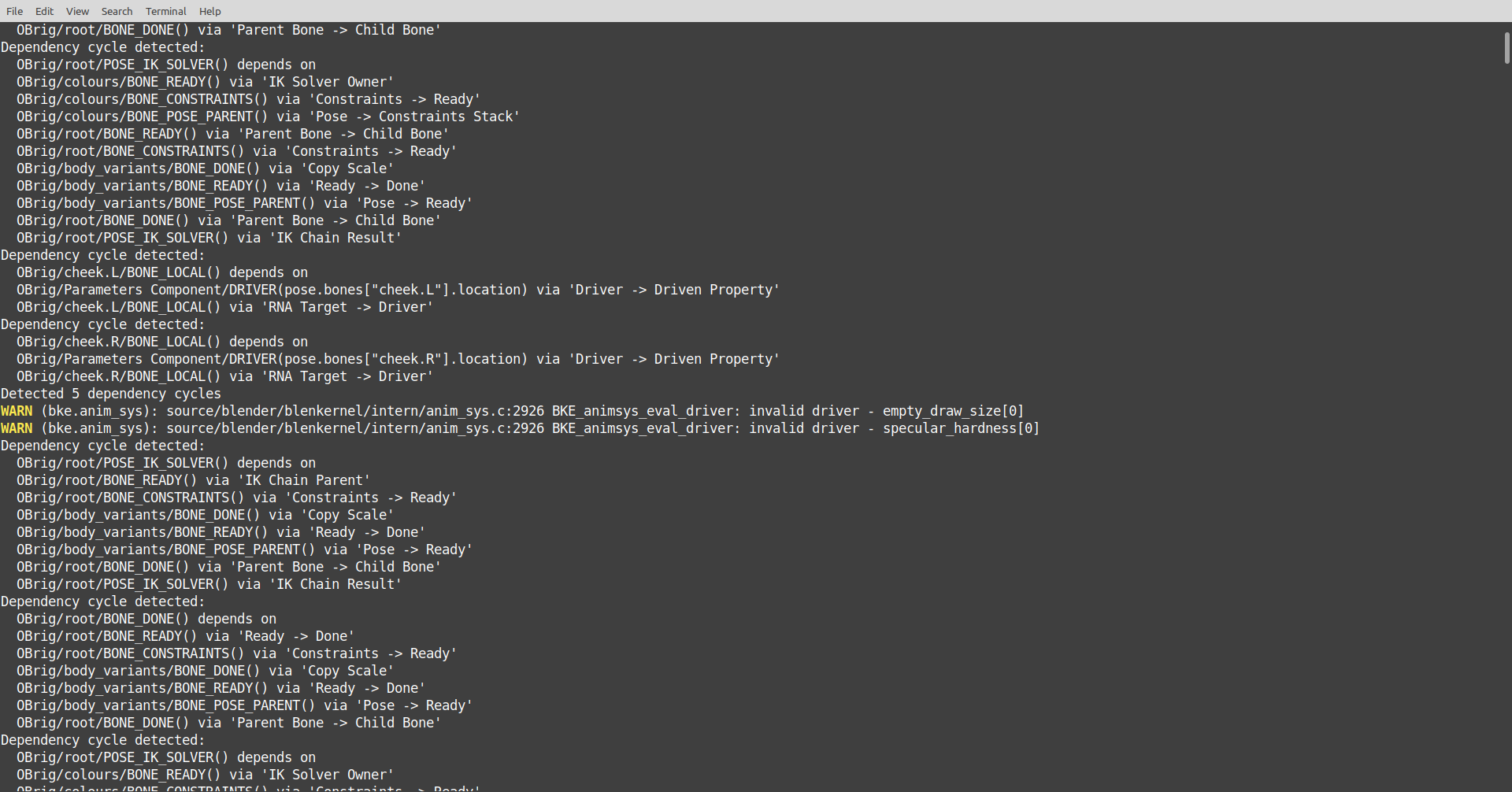
BUT, this wasn’t made for 2.8+ and the dependency graph has changed completely and this file gives loads of errors and/or warnings so the rig might not work correctly: