Hi Roger,
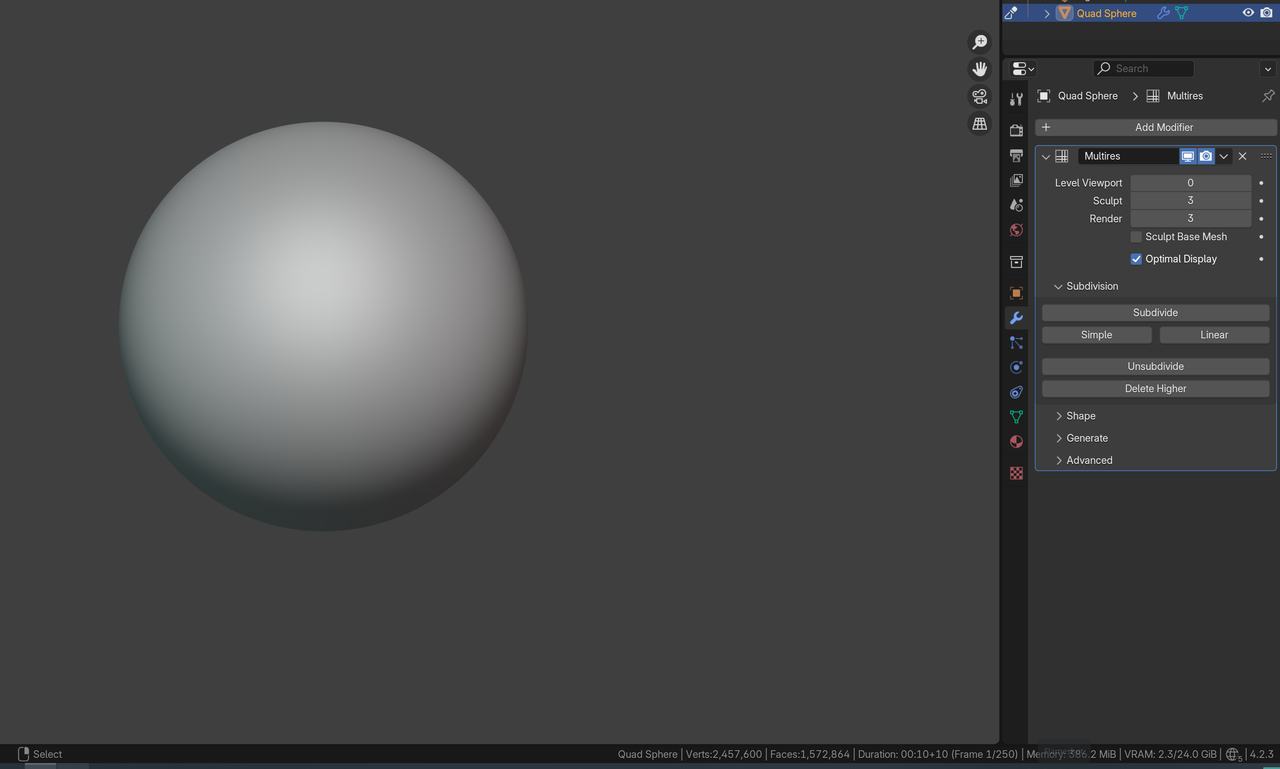
Add and Apply a Subdivision Surface Modifier with Level 4 to a Cube and then Add a Multires Modifier and Subdivide it 5 times. This will give about 1.5 million Faces.
Watch out: in the Video Kent has a Multires with Level 5 on Sculpt. The Level 0 of the Viewport is irrelevant when you are in Sculpt Mode.
You can also start with a File > New > Sculpting and Add a Multires Modifier and Subdivide 3 times (or just use CTRL+3, while you are already in Sculpt Mode):
Further, Brush Size and how far you are zoomed in or out are also important in how Textures look, so that also might explain different looking results from Kent’s.

